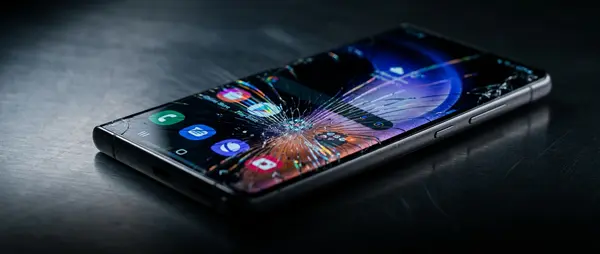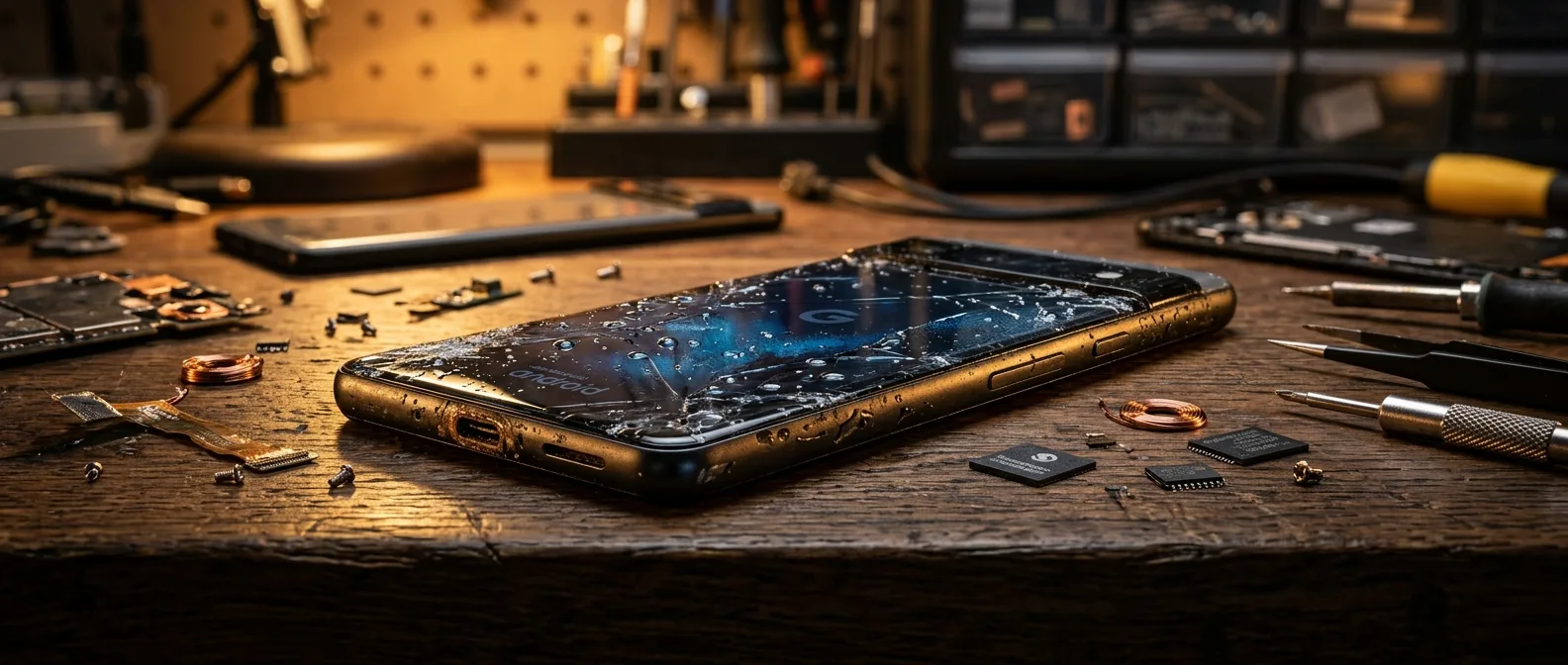
Your Samsung Galaxy slipped into water. Your Xiaomi got caught in the rain. What you do in the next 30 minutes determines whether your Android water damage repair costs €48 or €200. Water doesn't just sit there — it triggers corrosion that continues for hours after you fish your phone out, eating away at circuits while you're deciding what to do.
🚫 What NOT to Do (These Kill Your Phone)
🚫 Don't plug it in — electricity + moisture = short circuit that permanently fries the motherboard.
🚫 Don't turn it on — if the screen went black, resist the urge to "check if it works." You're sending power through wet circuits.
🚫 Don't put it in rice — the rice myth doesn't work. Rice can't pull moisture from inside your device fast enough. You're wasting precious time.
🚫 Don't blow-dry it — heat accelerates corrosion. You're cooking the damage deeper into the components.
✅ Emergency Android Water Damage Protocol
- Power off immediately — if it's still on, hold the power button for a force shutdown. Don't leave it in standby mode.
- Remove SIM and microSD cards — if your device has accessible slots. These ports are water entry points.
- Wipe the exterior — paper towel, gentle pressure, no rubbing that pushes water into ports.
- Bury in silica gel packets (those little bags from shoe boxes) — or place in your refrigerator's crisper drawer (no ice) for 2-4 hours. This pulls surface moisture only.
- Get to a repair shop ASAP — professional ultrasonic cleaning + 99% alcohol is the only reliable fix.
🔧 What Professional Android Water Damage Repair Looks Like
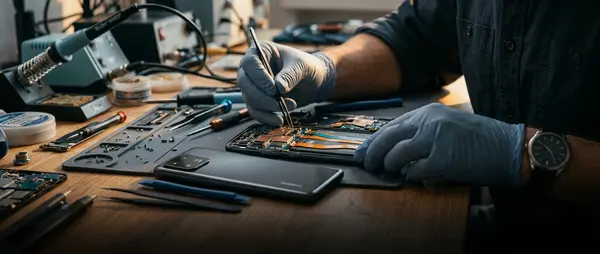
At OnOff.gr, our water damage process involves:
- Device teardown and moisture indicator inspection (tiny labels inside that turn red when wet)
- Motherboard cleaning with 99% alcohol — removes corrosion and residue
- Ultrasonic cleaning bath — 15-20 minutes in specialized solution that reaches microscopic spaces
- IPA oven drying — below 60°C for safe moisture removal without component damage
- Full function testing — every feature checked before reassembly
📱 IP Rating Reality Check: Why "Waterproof" Isn't
The Samsung Galaxy S25 has IP68 rating — 1.5 meters of water for 30 minutes under lab conditions. This doesn't mean you can leave it in the ocean. Salt water, spilled drinks (soda, coffee), and lake water are far more aggressive than distilled water. Plus IP ratings degrade over time — a 2-year-old S25 doesn't have the same IP68 protection as a brand new one.
ℹ️ Even if your Android "works" after water exposure — bring it for inspection. Corrosion continues silently, and days or weeks later you might suddenly lose battery life, microphone function, or charging capability.
💰 Android Water Damage Repair Costs
| Model | Water cleaning | Additional if needed |
|---|---|---|
| Samsung S25 / S24 Ultra | €60.40 | + cost of any damage |
| Samsung S23 / older models | €48.31 | + cost of any damage |
| Xiaomi / OnePlus | after diagnosis | typically €45-55 |
Android Got Wet? Bring It Now
Every hour that passes increases the damage. Bring your device immediately — free diagnosis, fast repair.
Contact Us