You plug your Samsung Galaxy into the charger and... nothing. Or it charges but painfully slow — 20% in 3 hours instead of 30 minutes. Or it stops dead at 85% and refuses to budge. Each symptom has its own cause. Before you head to the repair shop, there are a few things you can check yourself.
🔍 Check before bringing to the shop
- 🔌 Try a different USB-C cable — this is the most common culprit. USB-C cables fail more often than you think.
- 🧹 Clean the USB-C port with compressed air — dust, pocket lint, or debris can block proper contact.
- ⚡ Try a different charger — if you're using a generic USB-C adapter, it might not deliver enough amperage for fast charging.
- 🔄 Restart your phone — in rare cases, a software bug prevents charging.
If none of the above helped, you fall into one of these 4 categories.
🔌 Broken USB-C Port: The Silent Killer
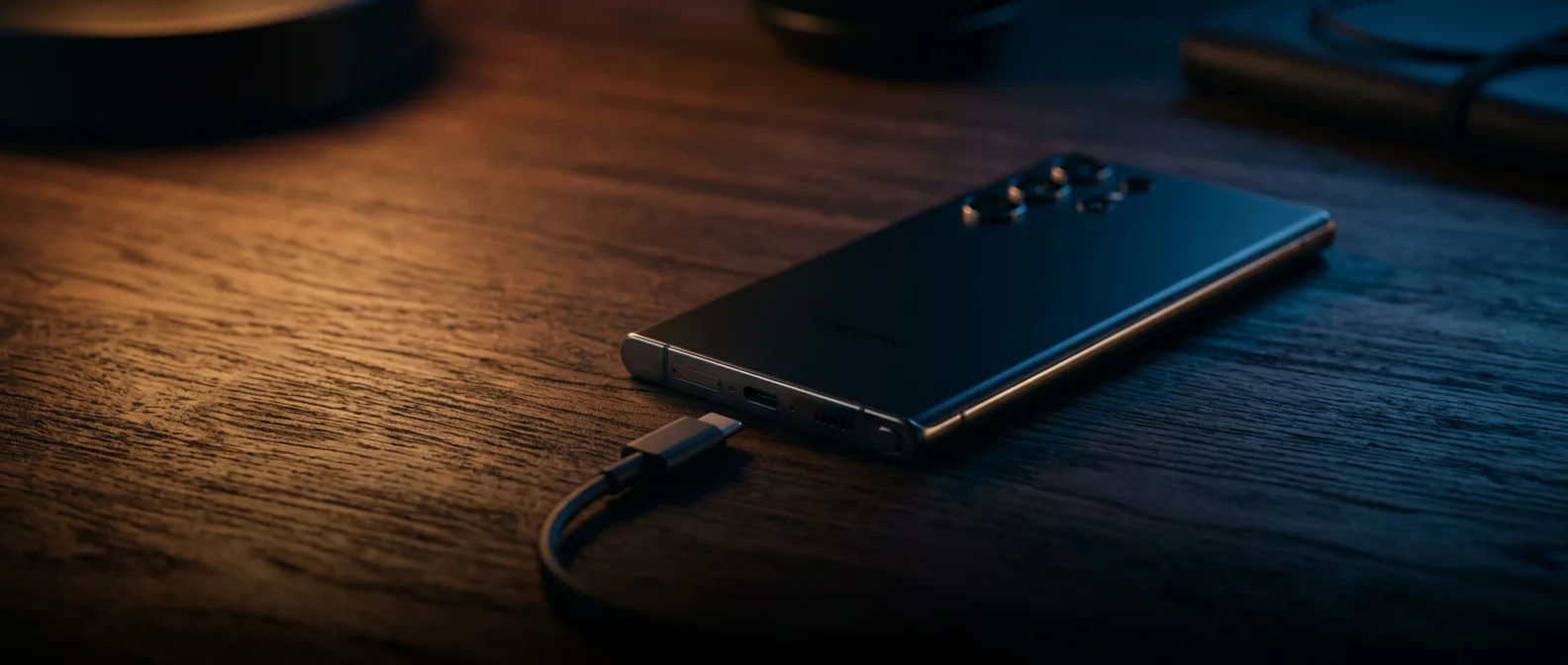
The most common hardware failure. Your USB-C port gets plugged and unplugged thousands of times per year — eventually the pins inside bend or their coating wears off. The symptoms:
- The cable doesn't "click" in properly or falls out easily
- Charging starts and stops intermittently (you'll see the notification flickering)
- You have to hold the cable at a specific angle to get it charging
USB-C port repair is microsolder work — the old port gets removed and a new one soldered in place. At OnOff.gr, this takes 1–2 hours.
| Model | USB-C Port |
|---|---|
| S25 / S25 Ultra | €60.40 |
| S24 Ultra | €60.40 |
| S24 / S23 | €56.37 |
🔋 Worn Battery: The Fake Charge Trap
A battery that's been through too many charge cycles can exhibit "phantom charging" — shows 100% but dies in 1–2 hours. Or it won't climb above 80% no matter what charger you use.
Another telltale sign: swelling. If you notice the back panel "lifting" slightly or hear clicking when you press the center, the battery has expanded. This is urgent — bring it in immediately.
| Model | Battery Replacement |
|---|---|
| S25 / S25 Ultra | €84.00 |
| S24 Ultra | €60.40 |
| S23 | €44.27 |
📡 Wireless Charging Dead — Wired Works Fine
If your Samsung charges with a cable but won't charge wirelessly (Qi charger), the problem is the wireless charging coil — the internal component that receives wireless power. This requires replacement.
Also: certain cases (especially those with magnets or metal) interfere with wireless charging. Try without the case first.
⚡ Motherboard Charging IC Failure
If the USB-C port gets replaced but charging behavior remains erratic, or if the device isn't recognized by computers via USB, the problem might be the charging IC on the motherboard. This is a microscopic chip that manages input voltage.
The chip must be removed and replaced under a microscope. Diagnosis is confirmed before any work begins.
🔍 Recommended Troubleshooting Order
- Try a new authentic Samsung cable + charger
- Clean the port with compressed air
- If that doesn't work: USB-C port repair (€60.40) — most common issue
- If the port is fine but battery drains fast: battery replacement
- If nothing else: charging IC check on motherboard
Samsung Won't Charge? Bring It In 10 Minutes
We diagnose on-site and tell you exactly what's wrong before starting any work.
Book Appointment