Three hundred thousand environments. That's the number experts estimate were hit by TeamPCP's attack on the LiteLLM Python package. With over 95 million downloads last month and 3.4 million daily installs, LiteLLM powers AI infrastructure at companies like Stripe, Netflix, and Google ADK. Yet for a few hours on March 24, 2026, this "innocent" AI gateway hid a very dark secret.
The breach started at 10:39 UTC and lasted roughly three hours before PyPI quarantined the entire project. Malicious versions 1.82.7 and 1.82.8 contained a sophisticated credential stealer that didn't just collect passwords — it exfiltrated files straight out of corporate networks.
📖 Read more: Cloud Security 2026: The 7 Settings You Must Check
🔍 TeamPCP's Chemistry: When Hackers Go Serial
TeamPCP struck three times in March: first Aqua Security's Trivy vulnerability scanner, then the Checkmarx KICS project, and now LiteLLM. But what makes this group different?
They target security tools. Trivy scans vulnerabilities, KICS analyzes Infrastructure as Code, LiteLLM manages AI API keys. All these tools typically run with elevated permissions and access sensitive credentials.
Why this matters: When you compromise a security tool, you already have a "clean" way into CI/CD pipelines and production environments. TeamPCP exploits this attack vector repeatedly.
The attack follows a direct sequence. Compromised Trivy runs in LiteLLM's pipeline, steals the PyPI publishing token, then attackers use that token to publish backdoored packages directly to PyPI. Complete GitHub bypass.
⚡ LiteLLM in the Crosshairs: Why It's the Perfect Target
What exactly does LiteLLM do? It's an API gateway that unifies over 100 LLM providers — OpenAI, Anthropic, Google, Azure, Claude — into one interface. For developers, it means switching from GPT-4 to Claude or Gemini with a single line of code.
For hackers, it means one compromise nets API keys from every LLM provider a company uses. Not just infrastructure credentials — maximum credential density.
The Technical Behind the Scenes
The two malicious versions used different approaches. Version 1.82.7 embedded the payload in litellm/proxy/proxy_server.py. Every time someone imports the module, the stealer activates.
Version 1.82.8 goes one step further. It installs a litellm_init.pth file in the Python environment. Here's the scary part: Python automatically processes all .pth files when the interpreter starts.
This means you don't even need to import LiteLLM. Every time any Python script runs — pytest, Jupyter notebooks, cron jobs — the stealer activates. It's like a rootkit for the Python interpreter.
📖 Read more: January 2026 Cyber Attacks: NHS Hit, 4 Major Breaches
🎯 What It Steals: The Terror List
The payload doesn't mess around. It does a systematic sweep of the compromised host and grabs everything:
- SSH keys: id_rsa, id_ed25519, authorized_keys, host keys
- Cloud credentials: AWS (~/.aws/*, IMDSv2 role credentials), GCP, Azure
- Kubernetes: service account tokens, cluster secrets, configs
- Databases: .pgpass, my.cnf, redis.conf, environment variables
- CI/CD secrets: .gitlab-ci.yml, Jenkinsfile, Terraform states
- Crypto wallets: Bitcoin, Ethereum, Solana, Monero, Litecoin
- Environment files: .env variations in every directory
- TLS keys: .pem, .key, .p12 files
The payload extends beyond filesystem access. It makes active API calls to AWS Secrets Manager and SSM Parameter Store using EC2 Instance Metadata Service credentials. So it pulls secrets that only exist in managed cloud services.
Encryption and Exfiltration
All data gets encrypted with AES-256-CBC and sent to models.litellm[.]cloud — a domain so similar to the real litellm.ai that it could slip past network logs unnoticed.
🕸️ Kubernetes: When the Attack Goes Lateral
In Kubernetes environments, the payload escalates. If it finds a service account token, it enumerates all nodes and deploys a privileged pod on each one.
Each pod:
- Runs in the kube-system namespace
- Requests
privileged: truewith hostPID and hostNetwork - Mounts the entire host filesystem at /host
- Tolerates all taints (even control-plane nodes)
Then it chroots into the host filesystem and installs persistence via systemd user service. The ~/.config/sysmon/sysmon.py masquerades as "System Telemetry Service" and polls checkmarx[.]zone every 50 minutes for new payloads.
Translation: TeamPCP can send arbitrary code to all compromised nodes at any time. Forever.
📖 Read more: AWS UAE Fire: 36-Hour Outage Hits 3 Continents
🚨 Response and Containment: What You Need to Do NOW
PyPI reacted quickly — quarantining the entire project within roughly 3 hours. But for a package with 3.4 million daily downloads, 3 hours is enough to reach thousands of environments.
Immediate Actions
If you use LiteLLM:
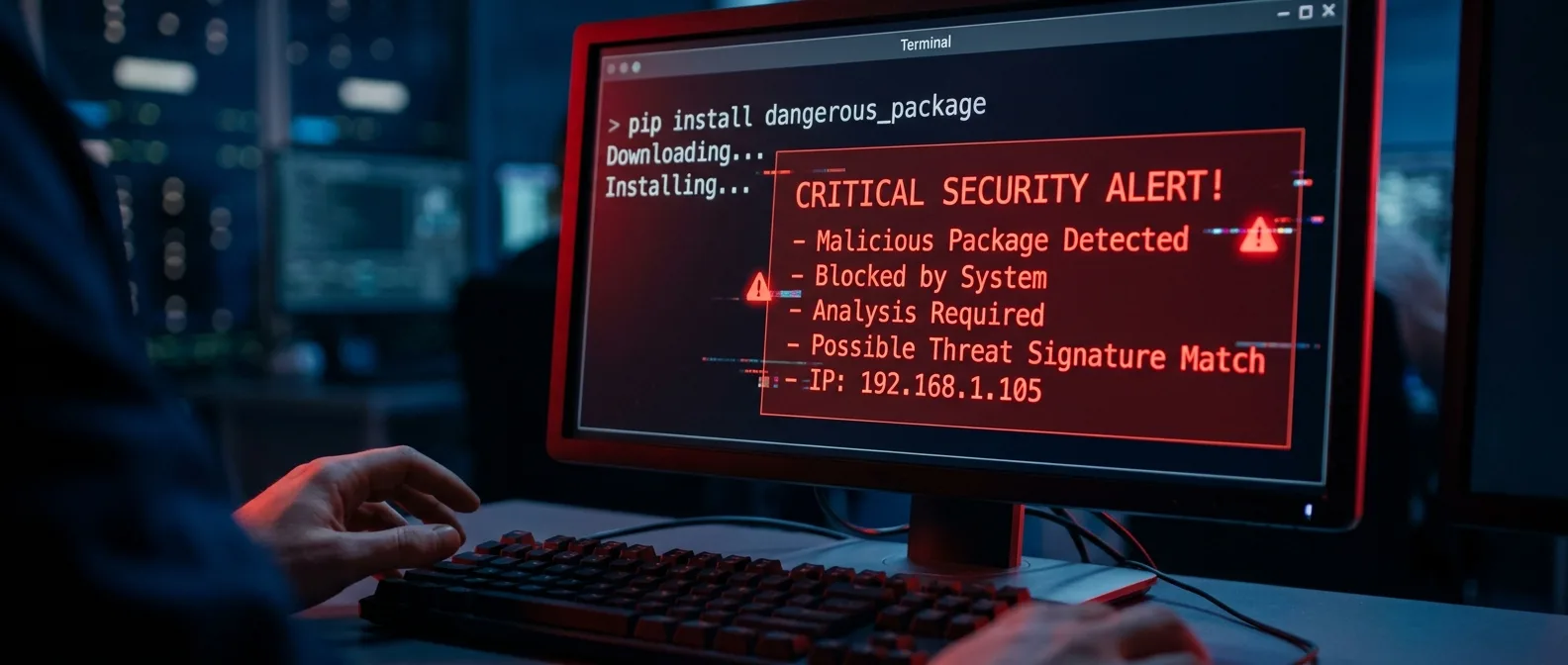
- Check version immediately:
pip show litellm - Uninstall 1.82.7/1.82.8 immediately
- Downgrade to 1.82.6 (last clean version)
- Block domains: models.litellm[.]cloud, checkmarx[.]zone
- Remove persistence artifacts:
- ~/.config/sysmon/
- pgmon.service
- node-setup-* pods in kube-system
Credential Rotation: The Big Headache
This is the hard part. Every credential that had access to the compromised host must be considered exposed. That means:
- All AWS/GCP/Azure API keys
- Database passwords
- SSH keys (and regenerating authorized_keys)
- Kubernetes service account tokens
- CI/CD secrets and full pipeline audit
- LLM API keys (OpenAI, Anthropic, etc.)
BleepingComputer reports that credential rotation is "difficult but the best way to prevent cascading supply chain attacks." True, but in practice it means downtime and coordination across teams.
🧠 What This Attack Teaches Us
TeamPCP targets security tools that already have elevated access. It's like robbing the security guard's house instead of a random house in the neighborhood.
The .pth file technique will likely spread to other attacks. Complete bypass of import requirements — the payload runs on every Python process startup.
Red flag for 2026: Python supply chain attacks using .pth files for persistent execution will go mainstream. Security teams need to add .pth monitoring to their detection rules.
The Chain Continues
The scary part is that stolen credentials from LiteLLM environments will fuel the next wave of attacks. TeamPCP is building a credential empire that grows with each successful compromise.
If you're a security engineer, this attack gives you a clear picture of what to monitor: package installations in CI/CD, .pth files in Python environments, and — crucially — credential rotation pipelines that can activate quickly when needed.
Because the next compromise won't be "if" — it'll be "when" and "how fast you can respond."
🎯 Frequently Asked Questions
How can I tell if I'm affected?
Run pip show litellm to see the version. If you're on 1.82.7 or 1.82.8, you're compromised. Also check for files in ~/.config/sysmon/ and processes named pgmon.
Is LiteLLM safe now?
The entire project is quarantined on PyPI right now. The last clean version is 1.82.6 from March 22. But given that the PyPI token was stolen, it needs a full security audit before the project returns.
Why don't they catch these guys?
TeamPCP uses stolen infrastructure, encrypts all exfiltrated data, and moves through legitimate software that already has elevated permissions. They're not script kiddies — this is a sophisticated operation with good operational security.
Sources: