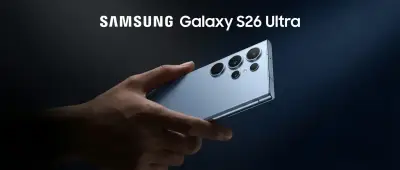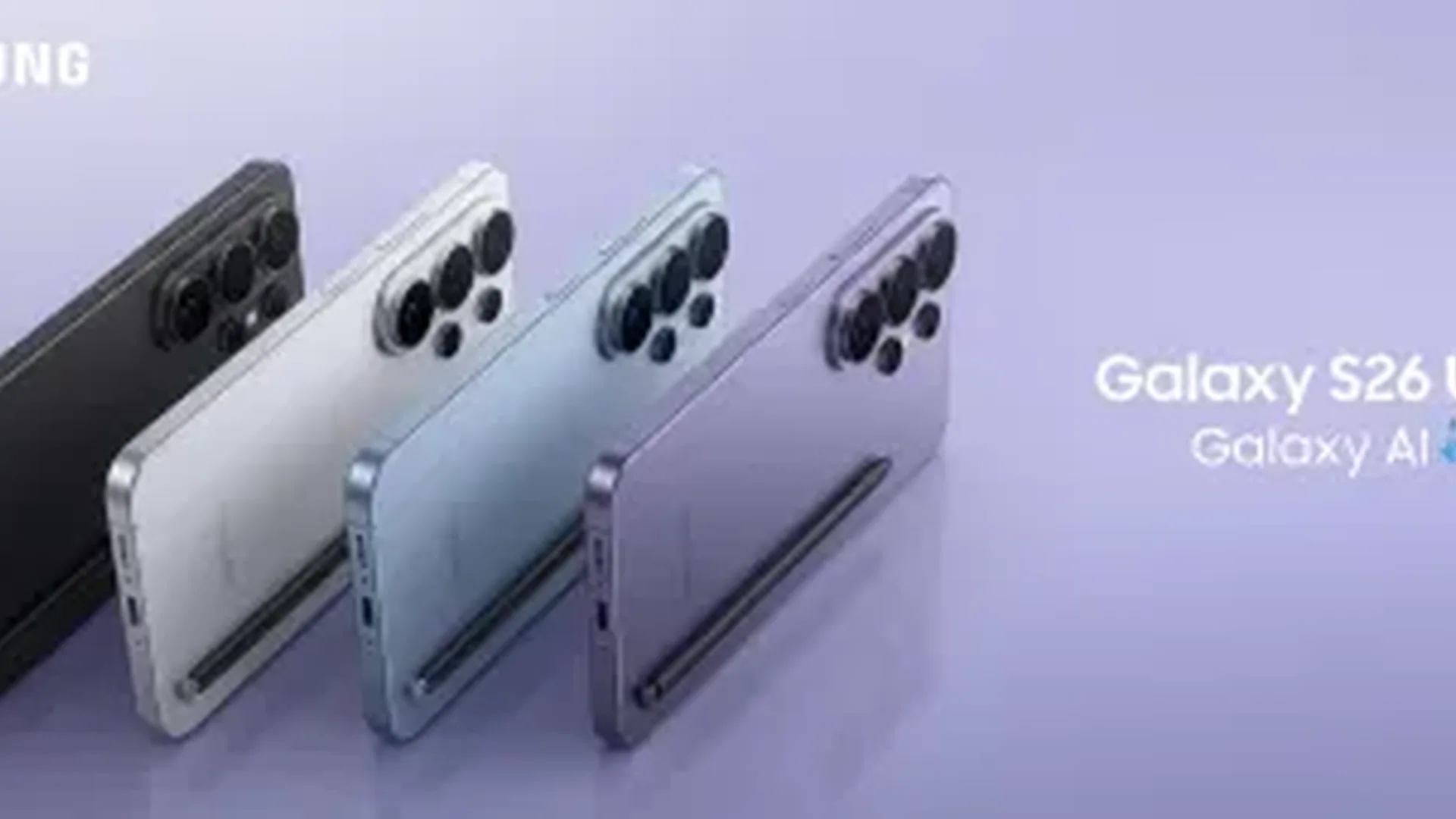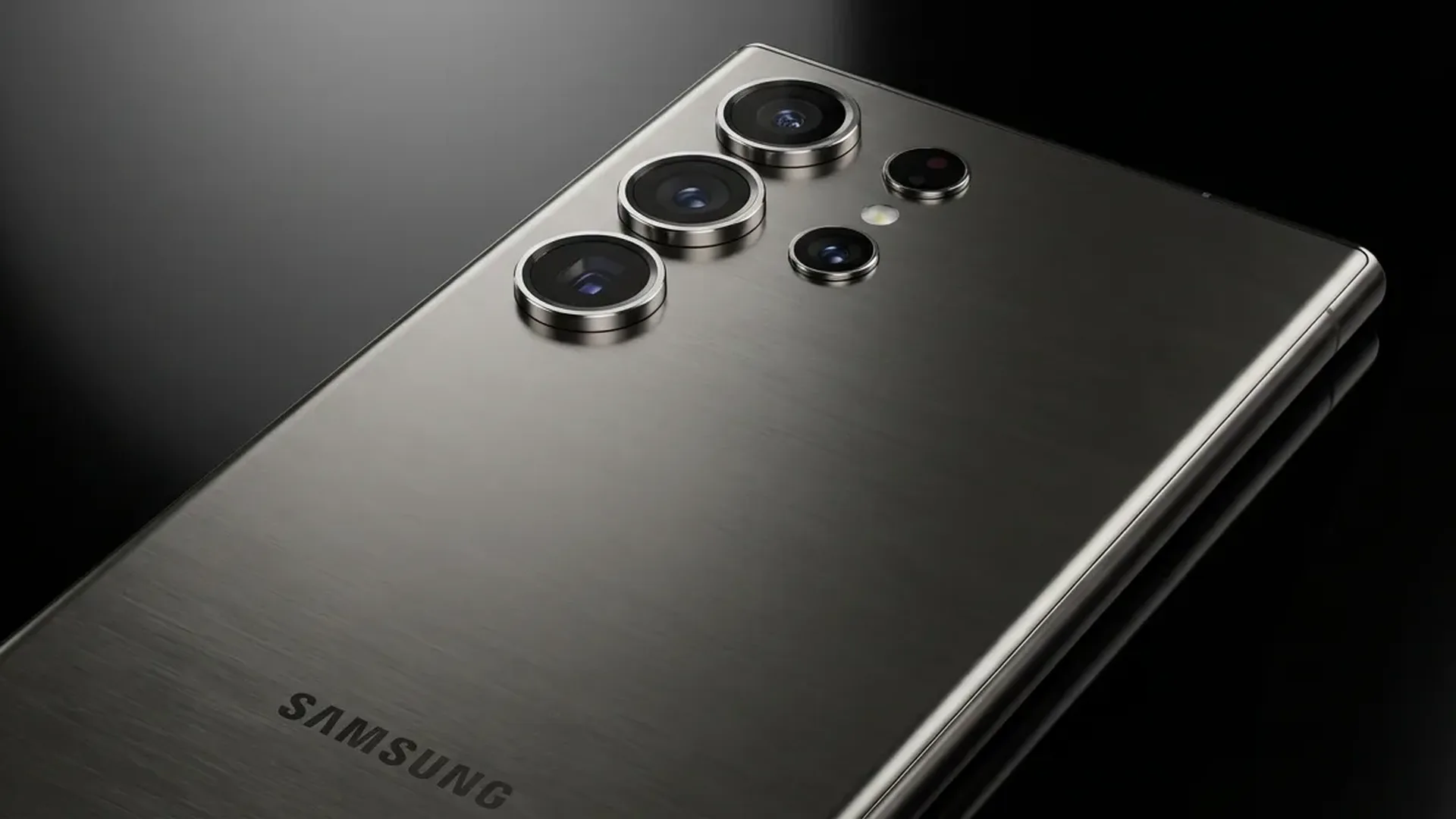
The Galaxy S26 Ultra camera is, without doubt, one of the best in the world as of March 2026. With the new 200MP HP9 sensor, 5x periscope telephoto, AI ProVisual Engine, and top-tier night mode — it can replace a mirrorless camera in many scenarios. Here's how to make the most of every pixel.
📖 Read more: Samsung Galaxy S26: Prices, Release Date & Worth It?
📷 Camera Specs
Full camera setup: 200MP wide (f/1.7, OIS), 50MP ultrawide (f/2.2, autofocus), 50MP 3x telephoto, 50MP 5x periscope telephoto. Selfie: 12MP (f/2.2, autofocus). Video: 8K@30fps, 4K@120fps, slow motion 1080p@480fps. Samsung added the AI ProVisual Engine — which analyzes the scene in real-time and optimizes 12+ parameters automatically.
📖 Read more: Honor Magic 8 Pro: Review & AI Camera
📸 Mode-by-Mode Guide
Photo Mode — The Basics
In default Photo mode, the camera shoots at 12MP (pixel binning — combines 16 pixels into 1 for better light). For full 200MP, tap "200M" in the ratio menu. 200MP files are ~80MB — useful only for extreme cropping or large prints.
Pro Tip: Use 200MP in bright conditions (natural light). In low light, 12MP (pixel-binned) is better.
Night Mode
Tap "More → Night" or let AI detect automatically. The new HP9 sensor with larger pixels (1.4μm binned) captures much more light. Multi-frame processing: the camera takes 20+ frames in 3-5 seconds and combines them. Result: photos in darkness that look like daylight.
Portrait Mode
AI bokeh at a new level — recognizes hair, glasses, transparent objects with exceptional accuracy. You can change bokeh style after shooting: natural, studio, color point, etc. At 3x or 5x zoom, portraits get even better — natural blur without computational tricks.
Expert RAW
For serious photographers: the Expert RAW app (free from Galaxy Store) gives full manual control — ISO, shutter speed, white balance, focus peaking, histogram, 16-bit RAW output. RAW files can be processed in Lightroom/Snapseed without quality loss.
📖 Read more: Samsung Galaxy Z Fold 7: Review, Specs & Comparison
🎬 Video Capabilities
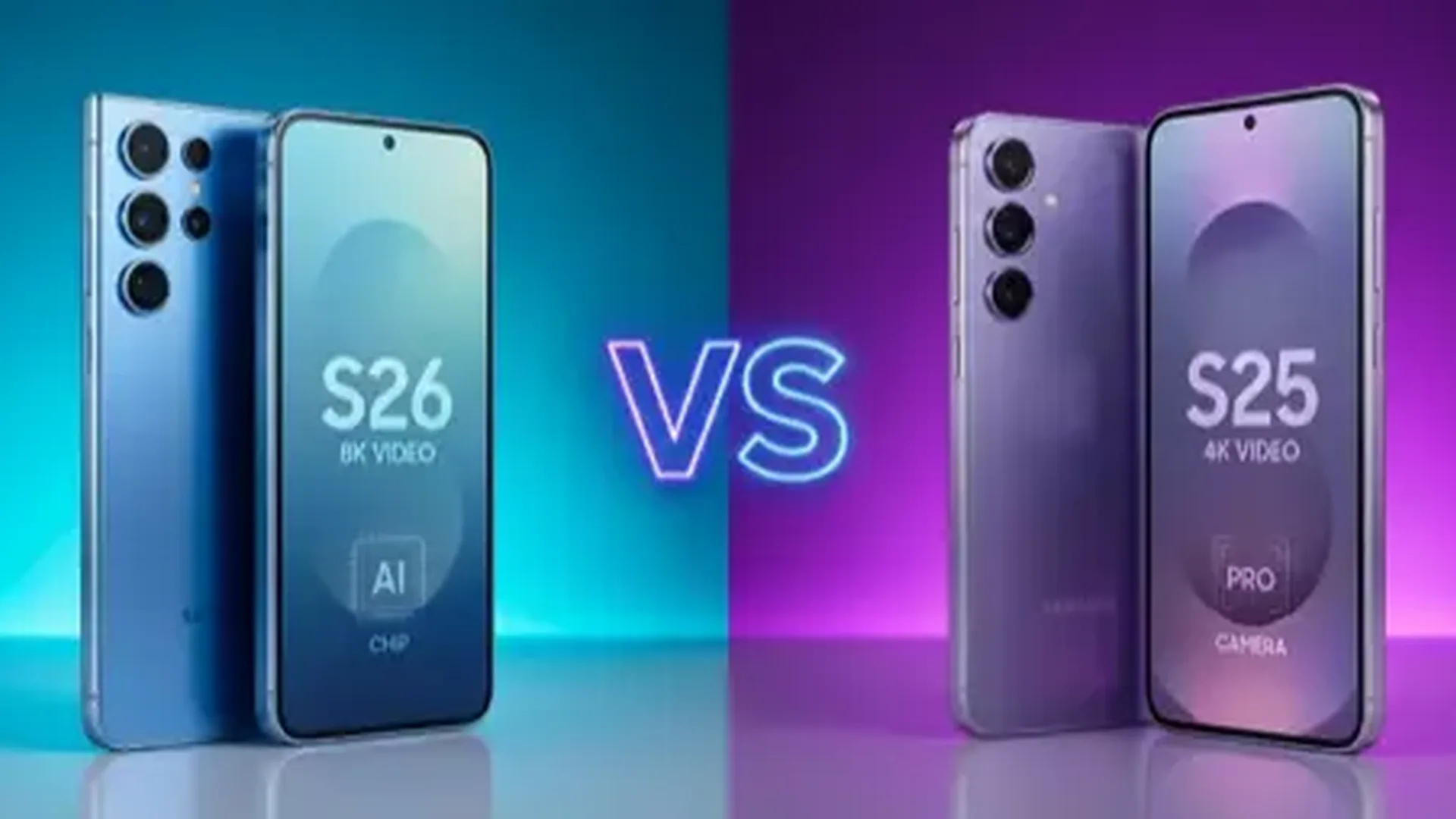
8K@30fps: Cinematic quality — but files are massive (~600MB/minute). Useful for serious video production.
4K@120fps: Ideal for slow motion. You can do 4x slow motion IN 4K resolution — impressive.
Video AI Stabilization: Samsung dramatically improved stabilization. You can now run AND shoot video without shake. Especially in Action mode — gimbal-like stabilization.
📖 Read more: Samsung S Pen 2026: New AI Features & Tips
🤖 AI Features 2026
Generative Edit: Remove objects, faces, or backgrounds — AI fills the gap automatically. Impressive results 9 out of 10 times.
Instant Slow-Mo: Convert any video to slow motion AFTER shooting. AI creates intermediate frames that didn't exist.
Photo Ambient: Change lighting in photos after shooting — e.g., golden hour effect, studio lighting, dramatic shadows. Works remarkably well.
📖 Read more: Android Security 2026: Protect Your Phone
🎯 Our Recommendation
For the best photos from Galaxy S26 Ultra: use Photo mode at 12MP (auto), Night mode in darkness, Portrait at 3x zoom, Expert RAW for post-processing. Clean the lenses before shooting — it makes more difference than you think.