

The S Pen has evolved from a simple stylus into a smart AI tool. In 2026, with the Galaxy S26 Ultra and Tab S11, Samsung introduces new AI capabilities that turn the S Pen into a productivity and creativity assistant. Here's everything new.
📖 Read more: One UI 8.5: All New Features Explained
✏️ Sketch to Image 2.0
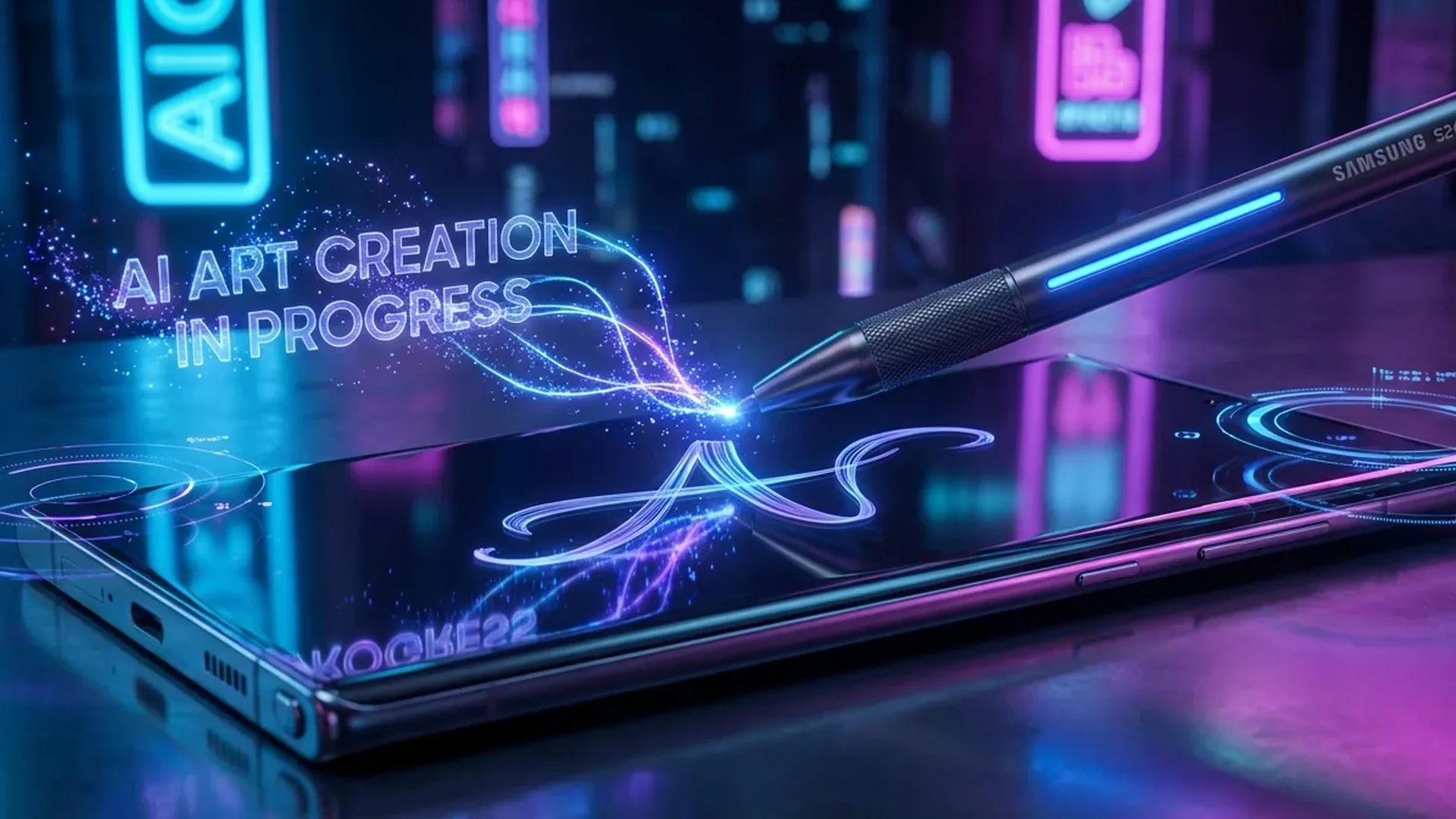
The most impressive new feature. Draw a rough sketch — a house, a landscape, a face — and AI converts it into a realistic image in seconds. Choose from styles: photographic, watercolor, sketch, anime, or 3D render. Quality is remarkable — these aren't cartoonish results but genuinely usable visuals.
On the S26 Ultra, processing happens on-device thanks to the Snapdragon 8 Elite 2 NPU. No internet required, no cloud processing — your privacy stays protected.
📝 AI Handwriting Features
Samsung significantly upgraded handwriting capabilities:
📖 Read more: Stylus for Android: S Pen & Alternatives 2026
- Note Assist: Samsung Notes automatically converts handwritten notes into structured text with bullets, headings, and formatting
- Smart Select & Translate: Circle anything with the S Pen and AI recognizes, translates, or searches for it online
- Handwriting to Font: New — AI analyzes your handwriting and creates a personalized font for use anywhere
- Math Assist: Write mathematical equations and AI solves them step by step
Latency: The 2026 S Pen on the S26 Ultra reduces latency to 2.8ms — nearly imperceptible speed that makes writing feel like a real pen on paper.
🎨 Drawing & Creative Tools
For creative professionals, new tools include:
- AI Color Palette: Photograph anything and AI extracts a color palette for use in your drawings
- Pressure Sensitivity Mapping: 4,096 pressure levels with customizable curve
- Layer Support in Samsung Notes: Create drawings with layers, opacity, and blend modes
- Clip Studio Paint Integration: S Pen settings transfer automatically to the app
📖 Read more: Galaxy S26: Satellite Connectivity — How It Works
🖱️ Air Actions & Gestures
Air gestures are upgraded with AI recognition. You can now create custom gestures mid-air (e.g., draw a circle to launch an app, make an X to dismiss notifications). Recognition uses the S Pen's IMU sensor combined with on-device AI.
Core gestures — flick up/down/left/right, circle, shake — function as camera remote, presentation controller, or media player controls. Samsung added native PowerPoint remote support.
⚡ Hardware Specs
The 2026 S Pen isn't just an input tool — it's an AI-powered creative assistant. If you own a Samsung Galaxy S or Tab S, it's worth exploring its new capabilities.
Sources: Samsung Official, Samsung Newsroom