

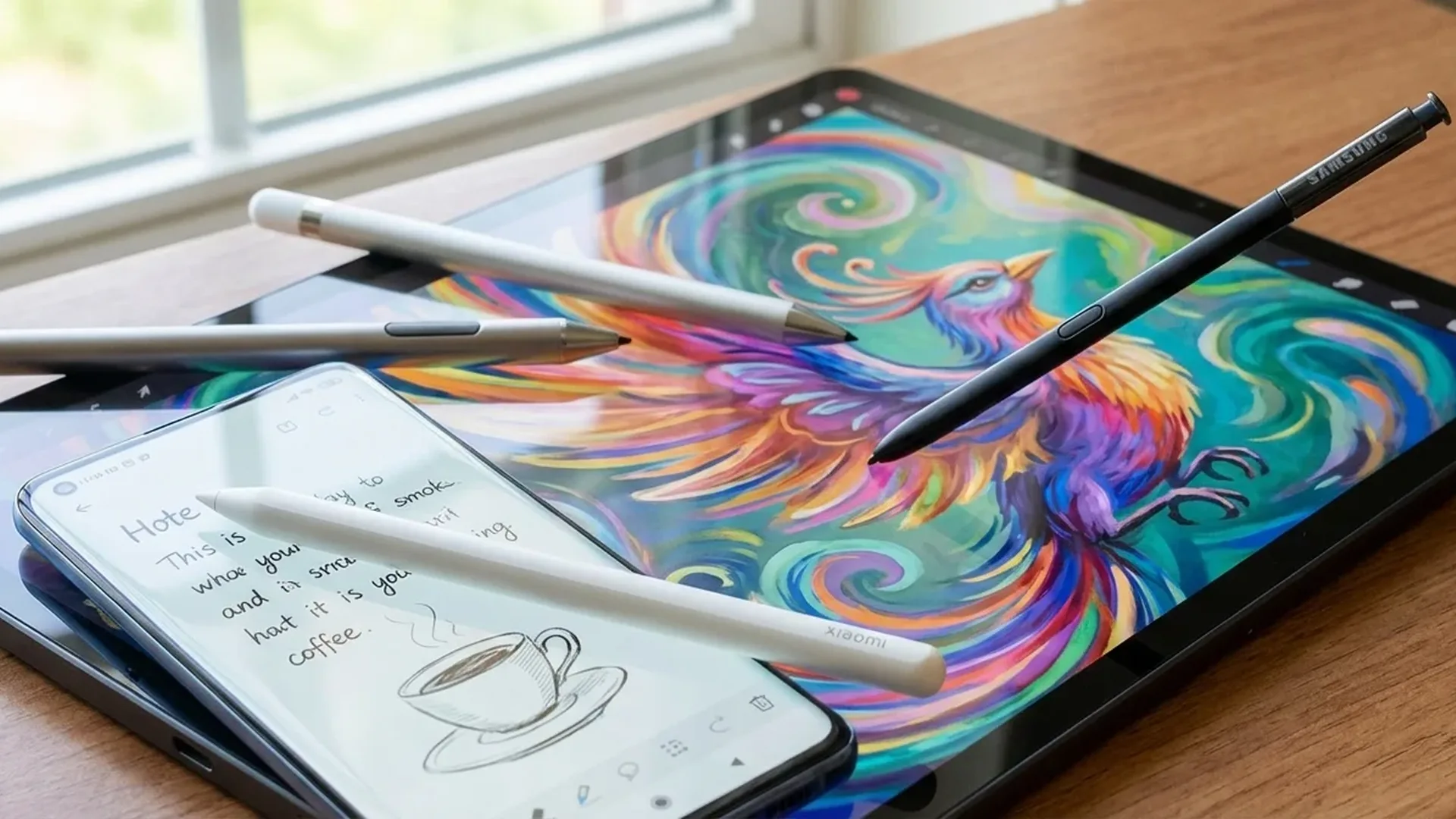
Styluses are not just for Samsung Galaxy. From the S Pen to the Xiaomi Smart Pen and universal options — the world of Android styluses in 2026 is bigger than ever. Here is what is available and which one is right for you.
📖 Read more: Samsung S Pen 2026: New AI Features & Tips
Why Use a Stylus on Android?
The stylus is no longer a forgotten gadget from the past. In 2026, the practical use cases have multiplied: handwriting-to-text notes, drawing, photo editing, document signing, precision spreadsheet work, screenshot annotation, and even navigating apps without leaving fingerprints on the screen. If you work on a tablet or a large foldable, a stylus transforms the experience entirely.
📖 Read more: USB-C Hub for Android: Top 5 in 2026
Samsung S Pen — The King
The S Pen remains the most complete stylus solution on Android. With the Galaxy S26 Ultra, Samsung added AI-powered features:
- 4,096 pressure levels — drawing accuracy that rivals a Wacom tablet
- Bluetooth LE: Use the S Pen as a remote — change slides, trigger the camera shutter, or control music playback
- S Pen to Text: Write by hand in any text field — it converts automatically to typed text
- Smart Select: Crop a portion of the screen, extract text via OCR, or create GIFs
- Air Actions: Gestures in the air — navigate, scroll, and zoom without touching the screen
- Samsung Notes AI: Automatically converts handwritten notes to formatted text, with translation and summarization built in
Good to Know: On the S26 Ultra, the S Pen does not need charging for basic functions (writing, drawing). Charging is only required for Bluetooth features — and it happens automatically when stored inside the phone in just a few minutes.
📖 Read more: Best Power Banks for Android 2026: Top 10
Alternative Styluses for 2026
Xiaomi Smart Pen (3rd Generation)
Compatible with Xiaomi Pad 7 Pro and Xiaomi Mix Fold 4. It offers 4,096 pressure levels, magnetic attachment, and automatic charging when attached to the tablet. Input latency is just 2ms — virtually imperceptible. Priced at around €89, it is ideal for Xiaomi tablet users, though it does not work with smartphones.
Motorola Smart Stylus
Motorola designed this stylus specifically for the Edge 60 Ultra and Razr Fold. A passive stylus with a fine tip, no Bluetooth but solid touch accuracy. 2,048 pressure levels. Priced at €49.
Adonit Note+ 2
A universal stylus that works on any Android device with a capacitive screen. Active stylus with USB-C charging, palm rejection, 2 programmable buttons, and 1,024 pressure levels. Priced at €59. The best option if you want a single stylus that works across all your devices.
Staedtler Noris Digital
Looks exactly like a classic Staedtler pencil but hides EMR technology inside. It requires no battery and works with Samsung Galaxy devices that support S Pen. Priced at €39. Offers the most natural writing feel if you enjoy the sensation of pencil on paper.
📖 Read more: OnePlus 15T: Is It Worth the Upgrade?
Best Apps for Stylus Use
- Samsung Notes: The most complete note-taking app — handwriting, PDF annotation, synced audio recording
- Squid: Digital paper and pen. Excellent handwriting with PDF export. Premium at €1/month
- Infinite Painter: For digital art. Brushes, layers, perspective guides — like a mini Procreate for Android
- Concepts: Vector-based drawing. Perfect for architects, designers, and brainstorming sessions
- Nebo: Best-in-class handwriting-to-text. Supports math equations and diagrams alongside standard notes
Which Stylus Should You Choose?
If you own a Samsung Galaxy Ultra or Tab — the built-in S Pen is the best choice by far. If you have a Xiaomi tablet — the Xiaomi Smart Pen. If you want one stylus for everything, the Adonit Note+ 2 is the most versatile option. And for something fun and analog — the Staedtler Noris Digital (Samsung devices only).
Sources: Samsung S Pen, Adonit