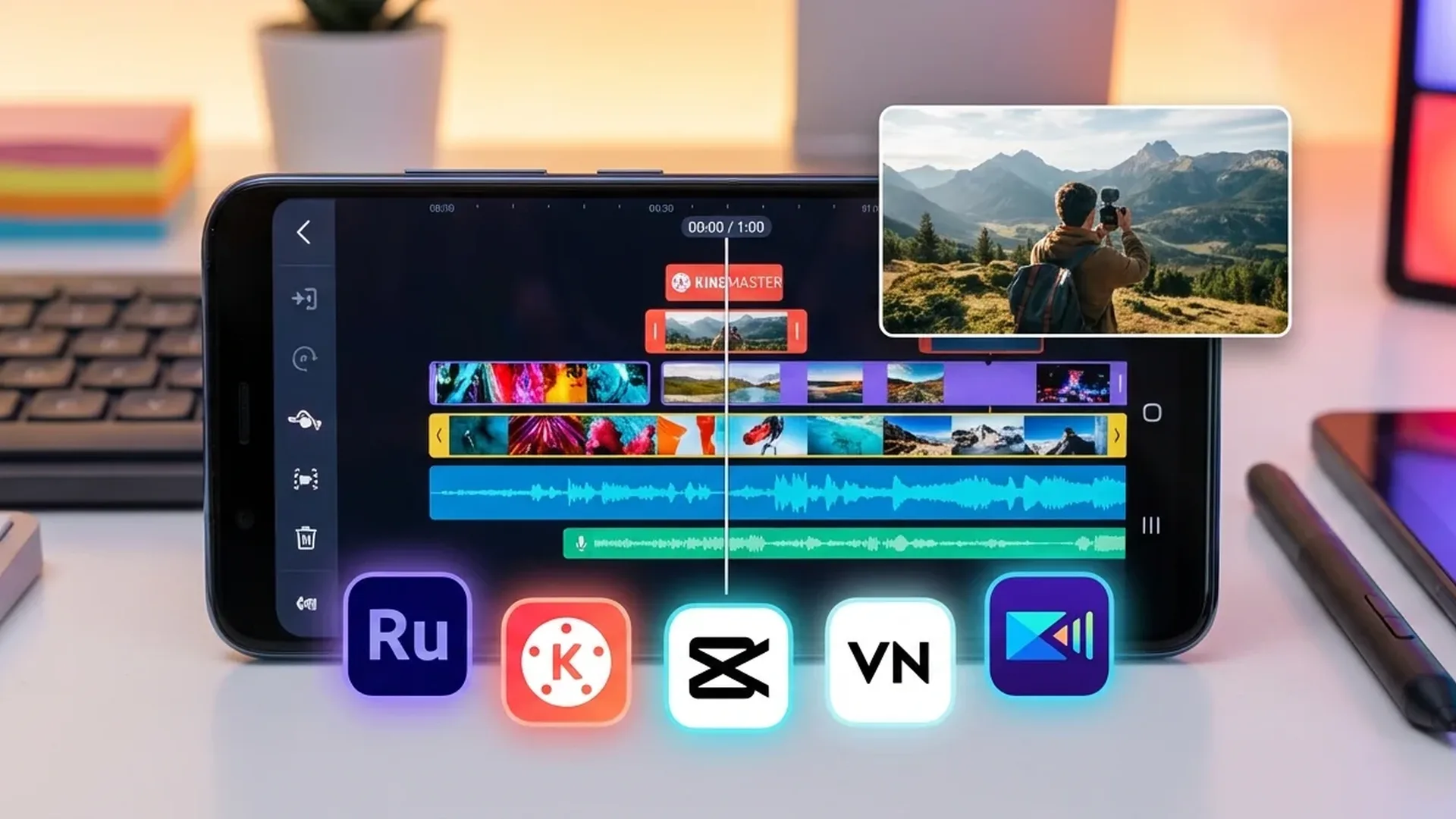
Want to create reels, vlogs, or cinematic videos straight from your Android phone? Video editing apps on Android have evolved so dramatically that they now rival desktop software. We tested the most popular options and bring you the 5 best video editing apps for Android in 2026 — from free to premium.
📖 Read more: File Manager Android: Best Apps
🎬 1. CapCut — The Most Popular Choice
CapCut Video Editor
Free (Pro at €7.99/month)
ByteDance's CapCut is the most downloaded video editing app on the Play Store, and for good reason. It offers 4K export without a watermark in the free version — something virtually no other app provides. AI tools include auto-captions, background removal, style transfer, and text-to-video generation.
The effects and transitions library is massive, with trending templates updated daily. The multi-track timeline supports multiple layers of video, audio, and text. The Pro version unlocks cloud storage, premium effects, and advanced AI features, but the free tier covers the needs of 90% of users.
Perfect for TikTok, Instagram Reels, and YouTube Shorts. The seamless integration with the TikTok ecosystem provides access to trending sounds and effects.
🎞️ 2. KineMaster — For Content Creators
KineMaster Video Editor
Free (Premium at €4.99/month)
KineMaster is the app of choice for influencers and vloggers. It features a Magic Remover for one-click object removal, keyframing, auto-captions, and a huge animation library. Each asset can be individually customized — a rare capability among mobile editors.
📖 Read more: Google Wallet Android: Complete Guide 2026
The timeline automatically rotates to landscape for more workspace. The free version includes most tools, though the music library is partially locked. A major advantage: KineMaster does not collect or share personal data.
Google Play rating: 4.2. Ideal for YouTube creators who need advanced tools without a desktop.
📱 3. InShot — Best for Social Media
InShot Video Editor
Free (Pro at €3.99/month)
InShot is a 3-in-1 package: video editor, photo editor, and collage maker. Its interface feels immediately familiar to Android users, and the toolset includes Cutout, Chroma Key, Mask, and voice effects. Effects are organized by theme (Games, Food, Social) — making it easy to find exactly what you need.
You can adjust video speed, fine-tune colors, reverse clips, and apply custom backgrounds. Most professional tools work for free, though AI features (Auto Edit, AI Cut) require a Pro subscription. The free version includes ads and a watermark.
📖 Read more: Tasker Android 2026: Complete Automation Guide
🎥 4. PowerDirector — Editors' Choice
CyberLink PowerDirector
Free (Premium at €5.00/month)
CyberLink's PowerDirector earned the Google Play Editors' Choice badge, and it is well deserved. This is the closest experience to a desktop video editor on mobile. It supports multi-track timeline, chroma key, motion tracking, AI object detection, and 4K export.
CyberLink provides access to premium stock footage, music, and sound effects through the subscription. The free version is functional but limited in export resolution. Ideal for users who already know video editing and want professional-grade tools on mobile.
✨ 5. Filmora — The Most Balanced
Wondershare Filmora
Free (Pro at €3.99/month)
Filmora is the mobile version of the well-known desktop editor. Its main strength is a library of 5,000+ templates that you can customize instantly — ideal when you need quick results without a steep learning curve. Tools include split, trim, cut, rotate, speed, keyframing, object tracking, and AI text-to-video.
The free version is limited by a watermark on export. AI features (auto-captions, text-to-speech) require a subscription. However, Filmora does not collect or share data, and users can request deletion at any time.
📖 Read more: AI Wallpaper Android: Create AI Wallpapers
📋 How to Choose the Right App
For social media (TikTok, Reels): CapCut is the obvious pick — free 4K export, trending templates, no watermark.
For YouTube/vlogs: KineMaster or PowerDirector, depending on whether you prefer animations (KineMaster) or desktop-level tools (PowerDirector).
For beginners: Filmora with 5,000+ templates or InShot with its familiar Android experience.
For professionals: PowerDirector with Premium subscription delivers the most advanced toolset in mobile format.
💡 Bottom Line: For the best free tool, go with CapCut — watermark-free 4K export is unmatched. For a professional app, KineMaster at €4.99/month offers exceptional value. And for desktop-level editing on your phone, PowerDirector is the gold standard.
"The highest-rated video editors in the Play Store offer capable free versions that allow users to create just about anything they imagine. The problem usually arises when you want to publish without a watermark."
— Ollie Mattison, Wondershare Filmora Guide