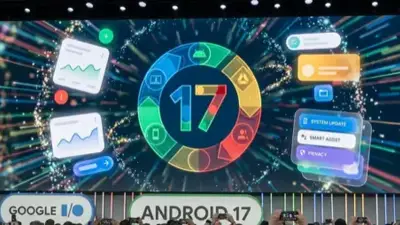


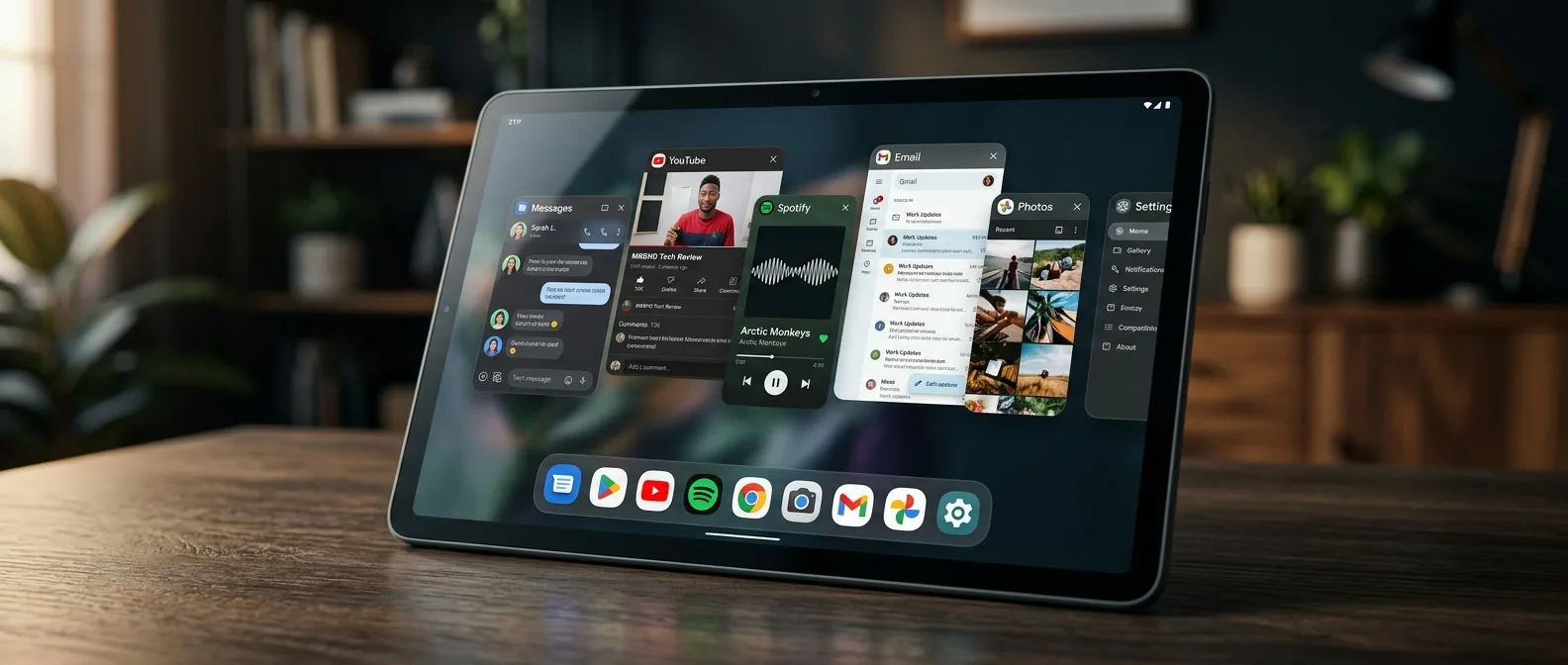
Six years after Google introduced Bubbles in Android 11, the company is about to fundamentally change how we work with apps. Android 17 brings a windowing system revolution — every single app can now become a floating window. Not just messaging apps. Not just chat clients. Everything.
If you've ever used a Samsung Galaxy or OnePlus device, you know what I'm talking about. Those floating windows that let you run multiple apps simultaneously, in resizable windows you can drag around the screen. Google caught up — and now they're bringing it to stock Android with their own approach.
🚀 From Chat Bubbles to Universal Windows
Let's start from the beginning. Bubbles appeared in Android 11 as a clever solution for messaging apps. Instead of leaving your conversation and opening WhatsApp or Messenger, a small circle appeared at the screen edge — a "bubble" that gave you quick access to the chat.
The problem? Only messaging apps supported the feature. And not all of them — many developers never bothered implementing it. Result? A feature that remained underutilized.
Android 17 completely changes the game. Google is extending Bubbles to every app — from Calculator to YouTube, from Google Maps to Spotify. Any app can "pop out" from fullscreen mode and become a floating window. The best part? Developers don't need to do anything.
⚡ How the New Windowing System Works
The implementation works exactly as you'd expect. Long-press any app — whether from the home screen, app drawer, or taskbar in tablet mode. A new "Bubble" button appears in the context menu. Tap it and the app opens in floating window mode.
Variable Sizing
Every window can resize freely, just like desktop operating systems
Drag & Drop
Move windows anywhere on screen with simple drag gestures
Multi-Window
Multiple floating windows simultaneously, without restrictions
The smoothness stands out. These floating windows aren't just "windows that float" — they're fully functional apps that can interact with each other. Drag content from one to another, copy-paste, share — everything works as you'd expect.
Special Features for Foldables
If you own a Pixel Fold or other foldable, the experience gets even smoother. Google adds a taskbar shortcut: drag the app icon to the bottom-right corner and it automatically opens in bubble mode. Smart, fast, useful.
And yes, the Pixel Fold finally starts looking competitive in multitasking against Samsung Galaxy Z Series devices. Something that should have happened ages ago.
🎯 Desktop Mode: The Big Bet
The new windowing system isn't random — it's part of Google's bigger Desktop Mode strategy. If you've ever tried Samsung DeX, you know where this is heading.
Desktop Mode in Android 17 isn't just another "connect to external monitor" feature. It's a complete desktop environment with taskbar, window management, drag-and-drop between apps. Something Microsoft is trying to achieve with Windows on ARM — but Google is building it from scratch for a mobile-first experience.
The taskbar supports pinned apps, recent apps, overflow menu when it fills up. Windows can snap to left/right halves of the screen, just like Windows. And all of this works natively — not as emulation or compatibility layer.
What This Means for Tablets
On tablets, Desktop Mode is enabled by default. The tablet screen can function as a second display when you connect an external monitor. Mouse cursor, keyboard shortcuts, window management — it's all there.
But here's a detail that makes the difference. Google adds a "taskbar overflow" feature — when the taskbar fills with too many recent apps, a gray circular button appears that opens a horizontally scrolling carousel with previews. Small detail, big difference in usage.
🔬 Technical Details and Developer Impact
From a developer perspective, Google keeps things simple. No new APIs required, no code changes needed. Just follow the existing multi-window guidelines that have been around since Android 7.0 Nougat.
"Follow the existing multi-window mode guidelines to ensure your apps work as bubbles"
Google Developer Documentation
This is smart for two reasons. First, it doesn't create extra work for developers — anything that works in split-screen will work in bubbles. Second, most modern apps already support multi-window mode, so the transition should be smooth.
But there's also a trap. Apps that aren't optimized for multi-window (mainly older or poorly maintained apps) might have issues in bubble mode. Layout problems, button scaling, text that doesn't display correctly. Google promises to handle these cases gracefully, but we'll see in practice.
Performance and Battery Impact
The question everyone's asking: how much will this affect performance and battery life? Google hasn't released specific numbers, but beta builds suggest the impact is minimal on flagships — but noticeable on mid-range devices.
This makes sense. Floating windows run full applications, not lightweight previews. If you have 4-5 bubbles open simultaneously, you'll consume RAM and CPU cycles. Google adds intelligent memory management, but physical limits exist.
📊 Comparisons with the Competition
Now that Android gets native floating windows, how does it stack up against existing solutions?
Samsung One UI: Has had Smart View and Pop-up View for years. Works well, but tied to Samsung ecosystem.
OnePlus OxygenOS: Flexible Windows is smooth and responsive, but limited to specific apps.
Xiaomi MIUI: Floating Windows exist, but implementation is inconsistent and buggy.
The advantage of Google's approach is universality. It's not an OEM-specific feature, doesn't require app whitelisting, has no arbitrary restrictions. Every app running on Android 17 can become a bubble. That's the key difference.
But there's also a catch — Google arrives years behind competitors. Samsung has had floating windows since the Note 3 era. OnePlus, Xiaomi, vivo — they all have their own solutions. The question is whether users of these brands will prefer Google's implementation or stick with what they know.
🎮 Use Cases and Practical Usage
When would you actually use floating windows in daily life? Let's look at some realistic scenarios:
YouTube + Twitter: Watch a video while scrolling through your timeline. The floating YouTube window stays top-right, Twitter takes the remaining screen space.
Calculator + Spreadsheet: Working in Google Sheets and need quick calculations. Calculator in bubble mode is faster than switching between apps.
Maps + Music: Navigation while driving, with Spotify in a small floating window for playlist control.
But let's be realistic — most use cases work better on tablets or foldables. On a regular smartphone with a 6.1" screen, floating windows become too cramped for comfortable use. This is a feature you'll appreciate more as your screen size increases.
Gaming and Entertainment
An interesting use case is games. Imagine Clash Royale or Pokemon GO in a floating window while doing other things. Or Netflix in a small window while browsing social media.
Of course, there are performance questions here. Games consume GPU resources, and combined with other running apps, this could become problematic. Google will need to implement intelligent throttling for demanding apps in bubble mode.
🚨 Problems and Limitations
Not everything is rosy with the new windowing system. There are genuine challenges Google needs to address.
Security Concerns: Floating windows can hide behind other apps or appear in unexpected places. Potential for malicious apps to perform clickjacking or phishing attacks.
UI/UX Confusion: Multiple overlapping windows can create clutter. Especially for non-tech-savvy users, the experience might become overwhelming.
Battery Life: Multiple running apps equals increased battery drain. Even with intelligent optimization, physics is physics.
The biggest problem, though, is fragmentation. Android 17 will reach flagship phones in June 2026. Mid-range devices? Probably 2027. Budget phones? Maybe never. Google creates amazing features that mainly Pixel users will enjoy.
🎯 Frequently Asked Questions
Will it work on older Android devices?
The new windowing system is exclusively an Android 17 feature. It won't come as a backport to Android 14 or 15 through Play Services updates. You need a full platform update.
Can I disable Bubbles if I don't want them?
Yes, there are controls in Settings. You can turn them off completely or restrict them per-app. Google doesn't force-enable them.
How many floating windows can I have simultaneously?
Google doesn't announce an official limit, but beta builds suggest the limit is dynamic based on available RAM. In practice, 3-4 bubbles is the practical maximum for smooth experience.
Android 17 Bubbles shows Google taking control of a feature OEMs have dominated for years. After years of watching OEMs add their own windowing solutions, the Mountain View company decided to take control. And the result looks promising, even if it arrives several years late.
The real test will come when developers start optimizing their apps for bubble mode, and when OEMs decide how to integrate the feature into their own skins. Until then, we're just waiting to see if the floating windows revolution goes mainstream — or becomes another underused Android feature that "exists but nobody uses."
Sources: