📖 Read more: Android 17: New Features & Release Date
What's New in Android Auto 2026
How to Set Up Android Auto
- Make sure your phone runs Android 9 or newer. On Android 10+, Android Auto is built-in.
- If needed, download the Android Auto app from the Google Play Store.
- Connect your phone to the car via USB-C cable or Bluetooth (if wireless is supported).
- Accept the permissions on your phone screen (notifications, calls, messages).
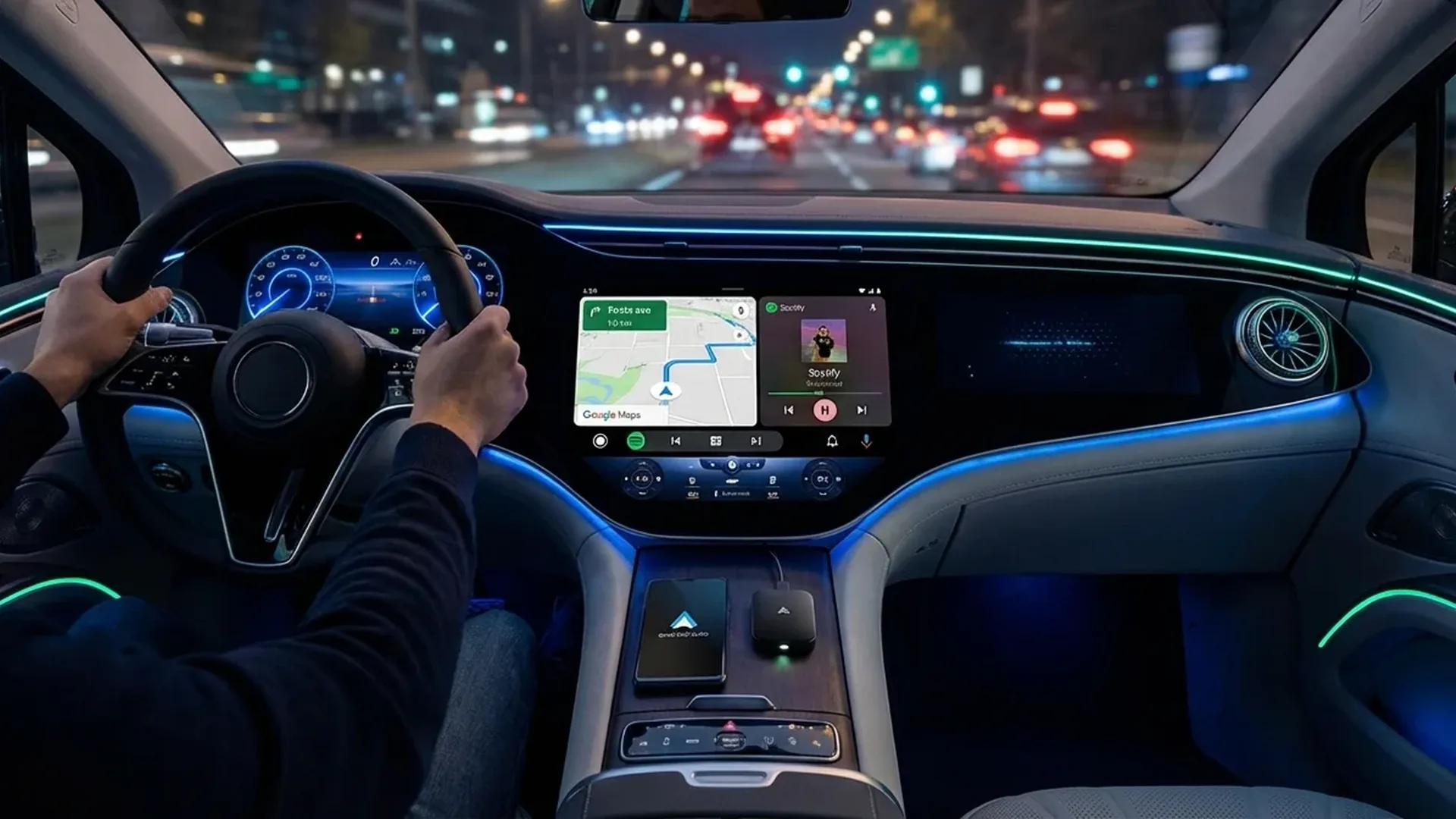
- Your car's display will show the Android Auto interface. For wireless, you need an adapter or built-in support.
- Configure your preferences: launcher, widget, Gemini voice commands, notification sounds.
Best Wireless Adapters 2026
If your car only supports wired Android Auto, a wireless adapter frees you from cables. Here are the top picks:
Motorola MA2 New 2026
The successor to the legendary Motorola MA1, the only “official” wireless Android Auto adapter. The MA2 leaked in February 2026 with two major upgrades: faster connection and improved stability. The MA1 was available for 4 years, so the upgrade was overdue.
AAWireless TWO
One of the best wireless Android Auto adapters on the market. Sleek design, fast connection, and stable performance. It hit its lowest-ever price during Black Friday 2025. Excellent build quality.
AAWireless TWO+
The premium version that supports both Android Auto and Apple CarPlay wirelessly. Ideal if your family has both iPhone and Android users. Available on Amazon.
PDFriender
A “smart” car charger that solves a classic problem: fast charging while using wired Android Auto. Normally, the wired connection charges slowly — this adapter fast-charges simultaneously.
Wireless Adapters Comparison
| Adapter | Price | Connection | CarPlay | Fast Charge | Rating |
|---|---|---|---|---|---|
| Motorola MA2 | ~€55 | USB-A | ❌ | ❌ | ⭐ 4.3/5 |
| AAWireless TWO | ~€50 | USB-C | ❌ | ❌ | ⭐ 4.5/5 |
| AAWireless TWO+ | ~€75 | USB-C | ✅ | ❌ | ⭐ 4.4/5 |
| PDFriender | ~€40 | USB-C | ✅ | ✅ PD 3.0 | ⭐ 4.2/5 |
📖 Read more: Android Backup 2026: Complete Safety Guide
Gemini on Android Auto: What's Changing
Gemini is fully replacing Google Assistant on Android Auto by March 2026. Here's what that means:
- Gemini Live: Natural conversations without “magic words” — just speak naturally
- Better understanding: More complex queries with context awareness
- Slow rollout: Not everyone has it yet — check in Settings
- Known bug: For some users, Gemini Live talks to itself in a loop
Tip: Activating Gemini
If you don't see Gemini on Android Auto, make sure: the Google app on your phone is updated, Gemini is set as the default assistant, and your language is supported. Google says the rollout will complete “over the coming months.”
Known Issues & Solutions
- "Voice commands aren't available right now": February 2026 bug — check for Android Auto update on Play Store
- Car disappears from Google Maps: Visual bug, navigation works normally
- Message replies broken: Reported in 16.0 — patched in 16.1
- Tidal audio bug: Tidal released a fix in February 2026
- Steering wheel controls: Fix expected in 16.2+
Coming Soon
- Video Apps: Traces in 16.3 — possibly YouTube and others while parked
- Light Theme: New light mode option beyond just dark mode
- Cast Support: Stream content directly to your car's display
- Material 3 Expressive: New design language for the media player
Our Verdict
Android Auto 2026 is in a transitional phase — Gemini brings a meaningful upgrade but the rollout is slow. For wireless connectivity, the AAWireless TWO remains the best value-for-money choice, while if you also need CarPlay, go for the AAWireless TWO+. We're eagerly awaiting video apps and Cast support!