Beta Release Timeline
Google followed an aggressive timeline, releasing two Betas in less than two weeks. Here's a detailed look at the rollout:
First public Beta. Pixel Launcher changes, compact Settings, blur effects, new Volume UI, split Notifications & Quick Settings.
App Bubbles windowed mode, Contacts Picker, EyeDropper API, Satellite Quick Settings, redesigned privacy indicators, bug fixes.
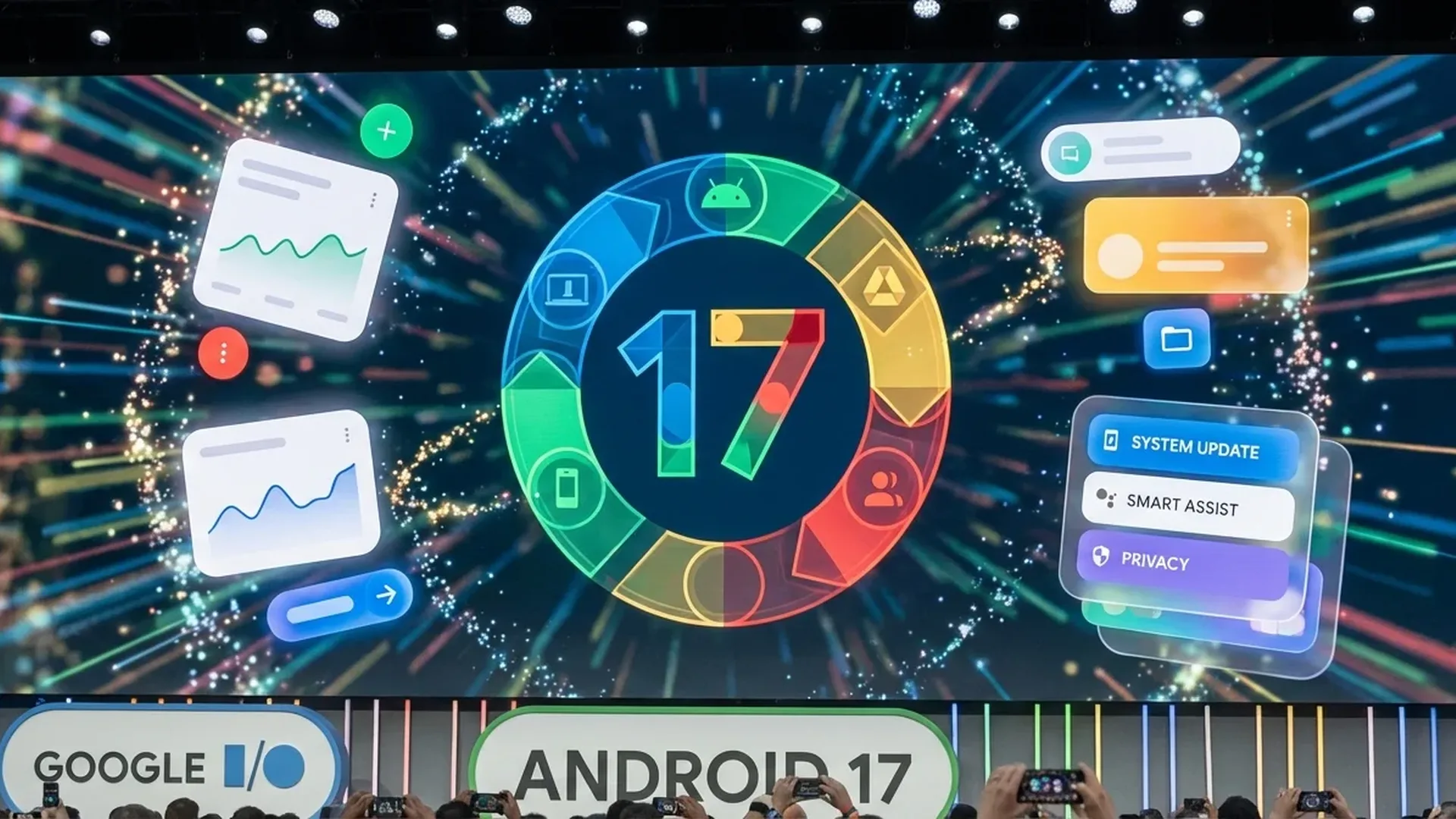
Stable release expected alongside Pixel 11 series—likely June or July at Google I/O 2026.
App Bubbles: Windowed Mode for Every App
What Are App Bubbles?
The most impressive innovation in Android 17 is App Bubbles — a new windowing system entirely separate from existing messaging (chat) bubbles. Users can now turn any app into a floating window by long-pressing its icon on the launcher.
On large screens (tablets and foldables), a Bubble Bar appears as part of the taskbar, where you can organize, move between, and anchor bubbles at different positions. This is essentially a full desktop-like multitasking system that makes foldables function like mini laptops.
App Handoff: Continue on Another Device
Cross-Device Continuity
A feature that until now was exclusive to the Apple ecosystem: App Handoff comes to Android 17. With this, you can start a task on one device (e.g., phone) and continue it instantly on another (e.g., tablet or Pixel Fold), without losing any data or progress.
This feature combines perfectly with App Bubbles, creating a complete multi-device ecosystem. Google is clearly taking competition with Apple's “Continuity” seriously now.
Separate Notifications & Quick Settings
One of the most substantial UI changes involves the separation of notifications from Quick Settings. In Android 17, swiping down from the top reveals two separate panels:
- Left panel: Notifications — a clean list without clutter
- Right panel: Quick Settings — Wi-Fi, Bluetooth, brightness, toggles
This approach is reminiscent of Samsung's OneUI, but Google's implementation is more refined. Everything becomes more organized, especially on large-screen devices.
Blur Effects & New Visual Design
System UI Refresh
Google has added extensive blur effects throughout Android 17's system UI. Menus, notifications, Quick Settings tiles, and even dialogs now feature an elegant frosted glass effect that adds depth to the interface.
Notably, Google has made Settings menus more compact, removing vertical padding from items for faster navigation. Additionally, the brightness icon was updated, the location indicator was made darker for better visibility, and the Volume overflow replaced the three-dot menu with a proper settings icon.
Pixel Launcher: Search Bar Changes
In Beta 1, Google tested a radically redesigned Pixel Launcher search bar, but in Beta 2, it reverted to the previous design. Nonetheless, home screen search remains faster thanks to backend optimizations. The search widget changes are still present, providing quicker access to apps, contacts, and files.
Privacy & Security Upgrades
Redesigned Privacy Indicators
Android 17 Beta 2 brought completely redesigned privacy indicators. Camera and microphone usage indicators are now more prominent, with a new design that stands out better in the status bar. Users can immediately see which apps are using sensitive permissions.
Contacts Picker New API
A new system-level Contacts Picker has been added, allowing apps to request access to only specific contacts, instead of requiring full READ_CONTACTS permission. Access is session-based, meaning it expires after use. It supports selection between personal or work profiles.
Satellite Quick Settings Tile
Google has added a new Satellite Quick Settings tile that appears in Quick Settings. This relates to the satellite communication capability introduced in Android 15, and now users can enable/disable satellite connectivity with a single tap.
EyeDropper API
Gemini Integration
Gemini's integration in Android 17 goes deeper. In Beta 1, the Gemini screen shrink animation became available via corner swipe, not just from the power button. This means faster access to Google's AI assistant from any screen, with a smooth slide that shrinks the current app to reveal the Gemini overlay.
Accounts & Backup Menu
In Android 17 Beta 2, Google merged the "Back up or copy data" and "Passwords, passkeys & accounts" settings into a unified "Accounts and backup" menu. This change makes managing accounts, passwords, and backups easier, with fewer navigation steps.
Google Play Store: Reduced Fees & Third-Party Stores
Alongside OS changes, Google announced significant Play Store updates:
- Reduced fees for developers — encouraging new app development
- Improved third-party app store support — easier installation of alternative stores
- A more open ecosystem in compliance with competition legislation changes
Compatible Devices
The Android 17 Beta is currently available exclusively for Google Pixel devices. Compatible devices include:
After the stable release, Samsung, OnePlus, Xiaomi, Nothing and other manufacturers are expected to follow with their own Android 17 updates.
Comparison: Android 17 vs Android 16
| Feature | Android 16 | Android 17 |
|---|---|---|
| Windowed Mode | Split-screen only | App Bubbles + Split-screen |
| Cross-device | Basic Nearby Share | App Handoff task continuity |
| Notifications | Unified panel | Separate Notifications & QS |
| Privacy Indicators | Basic indicators | Redesigned indicators |
| Contacts Access | READ_CONTACTS | Session-based Contacts Picker |
| Color Picker | Not available | EyeDropper API |
| Satellite | Basic support | Quick Settings Tile |
| System UI | Material You | Material You + Blur effects |
| Gemini Access | Power button | Power button + Corner swipe |
| Settings | Separate menus | Compact + Unified Accounts |
When Is the Final Release?
Based on Google's historical pattern:
- Beta 1: February 2026 ✅
- Beta 2: February 2026 ✅
- Beta 3-4: March – April 2026 (estimated)
- Release Candidate: May 2026 (estimated)
- Stable Release: June – July 2026 (likely at Google I/O)
Google typically releases the stable version at Google I/O, its annual developer event, with Pixel devices receiving the update first. Samsung Galaxy, OnePlus, Xiaomi, and others follow 1-3 months later.
Our Verdict
Android 17 “Cinnamon Bun” is the most ambitious Android upgrade in years. App Bubbles and App Handoff transform multitasking, while privacy improvements and the refreshed UI show Google is investing seriously in user experience. It's worth trying the Beta if you have a Pixel — and eagerly awaiting the stable release!