📋 What Is Android 16?
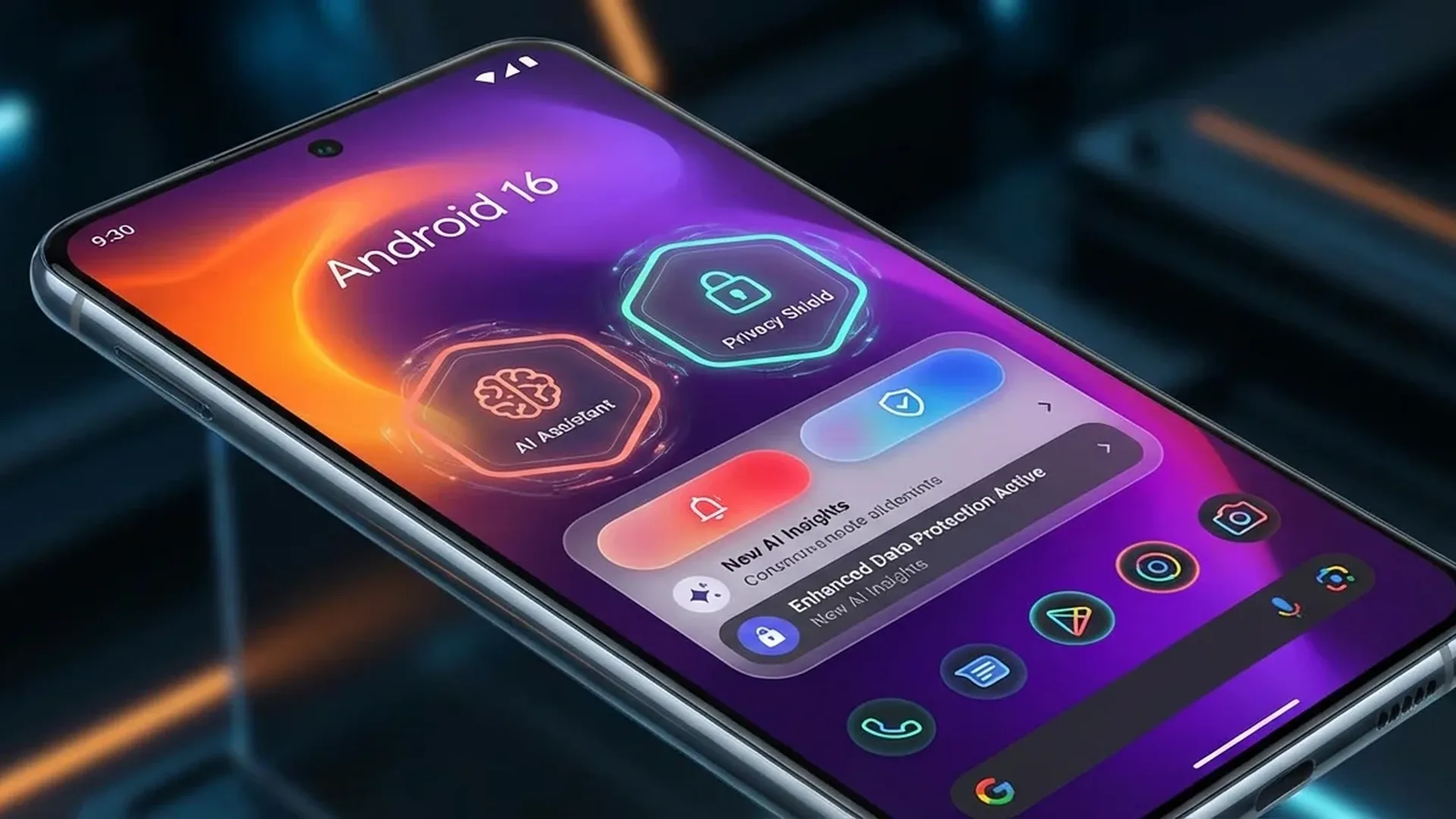
Android 16, also known as "Baklava", is the 16th (and 36th overall — yes, we're counting!) major version of Android. The big change? Google is breaking the cycle: instead of one annual mega-update every fall, we now get two SDK updates per year — the main one in June, and a second with APIs in December.
As of January 2026, 15.84% of Android devices worldwide are running Android 16. Second most popular version in just 7 months — not bad.
🗓️ Development Timeline
From preview to stable in 7 months — Google stepped on the gas compared to previous versions:
📅 From Developer Preview to Stable Release
🎨 Material 3 Expressive — New Design Language
This is where Google took a risk. Material 3 Expressive is the boldest visual change in years — more animations, richer colors, blur effects everywhere. Does it remind you of iOS? Maybe. But it works. It didn't ship with the initial release — Google saved it for Pixel (6+) devices in September 2025.
Vibrant Colors
Bolder color palettes, more expressive dynamic themes based on your wallpaper.
Blur & Animation
Increased use of blur in the UI, smoother animations in transitions and interactions.
Pixel Exclusive
Initially only on Pixel 6+. Samsung, OnePlus and others follow their own aesthetic (One UI, OxygenOS).
Edge-to-Edge
Apps targeting API 36 automatically use edge-to-edge rendering — the navigation background is removed.
Universal or Pixel Only?
Material 3 Expressive is essentially a Google Pixel feature. Samsung uses One UI 8, OnePlus uses OxygenOS, and Xiaomi uses HyperOS. The design language change will mainly be visible in Google apps (Gmail, Maps, Photos, etc.) and on pure Android devices.
🖥️ Desktop Mode — End of Laptops?
Okay, maybe not yet. But the desktop windowing mode is a serious step forward. Think Samsung DeX, but built into Android. Run apps in windows, drag & drop, multitask like on a real PC. Spoiler: it doesn't work everywhere (yet).
🖥️ Desktop Mode — What's Supported?
🐧 Linux Terminal — Doom on Your Phone
Yes, you read that right. Android 16 gives you a full Linux Terminal right on your phone. It runs Debian in a virtual machine, supports GUI apps, and yes — someone ran Doom on it before it even hit stable release. Priorities. 🎮
Debian-based
Runs a full Debian environment inside the Android Virtualization Framework (AVF).
Full Isolation
The guest OS is fully isolated via hypervisor (KVM) — separate kernel, separate resources.
GUI Apps
Supports graphical applications — even classic games (it runs Doom!).
CLI Access
Full access to Linux terminal commands — apt, git, python, gcc, etc.
"Android 16 is perhaps the most humdrum version of the platform yet, but don't weep for Google. The company has been working toward this goal for years: a world where the average phone buyer doesn't need to worry about Android version numbers."
🔔 Notifications — End of Notification Hell
This is the update you'll actually feel in your daily life. No more 47 notifications in a row. No more machine-gun alert sounds:
Notification Bundling
Notifications from each app are automatically grouped. Tap to expand — no more chaos!
Notification Cooldown
Too many notifications in a row? The sound automatically lowers for 2 minutes. Calls & alarms are unaffected.
Live Updates
A new notification category with a progress bar — see in real-time when your Uber/delivery arrives.
Status Bar Chip
A small chip in the status bar with key progress info — tap for the full notification.
🔒 Advanced Protection — The Full Armor
If there's one feature you need to know about, it's this. Advanced Protection turns your phone into a mini-fortress. It's not for the paranoid — it's for realists.
🛡️ What Advanced Protection Blocks
Who Is It For?
If you know someone who isn't tech-savvy — parents, grandparents — enable Advanced Protection on their device. It blocks malware, government surveillance, and sideloaded malicious apps. Google should have added this years ago.
📸 The “Quiet” Features Worth Knowing
They didn't steal the spotlight, but they make a huge difference in everyday use:
Photo Picker+
Cloud photos (Google Photos) without switching apps. Search, cloud albums, orientation support.
Health Records
Health Connect stores medical records (FHIR format) — vaccinations, lab results, medications.
Audio Sharing
Bluetooth LE Auracast — stream to multiple headphones/speakers simultaneously, no pairing needed.
APV Codec
Professional video codec — YUV 422, 10-bit, up to 2 Gbit/s bitrate. Ideal for creators.
Audio Sharing IRL
Tired of sharing one earbud on the train? With Bluetooth LE Auracast, you can send audio to multiple headphones simultaneously — no pairing, no cables. The only requirement: the headphones must support Bluetooth LE Audio. Most new 2025+ models do.
📱 Adaptive Apps — No More “Stretched” Apps
If you have a tablet or foldable, you know the pain: you open Instagram on a big screen and it looks like a zoomed-in phone. Android 16 says "enough" — it removes the ability for apps to lock orientation and resizability. Apps must properly fill the screen.
📐 Adaptive Apps Rollout Plan
Caution: Adaptation ≠ Optimization
Just because an app fills the screen doesn't mean it'll look good. Many apps simply display a “stretched” phone UI on tablets. Developers need to make real improvements for large screens — and that remains to be seen.
🔄 Android 16 vs Android 15 — Is the Upgrade Worth It?
⚖️ Version Comparison
Real talk: if you're already on Android 15, you won't fall off your chair with 16. The changes are “foundational” — notification bundling, security, adaptive apps. Google is no longer chasing “wow moments” — it's chasing stability. The flashy stuff (Material 3 Expressive, desktop mode) arrived gradually with QPR1 in September. And you know what? That might be better.
📲 Let's Update — How to Upgrade
Pixel Devices
Settings → System → Software Update. Pixel 6 and newer are fully supported.
Samsung
Gradual rollout expected via One UI 8. Flagships first (S25, Z Fold/Flip 7).
Xiaomi / OnePlus
Rollout via HyperOS 3 / OxygenOS 16 — typically 2-4 months after Google.
Before You Upgrade
Back up your data, free up 3+ GB of space, connect to Wi-Fi. Installation time: ~15-30 minutes.
What's Coming Next?
Google announced it's merging ChromeOS and Android (July 2025, Sameer Samat statement, The Verge). Android 16's desktop mode is just the beginning. Meanwhile, Privacy Sandbox is gradually replacing cookies with anonymous, local data processing — the end of tracking.