Google Messages is no longer a simple SMS app. With new RCS features in 2026, it has transformed into a full messaging platform that competes with iMessage, WhatsApp, and Telegram. Here's what's new.
📖 Read more: Android Browsers 2026: Top 10 Comparison
What Is RCS?
Rich Communication Services (RCS) is the successor to SMS. Instead of 160-character plain text, RCS offers: unlimited character messages, full-resolution photos and videos, read receipts, typing indicators, group chats, end-to-end encryption, and emoji reactions.
Think of it as "iMessage for Android". And the big news of 2026: Apple finally supports RCS in iOS 18, so bubbles between Android and iPhone are now equal in features.
📖 Read more: NFC on Android 2026: Payments & New Uses
Location Sharing
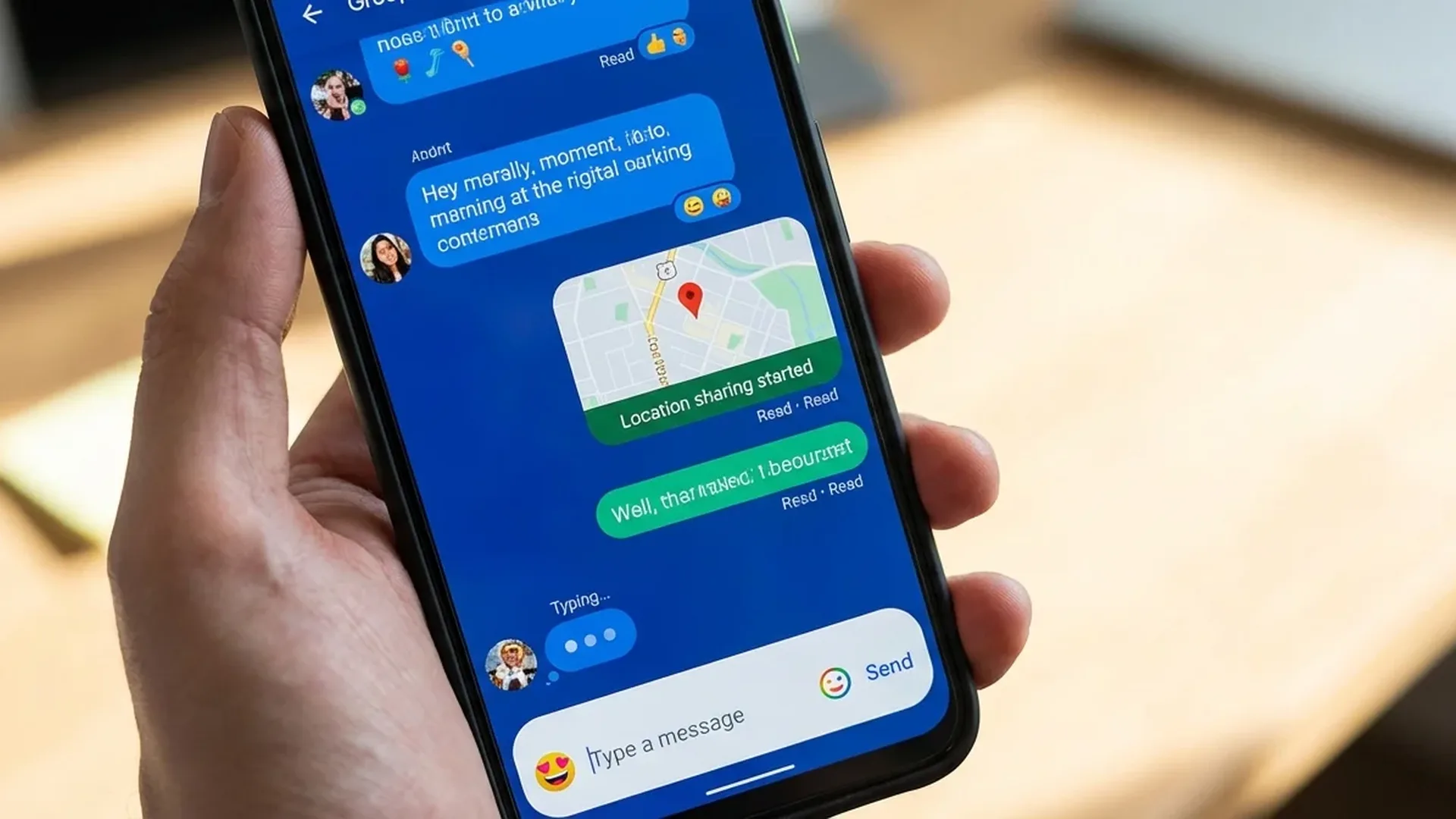
The new Live Location Sharing feature lets you share your location in real time within the conversation. Set a duration (15 minutes, 1 hour, or until you stop it) and the recipient sees your position on a map. Ideal for: meeting friends, kids coming home, or delivery tracking.
Reactions & Emoji Effects
Long-press any message to add a reaction — like, love, laugh, surprised, sad, angry. Reactions appear below the message. New feature: Emoji Animations. Send a 🎉 and confetti animation appears on the recipient's screen.
📖 Read more: Realme GT 7 Pro: Flagship Specs, Budget Price
End-to-End Encryption
As of 2026, all RCS conversations (1-to-1 and group) are end-to-end encrypted by default. Neither Google nor your carrier can read your messages. A lock icon appears next to the send button to confirm.
AI Features in Messages
Google Messages 2026 brings Gemini AI integration: type "@Gemini" in any conversation and ask anything — translation, summary, fun facts, nearby restaurants. The AI shows inline responses you can share.
Smart Reply has been significantly improved. It no longer just suggests “OK” or “Thanks” — it analyzes conversation context and suggests meaningful replies. E.g., for “where should we meet?” it may suggest locations based on history.
📖 Read more: Rugged Android Phones: The Most Durable in 2026
Spam & Scam Protection
Google has dramatically enhanced spam protection. Messages from unknown numbers are analyzed on-device with AI and filtered automatically. It detects: phishing links, OTP scams, impersonation attempts, malicious URLs. Suspicious messages appear with a yellow warning.
Media Sharing Improvements
Photos and videos are now sent in full resolution (up to 100MB) without compression. Sending files of any type is supported — PDF, ZIP, APK, documents. Voice messages play inline with waveform preview.
📖 Read more: Samsung Galaxy S25 Ultra vs iPhone 16 Pro Max: Ultimate Comparison 2025
Tip: Make sure RCS is enabled: Messages → Settings → RCS chats → Enable. If your carrier doesn't support RCS, Google Messages can use Google's servers (Jibe) to enable it.
Sources: