

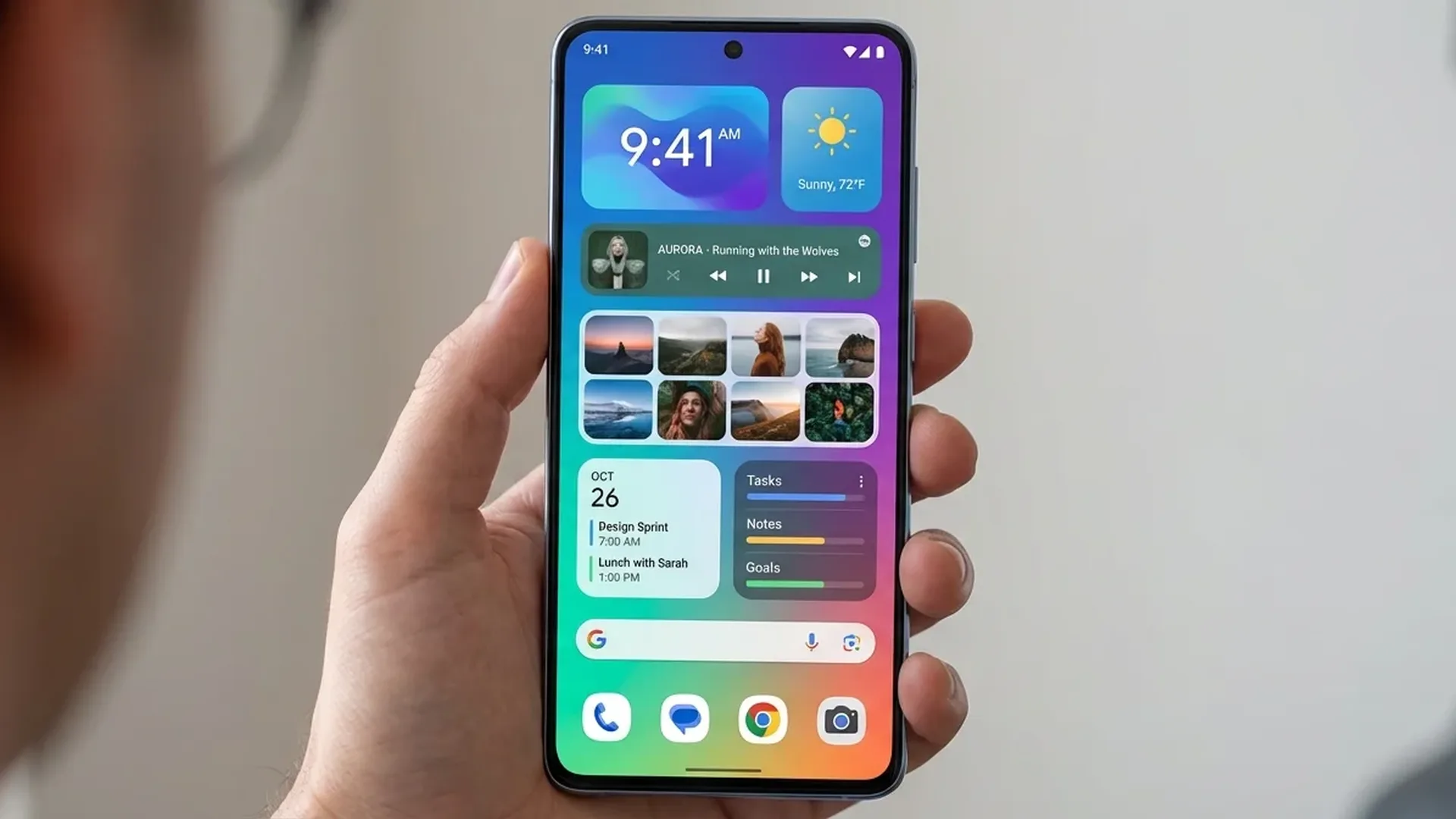
Widgets are one of Android's biggest advantages over iOS. Instead of digging through apps for information, widgets bring data right to your home screen — weather, calendar, music, fitness, notes, ALL at a glance. With Android 17 and Material You widgets, your home screen can be both functional and beautiful.
🎨 What Changed in Widgets for 2026
With Android 16 (and the upcoming Android 17), Google introduced major widget improvements: Material You theming (widgets automatically adopt your wallpaper colors), interactive widgets (you can interact without opening the app), and resizable grids (smoother resizing).
Widgets now use the Glance API, meaning faster loading, less battery consumption, and a more uniform appearance. Let's look at the best widgets and how to organize your home screen.
📱 Top 10 Widgets for Android 2026
1. Google At a Glance
Google's default widget on Pixel phones — but available on ALL Android devices. Shows date, weather, next event, flight tracking, traffic updates, package delivery status, and even sport scores. With AI integration (Gemini), it predicts what you'll need before you ask.
2. KWGT/KWGT Pro
The king of custom widget design. With KWGT, you can design your own widgets from scratch — clocks, weather cards, music controllers, battery indicators, anything you can imagine. The KWGT community offers thousands of free templates.
3. Widgetsmith (Android Version)
After its massive success on iOS, Widgetsmith arrived on Android. It allows creation of aesthetic widgets — clocks, photos, countdowns, quotes — with full color and font customization.. Perfect for cohesive home screen setups.
4. Google Calendar Widget
One of the most useful widgets — shows your upcoming events with color coding. You can resize (from compact list to full month view). Interact directly — create events without opening the app.
5. Spotify Widget
Control your music without entering Spotify. Play/pause, skip, see what's playing, change playlists. With Material You colors, it matches the album art. Available in compact or large versions.
6. Todoist Widget
Perfect for productivity. Shows your pending tasks, lets you check off items directly, and filters by project or priority. Interactive — create new tasks without opening the app.
7. Samsung Weather Widget
If you have a Samsung: one of the most beautiful weather widgets. Animated backgrounds based on weather conditions, hourly/daily forecast, precipitation radar. Pairs beautifully with One UI.
8. Battery Widget Reborn
Shows battery levels for ALL connected devices — phone, smartwatch, earbuds, tablet. Minimal design, circular or linear meters, customizable colors. Extremely useful if you use multiple devices.
9. Google Keep Widget
Quick notes on your home screen. View your notes, create new ones, or check off list items. Ideal for shopping lists or quick reminders. Material You styling.
10. Digital Clock Widget (DWC)
The king of clock widgets. Hundreds of clock styles — analog, digital, binary, flip clock — full font/color customization. Small footprint, low battery consumption. Free.
🧩 How to Organize Your Widgets
Main Screen — The Essentials
Keep ONE large widget at the top (clock + weather or At a Glance), 2-3 small widgets in the middle (music, battery, quick notes), and your app icons at the bottom. Don't fill the ENTIRE screen — leave breathing room.
Second Screen — Productivity
Calendar widget (large), todo list, email widget. Swipe right and see your day at a glance. Swipe left for entertainment (Spotify, YouTube Music).
💡 Pro Tip: Use widget stacks (if your launcher supports them). Stack multiple widgets in the same space and swipe between them. Nova Launcher and Niagara Launcher support stacks.
🎯 Our Recommendation
For a clean, functional home screen: Google At a Glance + Spotify widget + Todoist/Keep. For an aesthetic setup: KWGT Pro + Widgetsmith + matching wallpaper. And if you want it ALL: spend 30 minutes in KWGT — you'll be amazed at what it can do.