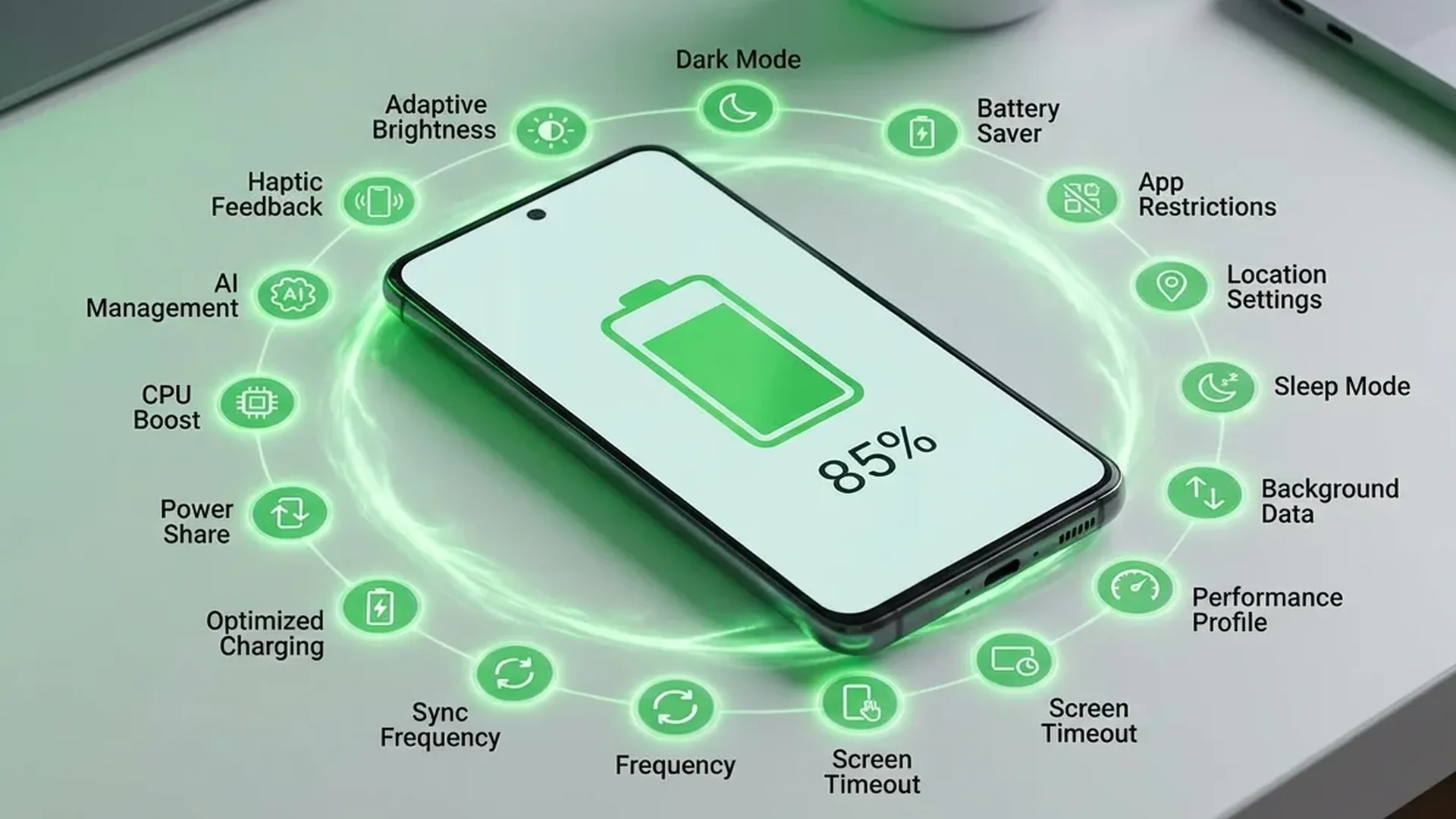
Display Settings (Highest Impact)
1 Lower Brightness High
The display consumes 30-50% of battery. Enable Adaptive Brightness or reduce manually. Every 10% brightness reduction saves ~5% battery/day.
2 Enable Dark Theme High
On AMOLED/OLED screens (nearly all modern smartphones), black pixels are literally turned off. Dark Theme saves 15-25% battery. Settings → Display → Dark theme.
3 Lower Refresh Rate Medium
If your phone supports 120Hz or 144Hz, dropping to 60Hz saves significant energy. Settings → Display → Smooth motion/Refresh rate. If Adaptive is available, use that — it adjusts automatically.
4 Shorter Screen Timeout Medium
Set screen timeout to 30 seconds or 1 minute. If the screen stays on for 5 minutes each time, you lose hours of battery daily for no reason.
Connectivity & Network
5 Disable 5G (If Not Needed) High
5G consumes 15-25% more battery than 4G LTE. If you're not downloading large files, switch to LTE/4G: Settings → Networks → Network type → LTE. You can also use “5G Auto” which uses 5G only when needed.
6 Use Wi-Fi Instead of Mobile Data Medium
Wi-Fi consumes less energy than mobile data. When at home or office, always connect to Wi-Fi. However, don't leave Wi-Fi on if there's no network — it scans continuously.
7 Bluetooth & Location Only When Needed Low
Bluetooth LE (2026) doesn't drain much, but if you're not using headphones or a smartwatch, turn it off. Location (GPS) consumes more — set to “Only while using” instead of “Always on.”
Apps & Background
8 Enable Adaptive Battery High
Adaptive Battery uses AI to learn which apps you rarely use and puts them to sleep. Settings → Battery → Adaptive Battery → ON. It takes 1-2 weeks to “learn” your habits.
9 Restrict Background Activity High
Many apps run in the background for no reason. Go to Settings → Battery → Battery usage to see which “eat” battery. For each offender: Restrict background usage.
10 Uninstall Unused Apps Medium
Every installed app can run background processes, sync data, receive notifications. If you haven't used it in months, delete it.
11 Reduce Push Notifications Medium
Every notification wakes the screen, activates vibration, plays sound. Disable notifications from non-critical apps: Settings → Notifications → Apps.
Charging & Care
12 Charge 20%-80% High
Li-Ion batteries last longer if you avoid 0% and 100%. Ideally, charge between 20-80%. Many modern Android phones (Samsung, Pixel, OnePlus) have a "Battery Protection" setting that stops at 80%.
13 Avoid Heat High
Heat is a battery's worst enemy. Don't charge under pillows, don't leave in direct sunlight. Using heavy games or camera while charging ages the battery quickly.
14 Use the Original Charger Low
The original charger or a certified one (USB-IF certified) ensures proper power management. Cheap chargers can deliver unstable current, reducing battery lifespan.
15 Battery Saver Mode High
On low battery, enable Battery Saver. It restricts background, reduces refresh rate, kills animations, disables location. You can set auto-activation at 15% or 20%.
Battery Myths (Debunked)
❌ Myth: “I need to fully drain before charging”
✅ Truth: That was true for NiCd batteries (1990s). Li-Ion in 2026 prefer small, frequent charges.
❌ Myth: “Closing apps from Recent Apps saves battery”
✅ Truth: Actually, force-closing and re-opening consumes more energy. Let Android manage the memory.
❌ Myth: “Fast charging ruins the battery”
✅ Truth: Modern protocols (USB PD, Warp, SuperVOOC) manage temperature very well. It doesn't damage the battery, as long as you use a certified charger.
❌ Myth: “Overnight charging destroys the battery”
✅ Truth: Modern smartphones stop charging at 100%. However, it's better to use “Battery Protection” which charges slowly overnight.
Our Verdict
The highest impact tips are: Dark Theme, lower brightness, Adaptive Battery, restrict background apps, and avoid heat. Apply these 5, and you'll see a 30-50% improvement in battery life!