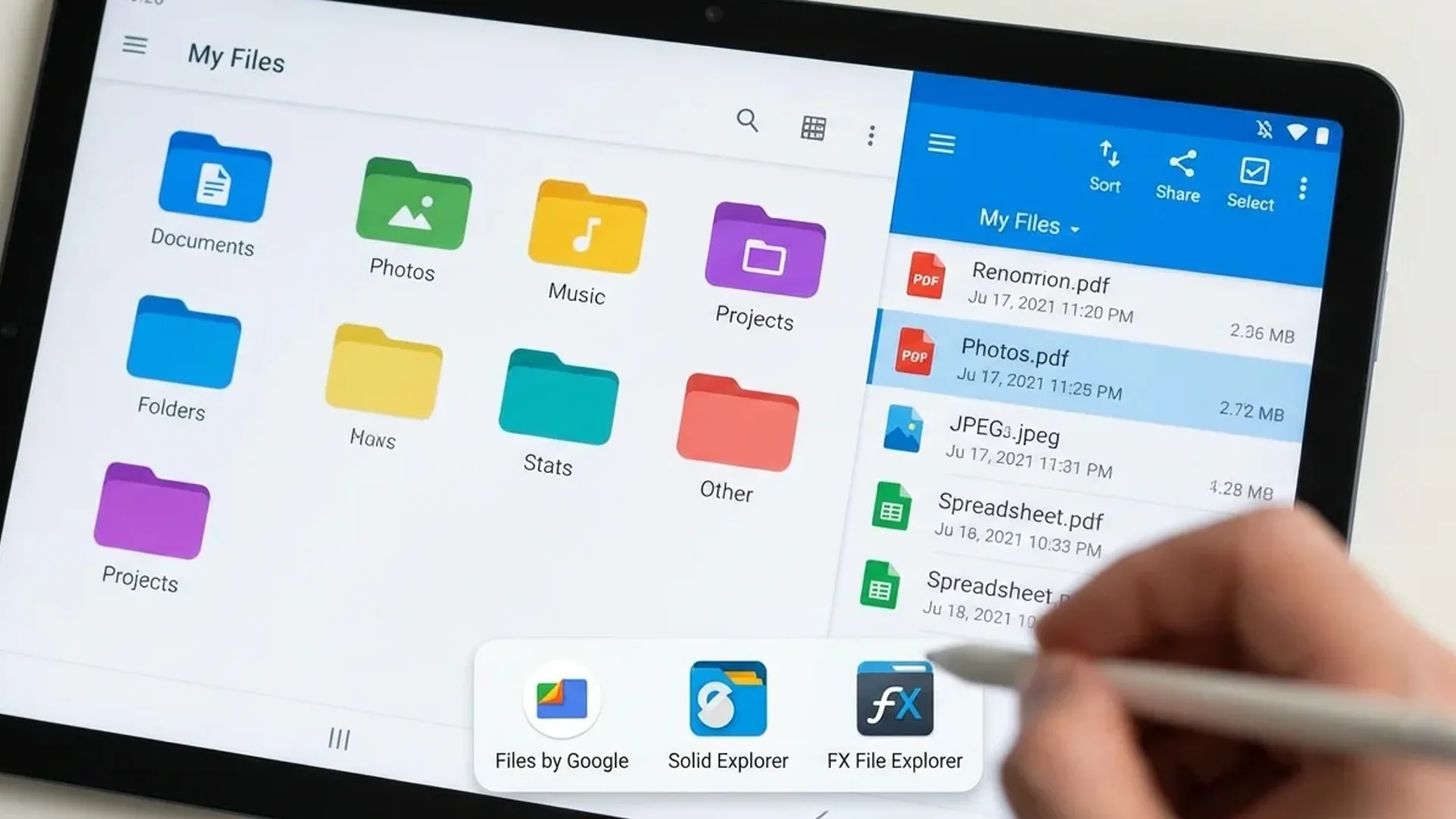
The default file manager on most Android phones is basic. If you want proper file management — cloud access, FTP, root explorer, zip/rar, network shares — you need a dedicated app. We tested dozens of file managers and these are the 5 best for 2026.
📖 Read more: Google Keep vs Samsung Notes: Comparison 2026
📁 1. Solid Explorer — The King
Solid Explorer is the undisputed king of Android file managers. Dual-pane interface (split screen — left for source, right for destination for easy copy/move), cloud support (Google Drive, OneDrive, Dropbox, SFTP, SMB, WebDAV), zip/rar/7z, encrypted vault, Material You design, root access, hidden files, bookmarks, batch operations.
Price: 14-day free trial, then ~€3 one-time purchase. Worth every cent.
Why #1: The combination of dual-pane + cloud + clean UI exists nowhere else. If you move files frequently, dual-pane alone is worth the price.
📂 2. Files by Google — The Official Pick
Google built Files as a replacement for basic file managers. Free, no ads, with smart features: automatic suggestions to delete large/duplicate files, “Clean” tab that finds junk files, nearby sharing, safe folder (encrypted), media browsing. Ideal if you want something simple but effective.
Drawbacks: No cloud storage support (except Google Drive), no dual-pane, no root access. Basic but handles core tasks very well.
📁 3. MiXplorer — The Powerhouse (Free)
MiXplorer is arguably the most feature-packed file manager — AND it's completely free (no ads). Tabs (multiple folders open simultaneously), dual-pane, cloud access (20+ providers), root explorer, built-in text editor, image viewer, media player, HTML viewer, PDF reader. Not on Play Store — only on XDA Labs.
Drawbacks: UI slightly dated, initial setup more complex, not on Play Store (sideload only).
🗂️ 4. Total Commander — The Veteran
If you used Total Commander on Windows, the Android version will bring back memories. Dual-pane, plugins (FTP, LAN, cloud, WebDAV), zip/rar support, root access, bookmarks, custom buttons. Completely free, no ads.
📖 Read more: Google Wallet Android: Complete Guide 2026
Drawbacks: Old-fashioned UI — doesn't follow Material You. Some features via plugins (need separate installation).
📱 5. FX File Explorer — The Balanced Choice
Excellent balance between features and usability. Clean Material You interface, cloud access, network (SMB/FTP), media viewer, text editor, app manager, web access (share files via browser). Free version covers basics; Plus version (~€3) adds cloud + network.
📊 Comparison
Solid Explorer: Best overall — dual-pane, cloud, premium UI (~€3)
Files by Google: Best free basic — clean, smart cleanup
MiXplorer: Best free power user — ALL features, no ads
Total Commander: Veteran classic — plugins, dual-pane, free
FX File Explorer: Balanced — clean UI + advanced features
🎯 Our Recommendation
For most users: Solid Explorer (~€3 one-time). For free: Files by Google (simple) or MiXplorer (advanced). If you frequently transfer files between phone, cloud, and network, investing in Solid Explorer is absolutely worth it.