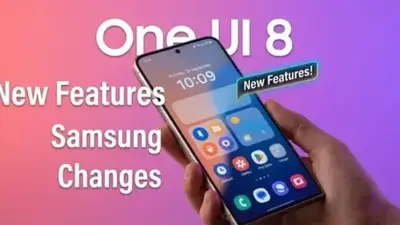
Samsung dropped One UI 8 in September 2025, built on Android 16. Five months later, most Galaxy devices are running the new version. But what actually changed? Which new features deserve your attention? And if you haven't gotten the update yet, when will it arrive? Here's everything you need to know.
📖 Read more: Nova Launcher vs One UI: Launcher Comparison
🔍 What Is Samsung One UI 8?
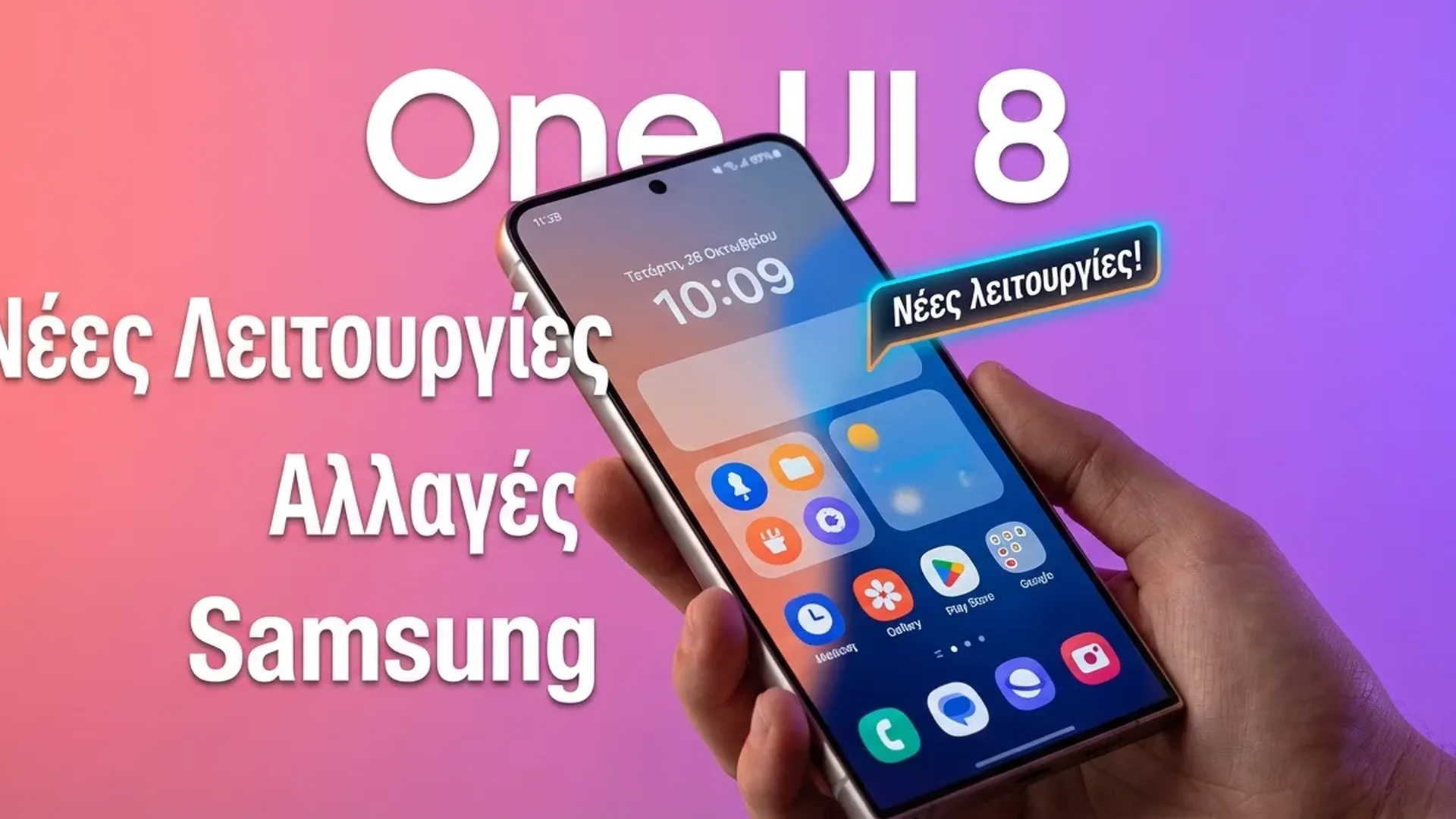
One UI 8 is Samsung's latest software layer, built on Google's Android 16. While One UI 7 was the big visual overhaul — new design language, redesigned icons, revamped Quick Settings — One UI 8 is primarily a functional update. It focuses on new features and improvements without dramatically changing how things look.
That doesn't make it boring. The new features are genuinely useful.
🚀 Top New Samsung One UI 8 Features
Now Bar & Now Brief
Samsung expanded Now Bar and Now Brief to more Galaxy devices. These AI-powered widgets surface relevant information based on time, location, and habits — news in the morning, calendar reminders before meetings, weather before you head out. It's Samsung's answer to Apple's Dynamic Island, but more substantial.
90:10 Split-Screen Multitasking
The split-screen ratio proves practical: you can now run split-screen in a 90:10 ratio, giving almost the entire display to one app while keeping a second app in a narrow strip. Perfect for monitoring a chat while working, or keeping YouTube in mini-view.
Gemini Live on FlexWindow
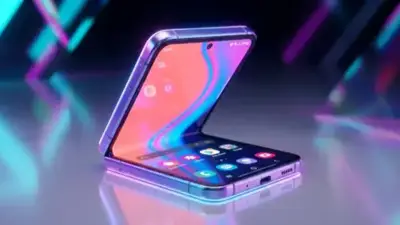
For Galaxy Z Flip 7 owners (and future Flip devices), Gemini Live now works on the external cover screen. You can talk to the AI assistant without opening the phone — both practical and impressive.
AI Portrait Studio
New tool that uses artificial intelligence to create artistic portraits from your photos. Multiple styles available — cartoon, watercolor, sketch — and the results are impressive enough for social media.
Lockscreen Clock Interaction
The lock screen clock now interacts with your wallpaper — elements can "hide" behind objects in the image, creating a depth effect. Small detail, but it shows polish.
Enhanced Camera Controls
New camera settings, more intuitive controls, faster access to modes. Nothing revolutionary, but the photography experience becomes smoother.
Tablet Notifications
Galaxy tablets get a redesigned notification/Quick Panel — better suited for large screens, with improved space utilization.
📱 Which Devices Already Got the One UI 8 Update?
Samsung started the gradual rollout on September 15, 2025. By February 2026, the list includes:
Galaxy S Series: S25 (all models), S24 (all), S23 (all), S22 (paused due to bugs). The Galaxy S25 devices were first, followed by S24 models ahead of schedule (earlier than October).
Galaxy Z Foldables: Z Fold 7 and Z Flip 7 (pre-installed), Z Fold 6 and Z Flip 6, Z Fold 5 and Z Flip 5, Z Fold 4 and Z Flip 4. Basically, every foldable from 2022 onward has received the update.
Galaxy Tablets: Tab S11 (pre-installed), Tab S10 (all), Tab S9 (all large models).
Galaxy A Series: A56, A36, A26, A55, A35, A34, A17, A16, A15, A54. Notably, even mid-range devices like the A15 got the update, showing Samsung's commitment.
Galaxy Watch: Even smartwatches got One UI 8 Watch — Watch 7, Watch 6 series (October), Watch 5 and Watch 4 (November).
⚠️ What Happened with the Galaxy S22 Update?
A notable incident: Samsung released One UI 8 for the Galaxy S22 series on October 6, but after just one week stopped the rollout due to bugs. If you have an S22 and haven't gotten the update yet, Samsung is working on a fix — but there's no re-release date yet.
This is a reminder: don't rush to install day-one updates. Wait 1-2 weeks after availability to see if problems emerge.
🆚 One UI 8 vs Stock Android 16
While Android 16 on Pixel devices brings Material 3 Expressive design (a radical visual change), Samsung follows its own path. One UI 8 doesn't adopt Google's design changes — it keeps its own aesthetic, adding only the functional features of Android 16.
This means if you switch from Pixel to Samsung (or vice versa), the experience will be quite different, even though they're running the same Android version.
🔮 One UI 8.5: What's Coming Next?
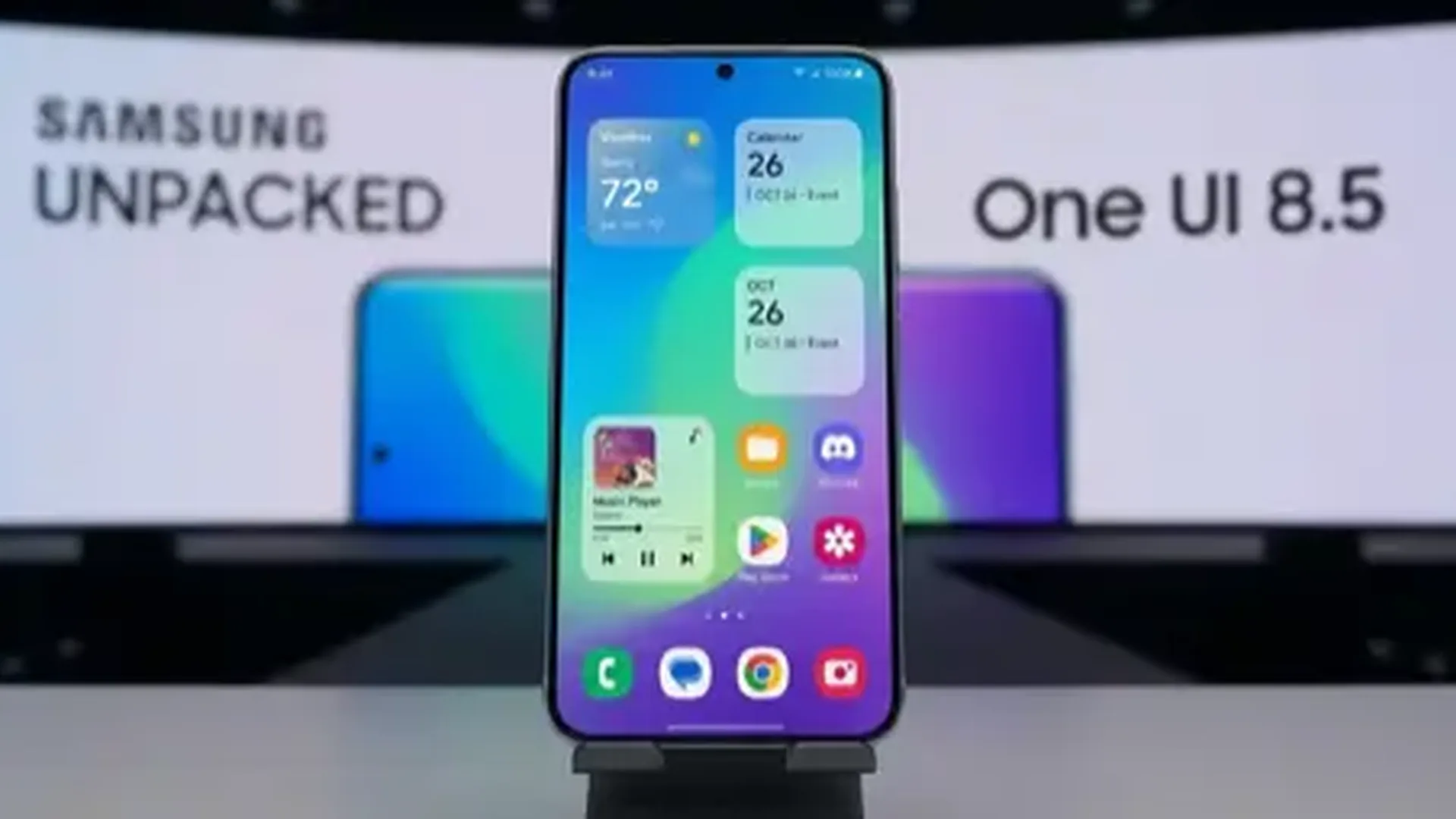
The Galaxy S26 series is expected to run One UI 8.5 out of the box — an intermediate upgrade that will bring additional AI features, improved Samsung DeX (possibly with a redesign based on Android 16 desktop mode), and further optimizations.
Samsung now follows an X.0 → X.5 pattern: the first version releases with Galaxy S devices, and the .5 update comes with Galaxy Z foldables or the next Galaxy S. Expect One UI 8.5 with the S26 in February 2027.
✅ Should You Update to Samsung One UI 8?
Yes, without hesitation — unless you have a Galaxy S22 (wait for the fix). One UI 8 won't change your life dramatically, but the small improvements (90:10 split-screen, Now Bar, camera controls) make daily use more pleasant. And of course, every security update closes vulnerabilities you don't want open.
Samsung maintains its position as the most reliable Android manufacturer for updates — after Google. The coverage from Galaxy S22 to S25, Fold 4 to Fold 7, and tablets across multiple generations shows an ecosystem that cares for its users long-term.