Tasker is the most powerful automation app on Android. If you can think of it, Tasker can probably do it. From automatic silent mode at the office to AI-powered routines — here is the ultimate guide for 2026.
📖 Read more: Top 50 Must-Have Android Apps 2026 | Best Samsung Apps
What Is Tasker?
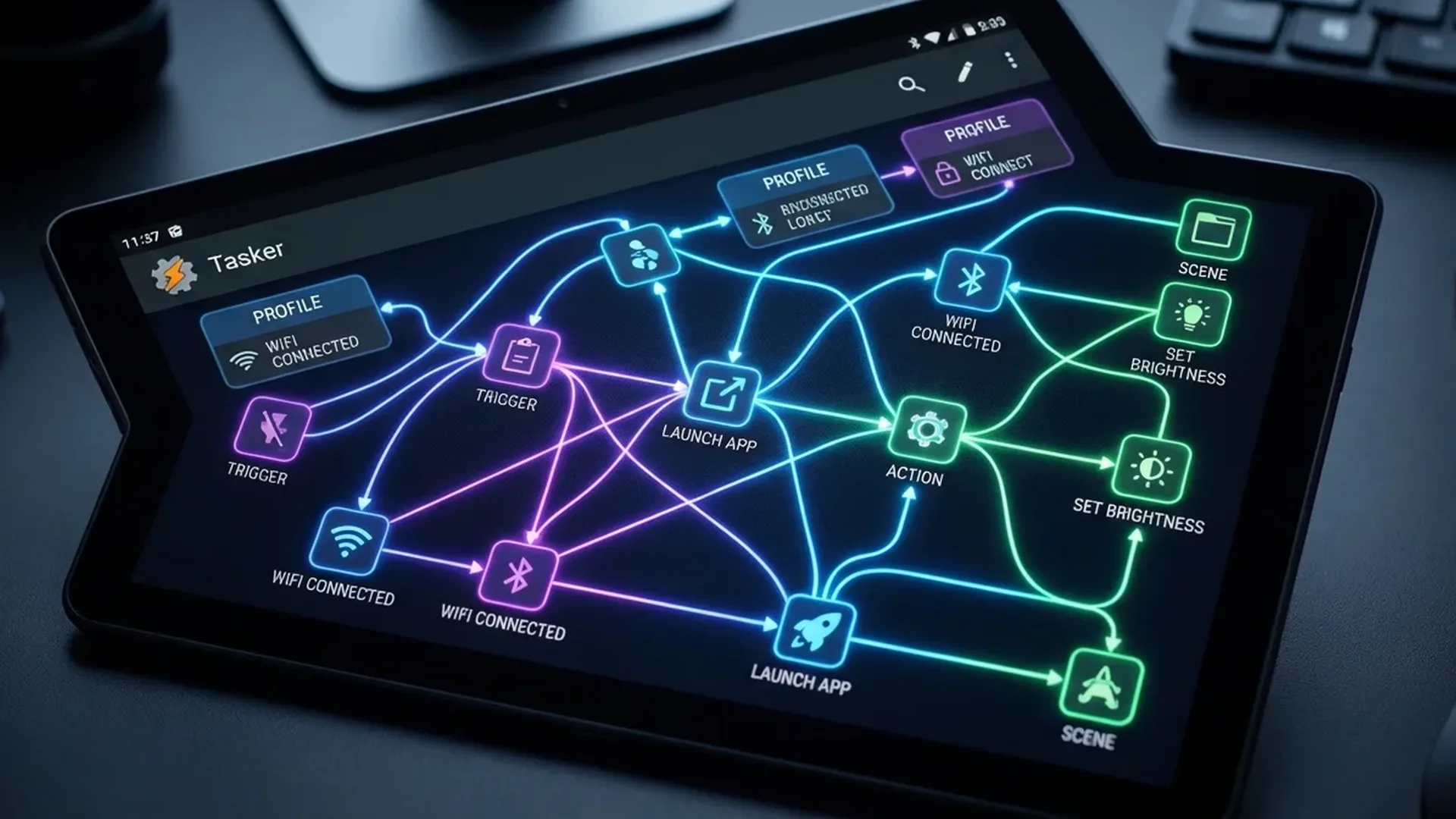
Tasker is an “if X, then do Y” app on steroids. The basic concept: you create Profiles (conditions) that trigger Tasks (actions). For example: “If I connect to home WiFi → Turn off GPS, set volume to 70%, open Spotify.” It does not require root for most use cases, costs a one-time €3.99 on the Play Store, and the community shares thousands of ready-made profiles for free.
10 Essential Profiles for Daily Use
1. Silent Mode at the Office
Trigger: Connect to “Office” WiFi or geolocation. Action: Set sound to vibrate, enable DND, reduce brightness. Reverses automatically when you leave.
2. Auto-Reply When Driving
Trigger: SMS or WhatsApp notification received. Action: Auto-reply “I'm driving, I'll call you back” when GPS speed exceeds 30 km/h.
3. Morning Routine
Trigger: Alarm dismissal. Action: Read weather aloud, display daily schedule, start playlist, set brightness to 80%.
4. Intelligent Battery Saver
Trigger: Battery drops below 20%. Action: Disable WiFi if not connected, reduce sync frequency, close background apps, set black wallpaper (saves battery on OLED screens).
5. Auto Hotspot
Trigger: Bluetooth connection with your laptop. Action: Enable mobile hotspot, display “Hotspot ON” notification.
📖 Read more: AI Photo Editor Android: 5 Top Apps
6. Smart Car Mode
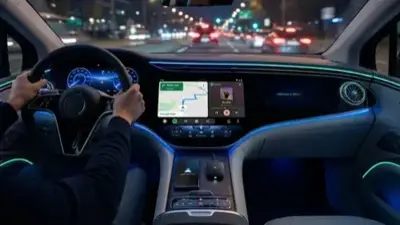
Trigger: Car Bluetooth connection or Android Auto. Action: Launch navigation (Google Maps or Waze), play last podcast, enable speakerphone, set volume to 100%.
7. Screenshot to PDF
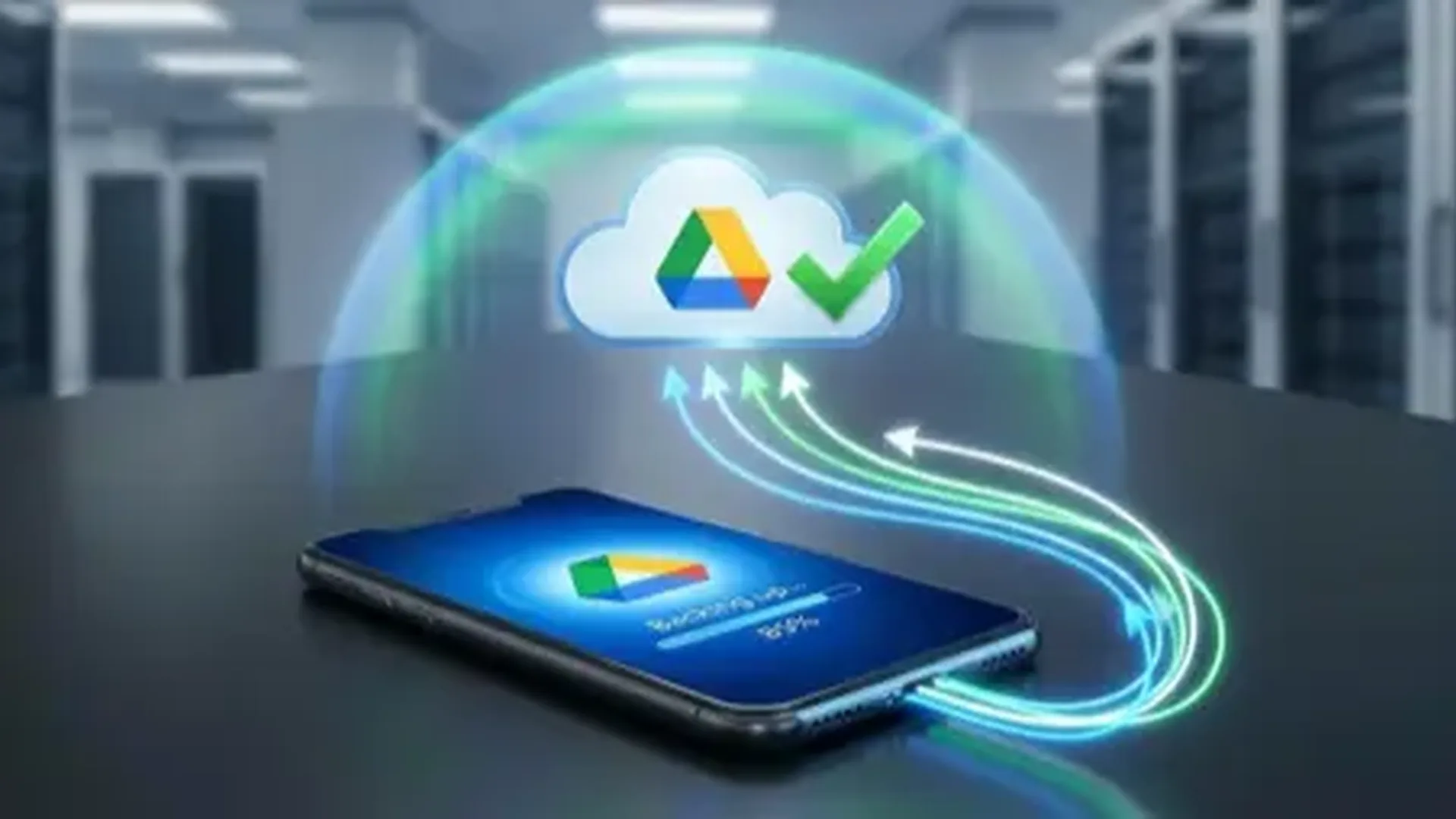
Trigger: Shake phone three times quickly. Action: Take screenshot, convert to PDF, save to Google Drive “Screenshots” folder.
8. Automatic Night Mode
Trigger: After 10 PM. Action: Enable blue light filter, reduce brightness to 30%, turn on DND, activate grayscale mode.
9. Meeting Mode
Trigger: Google Calendar event containing “Meeting.” Action: Silence calls, auto-reply to SMS, reduce notifications.
10. NFC Tag Automation
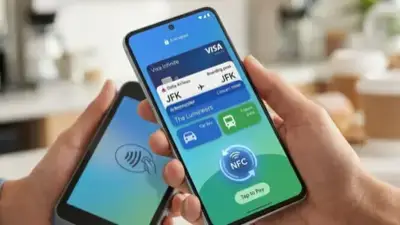
Trigger: NFC tag scan (tags cost about €0.50 each). Action: Each tag triggers a different action — one at the office, one on your nightstand, one in the car, one at the door.
Ready-made Profiles: Visit TaskerNet for thousands of community-created profiles. Just import and customize — no need to build anything from scratch.
📖 Read more: Digital Wellbeing: Reduce Screen Time
Plugins & Integrations
Tasker's true power lies in its plugin ecosystem:
- AutoInput: Automated taps and gestures in any app — UI automation without root access
- AutoVoice: Create custom Google Assistant commands linked to Tasker actions
- AutoNotification: Intercept, modify, dismiss, or create custom notifications
- Join: Connect Tasker across your phone, tablet, and PC — cross-device automation
- HTTP Request: Communicate with APIs — control smart home devices, upload data, trigger webhooks
Tasker vs Alternatives
Why choose Tasker over Samsung Bixby Routines or Google Routines? Simple: Bixby and Google Routines handle about 20 things. Tasker handles over 400. If you need basic automations, the built-in solutions are sufficient. If you want full control, deep context-awareness, and integration with APIs and IoT devices, nothing else comes close. Tasker is the undisputed champion of Android automation.
Is It Worth It?
The one-time €3.99 investment is the best purchase on the Play Store. Initially, you will need one to two hours to learn the logic. After that, you can automate everything that annoys you about your phone. Start with the 10 profiles described above, then gradually build your own. Once you start, there is no going back.
Sources: Tasker Official, TaskerNet Community