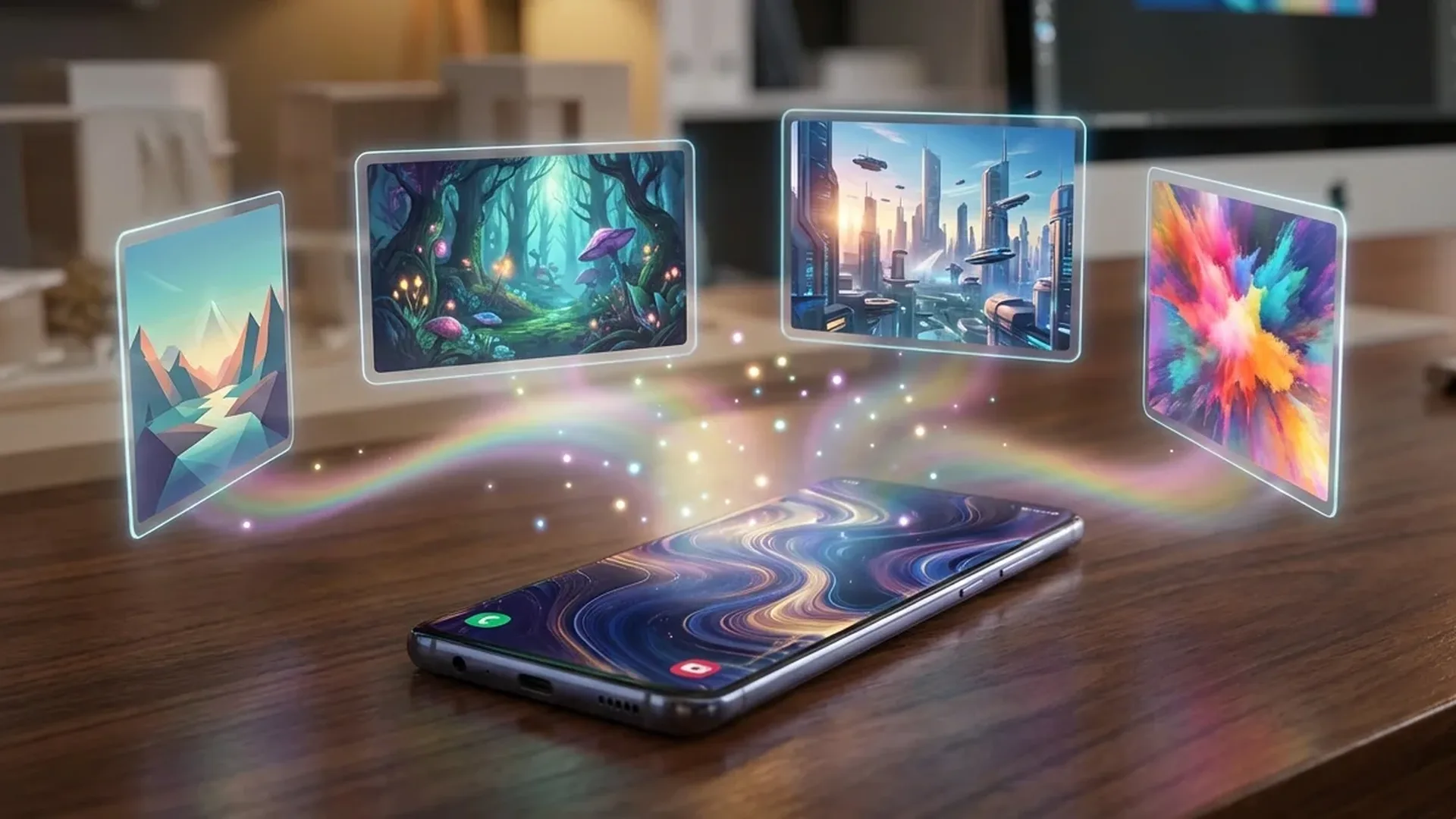
Tired of the same stock wallpapers? You can now create unique AI wallpapers on your Android — wallpapers nobody else will have. From Google's built-in AI wallpaper generator to third-party generative AI apps, here's how to transform your home screen into a work of art.
🎨 Pixel AI Wallpaper Generator: The Built-In Solution
Google pioneered AI wallpaper generation with the Pixel 8 series, and now on the Pixel 9, Pixel 10, and Pixel 10a, the feature is fully matured. How does it work? Go to Settings → Wallpaper & Style → AI Wallpaper and select a theme category (landscapes, abstract patterns, cosmic scenes, textures, etc.). Then customize parameters — colors, mood, style — and the system generates a completely original image at your screen's resolution.
The AI Wallpaper generator uses diffusion models based on Google's Imagen, the same technology powering Google Imagen in Gemini. The key difference is that it runs locally on-device — no internet needed after loading the model, and the wallpaper is created in 5-10 seconds.
💡 Tip: On Pixel 10, you can enable Auto-change AI Wallpaper which automatically generates a new wallpaper every time you unlock your phone — every unlock, a fresh image!
📱 Samsung Galaxy AI Wallpaper
Samsung didn't fall behind. With One UI 7 (Android 15) and One UI 8 (Android 16), the Galaxy S25, S26, Z Flip 7, and Z Fold 7 feature a built-in AI wallpaper generator in wallpaper settings. Samsung uses its own AI models through Galaxy AI, in partnership with Stable Diffusion technology.
The difference compared to Google: Samsung offers more vibrant color options and art-inspired categories (Art Deco, Watercolor, Digital Art, Retro Futurism). It can also use an existing photo as a base and apply an AI style on top — a form of “AI style transfer” that transforms your selfie into a painting.
🔥 Top 5 AI Wallpaper Apps for Android
1. FLAVOR — AI Wallpaper Generator
The most popular AI wallpaper app right now. Type a prompt (e.g., “cyberpunk city at sunset with neon lights”) and the app creates a 4K wallpaper in under 15 seconds. It runs on Stable Diffusion XL and the results are stunning. Free 3 creations/day, Pro: ~€4/month.
2. Tapet — Procedural Wallpapers
A different approach: Tapet (rated 4.6, over 5 million downloads) doesn't use text-to-image AI but procedural generation — algorithms that create geometric patterns, gradients, and abstract designs. Every button press produces a new pattern. Advantage: works 100% offline. Free with in-app purchases.
3. Lumina Wallpapers
Rated 4.7 on Play Store. Lumina combines curated high-quality AI wallpapers with a custom generation feature. The library includes thousands of AI-generated wallpapers categorized by themes (nature, space, abstract, anime, minimal, etc.). Free with premium (~€3/month) unlocking the custom generator.
4. GRUBL — Live AI Wallpapers
If you want live wallpapers, GRUBL (rated 4.7) offers 3D and 4D live wallpapers created with AI. Animations run smoothly even on mid-range devices, with minimal battery drain (2-4% per day according to the developer). Free library + premium: ~€5/month.
5. Walli — AI Art Community
Walli (rated 4.5, over 10 million downloads) takes a different approach: it's an artist community creating wallpapers — many now using AI tools. Every wallpaper is curated by a human team, so quality remains consistently high. Artists get paid based on downloads. Free with ads, premium ~€2/month.
📊 Comparison: Built-In vs Apps
| Feature | Pixel AI WP | Samsung AI WP | FLAVOR App | Tapet |
|---|---|---|---|---|
| Text Prompts | Limited | Limited | ✅ Full | ❌ |
| Offline | ✅ | ✅ | ❌ | ✅ |
| 4K Output | ✅ | ✅ | ✅ | ✅ |
| Live Wallpaper | ❌ | ❌ | ❌ | ❌ |
| Price | Free | Free | Freemium | Freemium |
🛠️ How to Create the Perfect AI Wallpaper
Regardless of which app you use, these tips will dramatically improve your results:
1. Write detailed prompts: Instead of “mountain”, write "snow-covered mountain peak at golden hour with dramatic clouds, 8K, cinematic lighting". The more specific, the better the result.
2. Consider your colors: Think about what icons you have on your home screen. If your icons are white, you need a dark wallpaper. If they're colorful, a minimal wallpaper works better.
3. Use negative prompts: In FLAVOR and similar apps, you can specify what you DON'T want: “no text, no watermark, no humans”. This removes unwanted elements.
4. Create sets: Make 5-10 wallpapers in the same style and put them in rotation. With Android widgets, you can automatically change wallpapers every day or every hour.
5. Resolution = screen resolution: Always create wallpapers at your phone's exact resolution (1080x2400, 1440x3200, etc.). Avoid stretching or cropping.
🔮 What's Coming: Dynamic AI Wallpapers
The next generation of AI wallpapers won't be static images. Google is experimenting with context-aware wallpapers — wallpapers that change based on time (daylight → sunset → night sky), weather (rain, sun, snow), and even your mood (via biometric data from a smartwatch). Samsung is developing similar technology with Galaxy AI Adaptive Wallpaper.
Additionally, video diffusion technology now enables the creation of smooth animated wallpapers via AI — imagine a natural landscape where trees sway in the wind and clouds drift by, all while consuming minimal battery because frames are pre-computed.
The era of “one wallpaper for everyone” is over. With the AI tools of 2026, every Android phone can have a home screen as unique as its owner.