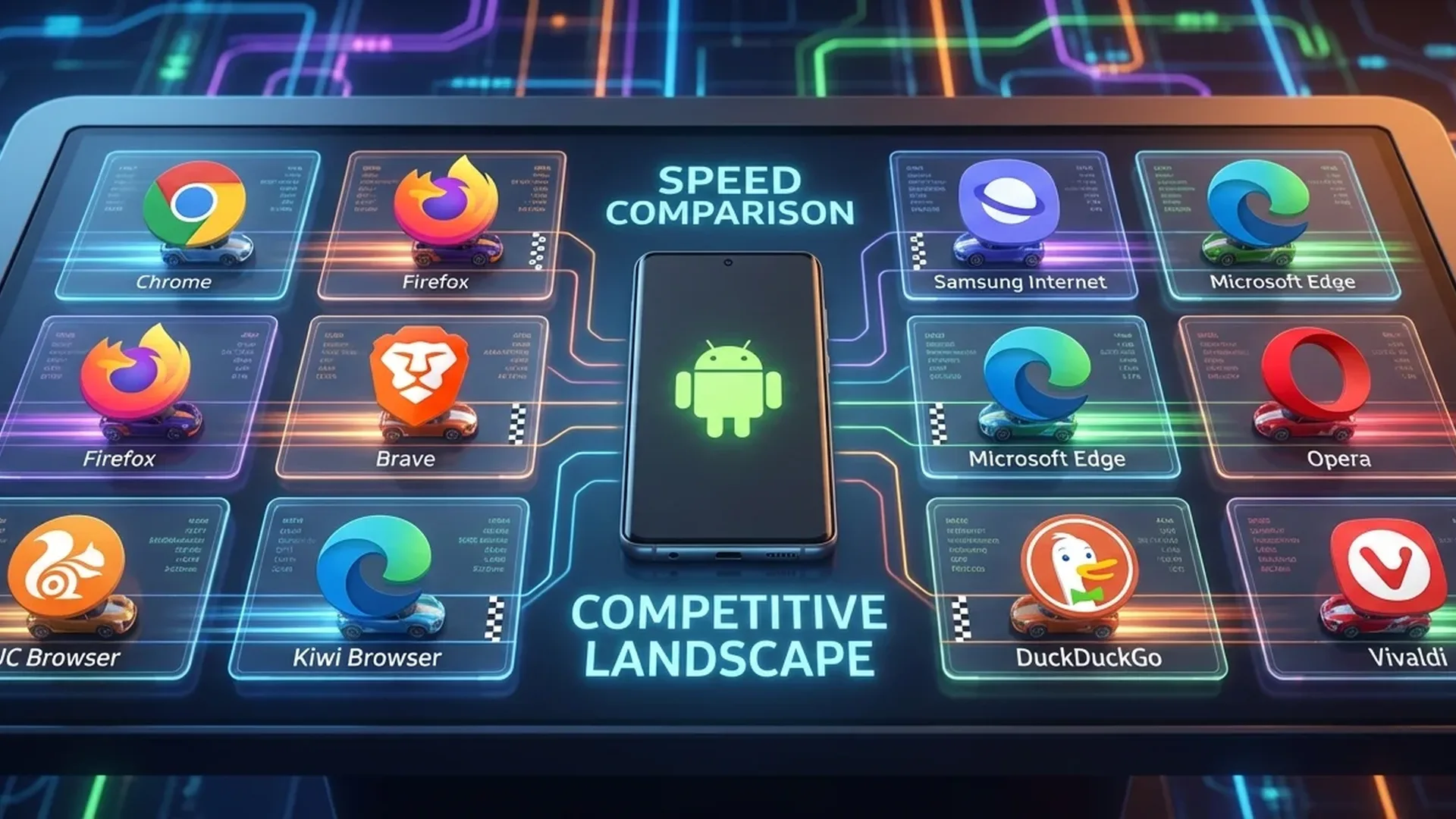
Top 10 Android Browsers 2026
1 Google Chrome
Android's default browser and the most popular worldwide. In 2026, Chrome integrates Gemini AI for page summaries, Tab Groups AI, enhanced Safe Browsing, and the new Password Manager. Fast, reliable, perfect sync with desktop Chrome — but weak on ad-blocking due to Manifest V3.
2 Brave Browser
The king of privacy. Built-in ad-blocking, tracker protection, fingerprint blocking — no extensions needed. Based on Chromium, so compatible with Chrome extensions. Brave's Leo AI assistant, Brave Search engine, and the ability to earn BAT tokens. Faster page loading since it blocks ads.
3 Samsung Internet
Underrated but excellent. Supports ad-blocker extensions (AdGuard, AdBlock Plus), Secret Mode, anti-tracking, Video Assistant. On Samsung devices, it integrates perfectly with Samsung Pass, Knox. Smart Anti-Tracking, customizable toolbar, and system-matching theme.
4 Firefox
The only major browser not based on Chromium — uses its own GeckoView engine. Extensions on mobile (uBlock Origin, Dark Reader), Enhanced Tracking Protection, Total Cookie Protection. New: Firefox AI for text summarization. Slightly slower than Chromium-based, but top-tier in privacy.
5 Vivaldi
The most customizable browser. Tab stacking, built-in ad blocker, tracker blocker, notes, screenshots, custom start page. Encrypted sync between desktop/mobile. Vivaldi sends no telemetry data — privacy respected. Ideal for power users who want full control.
6 Opera
Built-in free VPN, ad-blocker, Flow (sync between PC and mobile). Aria AI assistant that answers questions. Built-in crypto wallet. Speed Dial for favorites. Unique feature: data compression that saves mobile data.
7 DuckDuckGo Browser
Built exclusively for privacy. Fire Button erases everything with one tap, App Tracking Protection blocks trackers system-wide (like a VPN), Email Protection. Smoldering anti-tracking, minimal design. Few features, but does one thing perfectly.
8 Microsoft Edge
Chromium-based with Copilot AI built-in. Vertical tabs, Collections (save content), Sleeping Tabs, Copilot sidebar for AI chat while browsing. Syncs with Windows desktop. Built-in password manager and price comparison shopping.
9 Kiwi Browser
Open-source Chromium browser that supports desktop Chrome extensions on mobile. Meaning you can install uBlock Origin, Bitwarden, etc. Night mode, bottom address bar. Excellent choice if you want a Chrome-like experience with extensions.
10 Firefox Focus
Minimalist privacy browser from Mozilla. Every time you close it, everything is erased: history, cookies, cache. No tabs, no bookmarks — just fast, anonymous browsing. Ideal as a secondary browser for sensitive searches.
Comparison by Numbers
| Browser | Engine | Ad-Block | Extensions | AI | Privacy | Rating |
|---|---|---|---|---|---|---|
| Chrome | Blink | ❌ | ❌ | Gemini | ⭐⭐ | 4.3 |
| Brave | Blink | ✅ | ✅ | Leo AI | ⭐⭐⭐⭐⭐ | 4.7 |
| Samsung Internet | Blink | ✅ ext | Some | ❌ | ⭐⭐⭐⭐ | 4.4 |
| Firefox | Gecko | ✅ ext | ✅ full | AI Summary | ⭐⭐⭐⭐⭐ | 4.5 |
| Vivaldi | Blink | ✅ | ❌ | ❌ | ⭐⭐⭐⭐ | 4.3 |
| Opera | Blink | ✅ | ❌ | Aria | ⭐⭐⭐ | 4.2 |
| DuckDuckGo | WebView | ✅ | ❌ | ❌ | ⭐⭐⭐⭐⭐ | 4.1 |
| Edge | Blink | ❌ | ❌ | Copilot | ⭐⭐⭐ | 4.2 |
| Kiwi | Blink | ✅ ext | ✅ Chrome | ❌ | ⭐⭐⭐ | 4.0 |
| Firefox Focus | Gecko | ✅ | ❌ | ❌ | ⭐⭐⭐⭐⭐ | 4.0 |
Which One Should You Choose?
Our Verdict
For most users, Brave is the best all-around choice: fast, private, built-in ad-blocking, AI assistant. If you're in the Google ecosystem, Chrome remains reliable. And if you want extensions, Firefox is irreplaceable.