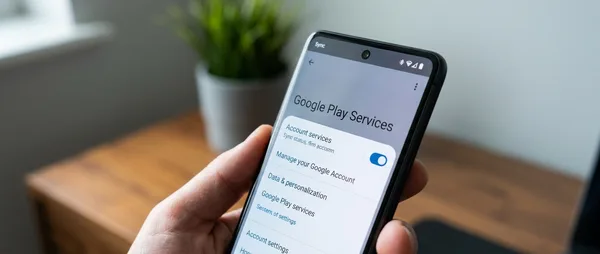
Google Play Services v26.10 just dropped with two features that solve real problems. Wi-Fi Sync automatically shares network credentials across your devices. Game trials let you test premium titles before buying. No fanfare, no flashy announcements — just practical fixes for everyday Android frustrations.
🔄 Wi-Fi Sync Kills Password Retyping Forever
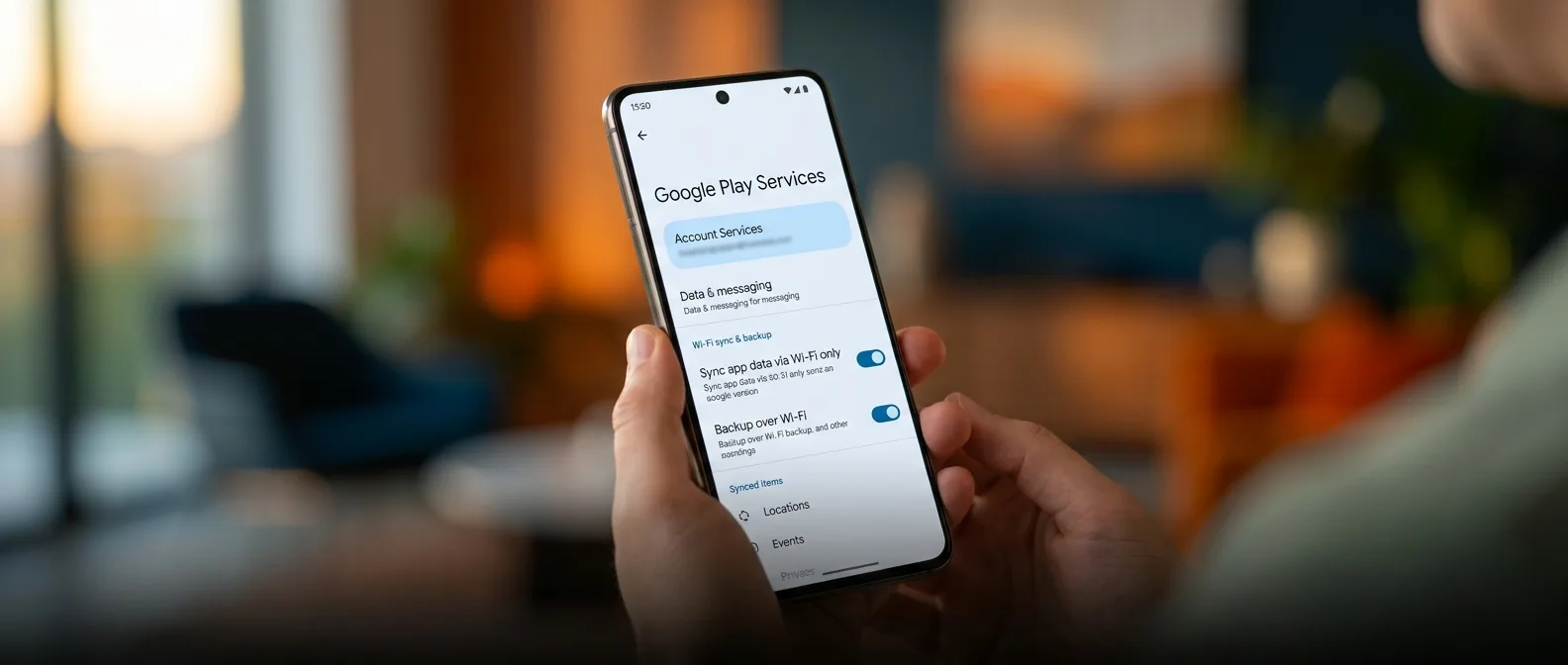
Type your Wi-Fi password once. That's it. Google Play Services v26.10 introduces Wi-Fi Sync, which automatically shares network credentials across every device logged into your Google account. Your phone connects to coffee shop Wi-Fi, your tablet gets access instantly.
The system works through Google's existing Cross-Device Services framework. When you join a network on one device, others nearby detect the connection and pull the credentials automatically. Google calls them "known, trusted" networks — translation: the system won't share every random hotspot you've ever touched.
How Wi-Fi Sync Actually Works
Your devices use Bluetooth Low Energy to discover each other within range. When one connects to Wi-Fi, it broadcasts encrypted credential data to nearby devices sharing the same Google account. The receiving devices decrypt and store the network information locally.
This isn't Google's first attempt at seamless connectivity. Pixel phones have shared hotspot credentials for years. But Wi-Fi Sync extends beyond Google's hardware to the entire Android ecosystem — including Windows PCs running Phone Link.
🎮 Game Trials: Test Before You Buy
Google Play Store v50.6 adds something the mobile gaming world has needed for years: actual game trials. Select premium titles now offer limited-time demos before purchase. Your progress carries over if you decide to buy the full version.
Google first teased this feature at last month's GDC Festival. The company promises seamless progress transfer from trial to full game — no starting over, no lost saves. Each trial has its own time limit, set by the developer.
Time-Limited Access
Trial duration varies by game, set by individual developers
Progress Preservation
Your saves and achievements transfer to the full version
Selected Titles Only
Not every premium game offers trials at launch
The trial catalog starts small. Google lists "selected" titles without naming specifics. Developer participation appears voluntary — each studio negotiates trial terms separately with Google.
⌚ Wear OS Gets Loading Animation Polish
Wear OS users get a minor but welcome upgrade. The Play Store now shows animated placeholders during page loads instead of blank white screens. Sounds trivial until you've waited 30 seconds for an app listing to appear on your wrist.
The animations don't speed up loading times. They just make the wait feel shorter — classic UX psychology applied to Google's slowest platform.
Cross-Device Services: The Bigger Picture
Wi-Fi Sync represents Google's broader push toward device ecosystem integration. Cross-Device Services already handles call switching, internet sharing, and app continuity between Android devices. Wi-Fi credentials are the latest addition to this connectivity suite.
Requirements are straightforward: Android 11 or newer, Bluetooth enabled, same Google account across devices. Google defines "nearby" as Bluetooth range but doesn't specify exact distances. Expect roughly 30 feet in ideal conditions.
"Where there's connectivity, it's fast and easily accessible"
Google, describing Wi-Fi Sync functionality
🚀 Rollout Timeline and Device Support
Google Play Services updates roll out gradually over weeks. The company announced these features officially, but your device might not see them for another month. Server-side switches control feature availability independent of app version numbers.
Samsung devices don't support Wi-Fi Sync yet. The Korean manufacturer uses its own hotspot sharing system and hasn't integrated Google's approach. Android Go devices also miss out due to hardware limitations.
How to Check for New Features
To verify Wi-Fi Sync availability:
- Open Settings
- Navigate to Google → Devices & sharing
- Look for Cross-device services
- Ensure Internet sharing is enabled
Game trials appear automatically in the Play Store. Look for "Try" buttons next to "Install" on supported premium titles.
📊 Google's Ecosystem Strategy in Action
These updates reflect Google's attempt to match Apple's ecosystem cohesion. Android has always been more fragmented, more open. But features like Wi-Fi Sync create iPhone-like seamlessness without sacrificing Android's flexibility.
Wi-Fi Sync targets multi-device users specifically. As tablets, smartwatches, and Chromebooks become standard, password reentry becomes a bigger pain point. Solve that friction, and users stay deeper in Google's ecosystem.
Security Questions and Battery Impact
Automatic credential sharing raises obvious security concerns. Google hasn't detailed encryption methods or storage protocols for Wi-Fi passwords during device-to-device transfer. The company promises "trusted" network filtering but doesn't explain the criteria.
Bluetooth dependency could affect battery life. Devices must maintain discovery mode for Wi-Fi Sync to function. Google has improved Bluetooth LE efficiency significantly, but constant scanning still drains power incrementally.
Game trials face different challenges. Developers must balance trial length against revenue protection. Too short, and players can't evaluate properly. Too long, and they might not purchase the full version.
These aren't groundbreaking features. They're practical solutions to everyday annoyances. Google continues refining Android's rough edges rather than chasing flashy headlines. Sometimes that's exactly what users need.
Sources: