

Imagine connecting your Galaxy to a screen and getting a full desktop experience — windows, taskbar, mouse, keyboard, and all your apps. That's Samsung DeX 2026, and it's now more powerful and versatile than ever. Complete usage guide.
🖥️ What Is Samsung DeX
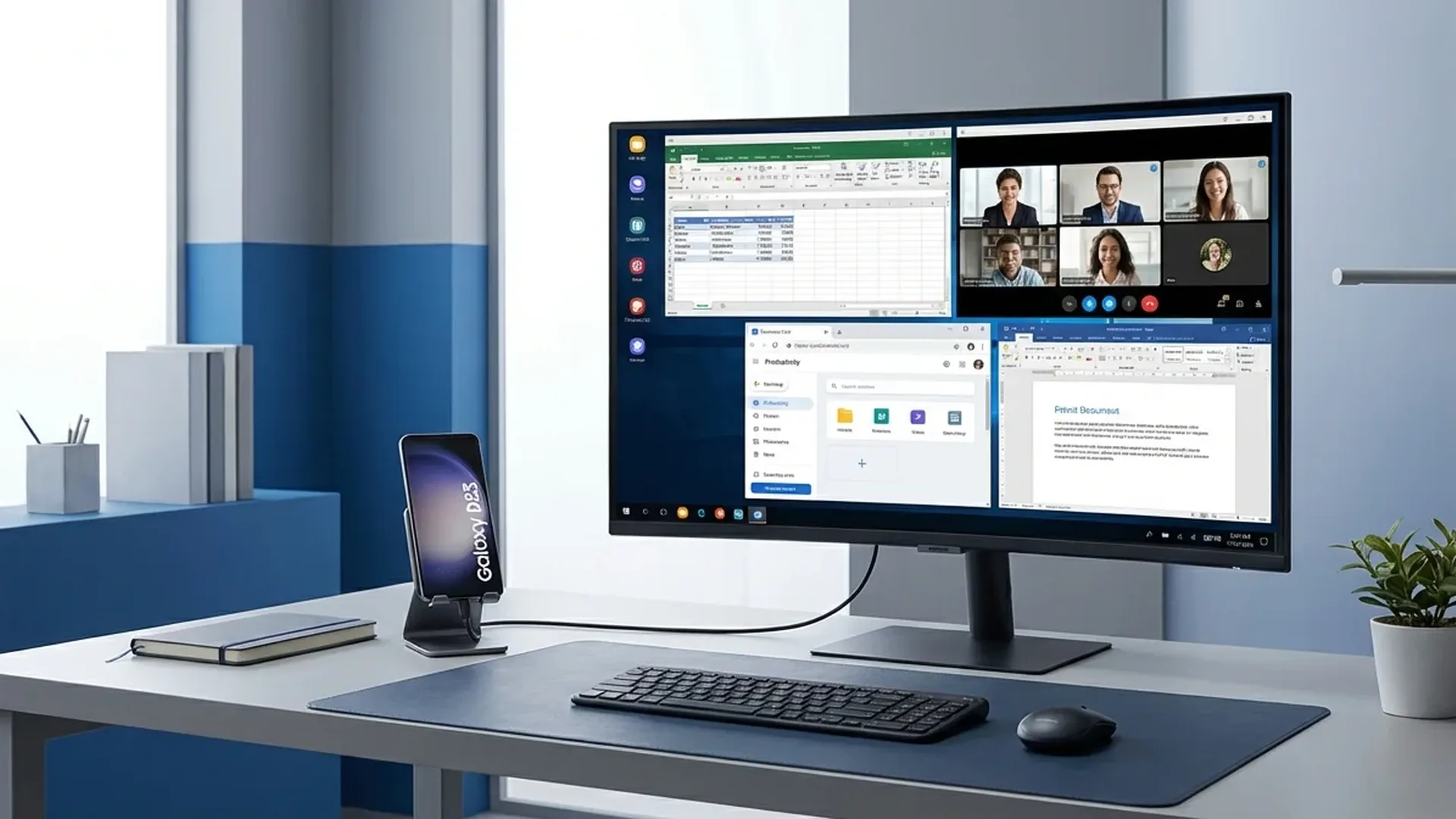
Samsung DeX (Desktop Experience) transforms your Galaxy into a desktop computer. Instead of a mobile UI, you see a full desktop environment: resizable windows, drag & drop, right-click menus, a taskbar with pinned apps, file manager, and multi-monitor support. Works wired (USB-C to HDMI/USB-C monitor) or wirelessly (Wireless DeX) on Smart TVs and monitors.
⚙️ How to Use DeX
Wired DeX
Connect your Galaxy via a USB-C to HDMI adapter (or USB-C to USB-C on a compatible monitor). DeX mode activates immediately. Connect a Bluetooth keyboard and mouse, or use your phone as a touchpad. Resolution reaches 4K@60Hz on compatible monitors.
Wireless DeX
Swipe down → Quick Settings → DeX → Select your Smart TV/monitor. Works via Miracast or Wi-Fi Direct. Resolution reaches 1080p wirelessly. While DeX runs on the TV, your phone can be used normally — two screens, two tasks.
DeX on PC/Mac
Download the Samsung DeX app on Windows or Mac. Connect your phone via USB-C. DeX runs inside a window on your PC — drag-and-drop files between phone and PC, copy-paste between both. Great for developers who want their phone accessible while working.
💼 Productivity: When DeX Shines
DeX shines in these scenarios: business travel (connect to hotel TV instead of carrying a laptop), presentations (connect to projector, use PowerPoint/Slides in desktop mode), remote work (full desktop Chrome, email, documents), and education (students without PCs).
The Microsoft Office suite, Google Workspace, Slack, Zoom, and Teams work fully in DeX mode. Chrome gets a desktop user agent — you see websites as on PC, not mobile. Samsung Notes, Samsung Internet, and MyFiles are fully DeX-optimized.
💡 Pro Tip: Get a USB-C hub with HDMI + USB-A + PD charging (~€25-40). This lets you connect a monitor, keyboard, mouse, and charge simultaneously — complete desktop setup.
🎮 Gaming on DeX
DeX supports cloud gaming: Xbox Cloud Gaming, NVIDIA GeForce NOW, Steam Link. Connect a Bluetooth controller, put your phone in DeX on a big screen, and play AAA titles at 1080p. Input lag on Wireless DeX is noticeable for competitive games, but great for casual gaming. Wired DeX has minimal lag.
📱 Which Devices Support DeX
| Device | Wired | Wireless | DeX on PC |
|---|---|---|---|
| Galaxy S26/S25/S24 Series | ✅ | ✅ | ✅ |
| Galaxy Z Fold 7/6/5 | ✅ | ✅ | ✅ |
| Galaxy Z Flip 7/6 | ✅ | ✅ | ✅ |
| Galaxy Tab S11/S10 | ✅ | ✅ | ✅ |
| Galaxy A56/A36 | ❌ | ❌ | ❌ |
Samsung DeX is one of the most underrated features in the Galaxy ecosystem. Used properly, DeX can literally replace your second laptop — especially for travel and presentations.