

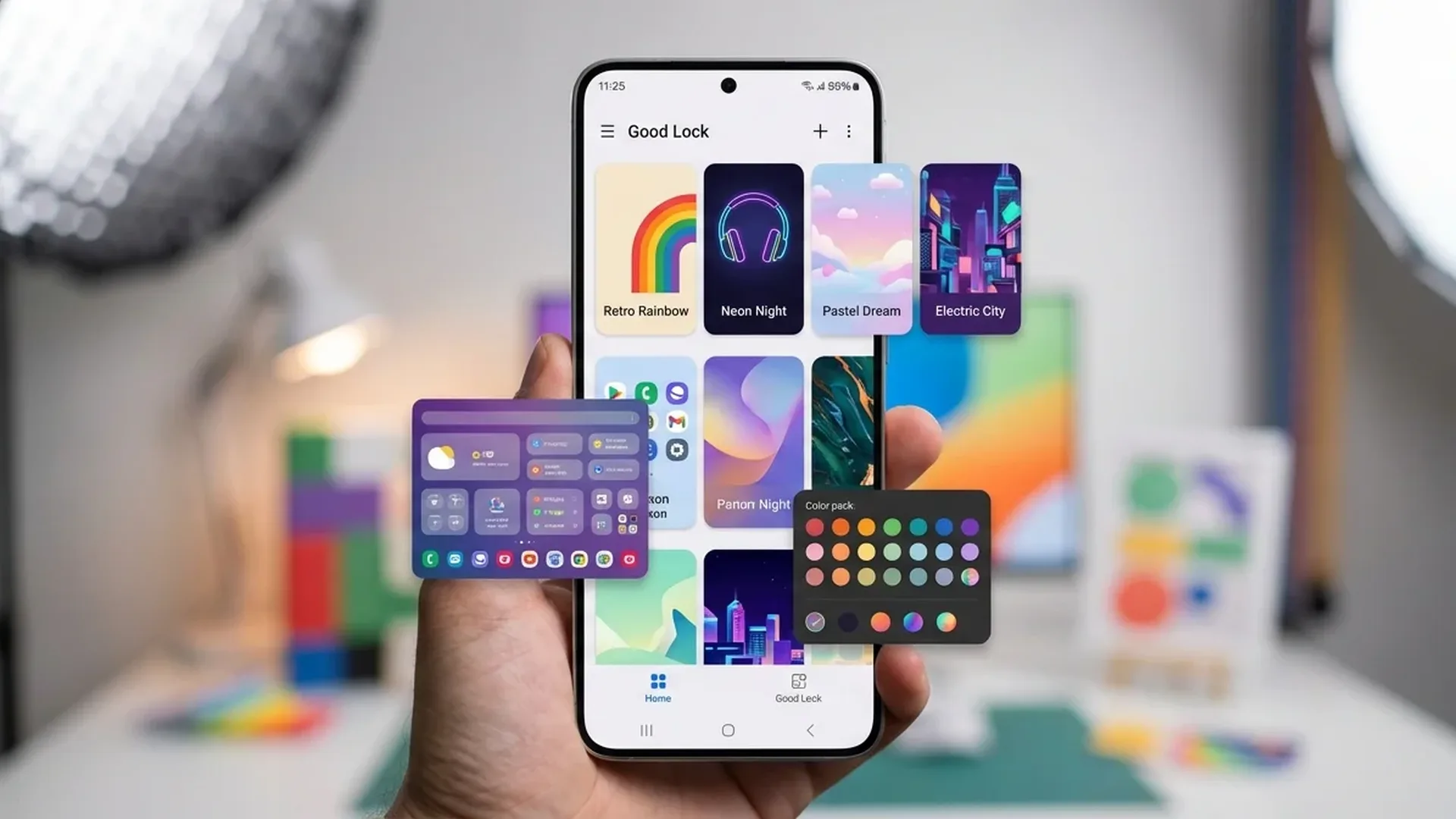
Samsung Good Lock is arguably the most underrated tool for Samsung users. This free app gives you access to dozens of customization modules that fundamentally transform the One UI experience. Here's the complete 2026 guide with all new modules.
🔧 What Is Good Lock?
Good Lock is an official Samsung app (available through Samsung Galaxy Store) that acts as a gateway to a collection of modules. Each module modifies a specific aspect of One UI — from the lock screen and notifications to camera settings and multitasking. Think of it as the “hidden Settings” Samsung doesn't put in the main menu.
The app is completely free, doesn't require root access, and works on all Samsung Galaxy devices running One UI 6 or newer. With One UI 8 (2026), Samsung added 4 new modules and upgraded several existing ones.
🎨 Top Modules in 2026
1. Theme Park — Create Your Own Themes
Change colors, icon shapes, backgrounds, and typography without third-party apps. New in 2026: AI Theme Generator — describe what you want and AI creates a complete theme including icons, wallpaper, and color palette.
2. LockStar — Lock Screen Customization
Modified layout, widgets, shortcuts, and clock styles for your lock screen. New 2026 widgets: step counter, calendar, music controls, and even mini games on the lock screen.
3. Home Up — Launcher Tweaks
Adjust grid size, folder layout, recent apps view, and popup view size. New in 2026: gesture customization — assign swipe actions to any area of your home screen.
4. MultiStar — Multitasking Pro
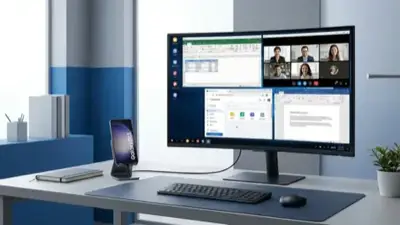
Open any app in split screen or popup view, even those that don't officially support it. New: App Pairs on Home Screen — create shortcuts that launch two apps simultaneously in split view.
5. Camera Assistant — Camera Settings
Auto HDR, shooting speed, quick tap shutter, smoothness prioritization. New in 2026: Astro mode shortcut and custom resolution presets.
Installation: Open Galaxy Store → search “Good Lock” → install → choose which modules you want. Each module installs separately.
🆕 New Modules for 2026
- Dropship: Transfer files instantly between Samsung devices without apps or cables — works via Wi-Fi Direct
- RegiStar 2.0: Customize Side Key gestures (double press, long press) to launch any app or shortcut
- Pentastic: Customize S Pen air gestures and button actions
- Wonderland: Create animated, parallax wallpapers that react to your phone's accelerometer
⚙️ Advanced Tips
Some hidden tricks many users don't know about:
- Routine+ (via Routines): Create automations based on location, time, or Wi-Fi/Bluetooth connections
- Sound Assistant: Set per-app volume and separate output devices per app (e.g., Spotify to speakers, YouTube to headphones)
- NotiStar: Complete notification history — even those you accidentally dismissed
- Edge Touch: Adjust touch sensitivity on screen edges — critical when using a case
Good Lock transforms a Samsung Galaxy into a truly personalized smartphone. If you haven't tried it yet, start with Theme Park, Home Up, and MultiStar — it will change how you use your phone.
Sources: Samsung Good Lock, SamMobile