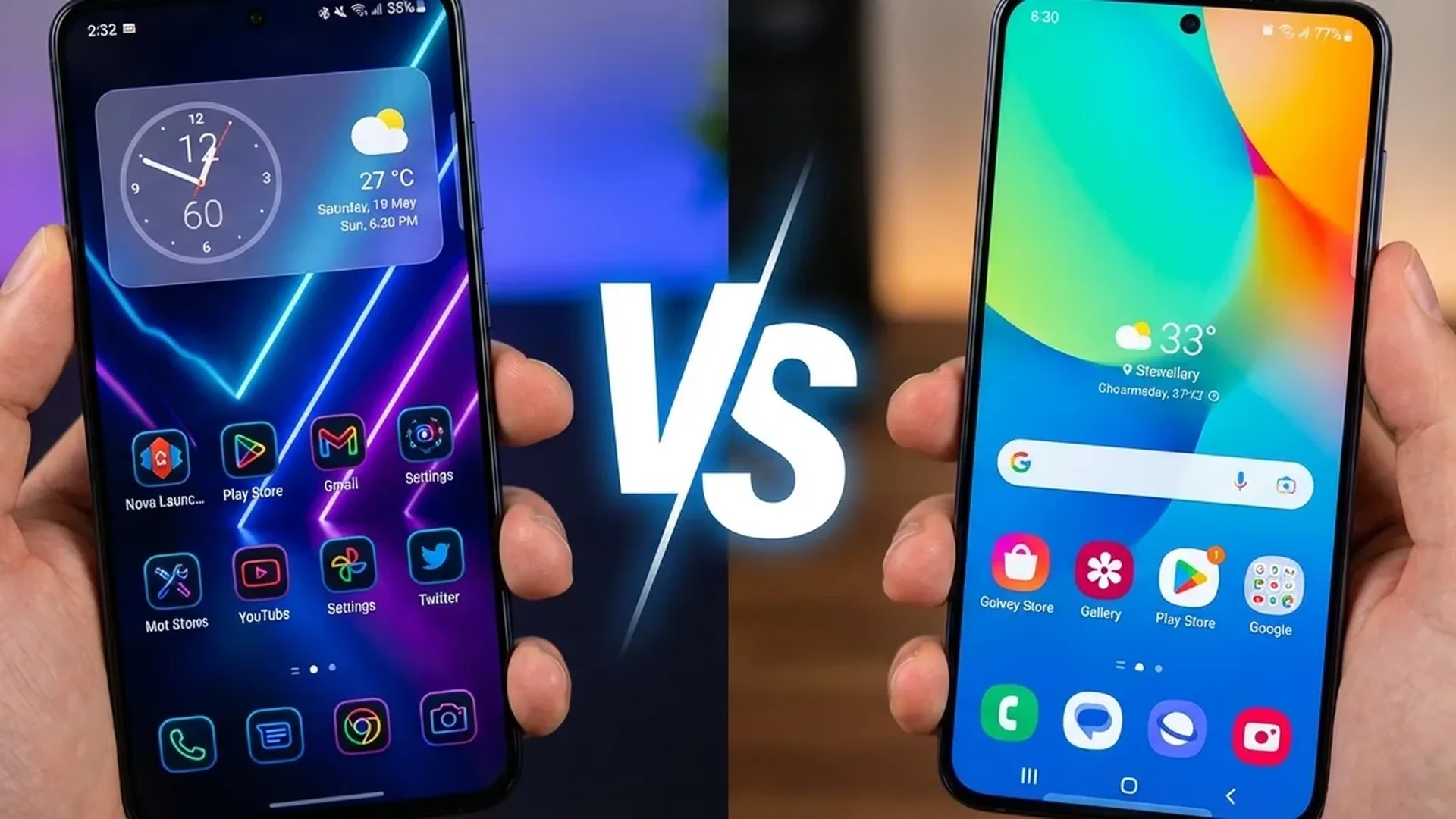
Choosing the right launcher on Android is one of the most impactful customization decisions you can make. In this detailed comparison, we pit two heavyweights against each other: Nova Launcher — the undisputed king of third-party launchers with over 50 million downloads — versus One UI Home, Samsung's stock launcher powering hundreds of millions of Galaxy devices worldwide.
📱 What Is a Launcher and Why Does It Matter?
A launcher is the app that controls your home screen, app drawers, navigation gestures, and overall visual experience. By switching launchers, you can completely transform your phone's user experience without root access or modifications. On Android, unlike iOS, this freedom is one of the operating system's greatest advantages.
Nova Launcher has been around since 2012 and remains the most popular third-party launcher. With a 4.5 rating on the Play Store and over 50 million installs, it offers extreme customization in every aspect. One UI Home is Samsung's default launcher, designed specifically for the One UI ecosystem with deep integration into Samsung services.
🎨 Customization: Where Each Launcher Excels
Nova Launcher: The Customization King
Nova Launcher offers unmatched customization freedom. You can change literally everything: grid size (up to 12x12), icon size, animations, app drawer layout, per-icon gestures, drawer tabs, folders with custom appearance, dock pages, Sesame search integration, and dozens more options. The free version is already powerful, while Nova Prime (one-time purchase ~€5) unlocks gestures, unread counts, custom tab groups, and icon swipe actions.
One of Nova's standout features is icon pack support. It works with thousands of icon packs from the Play Store, completely changing your phone's visual identity. You can even set different icon packs per folder or per icon. Combined with KWGT widgets, you can create home screens that look like iOS, Windows Phone, or entirely unique designs.
One UI Home: Samsung's Polished Experience
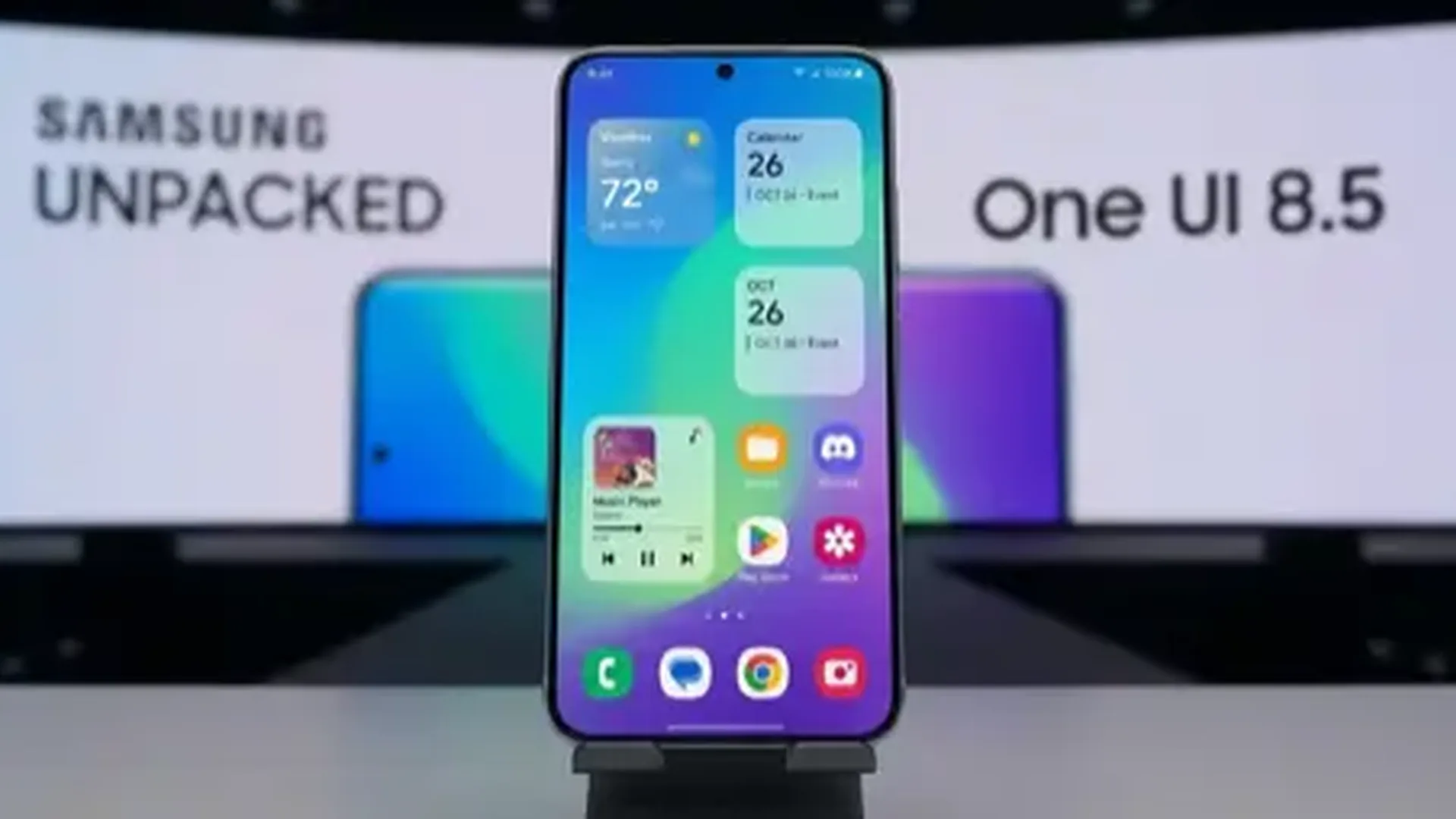
One UI Home can't compete with Nova in raw customization, but it excels in delivering a refined, polished experience. With One UI 7 and 8, Samsung added custom icon packs (via Theme Store), new grid options, stacked widgets, and smoother animations. Its greatest strength is deep integration with Edge Panels, Samsung DeX, Bixby Routines, Good Lock modules, and Galaxy AI features.
With Good Lock (Samsung's free customization app), One UI Home becomes much more customizable: the Home Up module provides grid control, folder customization, blur effects on the dock, and more. Theme Park provides full color control, and LockStar transforms the lock screen. Essentially, Good Lock turns One UI Home into something much closer to Nova's level.
⚡ Performance and Speed
One UI Home has a significant advantage: it's a system app. This means it always runs in the background without risk of being killed by memory management. Nova Launcher, as a third-party app, can sometimes be closed by aggressive battery management on certain devices, causing redraw lag — a brief delay when returning to the home screen.
In terms of raw speed, the difference is minimal on flagship Galaxy phones (S26, S25). Nova runs lighter on RAM (roughly 80-120MB vs 150-200MB for One UI Home), but the practical difference is imperceptible. On budget Galaxy phones (A series), One UI Home is noticeably smoother since it doesn't need the overhead of third-party launcher loading.
💡 Pro Tip: If you're using Nova on Samsung, go to Settings → Battery → Sleeping apps and remove Nova Launcher. This prevents the system from killing it in the background.
📊 Detailed Feature Comparison
| Feature | Nova Launcher | One UI Home |
|---|---|---|
| Grid Customization | Up to 12x12 | 4x5, 4x6, 5x5, 5x6 |
| Icon Packs | Thousands (Play Store) | Via Theme Store |
| Gestures | 20+ custom gestures | Basic (swipe up/down) |
| App Drawer | Tabs, folders, custom sort | Alphabetical/Custom |
| Widget Stacking | Via plugin (KWGT) | ✅ Native (One UI 7+) |
| Edge Panels | ❌ | ✅ Native |
| DeX Integration | ❌ | ✅ Native |
| Galaxy AI | ❌ | ✅ Native |
| Backup/Restore | ✅ Full | Via Smart Switch |
| Price | Free / Prime ~€5 | Free (pre-installed) |
🔄 Gestures and Navigation
Nova Launcher offers the most comprehensive gesture system of any Android launcher. You can configure double tap, swipe up, swipe down, pinch, two-finger swipe, and per-icon gestures on every individual icon or folder. Want a double tap on the home screen to open the flashlight? Swipe up on an app icon to open a related app? All of this is possible. This dramatically reduces the number of taps needed for frequent actions.
One UI Home offers basic gestures (swipe down for notifications, swipe up for drawer) but doesn't allow custom per-icon gestures. With One Hand Operation+ (a Good Lock module), you can configure edge gestures (swipe from the screen edge), but these are system-level and not launcher-specific.
🤖 AI Features and Future Evolution
This is where One UI Home has a clear advantage. Galaxy AI features — Circle to Search, AI wallpapers, Smart Suggestions, Now Brief — work natively only with One UI Home. Nova Launcher cannot integrate these features because they rely on Samsung APIs unavailable to third-party apps.
The Nova Launcher team (now part of Branch) is working on its own AI features, such as predictive app suggestions based on usage and context, but they can't match the integration depth Samsung has within its own ecosystem.
Looking ahead, Samsung plans even deeper AI integration in One UI Home with One UI 8 — adaptive layouts that change based on usage, AI-curated widgets, and intelligent app organization. Nova will continue to excel in raw customization, but the AI gap will grow wider.
🏆 Final Verdict: Which Should You Choose?
Choose Nova Launcher if: You want extreme customization, enjoy experimenting with icon packs and themes, use KWGT widgets, want gesture shortcuts everywhere, or find the stock launcher insufficient. It's the best launcher for users who want absolute control.
Choose One UI Home if: You value deep integration with Samsung services (DeX, Good Lock, Galaxy AI), prefer a refined out-of-the-box experience, don't want compatibility issues with system features, or heavily use Galaxy AI features. Combined with Good Lock, One UI Home becomes very capable without the downsides of a third-party launcher.
Our take: For 2026, if you own a Samsung Galaxy flagship, One UI Home + Good Lock is the optimal combo. Samsung's AI integration and system launcher stability give it an edge. But if customization matters more than integration, Nova remains the undisputed king.