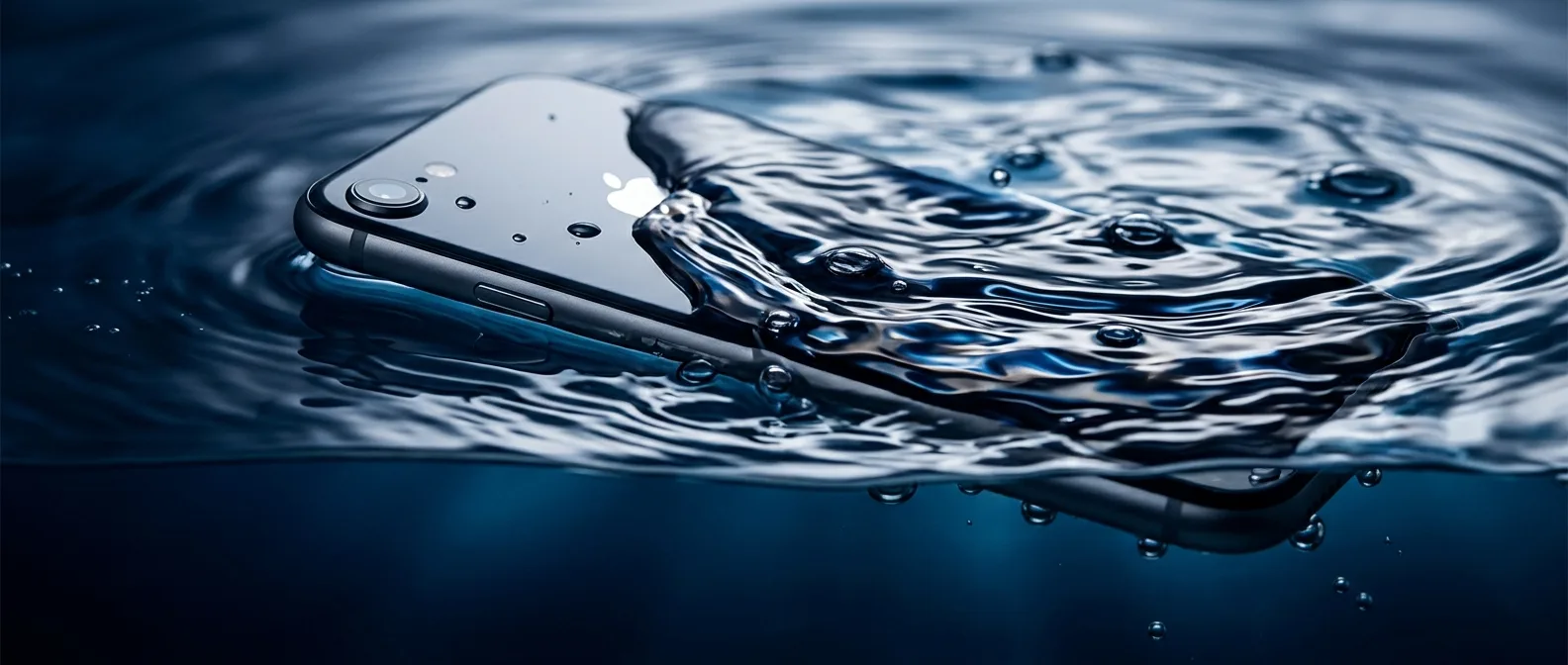
Your iPhone just hit water. Take a breath — and read these 7 steps before you do anything else. Water doesn't destroy phones by itself. The wrong move in the first few minutes can make everything worse. OnOff.gr's tech team breaks down what you must do — and what to avoid at all costs.
🚨 7 Steps You Must Take RIGHT NOW
- Pull it out immediately The faster you extract it, the less water penetrates. Every second counts.
- Power it off instantly (if it hasn't shut down already) Hold the power button and force shutdown. DO NOT try to turn it on — this can cause short circuits.
- Wipe the exterior with a soft cloth Gently dry the surface — especially the charging port, speakers, and microphone. Don't wipe aggressively or you'll push water deeper.
- Remove the SIM card Use the SIM ejector tool and pull out the tray. Remove the SIM and leave the tray out so the slot can dry.
- Place it in a warm, ventilated area — NOT in rice The rice myth doesn't work. Just leave it in a warm room with air circulation for several hours.
- DO NOT charge it if there's moisture iOS 16+ will automatically warn you if it detects moisture in the Lightning/USB-C port. Pay attention to this warning and don't rush to dismiss it.
- Get to a repair shop as soon as possible Even if it seems to work, moisture causes slow damage. Corrosion appears later if the internals aren't cleaned.
💡 iPhone Water Damage: Do's and Don'ts
✅ Do This
- Power off immediately
- Wipe exterior gently
- Remove the SIM
- Leave in warm dry place
- Get to a technician quickly
❌ Never Do This
- DON'T turn it on immediately
- DON'T charge it with water inside
- DON'T put it in rice
- DON'T put it in a microwave
- DON'T shake it — you'll spread the water
🍚 Why the "Rice Method" Fails
The rice myth has survived decades — but it doesn't work for smartphones. Rice absorbs moisture from the air, not from inside a phone. Water damage isn't just from liquid water — it's from the metallic trace elements it leaves behind as it evaporates. These cause oxidation and corrosion on motherboard contacts.
🔍 What We Check During iPhone Water Damage Diagnosis
At OnOff.gr, every water-damaged iPhone goes through complete damage diagnosis (€8.06). We examine:
- Motherboard — oxidation and corrosion points
- Battery — capacity loss due to water exposure
- Charging port — common failure point
- Cameras — sensitive sensors damage easily
- Speakers and microphones — often get clogged
- Face ID — the sensor is water-sensitive
💰 iPhone Water Damage Repair Costs
Cost depends on the model and extent of damage. Here's our pricing for each model:
| iPhone Model | Water Damage Repair Cost |
|---|---|
| iPhone 16 Pro Max / 16 Pro / 16 / 16 Plus | €60.40 |
| iPhone 15 Pro Max / 15 Pro / 15 Plus | €60.40 |
| iPhone 15 | €49.92 |
| iPhone 14 Pro Max / 14 Pro / 14 Plus / 14 | €48.31 |
| iPhone 13 Pro Max / 13 Pro / 13 / 13 Mini | €48.31 |
*Price covers cleaning and water damage repair. If there's additional damage (e.g., destroyed battery or screen), the corresponding part cost is added. Diagnosis costs €8.06 and is deducted from the final repair cost.
📊 What Are Your iPhone's Survival Odds?
Depends on three factors:
Sources:
Water damage pricing: OnOff.gr — iPhone Water Damage Repair
IP68 rating specs: Apple Developer Documentation
iPhone Wet? Come Now!
At OnOff.gr on Ioulianou 50 we accept water-damaged iPhones with free diagnosis. The faster you come, the better your chances of recovery.
Repair Prices Book Appointment