📖 Read more: iPhone 17 Pro: 10 Tips for Professional Photography
How Night Mode Works
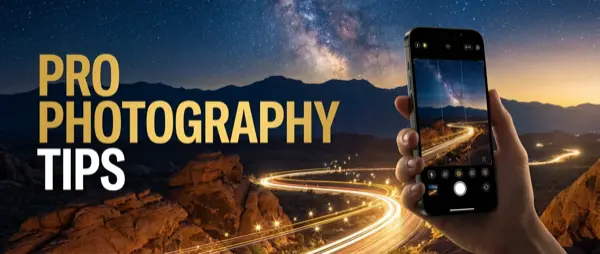
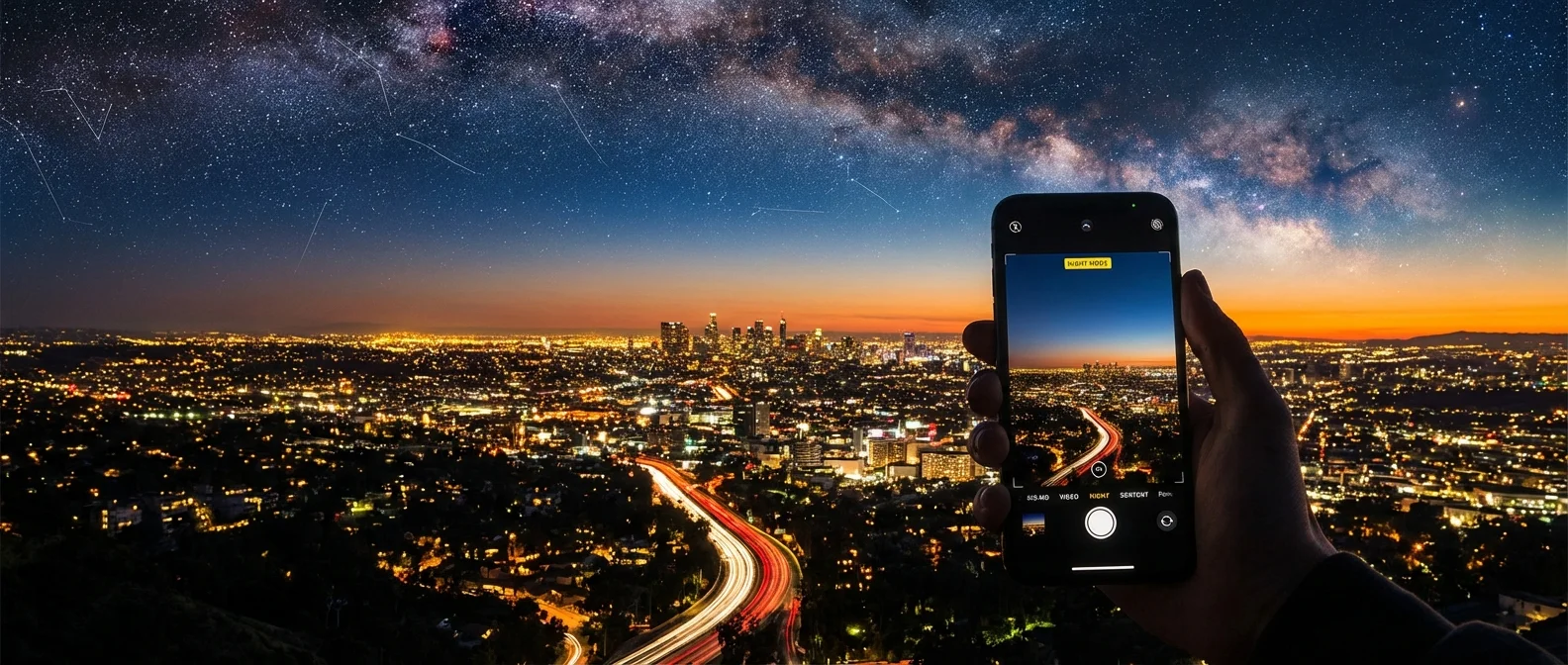
Night Mode activates automatically when the sensor detects low light — a yellow moon icon appears at the top of the screen. Exposure time adjusts automatically from 1 to 30 seconds depending on stability and lighting conditions. With a tripod, it unlocks a full 30-second exposure — enough even for stars ✨.
Behind the scenes, the Photonic Engine combines the best pixels from multiple images, while Deep Fusion analyzes every pixel individually in mid-to-low lighting to bring out textures and detail. The result: 24MP photos with detail drawn from an image twice the resolution.
Important: On the iPhone 17 Pro, Night Mode is no longer available in Portrait mode. This change was confirmed by Apple in December 2025. However, you can still take a regular Night Mode photo and add Portrait blur afterward via the Photos app.
Triple 48MP — The Best iPhone Sensor Ever
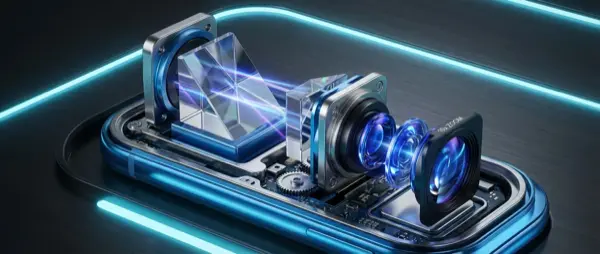
For the first time, all three lenses are 48MP 📸. The main Fusion lens (ƒ/1.78) with 2nd-generation sensor-shift OIS delivers the best low-light results. The Ultra Wide (ƒ/2.2, 120°) doubles as a macro lens. The new Telephoto uses a 56% larger sensor than its predecessor, offering 4× optical zoom at 100mm and 8× optical zoom at 200mm.
Essential Night Shooting Settings
1. Exposure Time
Tap the Night Mode icon and drag the slider to select exposure time. For handheld shots, keep it at 3-5 seconds. With a tripod, push up to 30 seconds for results that five years ago required a DSLR 🏆. In very low light, longer exposures produce cleaner images with significantly less noise.
2. Stability — The Key to Success
Hold the iPhone steady with both hands and brace against a surface . Even better, use a tripod — it automatically unlocks longer exposure times. The Camera Control (physical button on the right side) lets you take a photo without tapping the screen, reducing shake. Alternatively, enable the 3-second timer.
📖 Read more: iPhone 17 Pro 8× Zoom: Is the Telephoto Worth It?
Tips for Night Photography
Avoid Light Sources in Frame
Bright spots (street lights, neon signs) can cause lens flare and blown-out highlights. Try to keep them out of frame or use them creatively as compositional elements 🌆.
Choose the Right Lens
The main 48MP lens (1×) at ƒ/1.78 has the largest sensor — always your first choice in low light. The Ultra Wide (0.5×) creates atmospheric shots but with more noise. Note: the Telephoto at 8× (200mm) produces softer images at night — stick to 4× at 100mm for better quality .
Long Exposure with Live Photo
Take a Live Photo at night (cars, city lights, water). In the Photos app, swipe up and select the "Long Exposure" effect ✨. It creates magical light trails without a tripod or third-party app.
ProRAW for Maximum Quality
In Settings → Camera → Formats, enable Apple ProRAW . Capture night photos in 48MP RAW — ideal if you plan to edit in Lightroom or Snapseed. ProRAW files retain significantly more information in dark areas.
"With a tripod and 30 seconds of exposure, the iPhone 17 Pro delivers results that five years ago required a DSLR — the new triple 48MP sensor with Photonic Engine brings professional-level photography to your pocket."
— MacRumors Camera ReviewAstrophotography
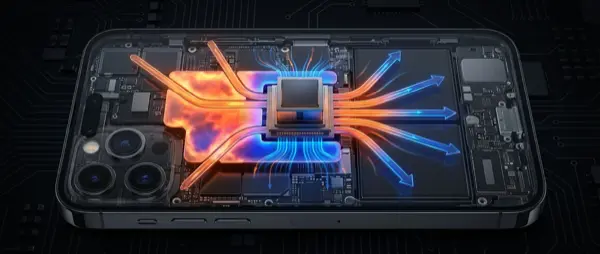
With a tripod and long exposure (30 sec) , you can photograph the night sky. Find a dark location away from city lights, use the main 1× lens, point high in the sky, and let the iPhone do its work 🌟. The vapor chamber cooling of the A19 Pro ensures the processor won't overheat during long exposures — a problem that affected older models.
Pro Tip: Use the Action Button for instant camera launch without unlocking. Set it up in Settings → Action Button → Camera. Enable the 3-second timer before shooting to avoid shake from pressing .