


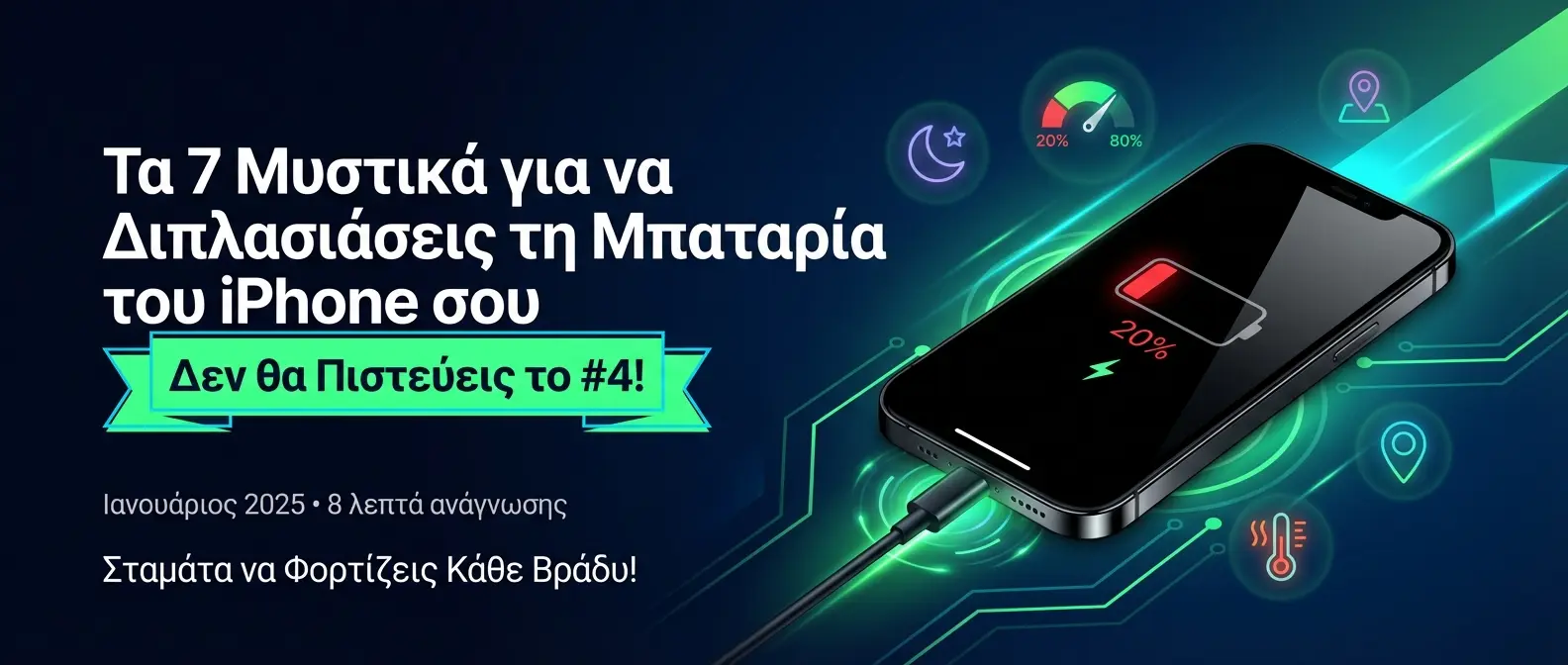
Stop Charging Every Night!
Your iPhone dies by 3 PM. Battery health dropped below 80%. You're tired of hunting for chargers. Here's what works. After digging through research from Purdue University, Battery University, and Apple's own data, here's what repair techs actually do to triple battery lifespan. These seven iPhone battery secrets can double — or even triple — your daily runtime. Secret #4 delivers the biggest impact.
📖 Read more: Apple Maps 2026: New Features & F1 Live
📖 Read more: Battery Health iPhone: Check & Protect Guide 2026
🔋 The 7 Secrets That Change Everything
Dark Mode: The 42% Secret
Purdue University proved Dark Mode saves 39-47% battery at maximum brightness! But here's the catch: at normal brightness levels (30-40%), savings drop to just 3-9%.
How to Apply: Settings → Display & Brightness → Dark. Maximum savings happen in bright environments!
The 20-80% Rule: Triple Your Battery Lifespan
Scientific studies prove charging between 20% and 80% extends battery life from 300-500 cycles to 1,200-2,000 cycles!
📖 Read more: Face ID iPhone: Evolution & Security Tips
iPhone 15 & newer: Settings → Battery → Battery Health & Charging → Charging Limit 80%
Background App Refresh: The Silent Killer
Background App Refresh is one of the biggest battery drains. When Low Power Mode activates, this is the first feature Apple shuts down!
Setup: General → Background App Refresh → Off for most apps. Keep only the essentials!
🔥 THE HEAT MANAGEMENT TRICK
Temperature: The Invisible Enemy
Apple's official data shows a battery stored at 140°F (60°C) for 3 months loses 40% of its capacity! Even at 104°F (40°C), it loses 35% in one year!
📖 Read more: Focus Modes iOS 26: Notification Customization
The Trick: Never charge a hot iPhone! Never leave it in a hot car! If it heats up while charging, remove the case!
Low Power Mode: +43% Battery Life
Tests show Low Power Mode extends standby time by 43%. It reduces GPU performance by 37% but doubles your runtime!
Pro Tip: Enable from Control Center or set it to auto-activate at 20%
Location Services: 13% Battery Drain
Studies show GPS apps can drain 13% of your battery throughout the day. The GPS chip constantly consumes power when active!
📖 Read more: Health App iPhone 2026: AI Health Features
Strategy: Settings → Privacy & Security → Location Services. Change from "Always" to "While Using App"
Widgets & Notifications: 20% Savings
Recent studies prove removing iPhone widgets can reduce battery consumption by 20%! Widgets constantly refresh in the background!
Action: Remove unnecessary widgets from your home screen and lock screen. Keep only the essentials!
✅ Immediate Action Checklist
📖 Read more: 7 Secrets to Double Your iPhone Battery Life in 2024
❓ Frequently Asked Questions
📖 Read more: 5 Mistakes That Are Killing Your iPhone Battery
🔧 Professional Care for Your iPhone
At onoff.gr we restore your phone to peak performance.
Battery replacement, screen repair, upgrades — all with reliability.
Trust our experts and give new life to your device.
onoff.gr – The care your iPhone deserves.
📚 Also Read
7 Secrets to Double Your iPhone Battery Life
Discover the scientifically proven secrets that experts use to extend iPhone battery life by up to 300%!
Read more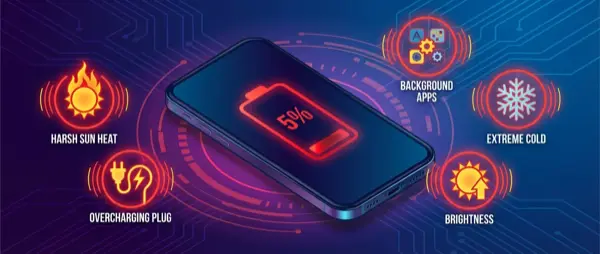
5 Mistakes That Are Killing Your iPhone Battery
5 everyday mistakes destroying your iPhone battery. Charging, temperature, apps and what to change right now.
Read more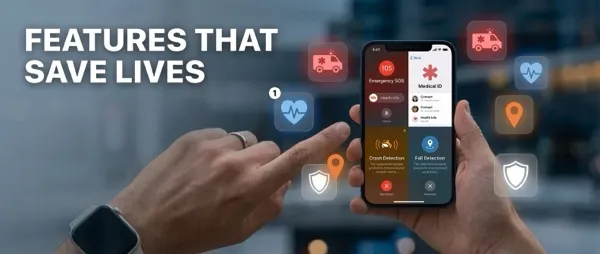
7 iPhone Features That Can Save Your Life
7 iPhone safety features that can save your life. Crash Detection, SOS, Emergency and how to set them up.
Read more
Battery Health iPhone: Check & Protect Guide 2026
How to check and protect your iPhone battery health. Settings, cycles, when to replace and what to avoid.
Read more
iPhone 18 Pro Max: The Biggest Battery in iPhone History
The iPhone 18 Pro Max brings the biggest battery ever in an iPhone. Battery life, specs, and what changes for users.
Read more
iPhone Battery 39 Hours: The Technology Behind the Record
How Apple achieves 39 hours of battery life on iPhone. New battery tech, stacked cells and energy harvesting.
Read more