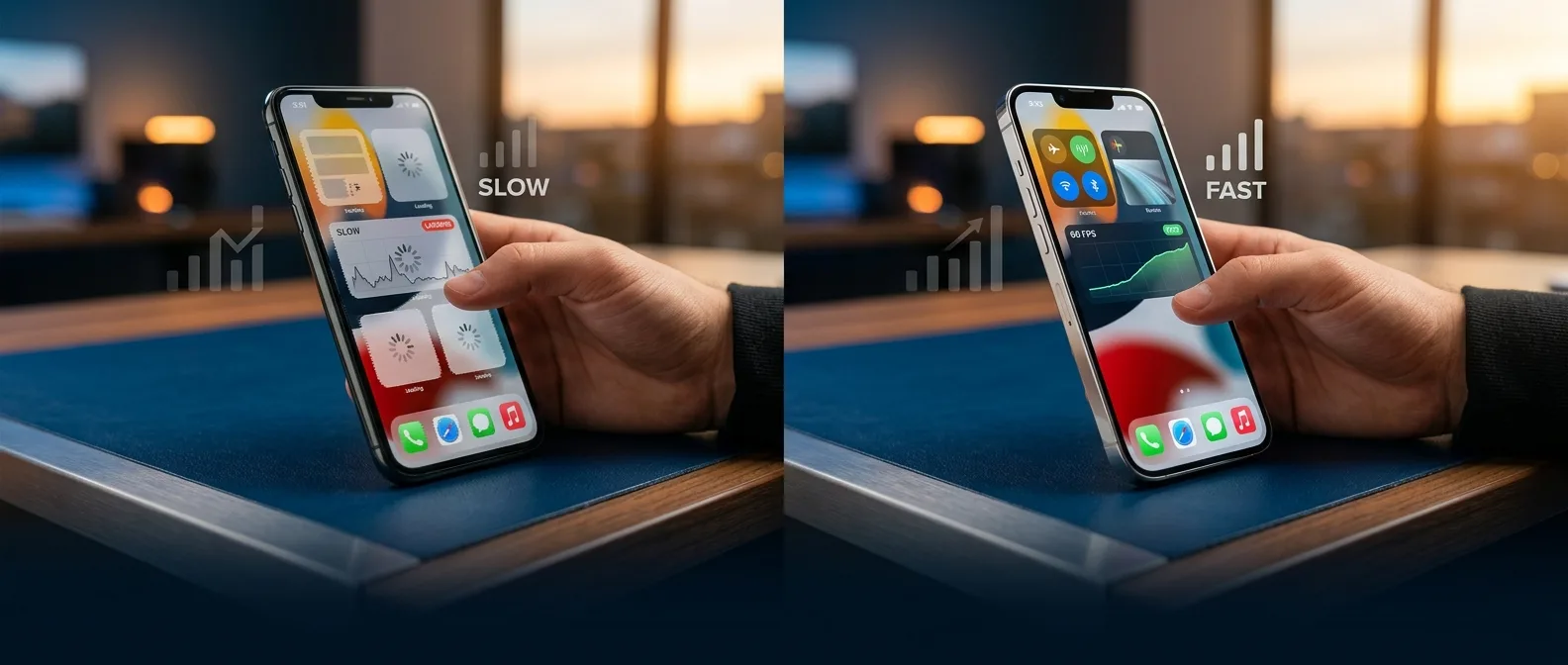
We've all been there. You tap an app icon and wait. And wait. The iPhone that once opened everything instantly now thinks for several painful seconds before doing the simplest tasks. Here's the thing: most slowdown issues are fixable without buying new hardware.
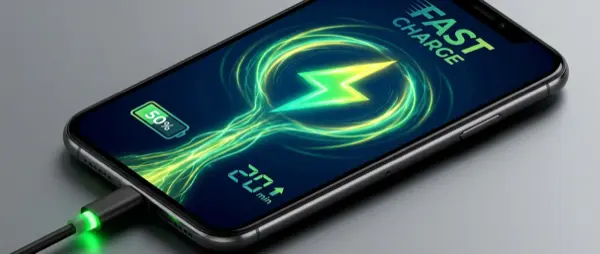
📖 Read more: iPhone Fast Charging: 50% in 20 Minutes — How?
🔋 Battery Health: The Hidden Culprit Behind iPhone Performance Issues
Your slow iPhone repair starts with one question: when did you last check your battery health? Lithium-ion batteries degrade over time — that's chemistry, not planned obsolescence. Apple estimates that after 500 charge cycles (roughly 18 months of normal use), batteries start losing their ability to handle sudden power demands.
Here's what happens next.
When your iPhone needs a burst of power — opening the camera, launching a game, processing photos — a degraded battery can't deliver. Instead of letting the phone crash, iOS automatically activates Peak Performance Management. Translation: it deliberately slows down your iPhone to prevent shutdowns.
How to Check Your iPhone Battery Health
Go to Settings > Battery > Battery Health & Charging. If the percentage shows below 80%, replacement time has arrived. Below 70%? Your iPhone is running with the digital parking brake engaged.
A new battery costs $50-80 at independent repair shops (Apple charges at least $75). This single iPhone repair delivers the biggest performance boost per dollar spent. Think about it: for less than a premium case, you get back the speed you had on day one.
💾 Storage Space: When Full Becomes the Enemy of Fast
"I still have 2GB free!" you protest. Bad news: that's not enough.
iOS needs breathing room to create temporary files, manage cache, and handle system operations. When storage hits 90% capacity, the system starts desperately hunting for free memory blocks. Every action — from opening a photo to saving an email — takes longer as the phone juggles limited space.
Those 37 Nearly Identical Party Photos from 2019
Open your Photos app and scroll back. Yes, those 37 almost-identical selfies from that one party. Do you need all of them? Probably not. Keep the 3-4 best shots, delete the rest. Same goes for screenshots you can't even remember taking.
Alternatively, move old photos to external storage or cloud services. With iCloud Photos disabled and locally stored photos cleared out, your iPhone will breathe again.
📱 Background Apps: The Silent Performance Killers
How many apps live on your iPhone? 50? 100? How many do you actually use?
Every forgotten app can refresh in the background, consuming precious RAM and processing power. Background App Refresh makes sense for daily-use apps — Instagram loading new posts, email downloading messages. But that game you last played six months ago? Why should it refresh?
The Two-Step Solution
Step one: Delete what you don't use. Yes, I know, "I might need it someday." If you haven't opened it in months, you won't miss it. You can always redownload later.
Step two: For apps you keep but rarely use, go to Settings > General > Background App Refresh. Turn it off for anything that doesn't need constant updates.
Bonus: Background App Refresh also drains battery. Double win when you limit it.
📖 Read more: 5 iPhone Mistakes That Silently Destroy Your Phone
🚀 Pro-Level iPhone Repair Techniques: Deep Cleaning and Resets
If the above fixes didn't restore your iPhone's speed, time for more aggressive measures.
Safari Cache Cleanup
Safari accumulates tons of data over time. Cookies, browsing history, cached files — all of this can slow not just your browser but the entire system. Go to Settings > Safari > Clear History and Website Data.
Will you lose saved passwords? No, if you use iCloud Keychain.
Network Settings Reset
Sounds unrelated, but Wi-Fi and Bluetooth problems can make your iPhone appear slow. If apps take forever to load content or AirDrop keeps failing, try: Settings > General > Transfer or Reset iPhone > Reset > Reset Network Settings.
Battery Replacement
Most cost-effective iPhone repair. If health drops below 80%, it's essential.
Storage Cleanup
Target: 15% free space. Delete old photos and unused apps.
Software Reset
Last resort: backup and clean iOS install.
⚡ iOS 17/18 and Older iPhones: The Hard Truth
Every new iOS version targets the latest hardware. Yes, Apple supports old iPhones for 5-6 years, which is impressive. But there's a catch.
The iPhone 11 from 2019 had 4GB RAM. Models from 2024 onward pack at least 8GB. Developers write apps assuming most users have newer hardware. Result? Instagram in 2026 demands far more resources than the 2022 version.
This isn't conspiracy. It's evolution.
What can you do? Manage expectations. Your iPhone 12 will never run iOS 18 as smoothly as an iPhone 15. But with proper iPhone repairs and optimization, it can run fast enough to stop driving you crazy.
🎯 Frequently Asked Questions
Is battery replacement worth it on a 4-year-old iPhone?
Absolutely. For $50-80, you can get 1-2 more years from your iPhone. It's the most economical solution compared to buying new.
Does Low Power Mode slow down my iPhone?
Yes, deliberately. It reduces processor speed and stops many background functions to save battery. If you're not in a battery crisis, turn it off.
Should I update to the latest iOS?
Depends. If you have an iPhone from the last 2-3 years, usually yes. For older models, read performance reviews for your specific device before updating.
A slow iPhone isn't a death sentence. With the right repairs — primarily a new battery — and some maintenance, you can breathe new life into your device. It might never match the latest model's speed, but it can definitely run fast enough to stop you from cursing every time you open an app.
Sources: