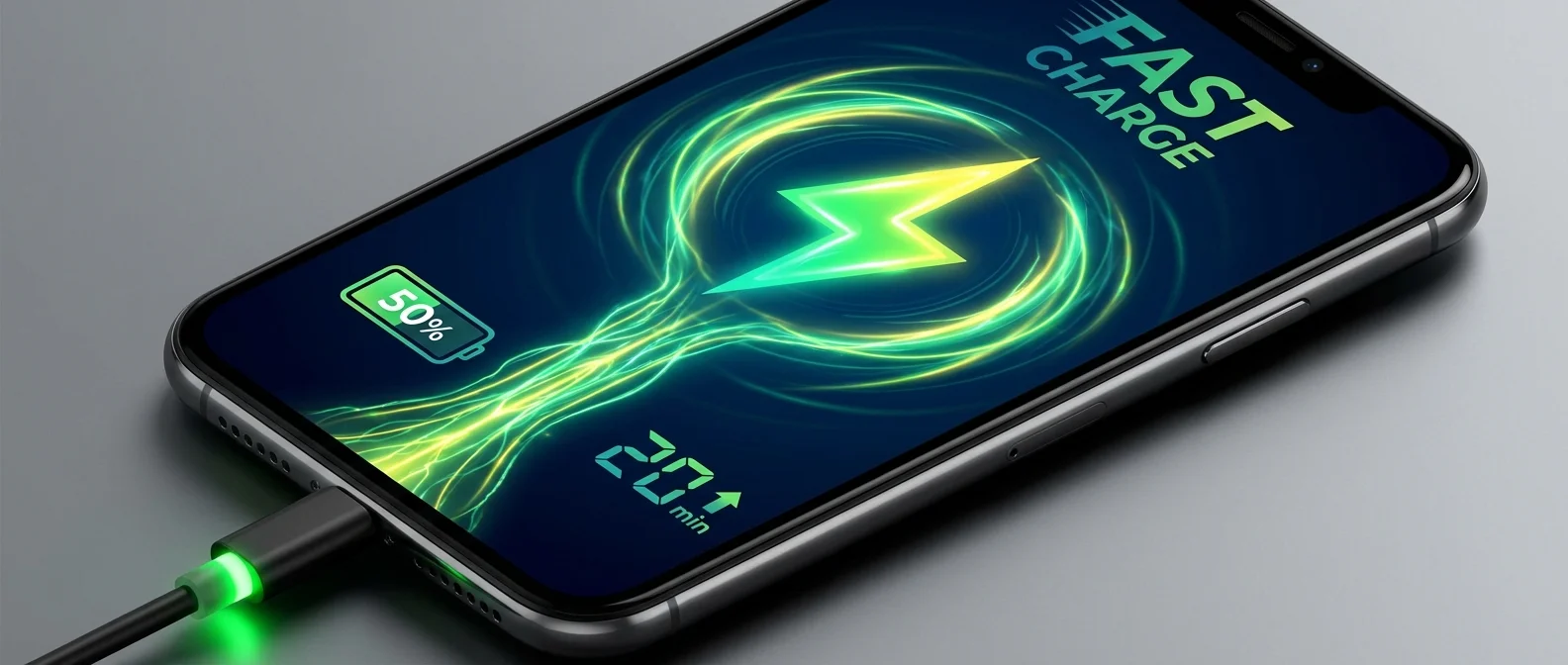
With the right charger and cable, your iPhone reaches 50% in about 30 minutes. The iPhone 17 Pro goes even faster with Apple's new 40W Dynamic Power Adapter. But fast charging isn't just about wattage — temperature, cable quality, and settings play equally important roles. Here's everything you need to know.
📖 Read more: MagSafe vs Qi2.2 vs Qi: iPhone Wireless Charging
What You Need for Fast Charging
Fast charging on iPhone started with the iPhone 8 in 2017 — the first model to support USB-C Power Delivery. Since then, every new generation has increased the wattage. Today you need three things: a USB-C charger rated at least 20W, a certified USB-C cable, and an iPhone 8 or later.
Wired Fast Charging: In Detail
For wired fast charging, you need a 20W+ USB-C charger and a certified USB-C cable. The speed depends on your model: iPhone 12 through 14 accept roughly 20W, the iPhone 15 Pro Max reaches 27W, while the iPhone 16 Pro Max hits 30W.
Avoid cheap cables without MFi certification — they can throttle the watts reaching your device, increase temperature, or even cause damage. Always check that your cable carries the "Made for iPhone" label or is a genuine Apple USB-C cable.
How the Charging Curve Works
Fast charging isn't constant throughout the process. According to Apple, the battery warms up as it charges, and to prevent overheating, iPhone gradually reduces the charging current as the battery approaches 100%. In practice, this means:
- 0% → 50%: The fastest phase — roughly 30 minutes with 20W+
- 50% → 80%: Noticeably slower — another 20-25 minutes
- 80% → 100%: Very slow (trickle charging) — can take 40+ minutes
This curve isn't a defect — it's designed to protect long-term battery longevity.
📖 Read more: iPhone 17 Pro: Night Photography Guide
Wireless Fast Charging: MagSafe & Qi2
Wireless charging on iPhone has evolved dramatically. iPhone 12 through 15 support MagSafe at 15W — reasonably fast but clearly slower than wired. Starting with iPhone 16, the new Qi2 standard increases wireless speed to 25W.
According to iPhone 17 Pro specifications, MagSafe wireless charging reaches 25W with a 30W or higher power adapter. Magnetic alignment ensures charging happens at the correct spot, minimizing energy loss. Compatible with all iPhone 13 and later models.
iPhone 17 Pro: The New Era
The iPhone 17 Pro brings a new era to fast charging. Apple tested fast charging with the new Apple 40W Dynamic Power Adapter (60W Max), paired with a USB-C cable. In practice, this means faster 0-50% charging — approximately 25 minutes or less under ideal conditions.
Wirelessly, the iPhone 17 Pro supports MagSafe at 25W with the new MagSafe Charger (Model A3502/A3503) paired with a 30W+ wall adapter. This means that even without a cable, charging is noticeably faster.
📖 Read more: iPhone 17 vs iPhone 17 Pro vs iPhone Air: Which to Buy?
Temperature: The Hidden Enemy
Apple states that the ideal operating temperature range is 16°C to 22°C (62°F to 72°F). Avoid charging in ambient temperatures above 35°C (95°F) — this can permanently reduce battery capacity. In extreme heat, iOS automatically limits charging to 80% for protection.
Conversely, in very cold environments the battery may show a lower percentage, but this is temporary — when temperature returns to normal, performance is restored.
Optimized Battery Charging & Charge Limit
Enable Optimized Battery Charging from Settings → Battery → Battery Health. Using machine learning, iOS learns your routine and holds the charge at 80% until you need to wake up — completing the full charge just before your alarm.
On iPhone 15 and later, there's also a Charge Limit setting that lets you set a maximum percentage from 80% to 100% in 5% increments. If you rarely need 100%, set it to 85% — your battery will thank you in the long run.
When to Fast Charge vs Slow Charge
- Fast Charging: When you're in a rush — e.g., 30 minutes before leaving and you need a quick boost
- Slow overnight charging: The best choice for daily use — less heat, better battery health
- Avoid: Charging in a hot car or under a blanket — temperatures above 35°C can cause permanent damage
- Tip: If longevity matters to you, combine slow overnight charging with Charge Limit set to 80-85%
Sources: