Motion blur has tortured PC gamers for decades. NVIDIA's G-Sync Pulsar promises to end that suffering — not with some impossible 2000Hz panel, but with a backlight strobing system that actually works with variable refresh rates.
At CES 2026 in Las Vegas, NVIDIA dropped the latest evolution of its VRR technology. G-Sync Pulsar doesn't chase higher refresh rates. Instead, it eliminates motion blur through intelligent backlight strobing that syncs perfectly with variable refresh rate gaming.
Sounds like marketing fluff? The early hands-on reports suggest otherwise. People who saw Pulsar live at CES describe the difference as immediately obvious — the kind of "you can't unsee it" moment that changes how you think about displays.
📖 Read more: Lenovo Legion Go Fold: Foldable Gaming Handheld
🎯 How G-Sync Pulsar Actually Works
The core principle behind Pulsar is clever and surprisingly straightforward. Traditional LCD monitors keep their backlight on constantly. When a pixel moves from one position to another, your eye perceives the "ghost" it leaves behind — that's motion blur in action.
G-Sync Pulsar divides the backlight into multiple horizontal zones that activate independently from top to bottom. Each zone lights up only after the pixels have "settled" into their correct positions.
What makes this different from older strobing tech? Pulsar works in sync with VRR — something that was impossible until now. NVIDIA's old ULMB (Ultra Low Motion Blur) required a fixed refresh rate, or the results were catastrophic.
4x Motion Clarity Boost
According to NVIDIA, G-Sync Pulsar can deliver four times the motion clarity of the monitor's actual refresh rate. Running at 250 fps? The motion blur reduction feels like a 1000Hz display. The math isn't perfectly linear, but for human perception, the difference is real.
Early demos showed NPC characters in Overwatch 2 sprinting at maximum speed. While a standard monitor rendered nametags as blurry, unreadable smears, the Pulsar-enabled display looked frozen in time. Every letter crisp, every detail readable.
⚡ The Tech Behind the Magic
Lars Weinand, NVIDIA's senior technical project manager, explained the phenomenon Pulsar solves: "There's a problem called motion hold. When the backlight is on and pixels are always visible, the display draws from top to bottom for each frame. This means when there's motion, the pixel gets drawn and then stays in position for an entire frame until it gets replaced by the next one."
Your brain interprets this process as motion — exactly like when you wave your hand quickly in front of your eyes. The image naturally blurs.
Rolling Scan vs Traditional Strobing
Pulsar's solution is called "rolling scan." Instead of strobing the entire screen simultaneously, the system follows the progressive frame drawing from top to bottom. Each section of the display lights up precisely before the scan out reaches the next section.
This allows the system to adapt dynamically to different refresh rates. Jump from 120fps to 240fps mid-game? Pulsar adjusts automatically without losing effectiveness.
🎮 Which Gaming Monitors Support Pulsar
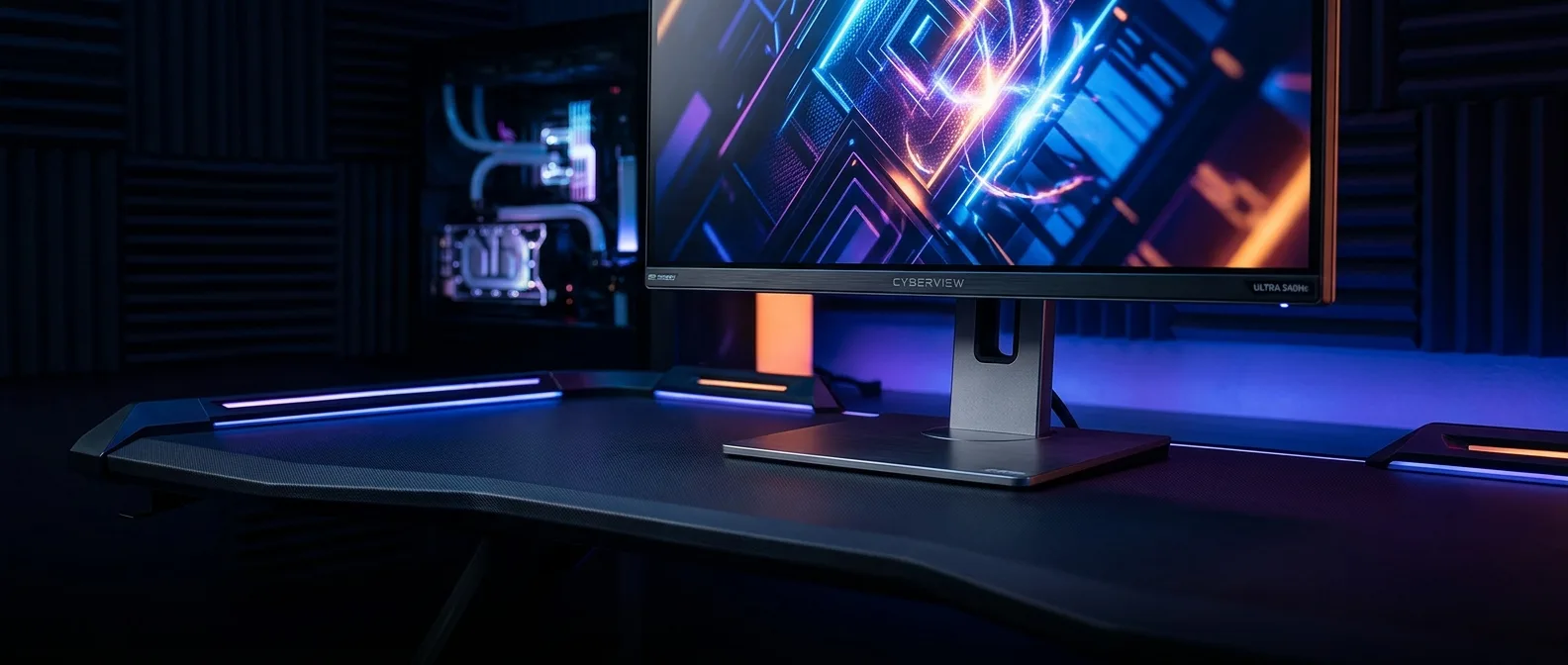
Four monitors launched on January 7, 2026, with G-Sync Pulsar support. Acer, AOC, ASUS, and MSI each released a 27-inch model with identical core specs:
Size & Resolution
27 inches with 2560×1440 pixels (1440p). 4K resolution isn't available for the first generation.
Refresh Rate
360Hz maximum with full VRR support from 48Hz upward.
All use IPS panels with 500 nits peak brightness in HDR mode. This isn't coincidental — G-Sync Pulsar requires extremely fast IPS backlights that NVIDIA has specifically certified. Plus, it needs a special MediaTek scaler chip that handles the synchronization.
Why No OLED Support?
Here's the limitation: OLED panels aren't supported. Makes sense — each pixel lights itself, so there's no central backlight to strobe. This means enjoying G-Sync Pulsar requires sacrificing OLED's incredible contrast ratio for IPS crystal-clear motion.
2026 Dilemma: Do you want the deep blacks and vibrant colors of an OLED gaming monitor, or the absolutely clear motion of G-Sync Pulsar on IPS?
📖 Read more: 1000 Cameras in Athens: Security or Big Brother
📊 Pricing and Availability
First-generation G-Sync Pulsar monitors won't be cheap. The most affordable model, from AOC, is expected to cost around €570-600. For a 27-inch 1440p IPS monitor, even with 360Hz, that's steep pricing.
NVIDIA promises more manufacturers will follow with additional sizes and price points. But for 2026, if you want Pulsar, you'll pay premium prices.
Alternative Solutions
If the pricing puts you off, there are alternatives — not equivalent, but functional:
- ULMB 2: NVIDIA's previous tech that only works at fixed refresh rates
- DyAc+: ZOWIE/BenQ's solution for competitive gaming
- ELMB-SYNC: ASUS's attempt to combine VRR with motion blur reduction
None match Pulsar's ability to work with variable refresh rates, but they cost hundreds less and still cut motion blur.
🔬 Real-World Applications
Esports gamers will see the biggest impact from G-Sync Pulsar. In fast FPS titles like Counter-Strike 2, the ability to distinguish every detail during rapid movements can mean the difference between a headshot and a miss.
But it doesn't stop there. NVIDIA demonstrated how much better the experience can be even in strategy games like Anno 1800. When rapidly panning the camera over complex UI elements, the difference in readability is obvious.
"It feels like my eyes no longer have to struggle to track fast-moving images. The entire picture seems to land on my retina with stunning precision."
Andy Chalk, PC Gamer (CES 2026)
Challenges and Limitations
G-Sync Pulsar isn't magic. It has limitations you need to know before investing:
- Reduced brightness: Strobing decreases the display's overall brightness
- Limited panels: Only specific IPS models NVIDIA has certified
- Size restriction: Currently only 27-inch displays available
- Cost: Significantly more expensive than equivalent non-Pulsar monitors
🎯 Frequently Asked Questions
Does G-Sync Pulsar Work with AMD GPUs?
No. G-Sync Pulsar requires NVIDIA GeForce GPUs with G-Sync support. It's not compatible with AMD FreeSync or other VRR technologies.
Can I Toggle It On and Off?
Yes, G-Sync Pulsar can be enabled and disabled through the NVIDIA Control Panel. You can have it active for competitive gaming and disabled for single-player experiences that prefer higher brightness.
When Will We See 4K G-Sync Pulsar Monitors?
NVIDIA hasn't announced a timeline for 4K Pulsar monitors. The technology requires extremely fast backlights, which in 4K panels remains both technically challenging and economically impractical.
G-Sync Pulsar appears to be one of those technologies that genuinely changes the gaming experience. Not through bigger numbers on spec sheets, but by cleverly solving a problem that's plagued PC gamers for decades. If money isn't a constraint and you primarily play competitive titles, 2026 might be the year you finally forget what motion blur means.