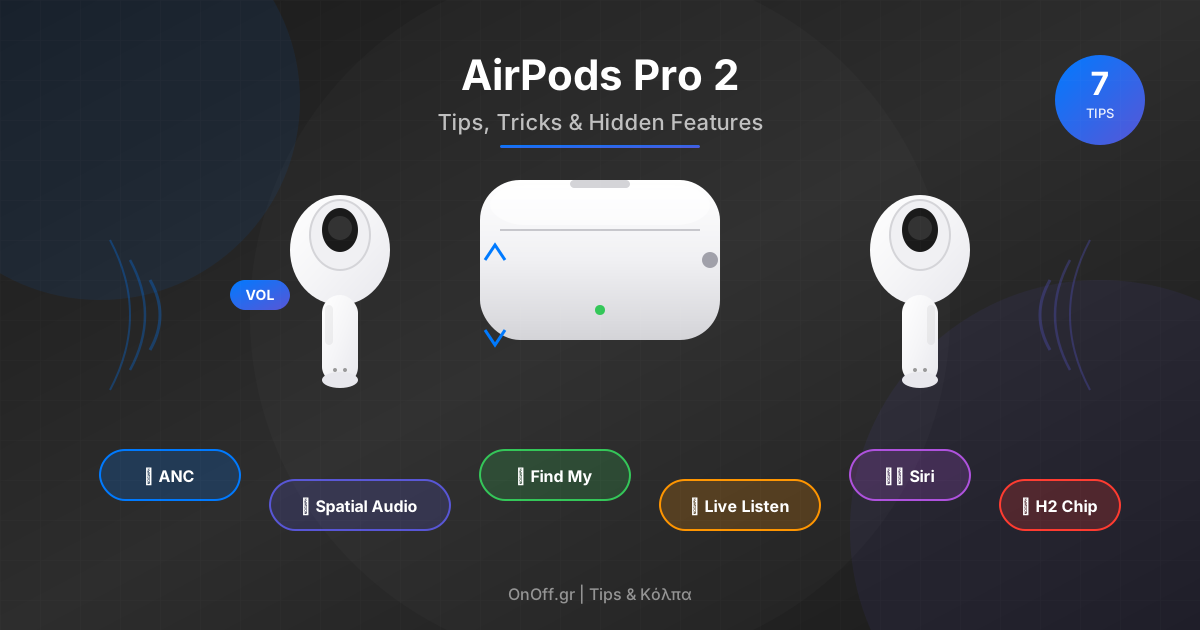
AirPods Pro 2 are so much more than just earbuds! With their hidden features you can control volume with a swipe, hear better in noisy environments, and even use them as hearing aids. Let's see how!
📋 Table of Contents
🔊 Volume Controls - Swipe for Volume!
Forget your iPhone! The AirPods Pro 2 have touch controls on the stem. Swipe up to increase volume, down to decrease it!
Swipe Down: Decrease volume
Tip: Works on either AirPod (left or right)
📦 New Case Features - The Case Does Everything!
The new case has a built-in speaker and Find My with Precision Finding! You can make it play a sound if you lose it, and find it with a direction arrow.
Speaker: Play Sound to make it ring
Lanyard Loop: Add a strap so you never lose it!
🔇 Adaptive Transparency - Smart Noise Cancellation
Adaptive Transparency lets you hear your environment but automatically reduces loud sounds (sirens, construction, etc.) to protect your hearing!
Quick switch: Long press the stem to toggle between ANC and Transparency
🔋 Battery Widgets - Check the Battery
Add a Battery widget to your home screen to always see how much battery your AirPods and case have!
Alternatively: Open the case near your iPhone for a popup with battery status
🗣️ Siri Commands - Hands-Free Control
Say “Hey Siri” without touching anything! The AirPods Pro 2 have built-in microphones that are always listening for your voice.
“Hey Siri, turn up the volume”
“Hey Siri, play the next song”
“Hey Siri, how much battery do the AirPods have?”
“Hey Siri, enable Noise Cancellation”
👂 Live Listen - Hear Better!
Turn your AirPods into hearing aids! Your iPhone becomes a microphone and sends sound directly to your ears. Perfect for lectures or noisy places.
Tip: Place your iPhone close to the person speaking for better sound
👂 Ear Tips Fit Test - Find the Right Size
AirPods come with 4 tip sizes (XS, S, M, L). Run the Ear Tip Fit Test to find which one fits you best!
Result: Good Seal = perfect fit, Adjust = try another size
🎛️ All Stem Gestures
Pro Audio Tip
Enable Personalized Spatial Audio in settings! It uses the TrueDepth camera to scan your ears and give you 3D sound customized to the shape of your head!
🔧 Additional Settings
- Conversation Awareness: Automatically lowers music when you speak
- Automatic Switching: Automatically switches between iPhone, iPad, Mac
- Announce Notifications: Siri reads your messages
- Audio Sharing: Share music with another pair of AirPods
- Head Tracking: Sound “stays” in place when you turn your head
📌 Conclusion
The AirPods Pro 2 are the most feature-packed earbuds! Our favorite tips:
- ✅ Swipe Volume - Control without iPhone
- ✅ Adaptive Transparency - Hearing protection
- ✅ Live Listen - Hear better in noise
- ✅ Ear Tip Test - Perfect fit
- ✅ Find My Case - Never lose your case again
Enjoy the perfect sound! 🎵