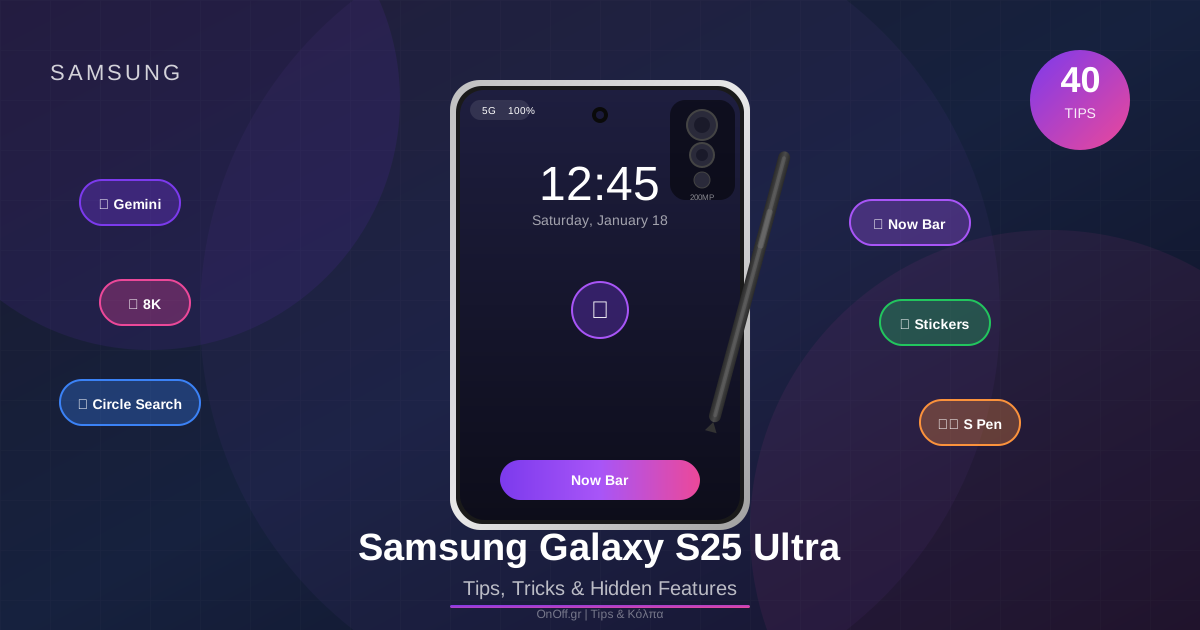
The Galaxy S25 Ultra is packed with hidden features! From the new Now Bar to Gemini's AI capabilities, 8K video and sticker generators - let's discover 40 tips that will change the way you use your phone!
📋 Tips Categories
🔓 Lock Screen & Fingerprint
✨ Fingerprint Edge Lighting
When you unlock with your fingerprint, an impressive edge lighting effect appears around the sensor!
Options: Various colors and animations
🔋 Charge Me Notifications
Get a notification when your battery reaches a specific percentage so you remember to charge!
Tip: Set it to 20% for early warning
🔊 Sound Mode Wallpaper
Automatically change wallpaper based on sound mode (Silent, Vibrate, Sound)!
Usage: Different wallpaper for each sound state
📊 Now Bar Features
👆 Now Bar Gestures
The Now Bar on the lock screen supports gestures! Swipe left/right for different actions.
Swipe Right: Next card
Tap: Open details
👆👆 Now Bar Double Tap
Double tap the Now Bar for quick access to specific features!
⏭️ Now Bar Skip/Play
When music is playing, skip forward or play/pause directly from the Now Bar!
📝 Customize Now Brief
Customize what information appears in Now Brief - weather, calendar, reminders, etc.
⬆️ Top Now Bar
Move the Now Bar to the top of the screen instead of the bottom!
📞 Phone & Recording
🎙️ Record Phone Calls
Record phone calls directly! Ideal for important conversations (with the other party's consent).
Settings: Phone app → Settings → Record calls
⚠️ Legal: Inform the other party!
🎵 Circle to Music Search
Circle any element in a video or image to find the song that's playing!
Result: Song recognition via Shazam/Google
🔊 Read Highlights Aloud
Select text and listen to it read aloud! Perfect for articles or ebooks.
Tip: Adjust speed and voice in Settings
📸 Camera & Video
💰 Secret $50 Trick
Use the 200MP sensor with binning for professional quality photos!
Result: Photos you can print as posters!
🔍 Video Zoom Slider
While recording video, use the zoom slider for smooth zoom transitions!
Tip: Better results than pinch-to-zoom
🌸 50MP Macro
Use the 50MP telephoto for macro photos with incredible detail!
Tip: Ideal for flowers, insects, textures
🎬 8K/30 LOG Video
Shoot 8K video in LOG format for professional color grading!
Pro Tip: Requires color grading for the final result
🎨 Colorize Videos
Convert old black and white videos to color with AI!
Result: Old family videos come to life!
🤖 AI & Gemini Features
🔘 Side Button Gemini
Change the side button to open Gemini instead of Bixby!
✍️ Assistant Writes Messages
Let Gemini write messages for you! Emails, SMS, social media posts.
Tip: Specify the tone (formal, friendly, funny)
📺 Summarize YouTube Videos
Get a summary of a YouTube video without watching the whole thing!
Result: Key points in just seconds!
💬 Chat About Anything
Ask Gemini anything - from recipes to coding help!
Tip: Works with context from your screen
🎨 Stickers & Photo Editing
🎭 Sticker Generator
Create custom stickers from any photo with AI!
Or: Type a description and AI creates a sticker!
📱 Stickers in WhatsApp
Use your custom stickers directly in WhatsApp!
🎨 Sticker Styles
Change the sticker style - cartoon, sketch, 3D, etc.!
✏️ Draw Assist
Draw something simple and the AI transforms it into a professional design!
Tip: The simpler, the better the result
📝 Generate from Text
Write a description and create an image from scratch!
Example: “A cat wearing sunglasses on a beach”
🖼️ Generate Portraits
Create AI portraits in any style you want!
✨ Edit with Text
Edit photos by describing what you want to change!
Tip: Specific instructions give better results
👤 Best Face
In group photos, choose the best face for each person from multiple shots!
🌀 Motion Photo Effects
Add motion effects to static photos - clouds, water, hair movement!
🔇 Audio Erase
Remove unwanted sounds from videos - wind, noise, background voices!
⚡ Quick Buttons
When you select text or an image, quick action buttons appear for instant actions:
📞 Call Quick Button
Select a phone number in text and tap for an instant call!
🌐 Open Website Quick Button
Select a URL and open it instantly in the browser!
📋 Copy Text Quick Button
Quick copy of selected text!
🌍 Translate Quick Button
Instantly translate selected text to any language!
🎞️ Make GIF Quick Button
Convert selected video to GIF instantly!
🎨 Imagine Quick Button
Use AI to create variations of an image!
📤 Share Quick Button
Share selected content instantly to any app!
⚙️ Customization
↕️ Reorder Quick Settings
Rearrange the quick settings tiles in the order you want!
📱 Get Old Notification Panel Back
If you don't like the new One UI 7 panel, switch back to the old style!
Tip: Some users prefer the old layout
📁 Resize Folders
Change the size of folders on the home screen - small or large!
S Pen Pro Tip
Use the S Pen combined with AI! Draw quickly, circle for Circle to Search, or write by hand and convert to text automatically!
📌 Conclusion
The Samsung Galaxy S25 Ultra is packed with hidden capabilities! Our favorites:
- ✅ Now Bar - Information on the lock screen
- ✅ Gemini AI - Writes messages, summarizes videos
- ✅ Circle to Search - Find anything by circling
- ✅ 8K LOG Video - Professional quality
- ✅ AI Stickers - Create custom stickers
- ✅ Audio Erase - Remove noise from videos
Explore the S25 Ultra to the max! 🚀