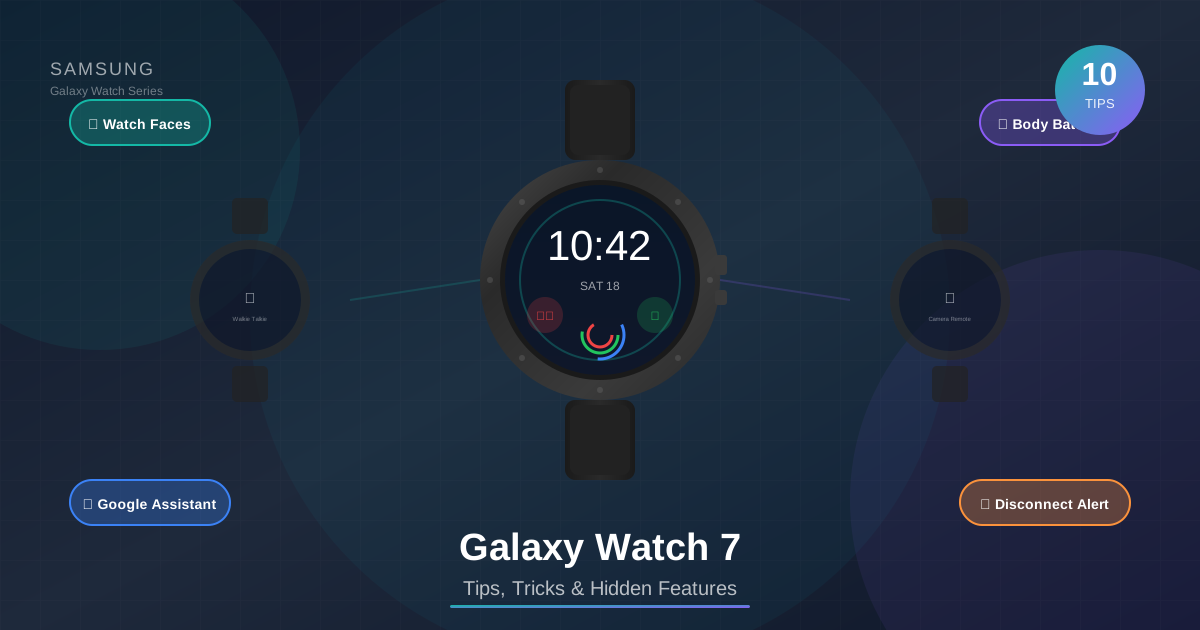
The Galaxy Watch 7 is packed with hidden features! From custom watch faces to Walkie Talkie, camera remote and Google Assistant - let's see how to get the most out of your watch!
📋 Table of Contents
🎨 Watch Faces - Personalize Your Watch!
The Galaxy Watch 7 has a huge collection of watch faces! You can fully customize them - colors, complications, style.
Galaxy Wearable App: Watch faces → Download new ones from the Store
Tip: Create different faces for work and the gym!
👤 Profile Cards - Share Your Details!
Create a digital business card on your watch! Share phone, email, social media with a single tap.
Usage: Swipe up → Profile card → Another user scans the QR code
Tip: Perfect for networking events!
📻 Walkie Talkie - Push-to-Talk!
Turn your watch into a walkie talkie! Talk to other Galaxy Watch users without calling.
Usage: Hold the button to talk
Range: Works anywhere with internet connection
📸 Camera Tricks - Camera Remote Control!
Use your watch as a remote for your phone's camera! See a live preview on your watch!
Features: Live viewfinder, zoom, timer, flash toggle
Tip: Perfect for group photos and selfies from a distance!
🔘 Extra Side Button - Customizable Action!
The side button can perform various actions! Double press for quick access to an app.
Options: Workout, Samsung Pay, Bixby, any app
Tip: Set Workout for instant tracking!
🎤 Google Assistant - Hey Google on Your Wrist!
Install Google Assistant and ditch Bixby! Say “Hey Google” for voice commands.
Setup: Set as default assistant
Commands: “Set timer”, “Navigate to...”, “Call...”
📊 Edit Tiles - Organize Your Tiles!
Tiles are quick cards you see by swiping. Rearrange them and add new ones!
Galaxy Wearable: Tiles → Manage tiles → Drag to reorder
Best Tiles: Weather, Heart Rate, Steps, Music
🔋 Body Battery Tile - Check Your Energy Level!
Body Battery (or Energy Score) shows how much energy you have! Based on sleep, stress, and activity.
Tip: Low score = you need rest
Best Practice: Check in the morning to see how you slept
📶 Disconnection Alerts - Never Lose Your Phone!
Get a notification on your watch when your phone goes out of range! Never leave your phone behind again!
Range: Alert when Bluetooth connection is lost
Tip: Useful at coffee shops and gyms!
⚡ Snappy Tips - Quick Tricks!
Small but useful tips for everyday use!
Cover Screen: Cover the screen with your palm to mute notifications
Double Tap: Double tap the screen to wake up
Raise to Wake: Raise your wrist to turn on the screen
Battery Saving Pro Tip
Enable Always-On Display Schedule to automatically turn off at night! Settings → Display → Always On Display → Set schedule. Save battery without losing functionality!
🎨 Favorite Watch Faces
⌨️ Additional Settings
- Water Lock: Lock the screen for swimming - turns off with bezel rotation
- SOS: Long press home button for emergency call
- Find My Phone: Make your phone ring from the watch
- Theater Mode: Disable sounds and screen in the cinema
- Bedtime Mode: Automatically enters sleep tracking mode at night
📌 Conclusion
The Galaxy Watch 7 is a powerhouse on your wrist! Our favorite tips:
- ✅ Walkie Talkie - Push-to-talk with friends
- ✅ Camera Remote - Easy group photos
- ✅ Google Assistant - Voice commands
- ✅ Disconnection Alerts - Never lose your phone
- ✅ Body Battery - Track your energy level
Enjoy your Galaxy Watch 7! ⌚