OnOff.gr - Κέντρο Επισκευών & Οθόνης Αρχική Αρχική Επισκευές Επισκευές Τηλέφωνο Τηλέφωνο Επικοινωνία Επικοινωνία Blog Blog
OnOff.gr 2108259903 Επικοινωνία
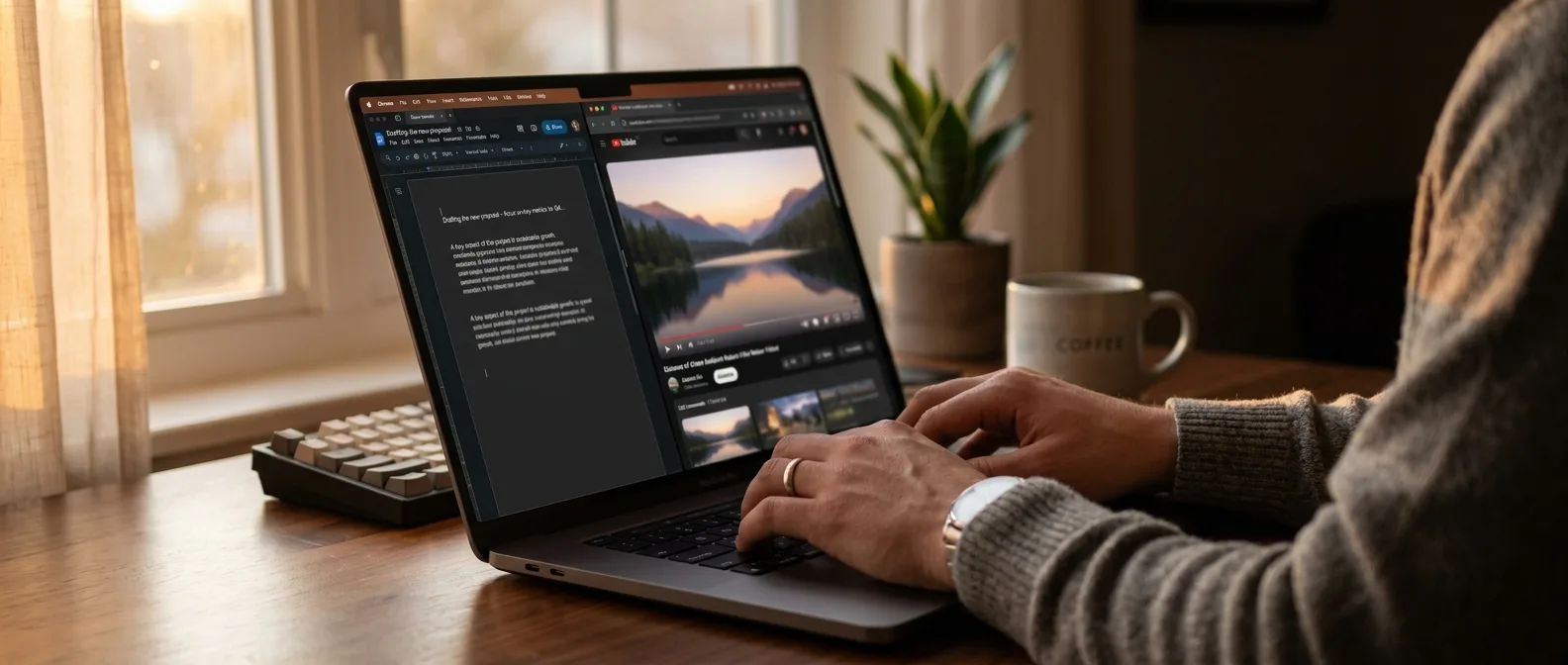
Writer using YouTube as virtual office workspace for productivity
← Back to Tips & Tricks 💡 Tips: Productivity Hacks

How I Transformed YouTube Into My Virtual Office and Tripled My Focus

📅 March 29, 2026 ⏱️ 6 min read ✍️ OnOff Team
At 3 AM, instead of sleeping, I found myself working in my apartment alongside a stranger from Kyoto who was studying math. I followed her YouTube channel for 2 hours without saying a word and got more work done than in the entire previous week. Sounds crazy? The truth is that YouTube productivity has nothing to do with how most people use the platform — and that's exactly what makes it so effective.
In 2026, instead of trying to escape YouTube, I made it my primary office. Not for relaxation, not for entertainment. For serious work. And it works better than any productivity app I've ever tried.

📖 Read more: 7 Legal Ways to Skip YouTube Ads (Instantly & Ethically)

🏢 YouTube as Workspace, Not Background Noise

The key difference? I stopped viewing videos as background noise and started treating them as my actual workspace. That means slow, long videos where not much happens.

Study Café Ambiance

Videos that simulate coffee shops with natural sounds and movement. The café imagery tricks your brain into feeling less isolated without requiring any real interaction.

Weather Phenomena 8+ Hours

Rain, thunderstorms, ocean waves. The continuous sound masks distracting noises and the static image doesn't steal your attention.

Fireplace Live Streams

Fireplaces, candles, flame videos. The flickering flames create just enough motion to simulate having someone nearby.

I don't watch them at the center of my screen. I keep them slightly out of focus, like being in an actual coworking space. My brain starts associating these images with work — not entertainment.

The "Office Opening" Effect

Playing the same videos every time I work creates a familiarity that feels like opening an office door each morning — even when working from home. My brain identifies these environments with work, and I slip into work mode automatically. It works when traveling too. In Crete last summer, I played my usual café ambiance video and it immediately felt familiar. Like going to "my" office, but this time with an ocean view.

📖 Read more: 25 Hidden Apple Notes Features You Didn't Know Existed

⏰ Videos as Natural Timers

I used to depend on timers. Pomodoro apps, alarms, countdowns. Result? I became hyper-aware of time. I checked the clock 3-4 times before it rang. Instead of helping me, it distracted me.
Now I play a long video and treat its duration as my work window. When the video ends, I change activities.
Instead of a timer that stresses me out, I have a natural rhythm that flows. At most, I glance at the progress bar that's already on my screen. It's less precise than a timer, but much calmer. Some videos naturally create this feeling of progression. Anything with visual loops — smoke rising, waves hitting shore, flames dancing. They give the impression that time is moving forward.

The Art of Long-Form Focus

Videos lasting 2-8 hours aren't a bug, they're a feature. They let you completely lose track of time — and that's the deep work we're looking for. Not 25-minute focus, but 3-hour immersion.

🤝 Body Doubling with Strangers

Some days you just don't feel like it. The motivation for work isn't there. Working in silence becomes harder. That's where "study with me" and body doubling videos come in.
3.2M Views on ICanStudy channel
87% Of viewers report increased productivity
4-8h Average study with me session duration
Body doubling has been documented in psychology research since the 1920s. When someone else is present — even virtually — our performance improves. They don't need to speak or give instructions. Their presence is enough.

Why Virtual Body Doubling Works

Your brain treats a recorded person on screen almost like someone sitting next to you. Watching someone work — even on screen, even asynchronously — activates similar neural circuits. In "study with me" videos, the stranger doesn't give instructions and doesn't speak, but I quietly benefit from their presence. It's like sharing workspace without interacting. If they can work for 3 hours, so can I.

"People with ADHD find body doubling incredibly helpful because we respond magically to the presence of another person. Just having someone else around activates a kind of attention, imagination, creativity that's dormant when we're alone."

Dr. Edward Hallowell, psychiatrist and author

📖 Read more: AirPods Pro 2 Tips & Tricks: 15 Hidden Features You Need

📈 Matching Energy, Not Ambition

The biggest change in my strategy? I stopped imposing the same focus setup every day. Some days are ideal for deep thinking, others for cleanup, editing, or repetitive tasks.

Adapting to Mood

**Slow Days:** Minimal, atmospheric videos that fade into the background. Perfect for writing or creative work. **Procrastination Days:** Something faster, sometimes at 1.25x speed. Creates a sense of urgency that puts me in the right frame of mind. **Low Energy Days:** Study with me videos with breaks. I borrow someone else's structure. I don't try to push harder. I use videos to meet me exactly where I am.

The Speed Control Trick

A trick I discovered this year: YouTube speed control isn't just for watching. At 0.75x an ambiance video becomes calmer, at 1.25x more energetic. I adjust the environment's tempo based on what I need.

📖 Read more: Android Notification History: Find Lost Notifications
🚫 The Rigid Boundaries That Protect Me

All this works only with strict boundaries. If I don't create clear limits for what's NOT allowed on YouTube, distractions slip in easily.
My rules are absolute: I avoid the homepage, ignore suggestions, bypass live chats, close comments.
The work session starts by opening ONLY one video and leaving it alone. I don't browse, don't check related videos, don't read descriptions. It's like going to an office and locking the door.

The Technical Setup

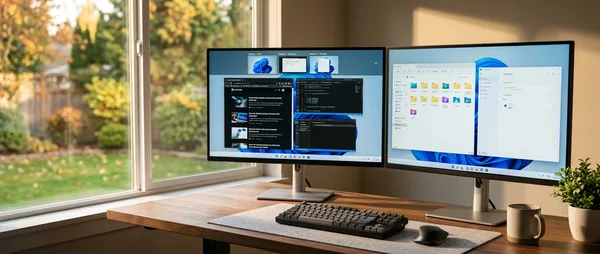
**Separate Browser Profile:** Only for work YouTube. No login, no history, clean slate every time. **Fullscreen Mode:** The video covers the entire screen. No sidebar, suggestions, or temptations. **Bookmarked Playlists:** 5-6 tested and trusted channels I know work. I don't search for new ones when working.

🔧 YouTube as 2026's Productivity Hub

Traditional productivity apps try to make work more efficient. YouTube does something different: it makes it more human. It doesn't force me into rigid structures or artificial motivations. Instead, it leverages the fact that we're social beings who work better when we're "with" others. The art is using it as a tool, not entertainment. And the difference shows in results. In these 6 months of applying this method, I've completed 3 major projects that sat in my backlog for months. Maybe it sounds paradoxical — turning the Internet's most distracting platform into a productivity tool. But the best hacks are often counterintuitive. And if you can make YouTube work for you instead of against you, you have a competitive advantage nobody expects.
YouTube productivity virtual office work from home focus techniques body doubling productivity hacks distraction management remote work

Sources: