

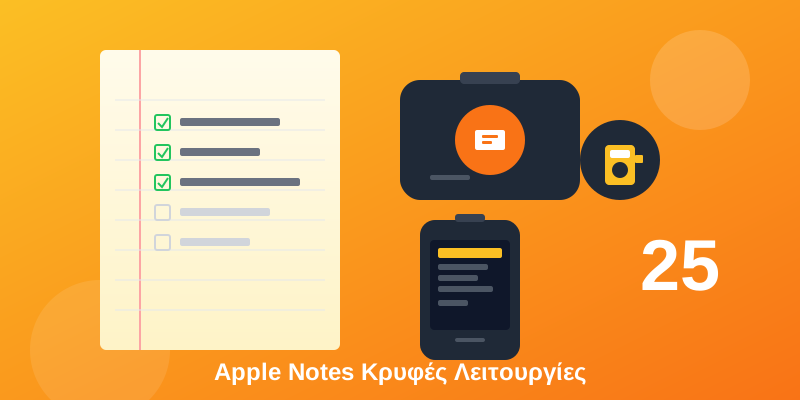
Apple Notes is one of the most underrated Apple apps! Most people only use it for simple lists, but it hides dozens of pro features. Let's discover them!
Create folders that automatically collect notes based on tags, date, or other criteria!
Type #project or #shopping anywhere in your note and you'll be able to find it instantly!
Keep your most important notes always at the top!
Organize your folders in a hierarchy - drag & drop one folder into another!
📺 Watch these tricks in action:
Headings can “collapse” and hide the content below them!
Perfect for developers - write code with monospace font!
Create stylish quotes with a left line!
Lists can have sub-items! Swipe right to indent.
Completed items can automatically move to the bottom of the list!
Scan documents and Notes will recognize the text automatically!
Write by hand and convert it to text - works in multiple languages!
Add a photo and copy text directly from it!
Protect sensitive notes with Face ID, Touch ID, or a passcode!
You can have a different password for notes than your phone!
When sharing a note, hide your real email!
Create wiki-style links between notes! Type >> and select a note.
Paste a link and it will appear with a preview, image, and title!
PDFs, Excel, Word, MP3, videos - everything can go into a single note!
Share a note with others and work together in real-time - just like Google Docs!
Mention someone with @ and they'll get a notification!
See who made what changes and when in shared notes!
Jot something down without unlocking! Swipe from the bottom right corner with Apple Pencil.
Type math expressions and Notes calculates them automatically!
Record audio directly in your note - perfect for meetings!
"Hey Siri, note that..." - create a note without touching your phone!
Power User Combo!
Combine #tags + Smart Folders + Links between notes to build your own “Second Brain” - a knowledge management system like Notion, but free!
📌 Conclusion
Apple Notes is much more powerful than most people think! With these 25 features, you can turn it into a complete productivity tool without needing third-party apps.
Which feature impressed you the most? Let us know in the comments! 💬