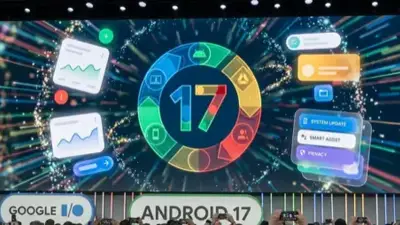


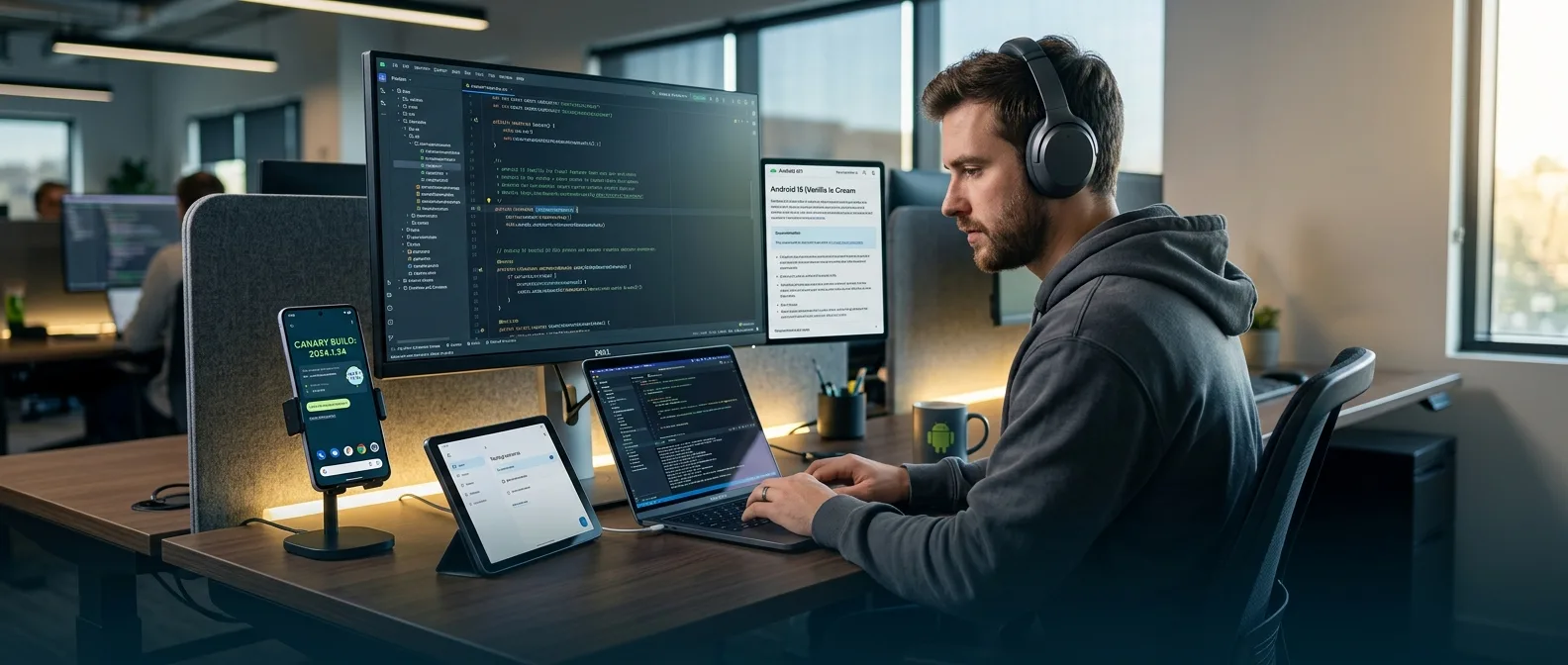
Google just killed the Developer Preview. Since July 2025, the Android Canary channel delivers bleeding-edge builds every week through OTA updates. No more waiting months for the next preview drop. No more manual flashing every single time.
The first major test? Android 17 Beta 1 landed February 13, 2026. And the story gets interesting from here.
🔄 Why Google Ditched Developer Previews
The old system was broken. Simple as that.
Developer Previews came once a year. A few months before the stable release. Manual flash required every time. Then they disappeared when the platform hit Beta.
📉 The Old System's Fatal Flaws
- Limited window: Previews only existed during early development cycles
- Manual hassle: Every new build required separate flashing
- Development gaps: Features not ready for Beta had no feedback channel
Here's the killer problem: when Android reached Beta, preview tracks vanished. Promising features that needed more work got stranded without developer input. The feedback loop broke exactly when Google needed it most.
⚡ The New Model: Android Canary Channel
Android Canary changes everything. Flash once. Get weekly builds through OTA updates. Forever.
The channel runs continuously alongside Beta releases. No more gaps. No more manual intervention after the initial setup.
🎯 Three Game-Changing Benefits
Earlier Access
Test new features in their earliest stages, before they even reach Beta
Continuous Feedback
Canary runs parallel to Beta. No more development dead zones
Early Bug Detection
Catch issues early and report them before they become permanent
The catch? Canary builds are genuinely bleeding-edge. They pass automated tests and brief internal validation. That's it. Expect bugs. Expect breaking changes.
📱 Android 17: The First Major Test
Android 17 Beta 1 dropped in early 2026 as the first major release following the new model. The changes are substantial.
💻 Large Screens: No More Excuses
The biggest Android 17 change? Apps targeting SDK 37 can't refuse large screen adaptation anymore. Period.
These manifest attributes get ignored on screens over 600dp:
screenOrientationwith fixed orientationsresizeableActivity(all values)minAspectRatioandmaxAspectRatio
Exceptions? Games and phones under 600dp. Everything else must adapt. Google's message is clear: users expect apps to work everywhere — tablets, foldables, desktop environments.
🚀 Performance: ART Gets Generational GC
Android 17 brings generational garbage collection to the ART runtime. The concept: frequent, lightweight collections for new objects plus traditional full-heap sweeps.
The goal: fewer missed frames, lower CPU overhead. These improvements will reach older devices too — Android 12 and up through Google Play System updates.
🎥 Camera and Media: New Capabilities
Photography gets serious upgrades in Android 17. Especially for multi-lens devices.
📷 Logical Multi-Camera Metadata
Previously, logical cameras (combining multiple sensors) only provided metadata from the primary lens. For secondary sensors, developers needed workarounds — sometimes creating unnecessary physical streams.
Android 17 adds the LOGICAL_MULTI_CAMERA_ADDITIONAL_RESULTS key. Enable it and get metadata from all active sensors. Particularly useful during zoom when a "follower" lens becomes active.
🎬 VVC Support and Quality Controls
The new Versatile Video Coding (VVC) standard arrives officially in Android. Complete with video/vvc MIME type, new MediaCodecInfo profiles, and full MediaExtractor support.
MediaRecorder gains setVideoEncodingQuality() — constant quality mode that gives better control than simple bitrate settings.
The logical camera metadata change is something camera developers have requested for years. Now you can get truly detailed metadata without complex hacks.
Matthew McCullough, VP Product Management Android
🔒 Security and Privacy: Tighter Restrictions
Android 17 tightens security restrictions even further. Especially in areas where users have complained.
🌐 Cleartext Traffic: End of an Era
The android:usesCleartextTraffic attribute becomes deprecated. Apps targeting Android 17 with usesCleartextTraffic="true" but no Network Security Configuration automatically default to "disallow cleartext traffic".
Google recommends migrating to Network Security Configuration files for granular control. After all, 2026 isn't 2016.
🎵 Background Audio: Stricter Limits
New restrictions hit background audio too. Audio playback, focus requests, volume changes — all require valid lifecycle states now.
Attempt audio calls outside valid lifecycle and they fail silently. The audio focus API returns AUDIOFOCUS_REQUEST_FAILED.
📡 Connectivity: Companion Devices and Wi-Fi Ranging
Android 17 significantly expands capabilities for connected devices and proximity sensing.
⌚ New Companion Device Profiles
- Medical Devices: One tap grants all permissions a medical app needs
- Fitness Trackers: Separate profile with distinct icons but reuses watch permissions
- Unified Dialog: Companion association and Nearby permissions in one dialog
Wi-Fi Ranging gains Proximity Detection capabilities. Continuous ranging, secure peer-to-peer discovery, new APIs for peer handles. Plus PMKID caching for 11az secure ranging.
🛠️ Getting Started with Android Canary
Want to try the new system? You have two options.
📱 Pixel Device Setup
For Pixel devices, the process is straightforward:
- Visit the Android Flash Tool
- Flash the latest Canary build
- Receive automatic OTA updates from there
Warning: exiting the Canary channel requires a data wipe and flash to Beta or Public builds.
💻 Android Emulator
For development, the emulator is more practical:
- Install the latest Android Studio preview
- Download Canary system images through SDK Manager
- Create new virtual devices with Canary images
The emulator lets you test various form factors and device characteristics without sacrificing your primary device.
🎯 Frequently Asked Questions
Can I use Canary as my primary device?
No. Google is explicit: expect bugs and breaking changes. Canary builds pass only automated tests and brief internal validation. Use it exclusively for development and testing.
How often do Canary updates arrive?
No fixed schedule, but expect roughly weekly updates. Updates arrive OTA after the initial installation.
Which devices support Canary?
Currently, only Google Pixel devices. No timeline announced for expansion to other manufacturers.
The Android Canary channel represents a fundamental shift in how Google approaches platform development. Instead of isolated preview events, we now have continuous dialogue with the developer community. Android 17 will be the first major test of this model — and from what we're seeing, it has plenty to offer. As long as developers are prepared for more bugs on the road to stable release.