📖 Read more: How to Speed Up Your Android Phone
Quick Wins — Free Up GB in 5 Minutes
Clear Cache
Recycle Bin
Downloads
WhatsApp Media
Where Does the Space Go?
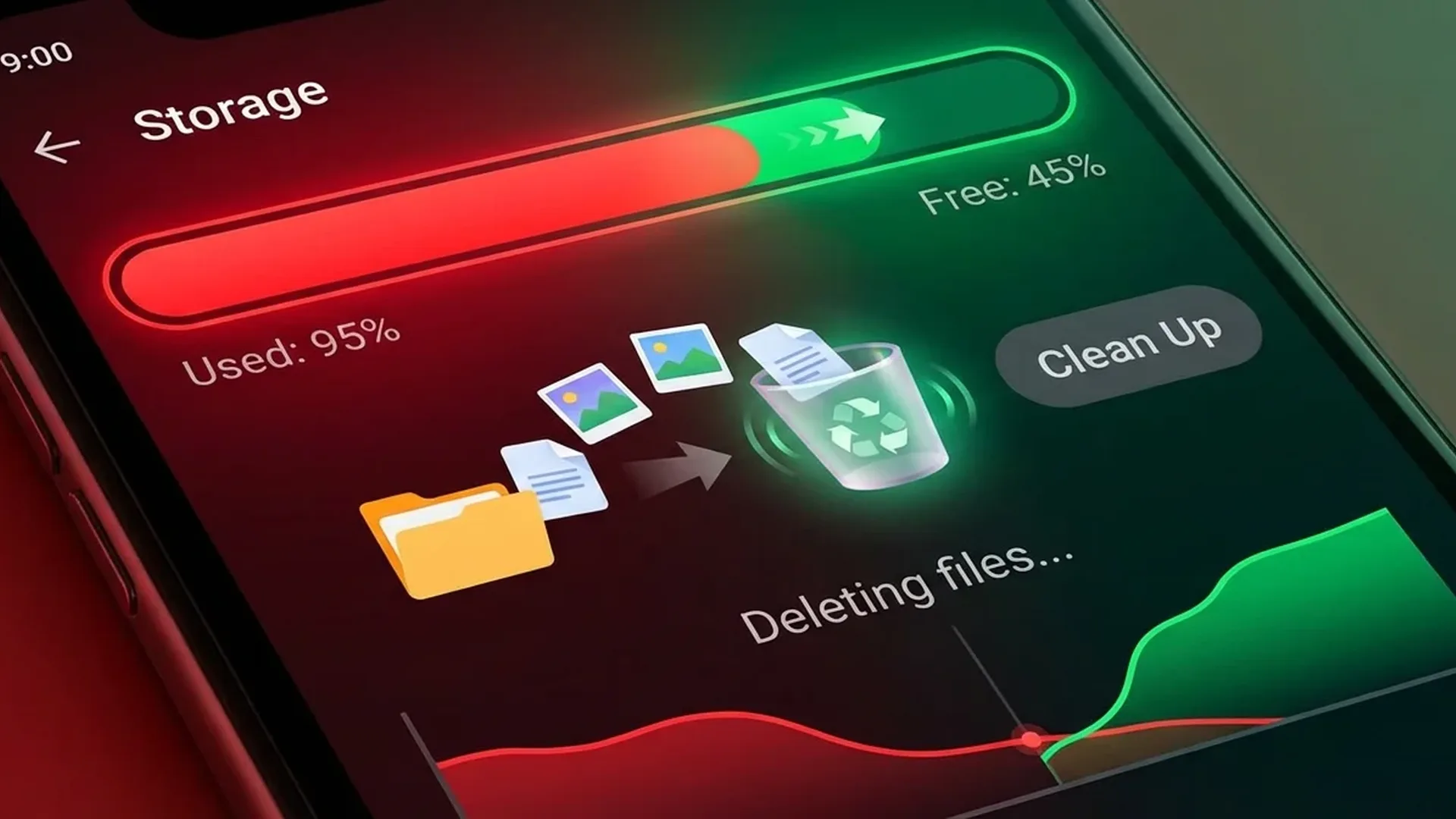
Go to Settings → Storage and see what's eating your space:
| Category | Typical Size | Risk |
|---|---|---|
| Apps | 15-40 GB | 🔴 High |
| Photos & Videos | 10-50+ GB | 🔴 High |
| Cache (Temporary) | 2-8 GB | 🟡 Medium |
| Downloads | 1-5 GB | 🟡 Medium |
| Messaging Media | 3-20 GB | 🔴 High |
| Offline Music/Movies | 2-10 GB | 🟡 Medium |
| System | 10-20 GB | 🟢 Non-deletable |
Method 1: Clear Cache
Cache for All Apps 2-5 GB
- Settings → Storage → Cached Data (on older Android versions)
- Settings → Apps → [Select app] → Storage → Clear Cache
- Start with the biggest offenders: Chrome, Facebook, Instagram, TikTok
- Cache can be rebuilt — you won't lose any data
Method 2: Photos & Videos
Google Photos — Cloud Backup 5-30 GB
The #1 method for freeing up space. Upload everything to the cloud, then delete local copies:
- Google Photos → Settings → Backup → ON
- Wait for everything to upload (make sure you're on Wi-Fi)
- Google Photos → Free Up Space → Removes local copies of photos that are already backed up
- 15 GB free Google storage. For more: Google One 100GB = $1.99/month
📖 Read more: Android Parental Controls: Complete Guide 2026
Method 3: Apps
Delete Unused Apps 3-10 GB
Go to Settings → Apps → Sort by size. You'll be surprised how large some are:
- Games: 2-5 GB each (PUBG, Genshin Impact, Call of Duty)
- Social Media: Facebook (500MB-1GB), TikTok, Instagram
- Navigation: Offline Google Maps = 1-3 GB
- Preinstalled bloatware: Samsung, Xiaomi apps you don't use → Disable them
Method 4: WhatsApp & Messaging Media
WhatsApp Storage Manager 3-15 GB
Groups send hundreds of photos/videos daily. Every file is saved locally:
- WhatsApp → Settings → Storage & Data → Manage Storage
- Start by deleting "Forwarded Many Times" items first
- Sort by size — videos are the biggest space hogs
- Disable Auto Download in groups: WhatsApp → Settings → Storage → Media auto-download → OFF for Groups
Method 5: Downloads & Files
Downloads Folder 1-5 GB
Every PDF, APK, and file you download goes to the Downloads folder — and gets forgotten there:
- Open Files by Google (or your File Manager)
- Navigate to the Downloads folder
- Sort by date or size
- Delete APKs, old PDFs, zip files
📖 Read more: Best Power Banks for Android 2026: Top 10
Method 6: Offline Media
Spotify, Netflix, YouTube 2-10 GB
Offline downloads eat up a lot of space without you realizing:
- Spotify: Settings → Storage → Delete Cache (~1-3GB). Also remove downloads you no longer listen to
- Netflix: App Settings → Delete All Downloads. One movie = 500MB-2GB
- YouTube: Library → Downloads → Delete old offline videos
- Google Maps: Offline maps → Delete areas you no longer need (1-3GB per map)
Cleaning Apps — Which Ones Are Worth It?
| App | Price | Worth It? |
|---|---|---|
| Files by Google | Free | ✅ Best — Smart suggestions, duplicates, junk |
| Samsung Device Care | Built-in | ✅ If you have a Samsung |
| SD Maid Pro | Free/$3 | ✅ Finds orphan files, databases |
| CCleaner | Free/$2/month | 🟡 OK but excessive notifications |
| "Super Cleaner" / “Clean Master” | Free | ❌ Avoid — adware, bloatware |
MicroSD Card — Still Worth It?
Our Verdict
Start with Files by Google → Clean tab for instant savings. Upload photos to Google Photos (Google One 100GB = $1.99/month). Clean up WhatsApp media — it's the #1 space thief. And disable auto-downloads in messaging groups.