Apple Vision Pro isn't just a VR headset — it's the first true spatial computing device, designed to work seamlessly with your iPhone. From capturing spatial photos and videos to using your iPhone as a remote control, the two products create an experience no competitor can replicate. In this comprehensive guide, we explore every way the iPhone and Vision Pro work together, what you can do today, and what Apple has planned for the future.
What Is Apple Vision Pro
Apple Vision Pro is Apple's first spatial computing device — a mixed reality headset that combines Augmented Reality (AR) and Virtual Reality (VR) in one premium piece of hardware. Initially launched in February 2024 at $3,499, it has since received a significant hardware refresh with the M5 chip, delivering improved performance and battery life.
The device uses a dual-chip system: the powerful M5 for general processing and the R1 chip specifically designed to process camera and sensor data within 12 milliseconds — 8 times faster than the blink of an eye. This creates an incredibly realistic video passthrough that lets you see the real world around you while digital content floats in space.
Spatial Photos and Videos: From iPhone to Vision Pro
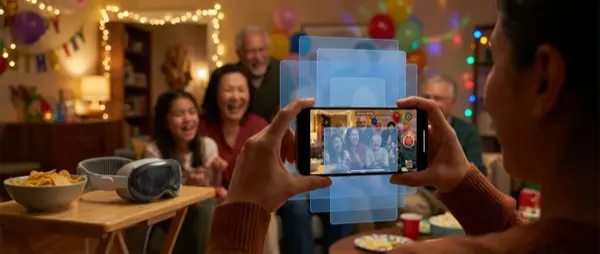
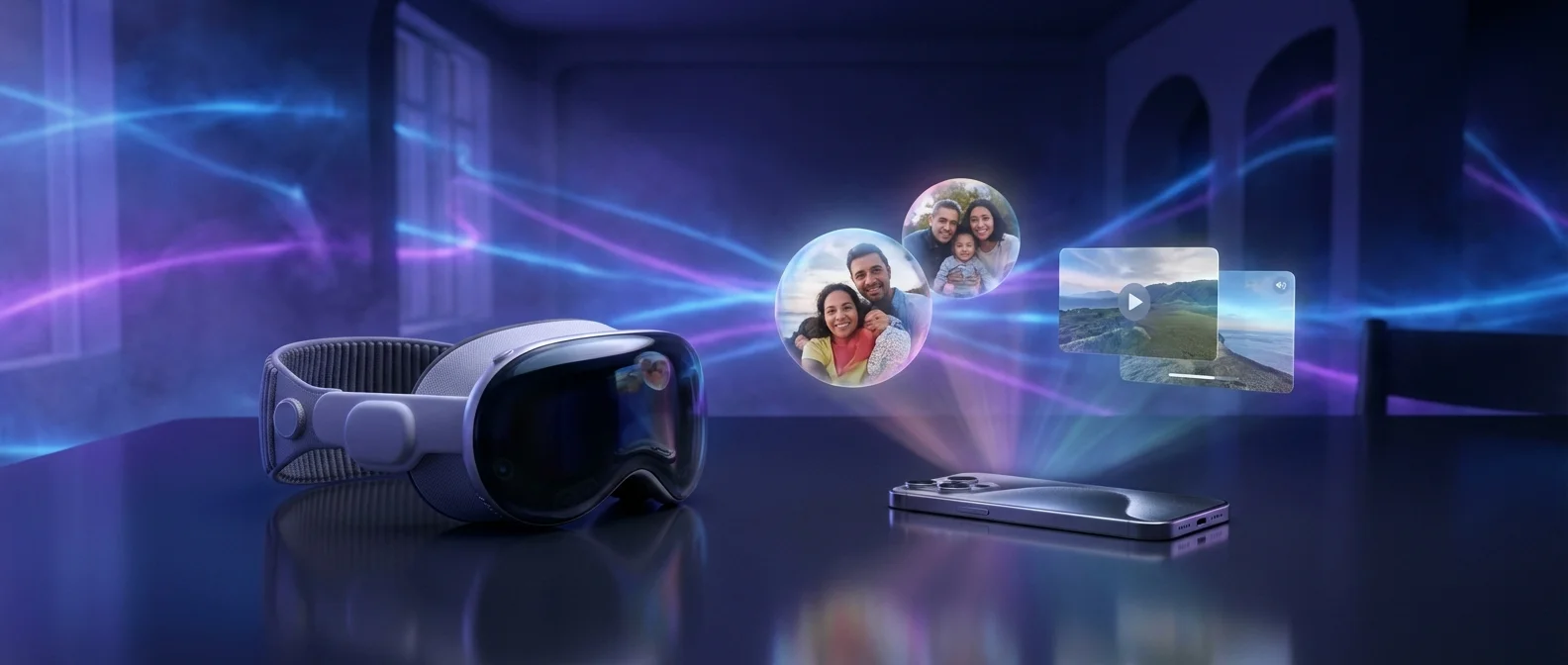
One of the most compelling ways iPhone and Vision Pro work together is through spatial photos and videos. Starting with iPhone 15 Pro, you can capture spatial videos — three-dimensional clips with real depth — using your phone's dual camera system.
When you view these videos on Vision Pro, the experience is radically different from watching on a flat screen. Faces gain depth, objects “pop out” of the frame, and you feel like you're reliving the moment in person. Testers report genuine emotional reactions when watching spatial videos of family or pets — the sense of presence is remarkable.
How to Capture Spatial Content
On iPhone 15 Pro/Pro Max, the entire iPhone 16 lineup, iPhone 17 series, and iPhone Air, open the Camera app, tap the Spatial Video icon (two overlapping circles), and record while holding the phone horizontally. For the best results, keep the iPhone steady, let your subjects move (not you), and shoot in good lighting.
iPhone 17 Pro models also support spatial photos — static 3D snapshots with impressive depth. These sync automatically via iCloud and appear on Vision Pro ready for viewing.
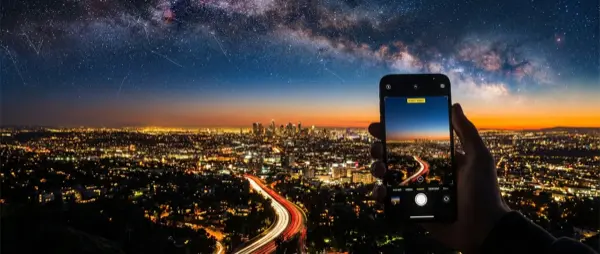
Pro Tip: Panoramic photos taken on iPhone gain a new dimension on Vision Pro — they wrap around you 360° as if you're standing inside the image. Landscape panoramas are particularly stunning!
Interface: Eyes, Hands, and Voice
Vision Pro is controlled through three natural input methods — no controllers needed:
Eye Tracking: Look at a UI element and it automatically highlights. The eye tracking system is so precise it's even used for authentication via Optic ID — like Face ID, but for your eyes.
Hand Gestures: Pinch your thumb and index finger to “tap,” pinch and drag to scroll, use both hands to zoom in and out. The cameras detect your hands even when they're resting in your lap.
Voice (Siri): Simply say “Hey Siri, open Safari” or dictate text while looking at a text field. Siri on Vision Pro can launch apps, control playback, and execute smart home commands.
Mac Virtual Display: The Magic of Mirroring
One of the most impressive features is the ability to bring your Mac screen into Vision Pro. Simply look at your MacBook while wearing the headset, and a “Connect” button appears above it. One tap and your Mac display floats before you at massive scale.
The experience is equivalent to two side-by-side 5K monitors — a huge, curved display with crystal-clear text. Your keyboard and mouse continue to work normally, with virtually zero perceptible lag. You can even use your physical keyboard to type in visionOS apps.
This completely transforms the workflow for professionals. Imagine: on a plane or in a hotel room, instead of a small laptop screen, you have an enormous virtual workspace. Designers, developers, and content creators report significant productivity gains.
"There are no controllers. You simply use your eyes to look at items, and your fingers to select them. It's what Apple means when they say 'it just works.'"
— Tom's Guide Apple Vision Pro ReviewiPhone as Companion Device
Your iPhone plays multiple roles in its relationship with Vision Pro:
Initial Setup
The initial Vision Pro setup is done through your iPhone. You scan your face (similar to Face ID) to create a custom Light Seal fit, transfer your Apple account, and configure basic preferences — all guided by your iPhone.
Guest User Mode
Want a friend to try your Vision Pro? Through your iPhone, you can enable Guest User, select which apps they'll see, and watch what they're seeing (View Mirroring) on your iPhone screen. This is perfect for demos to friends or clients.
iCloud Sync
Photos, videos, messages, calendar, notes — everything syncs automatically between iPhone and Vision Pro via iCloud. Changes on one device appear instantly on the other.
AirDrop and Handoff
Send files between iPhone and Vision Pro via AirDrop. Handoff lets you start a task on iPhone (like drafting an email) and continue it on Vision Pro, or vice versa.
Entertainment: Movies, Immersive Video, and Gaming
The entertainment experience on Vision Pro is unmatched. Imagine a 100-foot cinema screen on any wall, with pixel density greater than a 4K TV per eye.
Hundreds of 3D films are available on Apple TV+ — from superhero blockbusters to animations — and the 3D experience on Vision Pro far surpasses even the best IMAX theaters. Characters “emerge” from the screen, depth feels natural, and Spatial Audio places sound three-dimensionally around you.
Apple Immersive Video is a new format: 180° 3D 8K video with Spatial Audio. From sports highlights to highlining adventures at 1,000 meters — the sense of presence is breathtaking.
Gaming
Native Vision Pro games use hand tracking (no controller needed), while iPad/Mac games play on a massive virtual screen. PlayStation VR2 Sense controller support brings 6-degrees-of-freedom gaming. Apple Arcade offers dozens of spatial games optimized specifically for Vision Pro.
FaceTime and Persona
FaceTime on Vision Pro takes on a spatial dimension — each participant appears as a life-size video tile positioned in the space around you. Spatial Audio makes each person's voice sound as if it's coming from their tile's position.
Persona is a 3D avatar based on a scan of your face. It's used in video calls so others see a realistic representation of you instead of a camera feed. You can use it in FaceTime, Zoom, Teams, and other apps. The technology has improved significantly with each visionOS update.
SharePlay on Vision Pro: Watch movies, listen to music, or play multiplayer games with friends during FaceTime — each on their own Vision Pro or on iPhone/iPad.
Productivity and Apps
Vision Pro can run over a million compatible iPhone/iPad apps, plus thousands of native visionOS apps. Your favorite apps — Safari, Photos, Music, Messages, Mail — already work, transformed into spatial versions.
The real power lies in multitasking: open Safari in the center, Slack on the left, Apple Music on the right, and Calendar above. Move windows anywhere in space, resize them, and work in a virtual workspace with no physical boundaries.
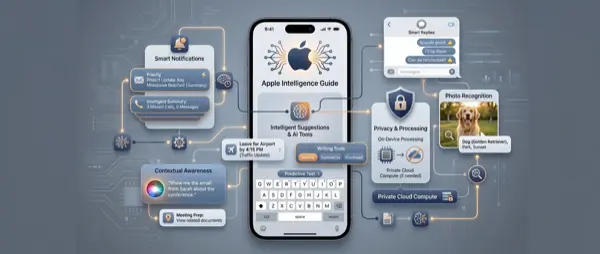
Apple Intelligence has arrived on Vision Pro (visionOS 2.4+), bringing Writing Tools, Smart Reply, and Image Playground in spatial form. You can ask Siri to summarize an email, create Genmoji, or search photos by describing what you're looking for.
Pricing and Availability
Apple Vision Pro is now available in multiple countries. European market pricing:
What Apple Has Planned Next
Apple is continually evolving the iPhone-Vision Pro relationship. Expected developments include:
Lighter Vision Pro: Rumors point to a significantly lighter 2nd-generation model, ideal for extended use.
Improved Persona: Apple Intelligence will make digital avatars more realistic, potentially using selfies from your iPhone for better likeness capture.
Apple Glasses: Long-term, Apple is developing AR glasses that look like regular eyeglasses, functioning as an iPhone companion device — bringing spatial computing to a more elegant, everyday form factor.
More Spatial Games: PlayStation VR2 controller support and Apple Arcade spatial games signal Apple's serious gaming ambitions.
"Apple Vision Pro may be the most innovative Apple product since the original iPhone. There's a mind-boggling amount of engineering intelligence here — from the micro-OLED displays to the intuitive gesture-based interface."
— Mark Spoonauer, Tom's GuideConclusion
The relationship between iPhone and Apple Vision Pro represents the future of personal computing. The iPhone serves as a spatial content camera, a companion device for setup and mirroring, and a data repository through iCloud sync. Vision Pro, in turn, brings that content to life in ways no other device can.
If you're considering an investment in spatial computing, the optimal experience requires an iPhone 15 Pro or newer (for spatial video). And if your iPhone needs repairs before you can fully leverage these features, our team at OnOff.gr is here to help!