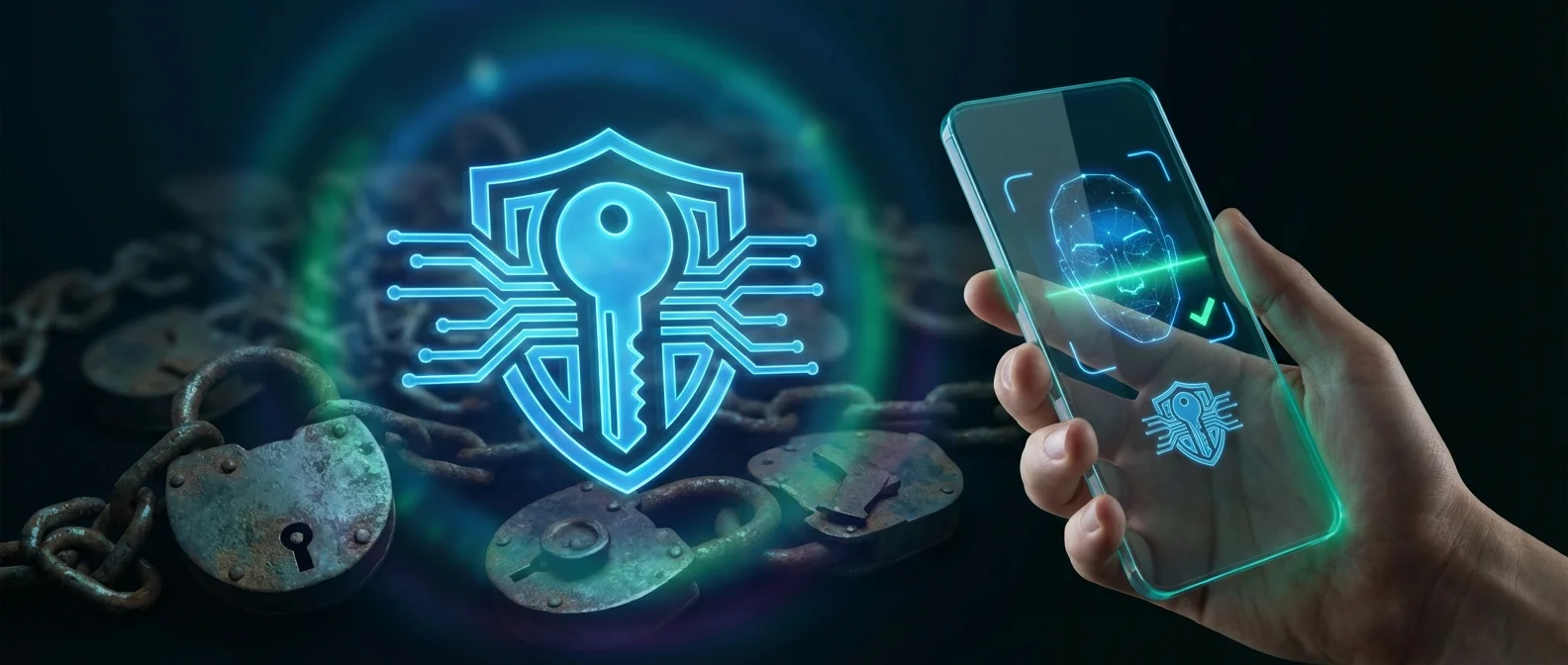
Passwords are the biggest problem in digital security: we forget them, reuse them, and they get stolen through phishing. Apple, alongside Google and Microsoft, has been building their replacement for years: Passkeys. In this article, we explain what they are, how they work on iPhone, and why they'll change the way you log in everywhere.
📖 Read more: Face ID iPhone: Evolution & Security Tips
What Are Passkeys?
Passkeys are a password replacement built on the WebAuthn standard and developed by the FIDO Alliance in collaboration with Apple, Google, and Microsoft. Instead of typing a password, you sign in with Face ID, Touch ID, or your device passcode — exactly the same way you unlock your iPhone.
Unlike passwords, passkeys:
• Can't be stolen through phishing
• Can't be reused across different sites
• Are always unique and strong
• Don't need to be remembered
How They Work Technically
When you create an account or add a passkey to an existing one, your iPhone generates a pair of cryptographic keys:
Public Key: Stored on the website's server. It's not a secret — even if someone sees it, they can't do anything with it.
Private Key: Stays on your iPhone and never leaves the device. The server never learns what it is.
When you sign in, the website sends a challenge to your iPhone. Your iPhone signs it with the private key (after you confirm with Face ID/Touch ID), and the server verifies it with the public key. No secret is ever transmitted over the network.
📖 Read more: Advanced Data Protection iPhone: What It Protects
Passkeys vs Passwords
The biggest advantage? Even if someone tricks you into visiting a fake website, the passkey won't work there — it's cryptographically bound to the real domain only.
How to Create a Passkey on iPhone
The process is straightforward and happens automatically when a site or app supports it:
1. Visit a site or app that supports passkeys
2. Tap “Create Passkey” or “Sign in with Passkey”
3. Confirm with Face ID or Touch ID
4. Done! The passkey is automatically saved to iCloud Keychain
Requirements: You need iOS 16 or later, iCloud Keychain enabled, and Face ID or Touch ID available. Starting with iOS 17, your Apple ID automatically gets a passkey.
📖 Read more: iPhone 18 Pro: Dynamic Island Moves to Upper-Left Corner
Which Apps & Sites Support Passkeys?
The list keeps growing. Some of the biggest services with passkey support:
Apple: All Apple ID services, iCloud, App Store
Google: Gmail, YouTube, Google Drive, and all Google services
Microsoft: Outlook, OneDrive, Xbox
Social Media: X (Twitter), TikTok, WhatsApp, WeChat
Shopping: Amazon, PayPal, eBay
Gaming: PlayStation, Nintendo
Password Managers: 1Password, Bitwarden, Dashlane
Security & Encryption
Passkey security is foundational. Apple emphasizes:
"Passkeys are built on public key cryptography. The server never learns what the private key is, and it doesn't need to protect the public key. This makes passkeys very strong, easy to use credentials that are highly phishing-resistant."
— Apple, About the Security of PasskeysEven if a site you use suffers a data breach, the public key stored on their server is useless without the private key — which never left your device.
Syncing via iCloud Keychain
Passkeys sync automatically across all your Apple devices via iCloud Keychain. iCloud Keychain is end-to-end encrypted with strong cryptographic keys that not even Apple knows.
📖 Read more: Lockdown Mode iPhone: When to Use & How to Enable
This means:
• Create a passkey on iPhone, find it on iPad and Mac
• Lose one device, your passkeys remain on the others
• Lose all devices — recover via iCloud Keychain recovery
Cross-Platform Compatibility
What if you need to sign in on a Windows computer or Android device? You can scan a QR code with your iPhone and authenticate via Face ID/Touch ID over Bluetooth.
The FIDO Alliance is also working on specifications for transferring passkeys between password managers and platforms, so you'll eventually be able to move from iPhone to Android (and back) without losing your passkeys.
The Future Without Passwords
2026 marks a turning point: more major services than ever support passkeys. Banks, streaming services, and even government portals are beginning to adopt the technology. For iPhone users, the transition is nearly invisible — you just tap Face ID instead of typing a password. And you're more secure than ever.
Final Thoughts
Passkeys aren't future technology — they're here, right now, on your iPhone. Every time a site offers a passkey option, say yes. It's faster, more secure, and you never have to remember anything. At OnOff.gr, we advise all our customers to enable passkeys on every service that supports them — it's the single best security step you can take, and it costs nothing.