

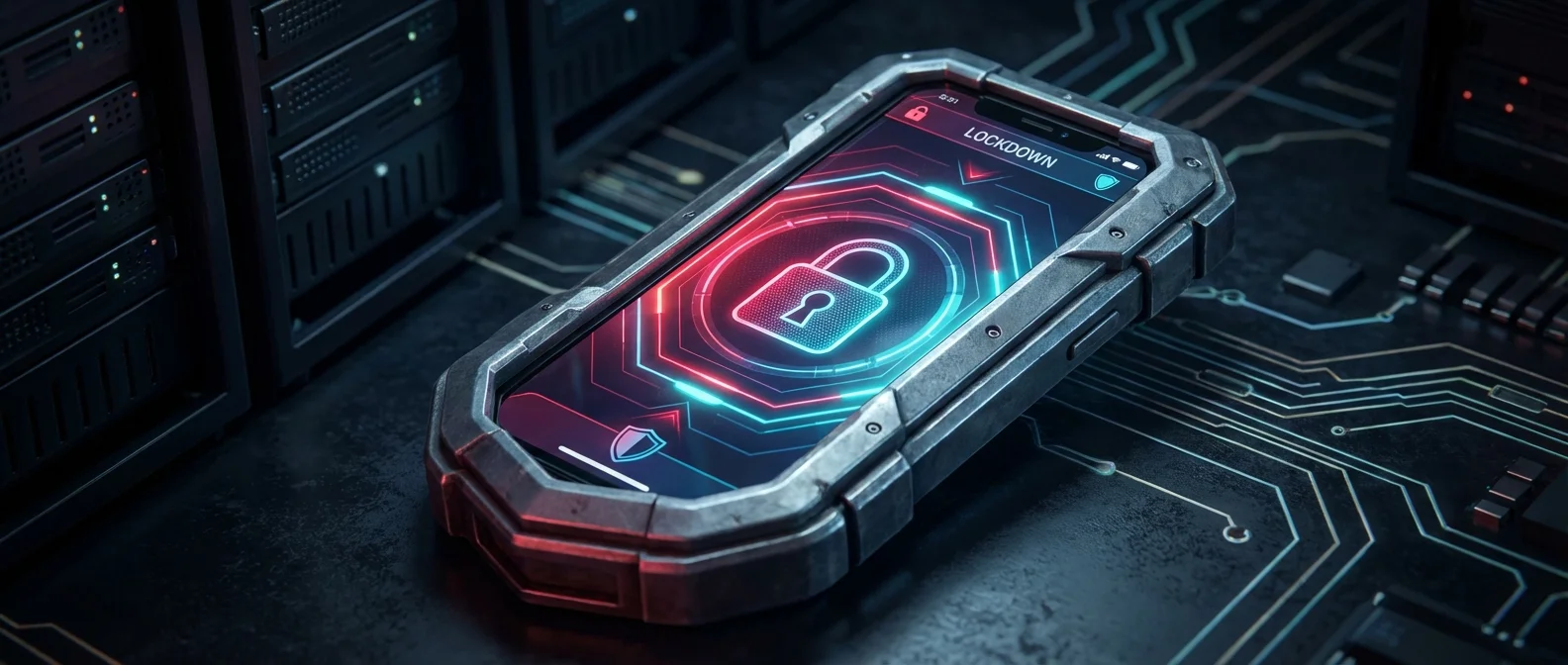
Lockdown Mode is one of the most extreme — and misunderstood — security features Apple has ever introduced on iPhone. It wasn't designed for everyday users, but for those facing real, targeted cyber threats. In this guide, we'll cover exactly what it does, who it protects, what it restricts, and how to enable it on your device.
📖 Read more: VPN for iPhone 2026: Top 5 for Security
🔒 What Is Lockdown Mode?
Lockdown Mode is an optional, extreme protection feature introduced with iOS 16. It's designed exclusively for the very few people who, because of who they are or what they do, might be personally targeted by some of the most sophisticated digital threats — like mercenary spyware such as Pegasus.
When enabled, your device won't function like it normally does. Many apps, websites, and features are strictly limited, drastically reducing the “attack surface” that advanced spyware could exploit.
🛡️ What Does Lockdown Mode Restrict?
When activated, Lockdown Mode impacts many core device functions. Here's a detailed breakdown:
Messages
Most message attachment types are blocked, except certain images, video, and audio. Links and link previews are completely unavailable. This is because malicious software often exploits attachments to infiltrate devices.
Web Browsing
Certain complex web technologies are blocked, which may cause some websites to load more slowly or not work correctly. Web fonts may not display, and some images might be replaced with missing image icons. This happens because JavaScript JIT compilation — which browsers use for speed — can be exploited as an attack vector.
FaceTime
Incoming FaceTime calls are blocked unless you've previously called that person within the last 30 days. Features like SharePlay and Live Photos are unavailable.
Apple Services
Incoming invitations to Apple services are blocked unless you previously invited that person. This includes Home app invitations and more. Game Center is also disabled.
Photos
When sharing photos, location information is automatically excluded. Shared Albums are removed from the Photos app, and new Shared Album invitations are blocked.
Device Connections
To connect your iPhone or iPad to an accessory or computer, the device must be unlocked. For Mac with Apple Silicon, explicit approval is required.
Wireless Connectivity
The device won't automatically join insecure Wi-Fi networks. 2G and 3G cellular support is turned off on iPhone and iPad — since older cellular protocols are more vulnerable to interception.
Configuration Profiles
New configuration profiles cannot be installed, nor can the device be enrolled in Mobile Device Management (MDM). This prevents attackers from installing malicious profiles.
📖 Read more: Journal App iPhone: AI Life Diary in 2026
👤 Who Actually Needs Lockdown Mode?
Apple is clear: Lockdown Mode was designed for “the very few people” at risk from sophisticated, targeted cyberattacks. This means:
- Journalists covering sensitive topics in countries with authoritarian regimes
- Human rights activists operating in dangerous regions
- Political officials and high-level diplomats
- Business executives handling extremely sensitive trade secrets
- Lawyers working on national security cases
If you don't fall into any of these categories, you almost certainly don't need Lockdown Mode. The standard security features of iOS — encryption, Secure Enclave, App Sandbox — already provide excellent protection for the average user.
📱 How to Enable Lockdown Mode
Enabling it is straightforward, though Apple warns you before proceeding:
On iPhone or iPad:
- Open Settings
- Tap Privacy & Security
- Scroll down and tap Lockdown Mode
- Tap Turn On Lockdown Mode
- Tap Turn On & Restart and enter your passcode
On Mac:
- Open System Settings
- Click Privacy & Security
- Scroll down and click Lockdown Mode
- Click Turn On
- Enter your user password and click Turn On & Restart
⚙️ Exclusions: You Can Exempt Apps and Websites
An important feature many people don't know about: you can exclude specific apps or websites from Lockdown Mode restrictions. If a trusted website isn't working properly, you can exempt it:
- In Safari: tap the page menu and disable Lockdown Mode for that specific website
- In Settings > Privacy & Security > Lockdown Mode > Configure Web Browsing: view and manage your exclusions
Apple recommends only excluding trusted apps and websites, and only when necessary.
📊 Key Facts at a Glance
✅ Final Thoughts
Lockdown Mode is a remarkable security tool that shows how seriously Apple takes protecting its most vulnerable users. To summarize:
- What it is: An extreme security feature against targeted cyberattacks
- Who it's for: Journalists, activists, politicians, high-risk executives
- What it restricts: Messages, web, FaceTime, Wi-Fi, connections, profiles
- How to enable: Settings > Privacy & Security > Lockdown Mode
- Can it be disabled: Yes, at any time
If you believe you might be a target of sophisticated cyberattacks, Lockdown Mode is definitely worth considering. For everyone else, the standard iPhone security settings — combined with common sense — are more than enough to keep you safe.