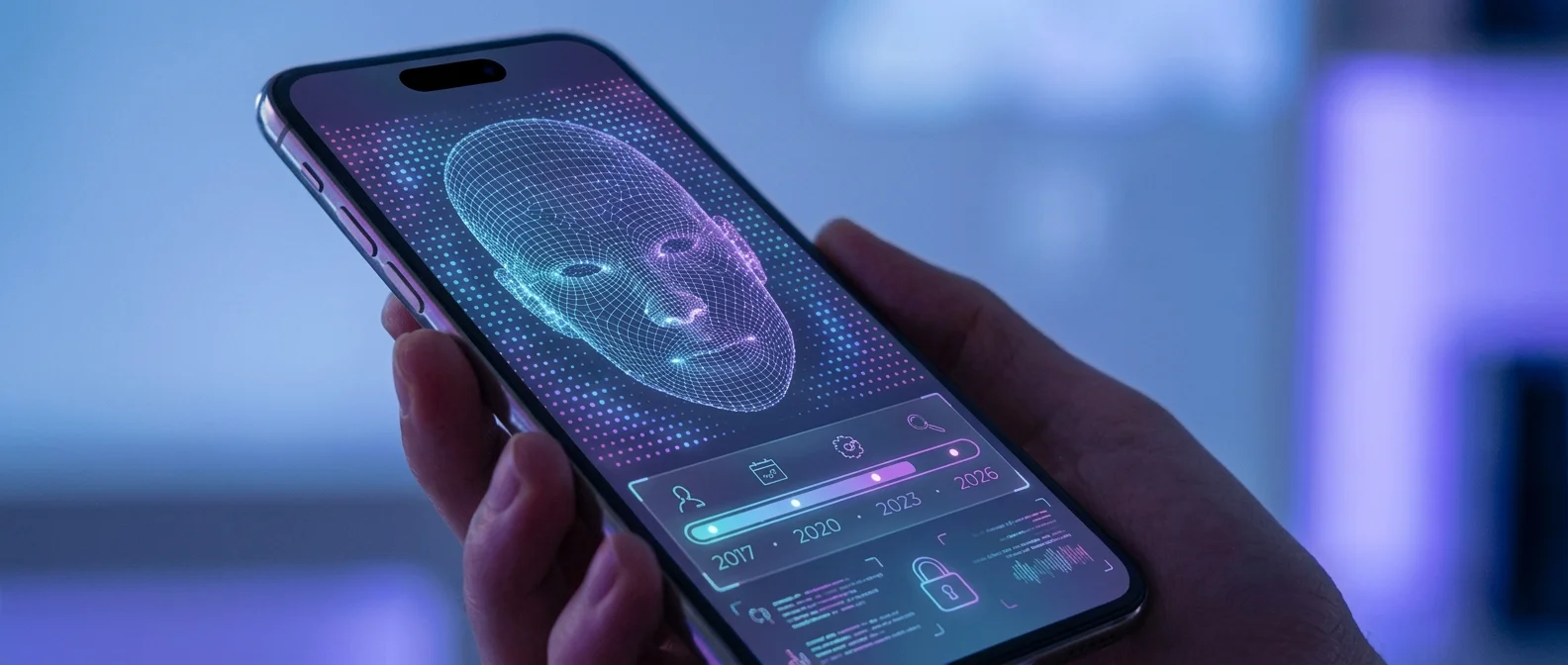
Face ID has been redefining how we unlock our iPhones since 2017. From the iPhone X to the iPhone 17, Apple’s facial recognition technology has evolved dramatically. In this article, we examine how it works, how it’s evolved, how it adapts over time, and how you can make the most of it to keep your device secure.
📖 Read more: Stolen Device Protection iPhone: Complete Guide
🧐 How Does Face ID Work?
Face ID uses the TrueDepth Camera system, which consists of three key components:
- Dot Projector: Projects over 30,000 invisible infrared dots onto your face
- Flood Illuminator: Illuminates your face with infrared light (works even in total darkness)
- Infrared Camera: Reads the pattern and creates a 3D map of your face
The result is converted into a mathematical representation and stored in the device's Secure Enclave. It's never sent to Apple or backed up to iCloud.
How Face ID Adapts
One of Face ID’s most impressive features is its ability to learn. Thanks to the chip’s Neural Engine, the system:
- Learns over time: Adapts to appearance changes — new haircut, beard, glasses, hat — without needing to be reconfigured
- Alternate Appearance: You can add a second face (e.g. with/without sunglasses) from Settings
- ~400ms unlock: Thanks to the Neural Engine, recognition is nearly instant — even faster than a Touch ID fingerprint scan
📅 The Evolution of Face ID (2017–2026)
2017 — iPhone X: The Beginning
Face ID debuted as the replacement for Touch ID. The technology was rooted in Apple's 2013 acquisition of PrimeSense, the Israeli company behind Microsoft's Xbox Kinect motion sensor technology.
2018 — iPhone XS/XR: Faster Processing
With an improved Neural Engine, Face ID became significantly faster. The 3rd-generation iPad Pro also became the first iPad with Face ID support.
2019 — iOS 13: 30% Speed Boost
With iOS 13, Apple announced an upgraded Face ID that was up to 30% faster than previous versions.
2020–2022 — The Pandemic and Masks
The COVID-19 pandemic exposed Face ID's biggest weakness: it couldn't recognize users wearing face masks. Apple responded in stages:
- iOS 13.5: Faster passcode fallback when wearing a mask
- iOS 14.5: Apple Watch-based unlocking
- iOS 15.4: Mask-compatible Face ID for iPhone 12 and later
2025 — iPhone 16e: All iPhones Now Have Face ID
With the iPhone 16e, Apple dropped Touch ID entirely. The entire iPhone lineup now features Face ID.
2025–2026 — iPhone 17: Under-Display Face ID
The iPhone 17 Pro introduced under-display Face ID — the TrueDepth components now sit beneath the screen. The Dynamic Island became 35% smaller, and on the iPhone 18 Pro it’s expected to disappear entirely. Apple uses metalens technology that replaces traditional optical elements with nanostructures on glass, saving space without sacrificing recognition accuracy.
🔒 Face ID Security: The Numbers
• Touch ID: 1 in 50,000 chance of false match
• Face ID: 1 in 1,000,000 chance of false match
• Face ID with mask: Slightly higher probability (Apple acknowledges this)
Apple notes that for identical twins, look-alike siblings, and children under 13 whose facial features may not be fully developed, the probability is higher. In these cases, using a passcode is recommended.
💡 Security Tips for Face ID
- Enable Attention Aware: Settings > Face ID & Passcode > Require Attention for Face ID. This ensures your iPhone only unlocks when you’re actually looking at the screen.
- Use a strong passcode: Face ID is only as secure as your backup passcode. Use a 6-digit or alphanumeric code.
- Emergency SOS: Hold the side buttons for 2 seconds to instantly disable Face ID and require the passcode.
- Only use authorized repair shops: Apple warns that unofficial components may disable Face ID entirely.
- Lock individual apps with Face ID: On iOS 18+, you can lock specific apps for an extra layer of protection.
🏪 How This Relates to iPhone Repair
At OnOff.gr, we use genuine parts and authorized procedures to ensure your Face ID continues working after repair. If your Face ID stopped working after a drop or a repair elsewhere, bring your device to us for diagnosis.