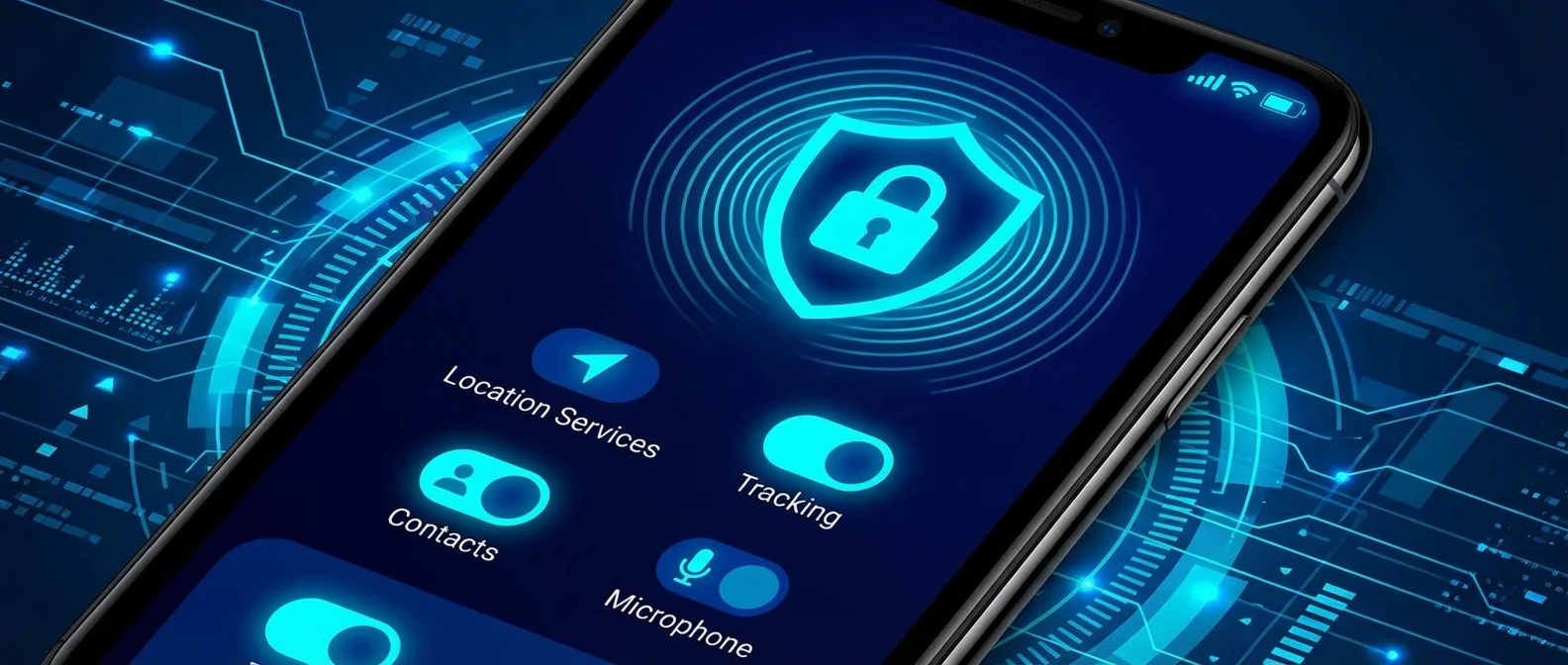
The iPhone features the most advanced privacy settings in the smartphone market. From App Tracking Transparency and iCloud Private Relay to Lockdown Mode and Stolen Device Protection — Apple has built multiple layers of protection. This guide covers every setting you should check and enable right now.
App Tracking Transparency
Since iOS 14.5, every app is required to ask explicit permission before tracking your activity across other apps and websites. Go to Settings → Privacy & Security → Tracking and disable “Allow Apps to Request to Track” for a complete block. According to Apple, more than 75% of users decline tracking when asked.
Location Services
In Privacy → Location Services, you control each app individually. Choose “Approximate Location” (an area of ~10 square miles) instead of precise GPS for apps that don't need it (e.g., weather, news). Set most apps to “While Using” and enable background tracking notifications — they'll alert you whenever an app uses your location in the background.
Safari & iCloud Private Relay
Safari automatically blocks cross-site tracking through Intelligent Tracking Prevention, hides fingerprinting data, and prevents social widgets (like/share buttons) from tracking you. Enable iCloud Private Relay (requires iCloud+) to encrypt your traffic through two separate relays — neither Apple, nor your ISP, nor websites can simultaneously see who you are and what you visit. Private Browsing windows automatically lock when not in use.
Mail Privacy Protection
In Settings → Mail → Privacy Protection, enable “Protect Mail Activity.” This hides your IP from senders, blocks tracking pixels, and prevents senders from seeing if or when you opened their email. Mail categorization is processed entirely on-device.
Passkeys & Sign in with Apple
Passkeys replace passwords with cryptographic keys that are never stored on servers. They use Face ID or Touch ID, can't be phished, and sync via iCloud Keychain. Sign in with Apple lets you log in without sharing your activity, with the option to use Hide My Email to create a random email address per service.
App Privacy Report & Nutrition Labels
In Settings → Privacy → App Privacy Report, you can see which apps recently accessed your camera, microphone, location, or contacts — and which domains they communicated with. On the App Store, Privacy Nutrition Labels show what data each app collects before you even download it.
Stolen Device Protection: Since iOS 17.3, if someone steals your iPhone, even knowing your passcode, they can't change your Apple ID or disable Find My without biometric authentication (Face ID/Touch ID) and a 1-hour delay away from known locations. Enable it: Settings → Face ID & Passcode → Stolen Device Protection.
Lockdown Mode & Advanced Data Protection
Lockdown Mode (Settings → Privacy → Lockdown Mode) is the most extreme protection, designed for journalists, activists, and spyware targets. It disables link previews in iMessage, blocks unknown attachments, restricts Web APIs in Safari, and prevents wired data connections.
Advanced Data Protection (Settings → Apple ID → iCloud → Advanced Data Protection) enables end-to-end encryption for most iCloud data — photos, notes, backups, Voice Memos, and more. Even if Apple's servers are breached, your data remains encrypted.
Contact Key Verification & iMessage
Contact Key Verification ensures you're messaging exclusively the right person, protecting against man-in-the-middle attacks on iMessage. All iMessage and FaceTime conversations are end-to-end encrypted — Apple cannot read them in transit. iOS 18 also added Link Tracking Protection that strips tracking parameters from URLs you send through Messages.
Quick Setup Tips
Do these 5 steps now: (1) Disable App Tracking globally. (2) Set Approximate Location for every app that doesn't need GPS. (3) Enable Stolen Device Protection. (4) Turn on Advanced Data Protection (requires a recovery contact or key). (5) Check Privacy Nutrition Labels before downloading new apps. These five steps dramatically change your security level.
"Privacy is a fundamental human right."
— Tim Cook, Apple CEO