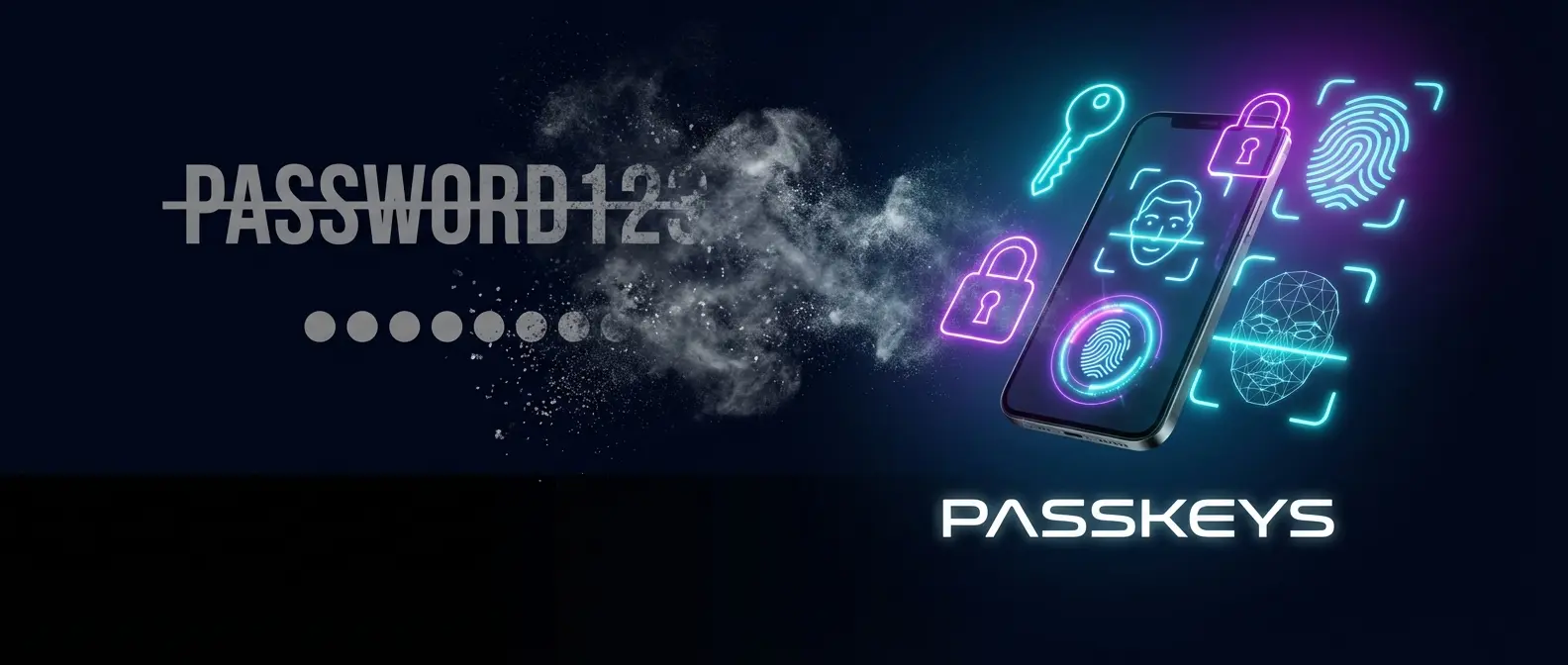
2026 marks the beginning of the end for traditional passwords. Passkeys, the technology developed by Apple, Google, and Microsoft in collaboration with the FIDO Alliance, have reached critical mass adoption. How do they work, why are they more secure, and what changes for you?
📖 Read more: Gov.gr Wallet: The 3 New Features Just Added
🔑 What are Passkeys?
Passkeys are cryptographic keys that replace traditional passwords. Instead of remembering passwords, you use your fingerprint, Face ID, or PIN to sign in to any site or app.
👆
Biometric
Fingerprint or Face ID
🔐
Encrypted
Public/private key encryption
📱
Synced
Synced across all your devices
📖 Read more: OpenSSL: Critical Vulnerabilities Affect Millions in 2026
✅ Why are they better than passwords?
| Password Problem | Passkey Solution |
|---|---|
| ❌ Phishing - stolen on fake sites | ✅ Impossible - the passkey never leaves |
| ❌ Reuse - same password everywhere | ✅ Unique key per site |
| ❌ Data breaches - database leaks | ✅ No password to steal |
| ❌ Hard to remember | ✅ No memorization needed |
| ❌ SMS OTP - can be intercepted | ✅ Built-in 2FA |

🏢 Who supports Passkeys in 2026?
Adoption has skyrocketed in the last 12 months:
🌍 Global
- Google (Gmail, YouTube, Drive)
- Apple (iCloud, App Store)
- Microsoft (Outlook, Xbox)
- Amazon, eBay, PayPal
- GitHub, 1Password, Dashlane
- WhatsApp, X/Twitter
�🇷 In Greece
- Eurobank, Alpha Bank
- Cosmote ID
- Public, Plaisio e-shops
- gov.gr (coming soon)
- Skroutz, BestPrice
- Greek banks gradually
15B+
Passkeys created
500M
Users worldwide
75%
Phishing reduction
📱 How to activate Passkeys
iPhone/iPad
- Settings → Passwords → Password Options
- Enable “AutoFill Passwords & Passkeys”
- On the site, select “Create Passkey”
- Face ID/Touch ID to confirm
🤖 Android
- Settings → Google → Passwords & autofill
- Enable Google Password Manager
- On the site, select “Use passkey”
- Fingerprint/Face unlock to confirm
💻 Windows/Mac
- Chrome/Edge/Safari already support them
- On the site, select “Create passkey”
- Scan QR from phone or use Windows Hello
- Confirm on your phone
📖 Read more: Supply Chain Attacks: Why 2026 is the Silent Breach Year
❓ Frequently Asked Questions
What happens if I lose my phone?
Passkeys sync to your iCloud/Google account. Sign in on a new device and you'll have them again.
Can I use an iPhone passkey on Windows?
Yes! Scan the QR code with your iPhone and confirm with Face ID. Cross-platform support.
Are passkeys mandatory?
Not yet, but Google and Apple strongly encourage them. You can keep a password as backup.
What about my existing passwords?
They remain active. You can add a passkey gradually to each account.
🔑 The Bottom Line
2026 is the year Passkeys went mainstream. No passwords to remember, no phishing, no SMS codes. Simply your finger or your face becomes the key. If you haven't tried them yet, start with your Google or Apple account — it's much easier than you think.