June 27, 2026. Mark it down. That's when the Secure Boot certificates protecting your Windows PC from bootkits and malware expire after 15 years of service. Your computer won't brick itself. But it will enter what Microsoft calls a "degraded security state" — exactly where no one wants to be when the next BlackLotus-style bootkit hits.
📖 Read more: Windows 11 January 2026 Update: Fix Boot Failures Fast
📖 Read more: Windows 11 Annoying Features: 9 Tricks for Clean Desktop
🔒 The Certificate Time Bomb Everyone Ignored
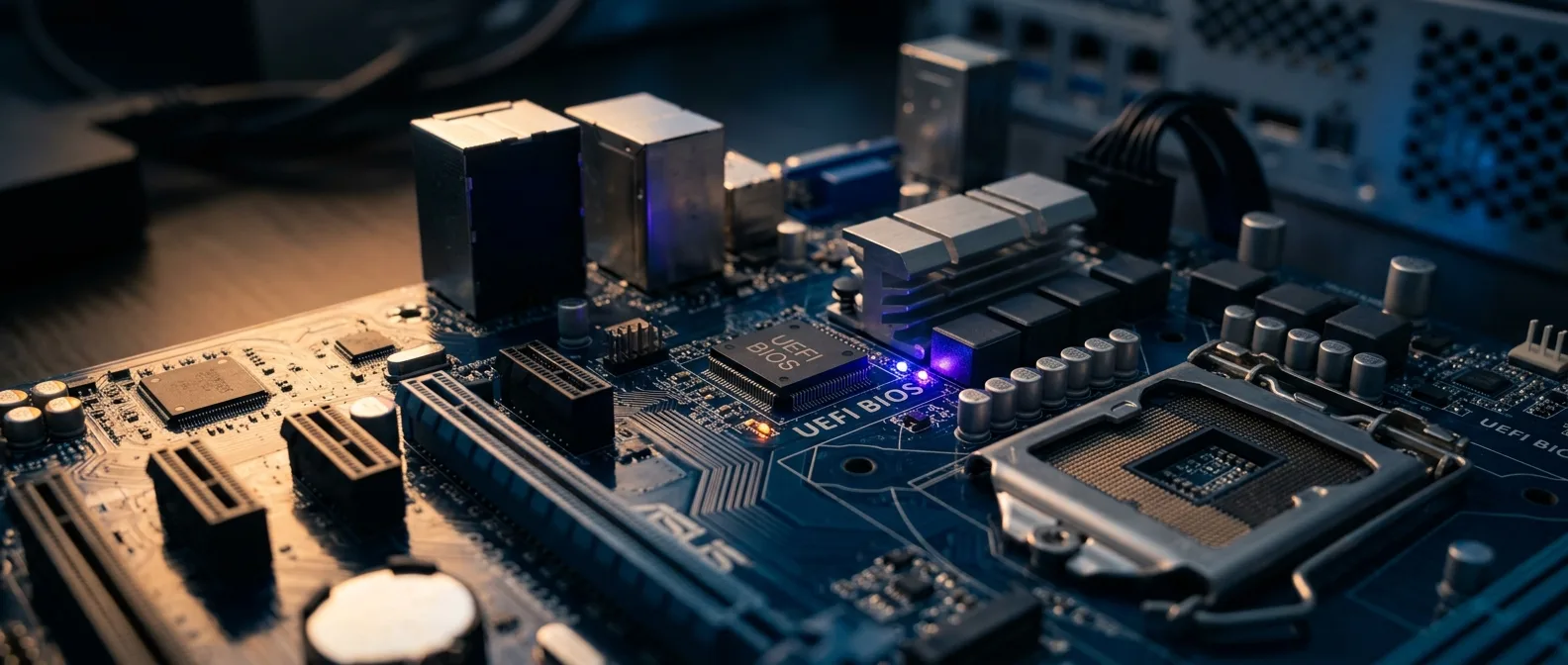
Secure Boot works like a bouncer at your PC's front door. Every time you power on, it checks your Windows bootloader's credentials to make sure it's legitimate and not some malicious impostor. These credentials come from security certificates baked into your UEFI firmware back when your motherboard was manufactured. Here's the problem. Those certificates were issued in 2011 — when Microsoft was prepping Windows 8 for launch. After 15 years of faithful service, they're about to expire. Not in some distant future. In less than four months. Microsoft dropped this bombshell in a recent blog post, calling it "the first global large-scale certificate update" in Secure Boot history. We're in uncharted territory. 3 critical certificates expiring
June 2026 first expiration date
Why This Isn't Your Typical Bug Fix
Three specific certificates are hitting their expiration dates: - **Microsoft Corporation KEK CA 2011** — expires June 2026 - **Microsoft Corporation UEFI CA 2011** — also June 2026 - **Microsoft Windows Production PCA 2011** — October 2026 Each serves a distinct purpose. The KEK signs updates to the DB and DBX databases. The UEFI CA signs third-party drivers and option ROMs. The Windows Production PCA signs the Windows bootloader itself. When these expire, your PC loses the ability to verify new boot-level security updates. It's like having a security guard who can't read updated ID cards.📖 Read more: Browser Autofill: The Hidden Security Risk Stealing Your Data
⚡ What Happens If You Do Nothing
Your PC won't become a paperweight. It'll boot normally and run Windows just fine. But it enters that degraded security state Microsoft warns about. Practically speaking, this means: 1. No new boot-level security updates can install 2. No revocation lists for compromised certificates 3. Vulnerability to threats like the BlackLotus UEFI bootkit
BlackLotus is a particularly nasty bootkit that exploits exactly these weaknesses (CVE-2023-24932). Legacy certificate versions can't stop it.
The Growing Security Gap
The longer you wait after expiration, the more exposed your system becomes. New malware will specifically target systems running expired certificates. Without the ability to receive fresh protections, you're in a steadily deteriorating position. Think of it like having an antivirus that stopped updating in 2011. It might catch old threats, but everything new sails right through.🆘 Windows 10 vs Windows 11: The Great Divide
Microsoft isn't treating all systems equally. Windows 11 gets full support for transitioning to new certificates. Windows 10? Not so much.Only systems enrolled in Microsoft's Extended Security Updates (ESU) program have any hope — and that's a paid solution aimed at enterprises, not home users."Windows 10 reached end-of-life in October 2025. That means no more updates, no maintenance, and no guarantee that you'll get to participate in the certificate rollover."
How-To Geek
The Hardware Exception
One exception stands out. Newer Copilot+ PCs that shipped in 2025 come with updated certificates from the factory. It's probably the first time you'll be glad you bought bleeding-edge hardware. But if you're running anything older than that, you're in the same boat as everyone else.📖 Read more: I Moved Windows Folders to Another Drive: 2x Faster PC
🔧 How to Protect Your System
The good news? There are concrete steps you can take — if you act soon enough.Step 1: Check Your Secure Boot Status
First, verify that Secure Boot is actually enabled: 1. Press Windows + R and type `msinfo32` 2. Look for the "Secure Boot State" field 3. If it shows "On", you're good to go If it's disabled, you can enable it through your UEFI/BIOS settings. But be careful — Microsoft warns that toggling Secure Boot on and off can wipe updated certificates.Step 2: Enable Automatic Windows Updates
The easiest path to new certificates runs through Windows Update. Microsoft will push updated certificates to systems that allow automatic updates and send diagnostic data back to Redmond. This is where privacy-conscious users face a dilemma. To get priority certificate updates, you need to enable diagnostic data sharing. It's a trade-off between privacy and security.Automatic Updates
Microsoft delivers new certificates through Windows Update. Systems with diagnostic data enabled get prioritized support for the transition.OEM Firmware Updates
Check your motherboard manufacturer's support page for UEFI firmware updates. Without updated firmware, even Windows updates might not be enough.Step 3: Registry Fix for Enterprise Systems
If you manage corporate systems that don't send diagnostic data, there's a registry workaround: - **Registry path**: `HKEY_LOCAL_MACHINE\SYSTEM\CurrentControlSet\Control\Secureboot` - **Key name**: `MicrosoftUpdateManagedOptIn` - **Type**: DWORD - **Value**: `0x5944` (or any non-zero value) This tells Microsoft to manage Secure Boot updates for that specific device, even without diagnostic data.📖 Read more: Microsoft Lens Dies March 9: OneDrive Scan Takes Over
💡 Backup Plans When Things Go Wrong
What if your hardware is too old for Windows 11 and won't receive firmware updates? You have options, but they're not exactly convenient.Linux with Secure Boot Support
Many Linux distributions support Secure Boot — and they don't abandon older hardware like Microsoft does. Zorin OS, for example, is designed to look and feel like Windows while maintaining full Secure Boot compatibility. If you don't depend on Windows-specific software that won't run on Linux, you might not even notice the difference.Hardware Upgrade Reality Check
Microsoft suggests a "relatively minor hardware upgrade" to qualify for Windows 11. What they consider "minor" is debatable. If you need a new motherboard and CPU for TPM 2.0 support, you're looking at several hundred dollars minimum.
Air-gapped systems (government or industrial) face unique challenges. Microsoft offers only "known steps or methods" — not automatic support for isolated networks.
🎯 Frequently Asked Questions
Will my PC stop working after June?
No. Your PC will continue to boot and run Windows normally. It just loses the ability to receive boot-level security updates, making it more vulnerable to bootkits and other boot-level malware.If I have Windows 10, am I doomed?
Not necessarily. If your hardware supports Windows 11, upgrade now. If not, consider Linux distributions with Secure Boot support or Extended Security Updates if you're an enterprise customer.How do I check if I have the new certificates?
This is one of the more technical aspects, and Microsoft hasn't provided a user-friendly tool yet. For now, your best bet is ensuring you receive the latest Windows updates and checking with your motherboard manufacturer for firmware updates. The reality: 2026 might not be arriving with jetpacks and flying cars, but it's definitely bringing security challenges that require preparation. The sooner you start planning, the less stressful the transition will be.Sources: