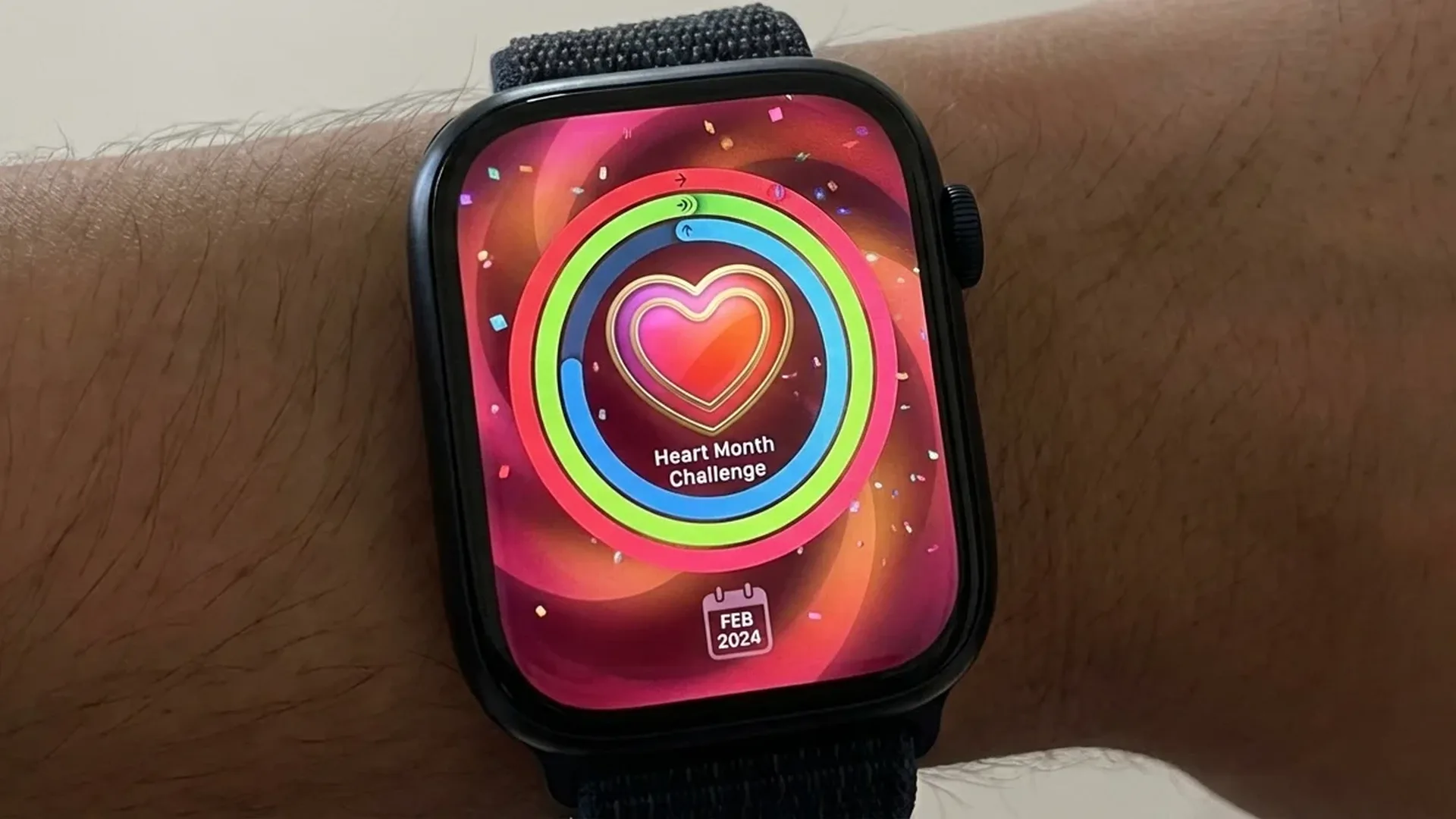
February is American Heart Month — and every year, Apple celebrates with a special fitness challenge on Apple Watch. For 2026, the Heart Month Challenge asks you to close your Exercise ring on 7 days throughout February by completing at least 30 minutes of activity each day. Complete it to earn an exclusive badge and animated iMessage sticker pack. Here's everything you need to know.
📖 Read more: Apple Watch Ultra 3 Black Titanium: Review After Daily Use
What Is the Heart Month Challenge 2026
Every February, Apple honours American Heart Month — an initiative that began in the United States in 1964 to raise awareness about cardiovascular disease. Since 2018, Apple has offered annual Heart Month challenges on the Apple Watch, encouraging millions of users worldwide to prioritise physical activity during the month dedicated to heart health.
For 2026, the challenge requires you to close your Exercise ring on 7 days during February. This means at least < 30 minutes of brisk activity per day — and the days don't need to be consecutive. Any workout counts: walking, running, cycling, swimming, yoga, dance, or even a vigorous home cleaning session.
The Rewards: Badge and iMessage Stickers
Completing the Heart Month Challenge 2026 earns you two rewards. First, an exclusive heart-themed badge in your Activity app — designed with a unique visual style each year. Second, a pack of animated iMessage stickers with a heart health theme that you can use in your conversations.
These badges are collectible — if you miss February 2026, you'll never be able to earn this specific badge again. For many Apple Watch users, collecting yearly Heart Month badges has become a tradition and a source of motivation in its own right.
How to Participate
Step 1: Make sure your Apple Watch is running watchOS 11.3 or later.
Step 2: Check the Awards tab in the Activity app — you'll see the Heart Month Challenge listed.
Step 3: Close your Exercise ring (30 minutes) on any 7 days during February.
Step 4: Receive a completion notification and unlock your badge + sticker pack.
Apple Watch Heart Health Features
The Apple Watch is far more than a fitness tracker — it's a serious cardiovascular health monitoring tool. As of February 2026, the device offers a comprehensive ecosystem of heart-related features:
- Continuous heart rate monitoring: Optical heart rate sensor tracks your pulse throughout the day, during workouts, and during recovery.
- High/Low heart rate alerts: If your resting heart rate exceeds < 120 bpm or drops below < 40 bpm while you're inactive, the watch notifies you immediately.
- Irregular rhythm detection (AFib): The sensor can detect signs of atrial fibrillation in the background without any user action required.
- Electrocardiogram (ECG): Take a 30-second ECG directly from your wrist, with results you can share as a PDF with your doctor.
- Blood oxygen (SpO2): Measure blood oxygen saturation using the sensor on the back of the watch.
- Cardio Fitness (VO2 Max): Estimate your aerobic capacity, with alerts if it falls to a critically low level.
Tips to Complete the Challenge
With 28 days in February 2026, you only need 7 days of closing your Exercise ring. It sounds easy, but consistency is key. Here are some practical tips to make sure you succeed:
- Start early: Don't leave your 7 days for the end of the month. Begin from February 1st and build momentum.
- Morning workouts: A 30-minute brisk walk in the morning is enough to close the ring. No gym required.
- Split your 30 minutes: The Exercise ring accumulates — 15 minutes in the morning + 15 minutes in the evening counts the same as 30 continuous minutes.
- Set reminders: Configure notifications on your Apple Watch to remind you about the challenge at a specific time each day.
- Add variety: Alternate between walking, running, yoga, and HIIT to keep things interesting and avoid burnout.
- Use Fitness+: Apple Fitness+ (from < 10 € / month) offers thousands of guided workouts of every length and intensity.
History of Apple Heart Month Challenges
Apple launched its first Heart Month challenge in 2018, and it has become a beloved annual tradition. Each year brings a slightly different requirement, but the goal remains the same: encouraging physical activity during the month dedicated to heart health awareness.
📖 Read more: Apple Watch Ultra 3 vs Galaxy Watch Ultra: Full Comparison
- 2018: The inaugural year — close Exercise ring for 7 days.
- 2019: Close all three Activity rings for 7 days.
- 2020: 30-minute workout daily for one week.
- 2021: Close the Move ring every day for a week.
- 2022: Close Exercise ring every day for one week.
- 2023: 30-minute workout 7 times during February.
- 2024: Close the Move ring daily for one week.
- 2025: Exercise ring + Move ring combo challenge.
- 2026: Close Exercise ring on 7 days during February (current challenge).
Why Heart Health Matters
Cardiovascular disease remains the leading cause of death worldwide. According to the World Health Organisation, < 18 million people lose their lives each year to cardiovascular conditions. Regular physical activity — even just < 30 minutes of moderate exercise per day — can reduce the risk by up to < 35%. That's precisely what the Heart Month Challenge is designed to encourage.
The Apple Watch plays a critical role in this fight. The Apple Heart Study, conducted in partnership with Stanford Medicine (2018–2024), analysed data from over < 400,000 participants and demonstrated that irregular rhythm notifications on Apple Watch can detect atrial fibrillation with an accuracy exceeding < 84%. Countless users have reported that their Apple Watch “saved their life” by alerting them to arrhythmias they had no idea they were experiencing.
Cardio Fitness (VO2 Max)
Your Apple Watch estimates your VO2 Max — a measure of your aerobic fitness capacity. A low VO2 Max is associated with increased risk of cardiovascular disease. If your value drops to a “low” level, you'll receive a notification. Normal ranges for adults are < 30–60 ml/kg/min depending on age and sex. Regular exercise is the most effective way to improve this metric.
Step-by-Step: Tracking Your Progress
To monitor where you stand in the challenge, follow these steps:
- Open the Activity app on your Apple Watch.
- Swipe left to see the monthly calendar view.
- Days where you closed the Exercise ring appear with a completed green ring.
- Alternatively, open the Fitness app on your iPhone.
- Tap the Awards tab to see your progress on the Heart Month Challenge.
- You'll see how many days you've completed and how many remain.
If you miss a day, don't worry — the days don't need to be consecutive. Just make sure you hit 7 qualifying days total before February 28th. The challenge resets annually, so there's no carryover from previous months.
Frequently Asked Questions
Do the 7 days need to be consecutive?
No. You can close your Exercise ring on any 7 days during February 2026. They don't need to form a streak — you could even do Monday-Wednesday-Friday patterns and still complete it.
What counts as Exercise?
The Exercise ring closes with < 30 minutes of brisk activity — walking at a fast pace, running, cycling, swimming, HIIT, yoga, or any recorded workout. Even a brisk walk counts as long as your heart rate elevates sufficiently above your resting rate.
Which Apple Watch models support the challenge?
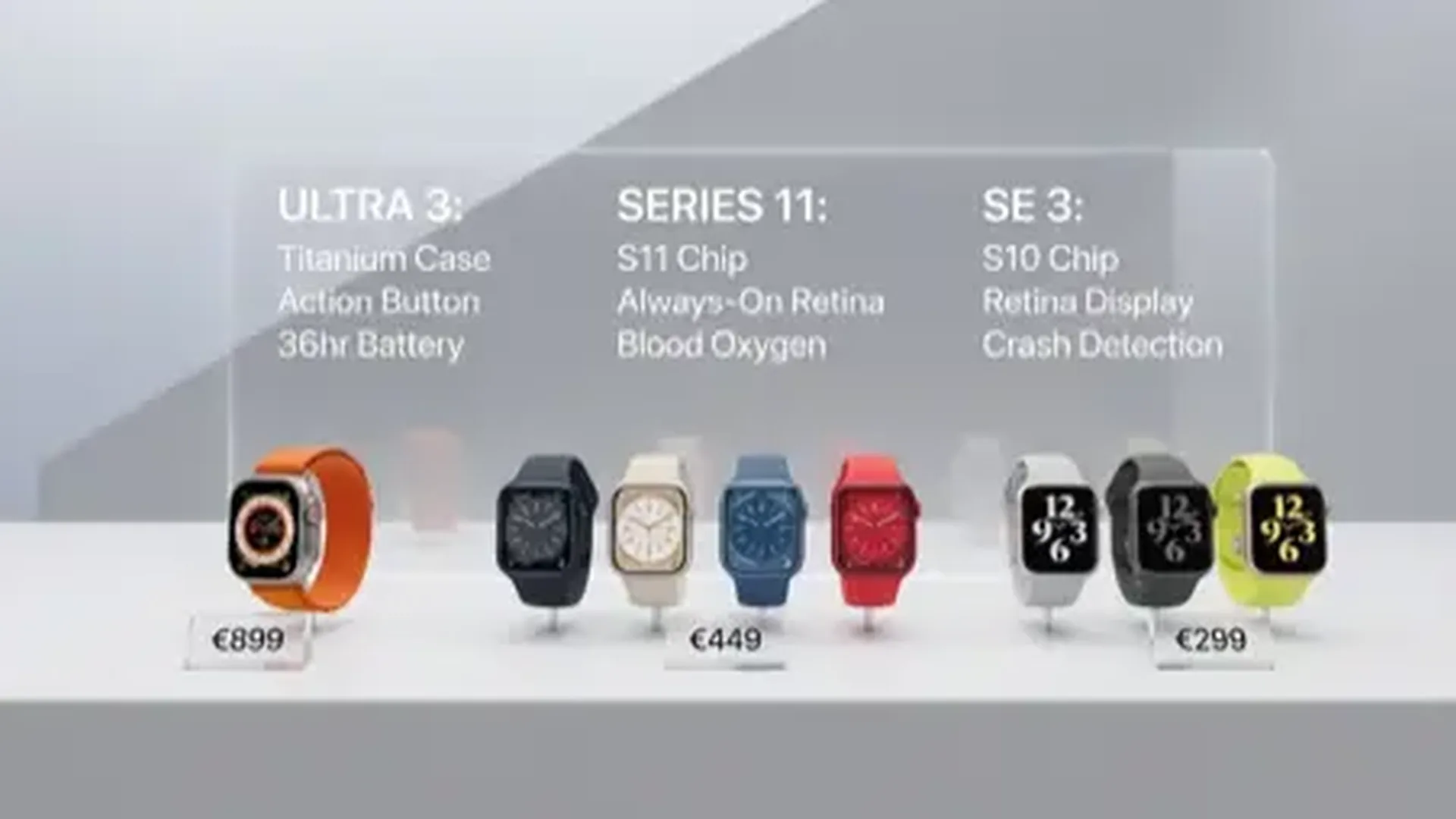
All Apple Watch models running watchOS 11.3 or later. This includes Series 6, SE (2nd generation), Series 7, Series 8, SE 3, Series 9, Series 10, Ultra, Ultra 2, Series 11, and Ultra 3.
Where can I find the stickers I earned?
Once you complete the challenge, the animated stickers automatically appear in your iMessage sticker drawer. You can use them in iMessage conversations just like any other sticker pack.
What happens if I don't complete the challenge?
There's no penalty. You simply won't receive the badge and stickers. The challenge is available only during February 2026 — it cannot be completed retroactively.
Does activity count without starting a recorded workout?
Yes. The Exercise ring tracks any brisk activity detected by the motion and heart rate sensors, even without starting a workout through the app. However, starting a recorded workout provides more accurate data and ensures your activity is properly credited toward the ring.