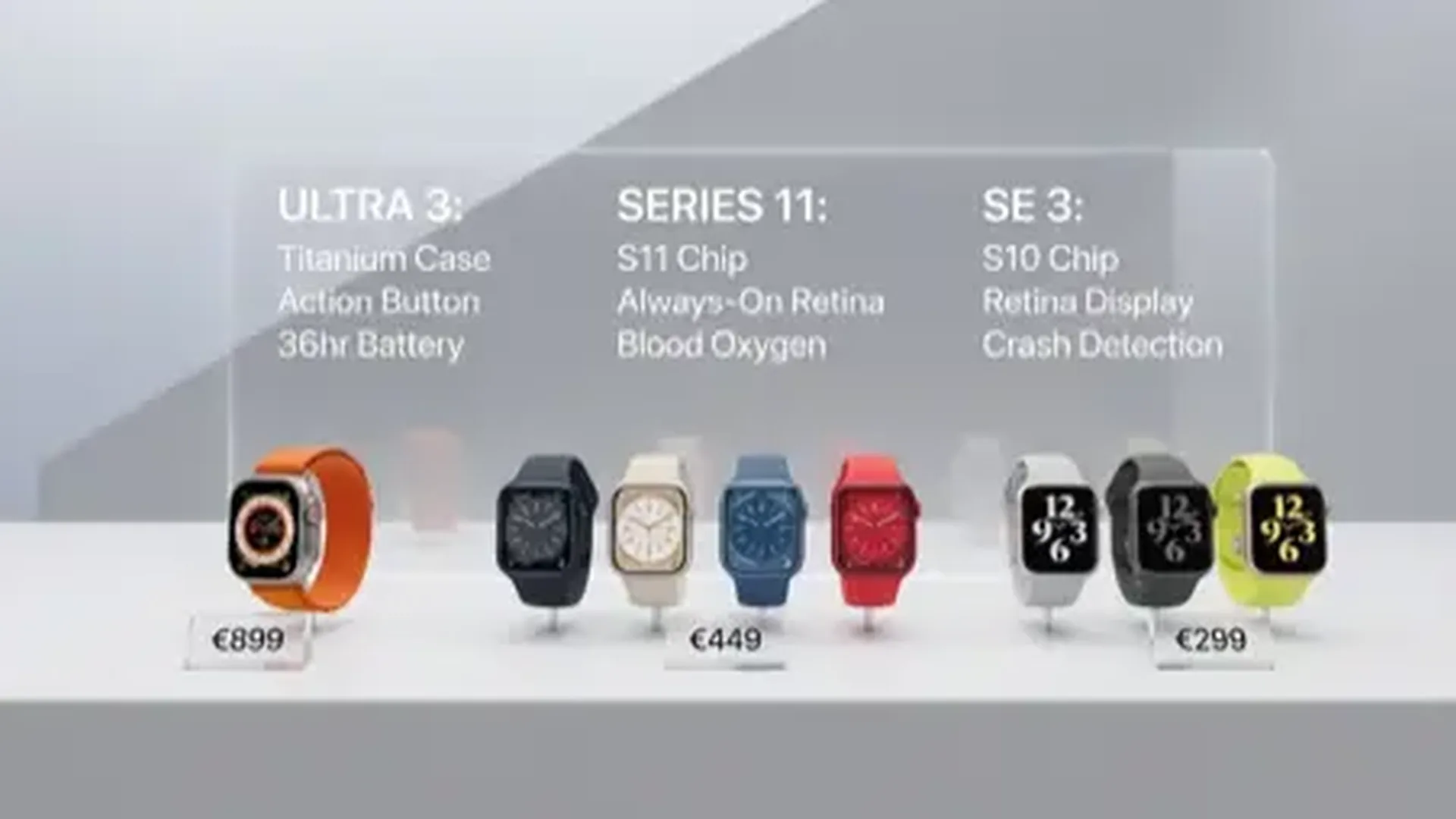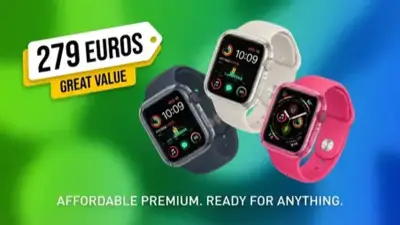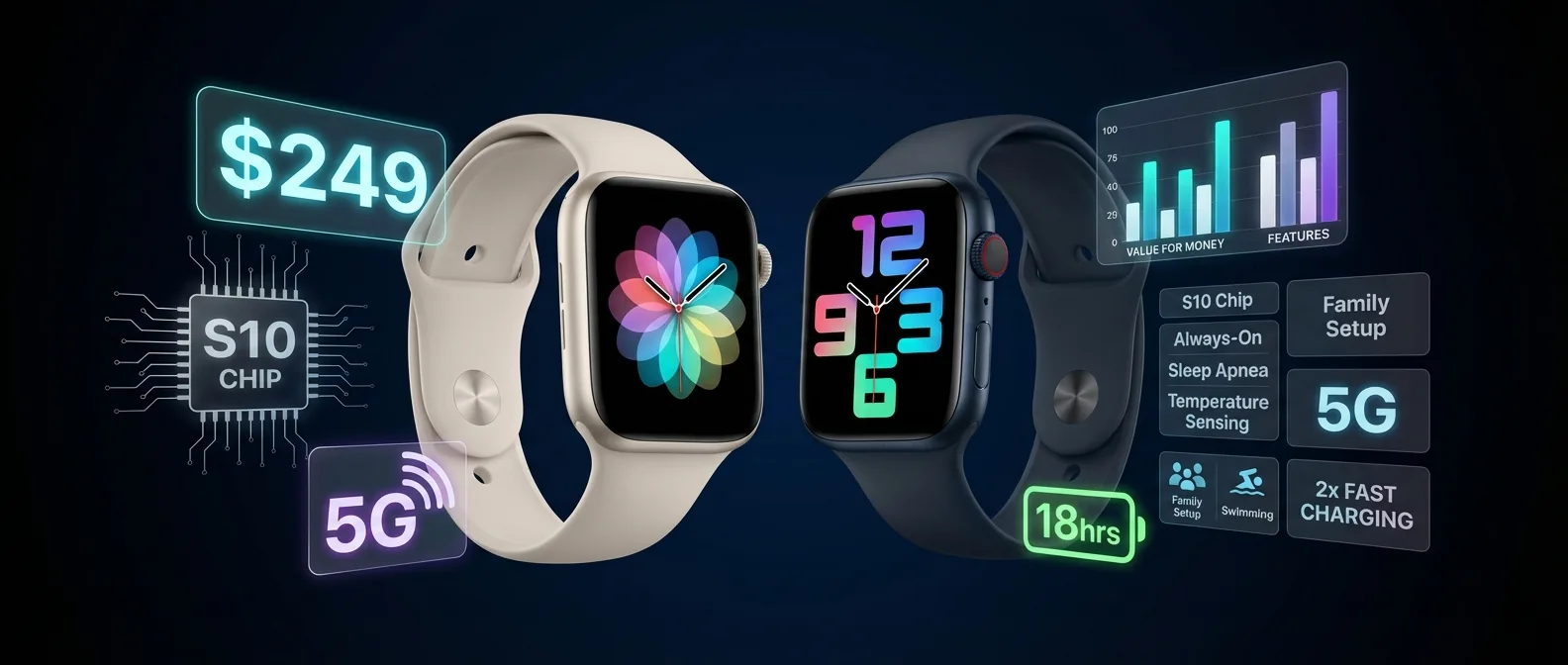
$249 is no longer “the cheap Apple Watch.” It's the best value-for-money smartwatch on the market. With the S10 chip, Always-On Display, Sleep Apnea notifications, 5G, and temperature sensing, the Apple Watch SE 3 doesn't compromise on anything important.
In this complete guide, you'll find everything: what exactly you get, what you miss compared to the Series 11, who should buy it, how to set it up, and why it might be the smartest purchase you make this year.
Why the SE 3 Is the Big Surprise of 2025
Apple made a bold decision: instead of keeping the SE as a “stripped-down” version, it put in the same S10 processor that powers the Apple Watch Series 11 and Ultra 3. That means the same speed, the same on-device Siri, the same Apple Intelligence support — at half the price.
Along with the S10 chip came features the SE 2 never had: Always-On Display, temperature sensing, sleep apnea notifications, double tap, wrist flick, and 2x faster charging. And the price? It stayed at $249.
Technical Specifications
What's New Compared to the SE 2
If you're wondering whether the upgrade is worth it — or why this SE is so different — here's everything at a glance:
Always-On Display
No more “raise your wrist.” The display always shows the time, complications, and notifications — even when dimmed. A first for an SE model.
S10 Chip
Same processor as Series 11 and Ultra 3. On-device Siri (works without Wi-Fi or cellular), Apple Intelligence, blazing-fast apps.
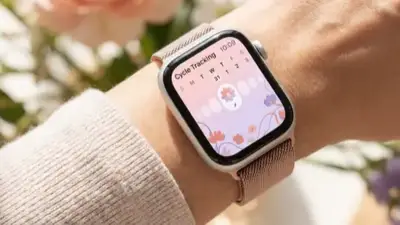
Temperature Sensing
Wrist temperature sensor. Enhances cycle tracking, ovulation estimates, and retrospective ovulation estimates. New on SE.
Sleep Apnea
Detects signs of moderate-to-severe sleep apnea. Alerts you if it identifies concerning breathing patterns during sleep. For 18+ without a diagnosis.
Double Tap & Wrist Flick
Pinch the air: answer calls, send messages, scroll Smart Stack. Wrist flick: dismiss notifications with a wrist gesture.
Fast Charging 2x
Charging is 2x faster than SE 2. About 45 minutes from 0 to 80%. And 15 minutes = 8 hours of use (enough for sleep tracking).
Health Features: What It Tracks
One of the biggest advantages of the SE 3 is that it brings nearly all watchOS 26 health features. Let's look at exactly what you get — and what you don't:
Includes
Not Included (Series 11 / Ultra 3 only)
Practically: If you don't have a cardiac history or don't go diving, these omissions probably don't affect you.
Always-On Display: Game changer
The most important upgrade of the SE 3 is, without a doubt, the Always-On Display (AOD). Until now, Apple reserved this feature exclusively for Series and Ultra models. Now, even at $249, you can glance at your wrist and immediately see:
Time & Date
Activity Rings
Notifications
Now Playing
The brightness reaches 1000 nits — less than the Series 11's 2000 nits, but perfectly adequate for daily use. Only in very bright sunlight might you struggle a bit.
Tip: If you're worried about battery
You can turn off AOD from Settings → Display → Always On. This will extend battery life by 2-3 hours. But honestly, once you try it, you won't want to go back.
Battery & Charging
Battery life remains at 18 hours with normal use — enough for a full day. But there are significant improvements:
The 2x faster charging means you can charge while showering or having your morning coffee — and have enough battery for the entire day. This solves the "sleep tracking problem": before, if you wore the watch at night, it didn't have enough battery for the day. Now, 15 minutes of morning charging gives you 8 hours.
SE 3 vs Series 11: The Big Comparison
This is the question that matters: is it worth paying $150 more for the Series 11? Let's see exactly what you miss:
Our Honest Opinion:
For most users, the SE 3 is enough. ECG and Blood Oxygen are premium features you need if you have a cardiac history. Hypertension alerts are important, but if you're not in a risk group, it's not worth $150 extra. The Series 11's longer battery (24 vs 18 hours) is the only practical difference you'll notice daily.
Fitness & workouts
Don't let the price fool you — the SE 3 is a full fitness smartwatch:
Running & Walking
GPS tracking, Heart Rate Zones, Pacer, Custom Workouts. Cadence, stride length, ground contact time. Automatic workout detection.
Swimming
50m water resistance, swim stroke detection, pool lap counting, auto-detection sets. Water Lock mode.
Cycling & Gym
Automatic cycling detection. HIIT, Yoga, Pilates, Strength Training, Dance, Cooldown — over 20 workout types.
Metrics & Goals
Activity Rings, VO2 Max tracking, Training Load, Trends (6+ months), personalized goals. Workout Buddy (AI coaching) via Apple Intelligence.
Apple Watch For Your Kids
One reason many parents buy the SE 3: Family Setup. You can set up an Apple Watch SE 3 (Cellular) for your child, without needing an iPhone.
👨👩👧👦 What Your Child Gets:
The SE 3 Cellular at $299 is the most affordable solution for a child 6+ to communicate, be located, and call for help — without the cost of an iPhone. You just need a cellular plan from your carrier (ask about the Apple Watch Family plan).
Initial Setup: Step by Step
If you've bought (or plan to buy) the SE 3, follow these steps:
Preparation
You need iPhone 11 or later with iOS 26 or newer. Update your iPhone first. Charge your Apple Watch to 50%+.
Pairing
Open the Watch app on iPhone → “Pair New Apple Watch.” Bring the watch close to your iPhone. Scan the animation on the watch screen.
Settings
Enable: Health notifications, Fall Detection, Crash Detection, Emergency SOS. Set up Medical ID. If you have Cellular, follow your carrier's steps.
Watch Face & Complications
Choose a watch face you like. Add complications: Activity Rings, Weather, Heart Rate, Calendar. Long-press the face to customize.
Apps & Apple Pay
Install: Apple Fitness+, Spotify/Apple Music, Google Maps. Set up Apple Pay if available. Check notifications — disable what you don't need.
Tips & Tricks for Beginners
If this is your first Apple Watch, these will save you time:
💡 Double Tap
Pinch the air (index finger + thumb) twice quickly. Answer calls, stop timers, pause music, scroll Smart Stack — without touching the screen.
💡 Wrist Flick
Quickly flick your wrist back and forth. Dismisses notifications, scrolls lists, and performs the primary action in many apps.
💡 “Hey Siri” without Internet
The S10 chip runs Siri on-device. Ask “How long did I sleep?”, “Set a 5-minute timer”, “Call Mom” — works offline.
💡 Water Lock
Before entering a pool, enable Water Lock (Control Center → water drop). Locks the screen. Afterwards, turn the Digital Crown to expel water.
Environmental Highlights
For those who care: the SE 3 is made with 40% recycled materials, including:
Recycled aluminum in the case
Recycled cobalt & 95% lithium in the battery
Recycled glass in the display
Renewable energy in manufacturing
The packaging is 100% fiber-based (no plastic) and 40% more compact than the SE 2, allowing more units per shipment — fewer shipments, less CO2.
Frequently Asked Questions
Final Verdict
The Apple Watch SE 3 is not simply “the cheap Apple Watch.” It's the smartest purchase in the smartwatch category for 2025/2026. With the same S10 chip, Always-On Display, sleep apnea notifications, temperature sensing, 2x fast charging, and 5G cellular, Apple essentially gave the SE 3 90% of the Series 11's features at 62% of the price.
The only things you miss — ECG, Blood Oxygen, hypertension alerts, longer battery, and titanium case — are significant only for a specific audience. For the average user who wants fitness tracking, notifications, Apple Pay, and basic health monitoring, there's no reason to spend $150-$550 more.
Apple Watch SE 3 — The Best Value Purchase
S10 chip. Always-On Display. Sleep Apnea. Temperature Sensing. 5G. Fast Charging 2x. For $249, there's no smartwatch with a better price-to-performance ratio on the market.