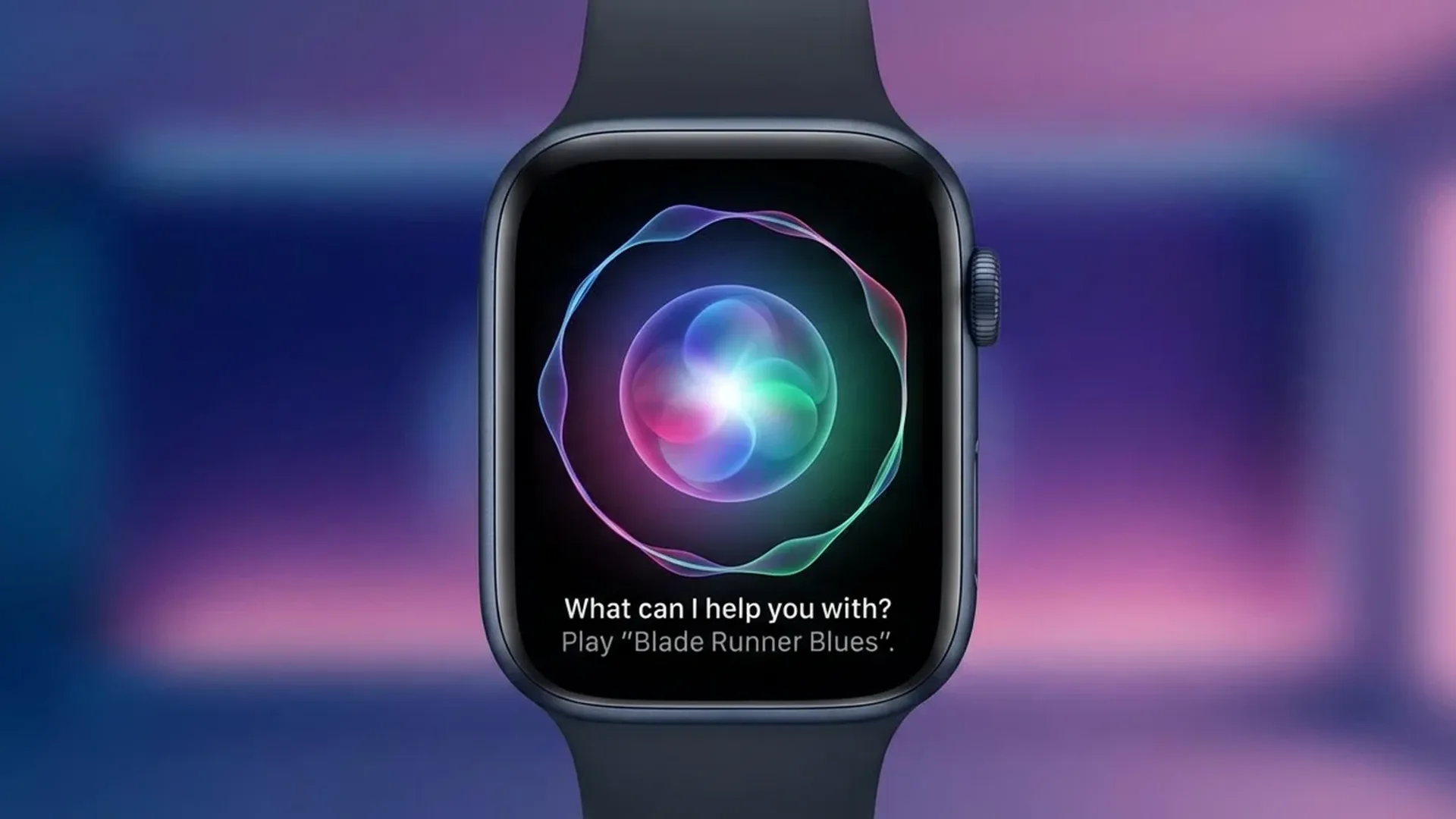
Siri on the Apple Watch underwent a radical transformation in 2026. Thanks to Apple Intelligence integration, improved on-device processing, and new natural language understanding capabilities, Siri has evolved from a basic voice command tool into a genuinely intelligent personal assistant living on your wrist.
📖 Read more: Shortcuts: 10 Must-Have Apple Watch Automations
Apple Intelligence on Your Wrist
The biggest change to Siri in 2026 is the integration of Apple Intelligence. This means Siri no longer merely executes commands; it understands context. It can combine health data, calendar events, location information, and personal preferences to deliver genuinely useful answers. Intelligence is no longer just a marketing word, it is a tangible reality.
For example, you can ask “How was my sleep?” and Siri will analyse your sleep data, compare it with your personal averages, and provide a meaningful summary with improvement suggestions. The same applies to questions like “What's my heart rate trend this week?” or “How many steps did I take this week compared to last week?”.
On-Device Processing: Speed and Privacy
A significant portion of Siri processing now happens locally on the Apple Watch, without sending data to the cloud. This delivers two key benefits. First, responses arrive almost instantly, even in areas with poor connectivity. Second, your personal health data stays on your device, which is critically important when dealing with sensitive medical information.
Apple reports that approximately <80% of common Siri requests are now processed on-device. Only complex queries requiring access to web-based sources are sent to the cloud, and even then the transmission is encrypted end-to-end through Private Cloud Compute.
Privacy: On-Device vs Cloud
Siri on Apple Watch processes health data, messages, reminders, and basic commands entirely on-device. For queries requiring web search, it uses Private Cloud Compute, an encrypted connection that does not store data on Apple servers. Your personal information remains under your control at all times.
Natural Language and Multi-Step Requests
Siri in 2026 understands natural language far better than before. You no longer need to use specific phrases or rigid command structures. You can speak as you would to a friend: “Set an alarm for tomorrow at 7 and then text John that I'll be a bit late.” Siri executes both requests without requiring you to split them into separate commands.
Multi-step requests have been a highly demanded feature for years. Now you can say “Start a run, shuffle my workout playlist, and turn on Do Not Disturb” in a single sentence. Siri processes them sequentially without pauses or confirmation prompts, making the interaction feel natural and fluid.
Type to Siri on watchOS 26
A surprisingly useful new feature in watchOS 26 is “Type to Siri.” In environments where you cannot or prefer not to speak out loud, such as during a meeting or in a quiet setting, you can type your request to Siri using the small on-watch keyboard or through the scribble interface.
📖 Read more: Smart Stack on Apple Watch: How to Turn It Off
This feature works alongside improved dictation accuracy. Voice recognition across multiple languages has seen significant improvement, making Siri considerably more practical for users who speak languages beyond English, including those communicating in Greek, Spanish, or German.
App Intents: Third-Party App Actions via Siri
With App Intents, third-party developers can now integrate their app functionality directly into Siri. This means you can say things like “Tell Spotify to play my running playlist” or “Show me my meal nutrients in MyFitnessPal.” The ecosystem of supported apps continues to grow as more developers adopt this framework, expanding Siri's capabilities well beyond Apple's own apps.
Translation on Your Wrist
Siri can now translate phrases directly on the Apple Watch, without needing your iPhone nearby. It supports over <20 languages and translates in real time. Extremely useful when travelling: raise your wrist, say “Translate to Italian: Where is the nearest restaurant?” and Siri will display and speak the translation aloud, helping you communicate effortlessly in any country you visit.
Improved Smart Home Control
HomeKit control through Siri on Apple Watch has become significantly more intelligent. Siri now understands more complex smart home commands: “Turn off all the lights in the house except the bedroom,” “Set the thermostat to <22 degrees only when I'm home,” or “What's the temperature in the office right now?” Integration with the Matter protocol means that even non-Apple smart home devices can be controlled by voice from your wrist.
Siri Watch Face with Proactive Suggestions
The Siri watch face received a complete refresh for 2026. It now displays proactive suggestions based on your habits: medication reminders at the correct time, workout suggestions based on your exercise history, weather updates before you leave home, and summarised health data throughout the day. The cards update dynamically as your day progresses, always showing the most relevant information.
Siri vs Google Assistant vs Bixby on Smartwatches
Siri excels at Apple ecosystem integration and on-device processing. Google Assistant on Wear OS offers superior web search capabilities but requires connectivity. Samsung's Bixby focuses primarily on Galaxy device control. For Apple ecosystem users, Siri 2026 is clearly the most comprehensive choice for wrist-based AI assistance.
📖 Read more: Sport Band vs Solo Loop: Which One Should You Choose?
Offline Capabilities
A major improvement is the ability to handle common requests offline. Even without Wi-Fi or Cellular connectivity, Siri can set timers, create reminders, start workouts, control HomeKit devices (via Bluetooth), and provide basic health information. This offline functionality is particularly valuable during outdoor activities in remote areas where connectivity is unreliable or simply unavailable.
The Future of AI Assistants on Wearables
The evolution of Siri on Apple Watch clearly points the direction in which AI assistants on wearables are heading. The trend is toward more on-device processing, deeper understanding of personal context, and more natural interaction patterns. Within the next few years, Siri is expected to anticipate needs before you even express them, drawing on health data, location patterns, and daily routines to become a truly proactive companion.
As Apple continues investing in its custom silicon and machine learning models, we can expect Siri on the Apple Watch to become even more capable with each annual update. The gap between what a wrist-worn assistant can do and what a full smartphone assistant handles is narrowing rapidly, making the Apple Watch an increasingly independent and powerful device in its own right.
Frequently Asked Questions (FAQ)
Does Siri on Apple Watch require an internet connection?
Not for everything. Basic functions such as timers, reminders, starting workouts, and controlling HomeKit devices work completely offline. For web searches, translations, and complex queries, you need a connection.
Does Siri understand multiple languages on Apple Watch?
Yes, Siri supports numerous languages on Apple Watch. Voice recognition accuracy has improved substantially in 2026. Some advanced Apple Intelligence features may currently work best in English, but multi-language support continues expanding with each update.
Is my health data safe when using Siri?
Health data is processed locally on the device. Apple does not store it in the cloud and does not use it for advertising. Even when Private Cloud Compute is used for complex queries, data is encrypted end-to-end and never stored on Apple servers.
Can Siri control third-party apps?
Yes, through the App Intents framework. Apps that support this framework can receive commands through Siri. The number of compatible apps is growing steadily as developers continue to adopt this integration.
How do I activate Siri on Apple Watch?
There are <3 methods: say “Hey Siri” or simply “Siri,” raise your wrist and speak directly, or press and hold the Digital Crown. Configure your preferences in Settings > Siri on the Apple Watch.
Does Siri support multilingual commands?
Yes, you can switch languages on the fly. If you ask a question in one language, Siri responds in the same language. If you switch to another, it adapts automatically. Translation between languages works equally smoothly, making Siri a versatile companion for multilingual users.