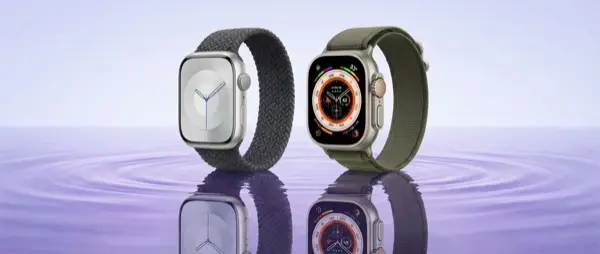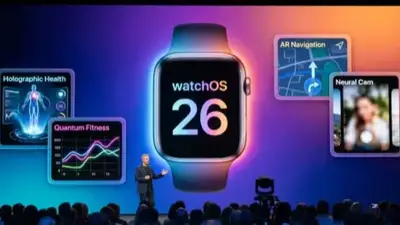
watchOS 26 was released on September 15, 2025 (announced at WWDC on June 9, 2025) and replaced watchOS 11, which we had for a full year (since September 2024). But is the upgrade really worth it? Or can you stick with 11? In this in-depth comparison, we examine every difference — features, performance, battery life, compatibility — so you can decide with confidence.
📖 Read more: watchOS 26: Complete Features Guide
Why watchOS 26 and Not watchOS 12?
Apple decided to align the version numbers of all its operating systems with the release year. So instead of watchOS 12, we got watchOS 26 (2025→26), just like iOS 26, macOS 26, iPadOS 26, and tvOS 26. This naming change doesn't mean there's a huge leap — it's purely a marketing rebrand. Functionally, watchOS 26 is the direct successor to watchOS 11.
New Features in watchOS 26
Let's take a detailed look at what watchOS 26 brings compared to what we had in watchOS 11:
Compatibility: Which Watches Run What?
This is critical information — not all Apple Watch models can run watchOS 26:
⚠️ Important: If you have a Series 6, it may not be fully supported on watchOS 26. Apple has not guaranteed long-term support. If you're thinking about upgrading, this could be your last update. Consider a hardware upgrade if you want support for 3+ more years.
Performance: Speed and Responsiveness
Apple promises a faster UI in watchOS 26. In practice, the difference depends on your hardware:
Series 7/8/SE2 (S7/S8 chip)
Slightly faster app launching (~10% improvement). The biggest improvement is in scrolling smoothness — fewer stutters in the Smart Stack. Battery: similar to watchOS 11, with a slight drop in the first few days after the update (indexing).
Series 9/10/11, Ultra 1-3 (S9/S10)
Significant improvement in on-device Siri — faster responses, less dependence on iPhone. Animations are more fluid. Complications refresh more frequently. Battery: slightly better (2-5%) thanks to optimizations.
📖 Read more: Apple Watch Ultra 3: Is It Worth It After 3 Months of Use?
Health & Fitness: What's Changed?
Training Load (improved in 26)
The Training Load feature was introduced in watchOS 11 and measures how hard you're training relative to your fitness level. In watchOS 26, Apple improved:
- More accurate algorithm: Takes into account sleep quality, HRV trends, and wrist temperature
- Better suggestions: Instead of just saying “Over-reaching,” it now provides actionable advice ("Reduce intensity by 20% for 2 days")
- Integration with Vitals: If your Vitals show abnormal readings, Training Load adjusts automatically
Vitals App (upgraded)
The Vitals app debuted in watchOS 11 and displays five critical sleep metrics on a single dashboard (heart rate, HRV, respiratory rate, SpO2, wrist temperature). In watchOS 26:
- Trends: View 30-, 60-, and 90-day trends — instead of just the past week
- Notifications: If 3+ metrics are outside your baseline for 3+ nights, you receive a Health Alert
- Sharing: Export Vitals data as a PDF for your doctor
Hypertension Alert (NEW — watchOS 26 only)
This is the biggest health addition. It uses pulse wave analysis (trained on 9,800 participants) to detect signs of hypertension. FDA-cleared, but only as a notification — it doesn't provide a numerical blood pressure reading. Requires Series 11 or Ultra 3 hardware.
💡 Important clarification: The hypertension alert does not replace a blood pressure monitor. It works as a screening tool — if it detects possible hypertension, it notifies you to measure with a proper blood pressure cuff. Ideal for people who don't check regularly.
Watch Faces & UI
watchOS 26 brings 5 new watch faces and UI improvements:
- New faces: More options with dynamic animations, better complications support, and improved Always-On rendering. Standouts include faces that fully leverage the larger display on Series 10/11 — less bezel, more content
- Smart Stack: New widgets (Live Activities, Transit, Weather alerts) and improved ML-powered ordering. The system now learns your routines faster — within 3–5 days instead of 2 weeks
- Control Center: Redesigned layout with easier access to frequently used toggles. You can now rearrange icons to suit your preferences
- Notifications: Grouped notifications per app, swipe gestures for quick actions. New “Digest” mode that summarizes notifications instead of showing them one by one
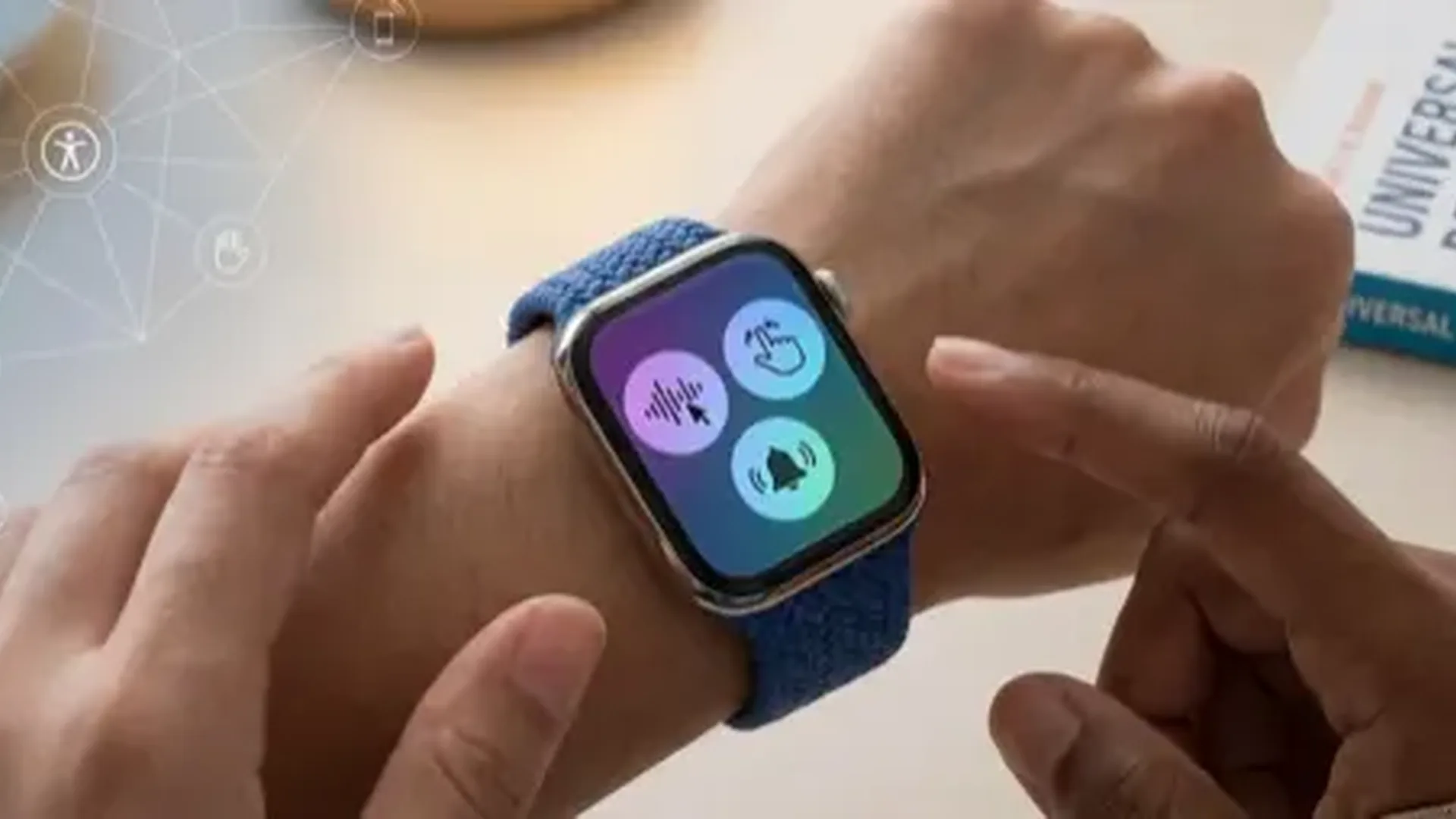
- Accessibility: Improved VoiceOver, larger font options, new AssistiveTouch gesture set
Siri on watchOS 26
Siri on watchOS 26 makes better use of the Neural Engine in the S9/S10 chip. The result:
- More requests are processed on-device — no internet required
- Now supports multi-step requests ("Set a timer for 10 minutes and then remind me to check the oven")
- Improved multilingual understanding — fewer errors in dictation
- Apple Intelligence integration on Series 9+ (contextual suggestions, smart replies)
Battery Life: watchOS 26 vs 11
Battery life is always the big concern. Here's what we found in practice:
Bottom line: Battery life remains virtually the same. A slight improvement (5-8%) on S9/S10 models due to optimizations. Older models won't notice a difference. Important: during the first 48–72 hours after the update, battery drains noticeably faster (indexing, re-calibration) — don't panic, it's completely normal.
📖 Read more: Smartlet: Wear Apple Watch + Regular Watch Together
Who Should Upgrade?
YES, upgrade if...
- You have a Series 11 or Ultra 3 — you want hypertension alerts + satellite
- You actively use Training Load — the new version is more accurate
- You want the new watch faces and UI improvements
- You use Vitals — the 30/60/90-day trends are invaluable
- You want security patches — always important
You can wait if...
- You have a Series 6/7 and battery life is a concern
- You use apps that haven't been updated yet
- You're happy with watchOS 11 — you're not missing anything critical
- The only feature you care about is hypertension alerts — you'll need new hardware
How to Upgrade Properly
If you decide to update, follow these steps:
- Backup: Make sure your iPhone has a recent backup (iCloud or local)
- Battery: Your Apple Watch needs to be at least 50% battery and on its charger
- Storage: Check that you have enough free space (Settings → General → Storage)
- Wi-Fi: Your iPhone must be on Wi-Fi (not cellular) during the download
- Time: Installation takes 30–60 minutes — don't start before bed if you need your alarm
- After: Allow 48–72 hours before judging battery life — indexing will finish on its own
Frequently Asked Questions
Can I go back to watchOS 11?
No. Apple does not allow downgrades on Apple Watch. Unlike the iPhone (which can theoretically be restored via DFU), the Apple Watch cannot revert to an older version. If you're unsure, wait 2–3 weeks after release for reviews.
Do I need iOS 26 on my iPhone?
Yes. watchOS 26 requires iOS 26 on the paired iPhone. You can't run watchOS 26 on your Apple Watch if your iPhone is still on iOS 18. Upgrade your iPhone first, then your Apple Watch.
Will I lose my data?
No. The watchOS upgrade preserves all your data — health records, workout history, settings, apps. If something goes wrong (rare), the automatic backup on your paired iPhone has you covered.
How big is the update?
Typically 1–2 GB depending on the model. Make sure your Apple Watch has enough free space. If it doesn't, you may need to remove music or apps from the watch.
Final Verdict
watchOS 26 is a solid, iterative upgrade — not a revolutionary one. The most significant additions (hypertension alerts, satellite messaging) require new hardware, so if you have an older model, you mainly benefit from UI improvements, new watch faces, and security updates.
Our recommendation: Unless there's a specific reason not to upgrade (incompatible app, battery concerns on a very old model), go ahead and update. The security patches alone make it worthwhile. Wait 1–2 weeks after release to make sure there are no critical bugs.
If you're thinking about buying a new Apple Watch, the choice is clear: get a model that runs watchOS 26 natively (Series 11, SE 3, Ultra 3). These are guaranteed to receive support for at least 4–5 more years, while older models may lose support soon. Technology moves forward — make sure your watch can keep up.