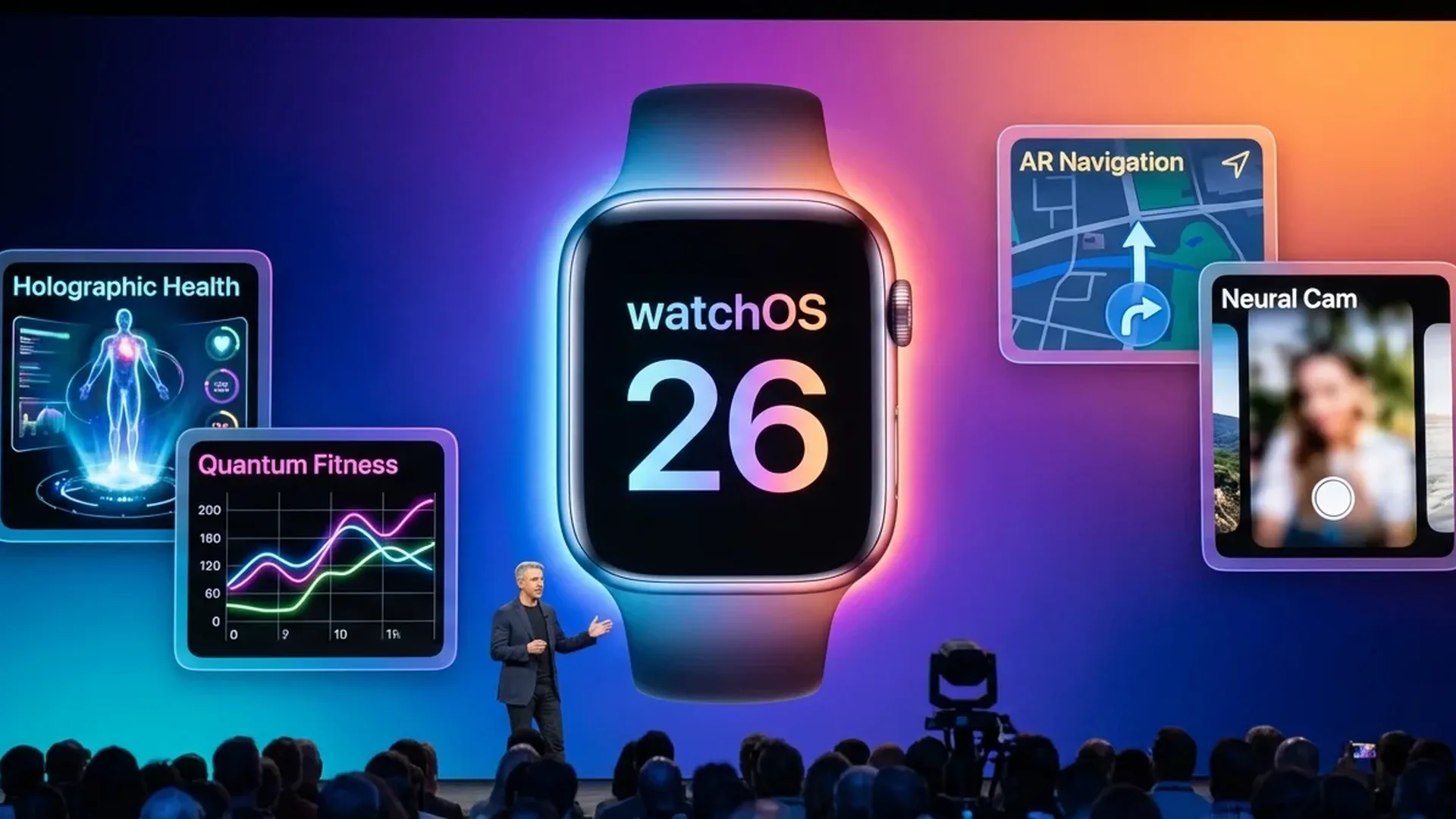
watchOS 26 is the most significant software update the Apple Watch has ever received. Announced at WWDC in June 2025 and officially released in September 2025, it has already received several updates through February 2026 that substantially improve the user experience. In this complete guide, you will find every new feature, hidden gem, and optimization that makes your watch more capable than ever before.
📖 Read more: watchOS 26 vs watchOS 11: Which Version to Keep?
Redesigned Control Center
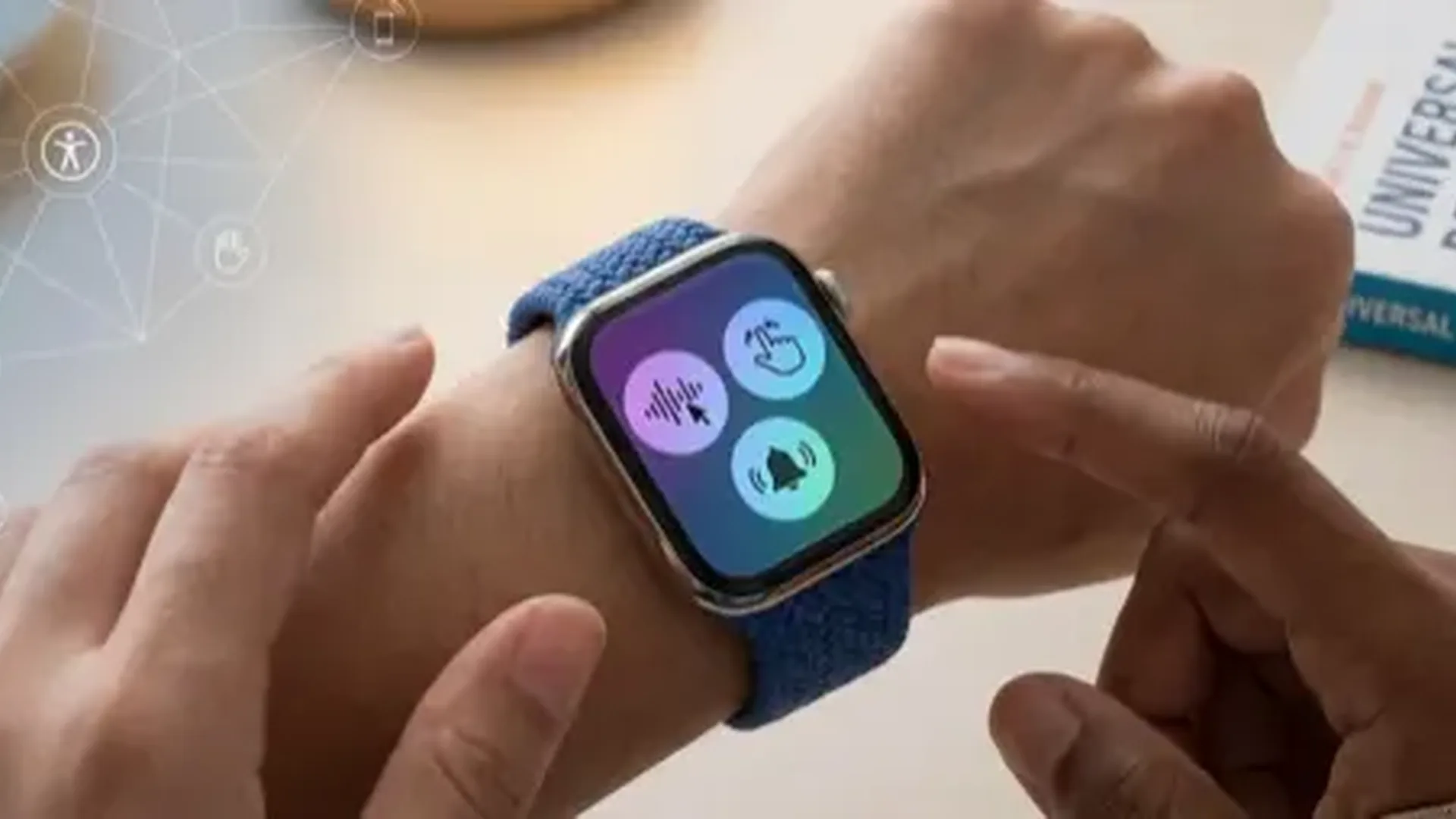
The Control Center in watchOS 26 has been completely redesigned from the ground up. Swiping up from the bottom of the screen now reveals a fully customizable grid of controls. You can move, add, or remove controls depending on your needs. Apple has added new buttons for smart home control, quick audio switching to AirPods, and immediate access to accessibility features.
The new layout supports up to 16 buttons on screen at once, and the ability to swipe through multiple pages means you never have to sacrifice any tool. Additionally, the Control Center learns your habits and automatically rearranges the most frequently used buttons to the top of the grid.
Smart Stack Improvements
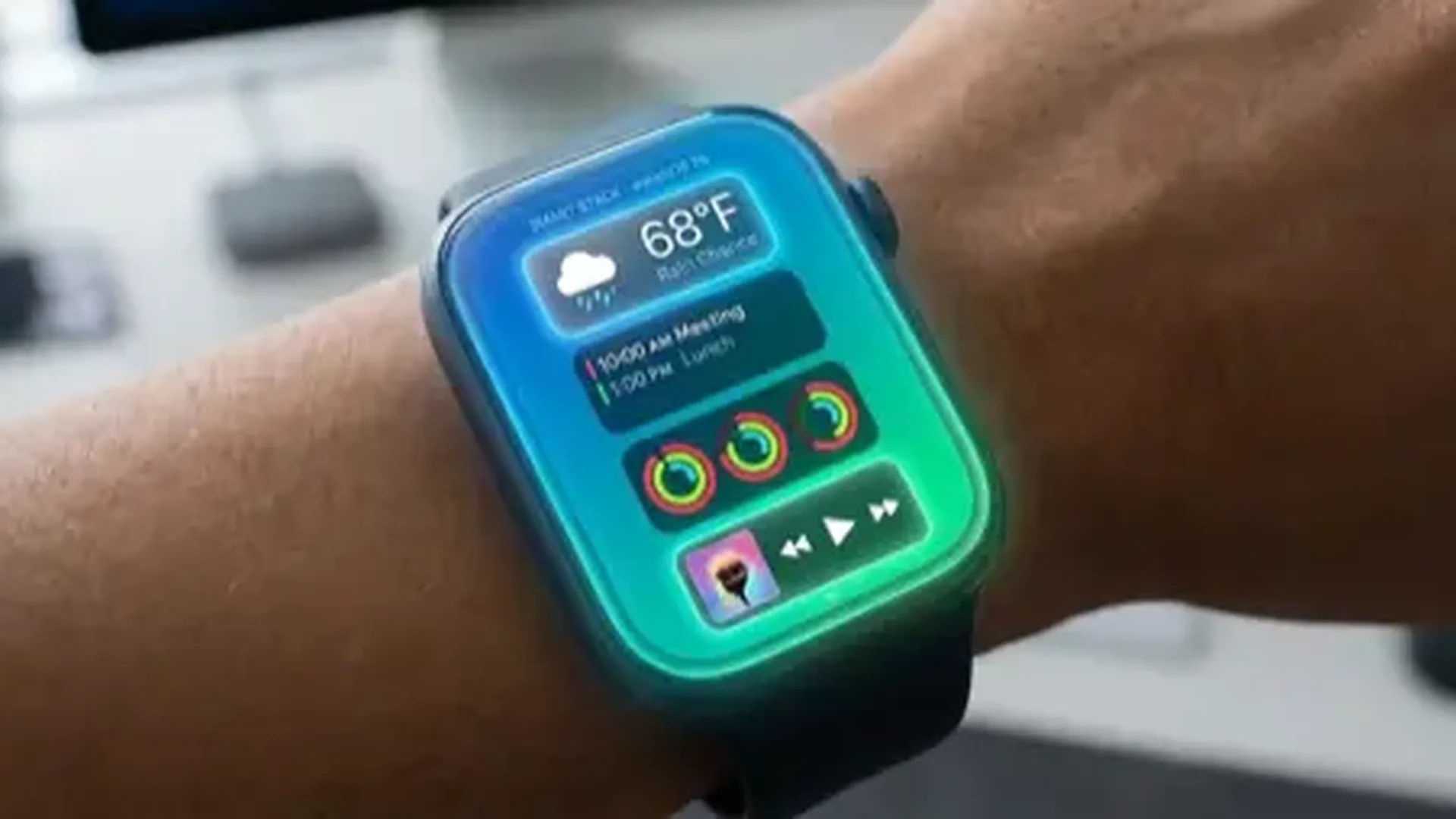
The Smart Stack, first introduced in watchOS 10, becomes significantly smarter in watchOS 26. Widgets are now interactive, meaning you can complete tasks without even opening the app. For example, you can mark a reminder as complete, activate a HomeKit scene, or control your home lights directly from the widget.
Apple uses machine learning to suggest widgets based on time, location, and routine. If you check the weather every morning, the weather widget will automatically appear at the top. The same applies to workout widgets before your regular exercise time. Third-party developers now have full access to the interactive widget API, so expect support from your favorite apps.
Pro Tip
Long-press any widget in the Smart Stack to pin it to a fixed position. This way, it will always appear where you want it, regardless of what the algorithm suggests.
New Watch Faces
watchOS 26 brings several exciting new watch faces. Flux is a dynamic face that changes colors in real time, creating a striking visual effect throughout the day. Snoopy and Woodstock return with new animations and interactions that react to your activity and the time of day. Palette offers an artistic appearance with layers of colors that shift automatically based on the hour.
Nike Globe, exclusive to Nike models, displays a spinning three-dimensional globe with running data from Nike Run Club communities worldwide. Classic faces like Infograph and Modular have also received upgrades with new complication options and refreshed color palettes that take advantage of the always-on display.
Advanced Health Features
Health remains at the core of the Apple Watch experience, and watchOS 26 introduces significant improvements. The new Mental Health feature enables real-time mood logging. You can note how you feel at any point during the day, and over time, the Health app creates a comprehensive chart of your emotional wellbeing with patterns and insights.
The anxiety questionnaire, based on the clinical GAD-7 standard, helps you evaluate your anxiety levels. Results are stored securely in the Health app and can be shared with your doctor. Additionally, Vision Health reminders notify you to maintain distance from screens and take breaks for your eyes, a feature that parents will especially appreciate for younger family members.
New Workout Types
watchOS 26 adds new workout types including Padel, Pickleball, and CrossFit. Each workout type features specialized calorie algorithms and motion tracking tailored to the nature of each exercise, providing more accurate data than generic workouts.
Siri with On-Device Processing
Siri on watchOS 26 is faster and more capable than ever. Thanks to on-device processing, many commands execute without an internet connection. This means you can set timers, send messages, or check your workout progress even on an airplane or in an area with no signal. The response time has improved dramatically, with most requests completing in under a second.
The Double Tap gesture has been significantly refined. It now recognizes more contexts and can be used in virtually every app. Scroll through lists, reply to messages, or stop timers without even touching the screen. Combined with the improved Siri, your watch becomes truly hands-free for many daily tasks.
NameDrop and Social Features
NameDrop finally arrives on the Apple Watch. By bringing two Apple Watches close together, you can instantly share contact information. The feature uses NFC and does not require an internet connection, making it perfect for networking events, meetings, or simply sharing your details quickly with a new friend or colleague.
📖 Read more: Apple Watch Ultra 3: Is It Worth It After 3 Months of Use?
Journal integration allows quick diary entries directly from your wrist. You can record thoughts, photos, or even voice memos throughout your day. Cycling Live Activities display real-time cycling data on your iPhone lock screen, ideal for cyclists who use a phone mount on their handlebars during rides.
Offline Maps and Topography
Offline Maps receive significant improvements in watchOS 26. You can now download larger map areas directly to the watch without needing your iPhone nearby. Topographic maps expand to 25 new countries, including Greece, with detailed elevation data, hiking trails, and points of interest marked clearly on the display.
For nature enthusiasts, the new Waypoint feature lets you mark points on the map and navigate back to them later. Combined with the compass and the Backtrack feature, the Apple Watch becomes the ultimate companion for hiking, trail running, and outdoor exploration in remote areas.
Compatibility and How to Update
watchOS 26 is compatible with Apple Watch Series 7 and later, as well as all Ultra models and SE (2nd generation). If you own an older model, unfortunately you cannot upgrade. To install, you need an iPhone running iOS 19 or later, a Wi-Fi connection, and at least 50% battery on the watch.
Update through the Watch app on iPhone: General → Software Update → Download and Install. The process takes approximately 30 minutes, during which time the watch must remain on its charger. It is advisable to start the update in the evening so it completes overnight.
Performance and Battery Life
Apple has significantly optimized performance in watchOS 26. Apps launch up to 30% faster, animations are smoother, and switching between apps is nearly instantaneous. Standby power consumption has been drastically reduced, providing battery life improvement of up to 18% compared to watchOS 11 on the same hardware.
The Low Power Mode in watchOS 26 is more flexible. You can choose which features to disable while keeping those you consider critical, such as health notifications or heart rate monitoring. This granular control means you can extend battery life without losing the features that matter most to you.
Best Hidden Features
Beyond the headline features, watchOS 26 hides many small but meaningful improvements. The Calendar app now supports creating new events with voice input. The Camera Remote app provides access to more camera settings, including filters and exposure controls. Walkie-Talkie now works via satellite connection on Ultra models in remote areas.
- Haptic Chime customizations: Choose from 8 different vibration patterns for hourly notifications
- Focus Filters: Automatic watch face switching based on the active Focus mode on your iPhone
- Live Voicemail: See real-time transcription of voicemail messages as they are being left
- Check In: Automatically notify someone that you have arrived safely at your destination
- Precision Finding: Locate AirTag 2 directly from the watch with centimeter-level accuracy
Frequently Asked Questions
Which Apple Watch models support watchOS 26?
watchOS 26 is supported on Apple Watch Series 7 and later, Apple Watch SE (2nd generation), and all Apple Watch Ultra models. Older models (Series 6 and below) cannot be upgraded to watchOS 26.
How long does the installation take?
Downloading and installing watchOS 26 typically takes between < 25 and < 45 minutes, depending on your Wi-Fi connection and model. Make sure the watch is on its charger throughout the entire process.
Will I lose my data during the upgrade?
No. The upgrade preserves all your data, settings, and apps. However, it is recommended to create a backup via iPhone before starting the update, just as a safety precaution.
Can I go back to watchOS 11?
Apple does not officially support downgrading on Apple Watch. If you upgrade to watchOS 26, you cannot revert to watchOS 11. Consider this carefully before upgrading your device.
Do I need iOS 19 on my iPhone?
Yes. watchOS 26 requires an iPhone running iOS 19 or later. If your iPhone does not support iOS 19, you will not be able to upgrade your watch to watchOS 26.
Does battery life improve after the update?
Yes. Most users report improved battery life after the first 48 hours, as the system needs time to complete the indexing process. After that, battery performance is noticeably better than the previous version.