In 2026, the iPhone isn't just a phone — it's the nerve center of your entire home. With HomeKit, Matter, and Thread working in concert, Apple has built a sophisticated smart home ecosystem that puts complete control at your fingertips. From lights and locks to security cameras and automated scenes, the Home app delivers seamless management of every connected device in your house. This comprehensive guide covers everything you need to know about building and managing a smart home with your iPhone.
📖 Read more: New Siri 2026: Google Gemini AI Integration Coming to iPhone
What Is HomeKit and How Does It Work
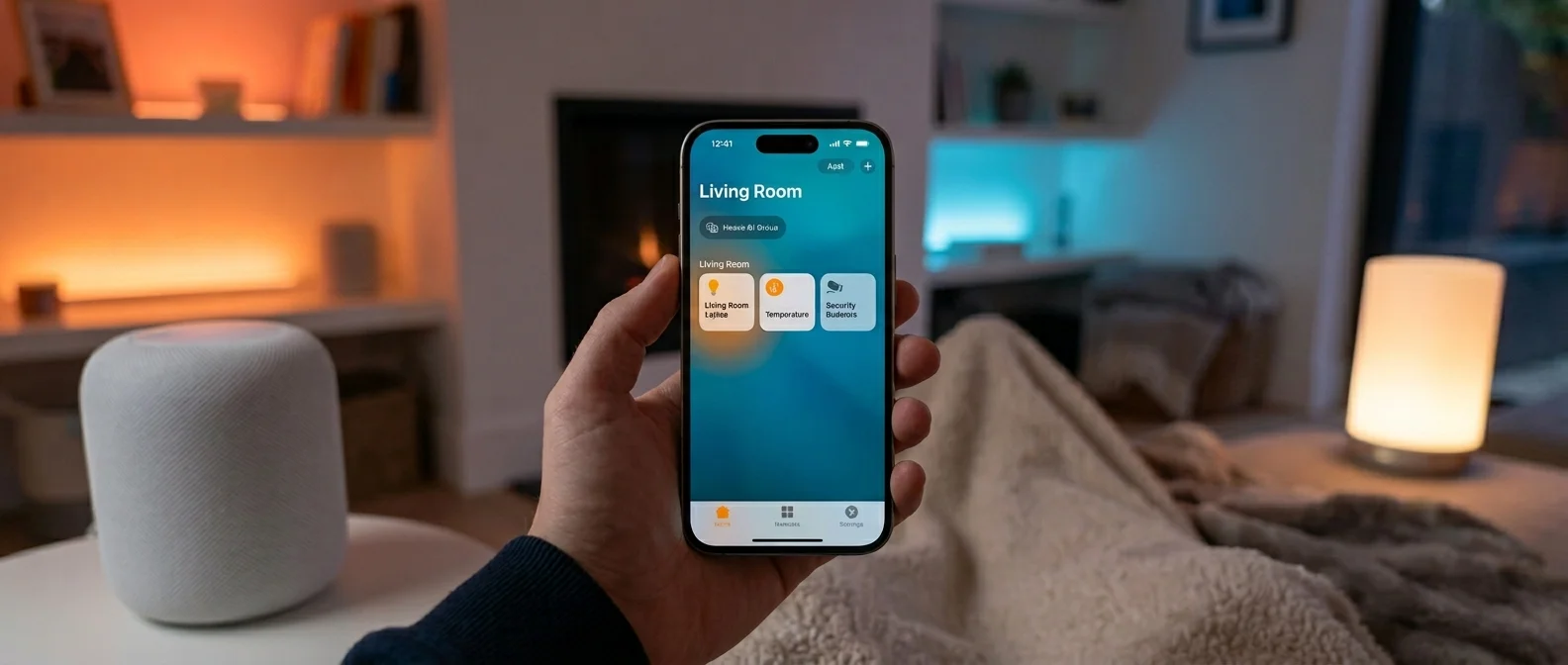
HomeKit is Apple's smart home platform, designed to unify different smart devices under one umbrella. Launched in 2014, HomeKit has evolved by 2026 into a full-fledged ecosystem supporting hundreds of products — from bulbs and plugs to thermostats, locks, cameras, blinds, robot vacuums, and even irrigation systems.
The core principle is simple: any device carrying the “Works with Apple Home” label can be added to the Home app by scanning its QR code. From there, you can control it through the app, Siri voice commands, or custom automations that you set up yourself.
One critical point many users overlook: in February 2026, Apple officially ended support for the old Home architecture. If you haven't updated yet, you need to do so immediately to keep controlling your devices without issues.
Matter: The Protocol Changing Everything
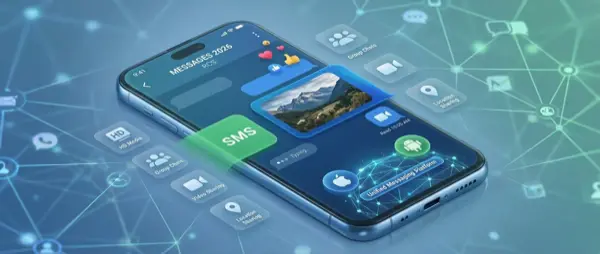
Matter is arguably the most important development in smart home tech in recent years. It's an open protocol jointly developed by Apple, Google, Amazon, and Samsung, designed to solve a long-standing problem: incompatibility between smart home platforms.
In practice, a Matter-compatible device works simultaneously with HomeKit, Google Home, and Alexa — without multiple hubs or complex configurations. For consumers, this translates to greater freedom of choice and better pricing, since manufacturers no longer need to build separate versions for each platform.
How Matter works technically
Matter uses IP-based networking — Wi-Fi for bandwidth-heavy devices (cameras, streaming) and Thread for low-power ones (sensors, bulbs, locks). Communication happens locally on your network without cloud dependency for basic control, which means faster response times and better security.
Pro Tip: When shopping for new smart home devices, prioritize those labeled “Matter” or “Thread.” They aren't locked to a proprietary hub and will keep working even if you switch platforms down the road.
📖 Read more: iPhone Full? 10 Ways to Free Up Storage Space
Thread: The Mesh Network Backbone
Thread is a mesh networking protocol that forms the backbone of the modern smart home. Unlike Bluetooth or Wi-Fi, Thread creates a self-healing network where every device acts as a node, extending the signal for neighboring devices. If one node drops out, the others pick up the slack automatically — no dead zones in your home.
HomePod mini, HomePod (2nd gen), Apple TV 4K, and the upcoming Apple Home Hub all serve as Thread Border Routers — bridges between the Thread mesh and your Wi-Fi network. For best coverage, aim for one per floor.
HomePod and Apple Home Hub: Your Control Center
To get the most out of HomeKit, you need a Home Hub — a device that stays home as your always-on control center. Your options in 2026 include:
HomePod (2nd gen) — $299: Excellent sound, Siri voice control, Thread Border Router, and Ultra Wideband. Runs automations even when your iPhone is away.
HomePod mini — $99: The budget-friendly option. Small but fully featured — Thread support, Home Hub functionality, and respectable audio. The ideal strategy is one mini per room for maximum Siri and Thread coverage.
New Apple Home Hub (2026) — ~$299 (expected): A dedicated smart home hub with a 7-inch display, FaceTime camera, Siri speaker, and full Matter/Thread support. Expected to redefine how we interact with our smart homes.
Scenes and Automations: The Real Power
Scenes and Automations are what transform a collection of smart devices into a truly “smart” home. A Scene is a preset group of actions — for example, “Good Night” that turns off all lights, locks doors, lowers the thermostat, and arms the security system.
Automations go one step further: they trigger themselves based on conditions. You can set lights to turn on automatically when a motion sensor detects presence, or have the heating kick in when the temperature drops below 65°F.
📖 Read more: Spatial Video iPhone: How to Shoot 3D Video in 2026
Real-world automation examples
"Good Morning": At 7:00 AM, blinds gradually open, kitchen lights come on at 40%, the coffee machine starts, and soft music plays on the HomePod.
"Away": When your iPhone moves more than 200 meters from home, lights turn off, AC shuts down, doors lock, and security cameras activate.
"Movie Night": Living room lights dim to 10% with warm tones, the TV turns on, and blinds close.
Security and HomeKit Secure Video
Security is where Apple significantly outpaces the competition. Every HomeKit device uses end-to-end encryption, non-reusable encryption keys, and two-way authentication. HomeKit Secure Video is particularly noteworthy: instead of analyzing footage on third-party cloud servers, analysis happens locally on your HomePod or Apple TV. Videos are encrypted and stored in iCloud without counting against your storage.
HomeKit Secure Video — iCloud Cost: The 50GB plan ($0.99/month) supports 1 camera. 200GB ($2.99/month) supports 5 cameras. 2TB ($9.99/month) supports unlimited cameras. Footage is stored for 10 days.
Best HomeKit Devices for 2026
From Philips Hue lighting ($130–180 for a starter kit) and Nanoleaf Thread bulbs ($20–35 each) to the Aqara G410 Video Doorbell ($150) with 2K resolution and HomeKit Secure Video, the Schlage Sense Pro smart lock ($280) with Matter-over-Thread and UWB hands-free unlock, and the iRobot Roomba Combo 10 Max ($900) with full Matter integration for Siri control — the market is rich with excellent options for every budget and need.
📖 Read more: Accessibility iPhone: Features & Complete Guide 2026
Getting Started: Step by Step
Step 1: Get a Home Hub — HomePod mini ($99) or Apple TV 4K. Essential for remote control, automations, and Thread.
Step 2: Start with something simple — a smart plug ($15) or a Nanoleaf bulb ($25).
Step 3: Open the Home app, tap "+" > “Add Accessory” and scan the device's QR code.
Step 4: Create rooms and assign each device. Then build Scenes and Automations.
What's Coming Next
The new Apple Home Hub with a display is expected in the coming months. tvOS 26 has already renamed “HomeKit” references to “Apple Home,” signaling a new branding era. Matter 2.0 (expected late 2026) will bring support for robot vacuums, cameras, and energy management — categories that previously required proprietary solutions.
"With Matter, you no longer need to worry about whether your favorite device supports your platform. One ecosystem, many voices."
— Connectivity Standards AllianceConclusion
The iPhone-powered smart home is in a golden age. The combined power of HomeKit, Matter, and Thread — backed by HomePod hubs and Siri — creates an ecosystem that's powerful, secure, and easy to use. Whether you're just starting out or upgrading an existing setup, there's never been a better time to make your home smarter. And if you need help setting up your iPhone for smart home control, our team at OnOff.gr is always here to help!