The Apple Watch isn't just a personal health tracker — it's the perfect device for couples who want to build healthier habits together. With Activity Sharing, weekly Competition challenges, real-time workout notifications, and Digital Touch heartbeat sharing, February 2026 is the ideal time to start your shared fitness journey.
Activity Sharing: See Each Other's Rings
Activity Sharing is the foundation of the Apple Watch couples experience. Once enabled, you and your partner can see each other's progress on the three Activity rings — Move, Exercise, and Stand — in real time throughout the day. No more texting “Did you work out today?” Just glance at your wrist and you'll know instantly.
To set it up, open the Fitness app on your iPhone, tap the Sharing tab, and send an invitation to your partner. Once they accept, you'll both see each other's rings, steps, calories burned, and completed workouts for the entire day. You can share your activity with up to < 40 friends or family members.
Apple has designed this feature with privacy at its core. Only Activity data is shared — no health information like heart rate readings, sleep data, menstrual cycle tracking, or medical records. This means you can motivate each other without feeling like your privacy is being compromised.
Competition Mode: Weekly Challenges for Two
Perhaps the most engaging feature for couples is Competitions. These are 7-day challenges where each person earns points based on the percentage of their Activity rings they close each day. The maximum score is 600 points per day (200 for each ring), totalling 4,200 points over the full week.
The scoring system is designed to be fair regardless of fitness level. Points are based on the percentage of your personal goal, not absolute values. If your Move goal is 400 calories and you close it, you earn the same points as someone with an 800-calorie goal who also closes theirs. This keeps things competitive even if one partner is significantly more active than the other.
Couples Tip
Start a new Competition every Monday morning to create a weekly routine. Add a small wager — the loser cooks dinner on Sunday or buys coffee on Monday. It transforms exercise from a chore into a game you play together.
During an active Competition, you receive push notifications whenever your partner closes a ring or finishes a workout. These coaching alerts create healthy accountability — especially when you see your partner crushed their Exercise ring while you're still on the couch. At the end of each Competition, the winner receives a special trophy badge in their award history.
Workout Notifications and Mutual Motivation
Every time your partner completes a workout, you receive a notification directly on your Apple Watch. You'll see the workout type, duration, and calories burned. It's not just information — it's a nudge. Seeing that your partner squeezed in a 45-minute run before work makes you want to match their effort.
You can also send reactions directly from the notification — a quick message of encouragement, an emoji, or a pre-written reply. These small interactions strengthen your relationship and build a shared culture of health that keeps both of you consistent over the long term. Research suggests that couples who exercise together are < 35% more likely to stick with their fitness routines.
Working Out Together
While Apple Watch doesn't yet have a dedicated “couples workout” mode, there are plenty of ways to train together. Start an Outdoor Walk or Outdoor Run simultaneously, then compare your results afterward in the Fitness app. Each person tracks their own performance, but the shared experience creates commitment and accountability.
For indoor workouts, Apple Fitness+ is a game-changer for couples. With Family Sharing, you can share the subscription (priced at < 10 € / month or < 80 € / year) with up to < 6 family members. Do a HIIT session or yoga class together in your living room. The screen shows real-time heart rates and calorie burns for both of you when wearing Apple Watch, turning a solo workout into a shared experience.
Best Workouts for Couples
Walking: Perfect for daily use — 30 minutes together after dinner builds both fitness and connection.
Running: Start with intervals if you have different fitness levels.
Yoga: Great for winding down together — try Fitness+ classes with two mats side by side.
HIIT: A 20-minute intense session together provides massive motivation.
Cycling: Indoor or outdoor — you can monitor each other's heart rates in real time.
Digital Touch: Send Your Heartbeat
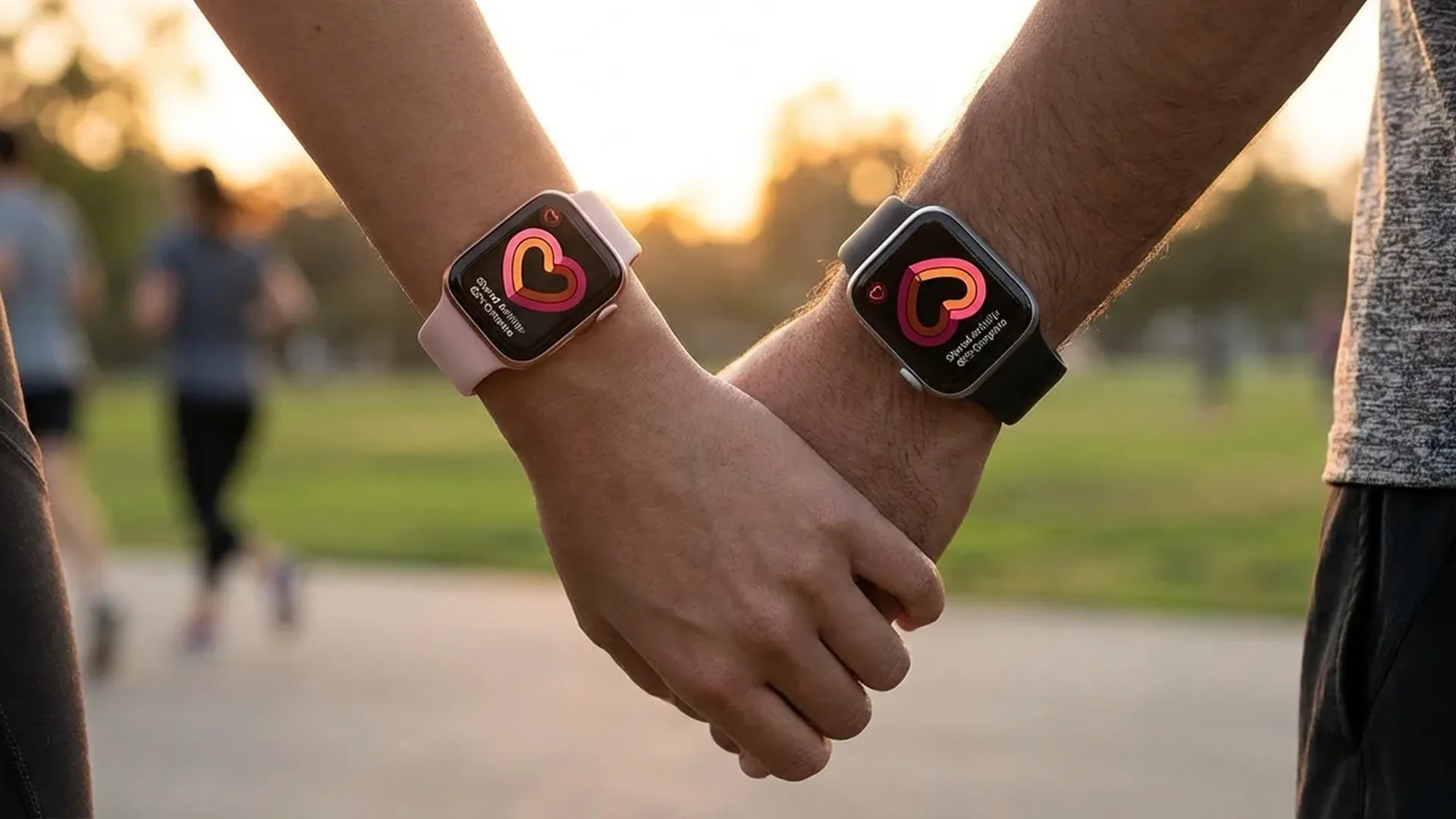
One of the most intimate features of the Apple Watch is Digital Touch. Through this feature, you can send your actual heartbeat to your partner. Place two fingers on the Apple Watch screen, and the device records your heart rhythm and sends it as an animated haptic sensation to your partner's watch.
Beyond sketches, taps, and animated images, heartbeat sharing is a deeply personal form of communication. Send your heartbeat before an important meeting as encouragement, or late at night as a goodnight gesture. It's something no text message can replicate — a tangible, physical connection transmitted through technology.
Fall Detection: Safety for Couples Living Together
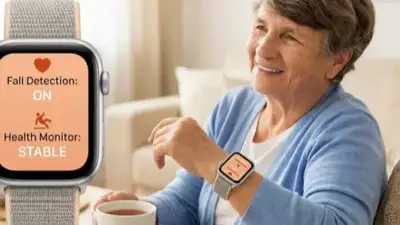
The Fall Detection feature takes on special significance for couples who live together. If one partner falls and cannot respond within 60 seconds, the Apple Watch can automatically contact emergency services and notify the other partner as an Emergency Contact. On Apple Watch Series 11 and Ultra 3, fall detection works even during active workouts with improved accuracy.
Set your partner as an Emergency Contact through the Health app on iPhone. This way, if you fall during a solo run or hike, your partner will be immediately notified with your GPS location. The Crash Detection feature extends this safety net to car accidents as well, providing peace of mind whenever you're apart.
Activity Trends: Comparing Long-Term Progress
The Activity Trends feature in the Fitness app shows whether your physical activity is improving or declining over time by comparing the last 90 days to the last 365 days. While you can't view your partner's Trends directly in the app, you can compare them together during a weekly check-in.
Create a routine: every Sunday evening, open your Fitness Trends together side by side. The metrics tracked include move calories, exercise minutes, stand hours, walking distance, Cardio Fitness (VO2 Max), running pace, and walking pace. It's like having a shared personal trainer reviewing your progress every week.
iMessage and Walkie-Talkie: Always Connected
The Apple Watch makes daily communication between couples seamless. Send quick iMessages from your wrist, make hands-free calls through the built-in speaker and microphone, and use the Walkie-Talkie feature for instant push-to-talk communication. If one partner is exercising without their iPhone nearby, an Apple Watch with Cellular (from < 450 €) ensures full connectivity at all times.
The Walkie-Talkie feature is perfect for couples: press and talk, just like a two-way radio. It's ideal when shopping at a large mall, hiking different parts of a trail, or even navigating a large house. No need to initiate a call — just press, speak, done.
Frequently Asked Questions
How many people can I add to Activity Sharing?
You can share your activity with up to < 40 friends or family members. However, for Competitions, you can only have one active challenge per person at a time.
Do both partners need an Apple Watch?
Yes, for full Activity Sharing and Competition functionality, both partners need an Apple Watch. Someone with only an iPhone can view your data, but they won't be able to share their own or participate in Competitions.
Can my partner see my health data?
No. Activity Sharing only shares Activity rings, workouts, steps, and calories. Health data like heart rate, menstrual cycle, sleep, SpO2, and medical information remains completely private.
Is Apple Fitness+ worth it for couples?
Absolutely. With Family Sharing, the Apple Fitness+ subscription costs < 10 € / month and covers up to < 6 members. That means you're each paying less than < 5 € per month for access to thousands of workouts from world-class trainers.
How do I start a Competition?
Open the Fitness app on iPhone, tap Sharing, select your partner, and tap “Compete.” The challenge starts immediately and lasts 7 days. At the end, the winner receives a trophy badge.
Are there group challenges for multiple couples?
Currently, Competitions are 1-on-1 only. However, you can create a group Activity Sharing setup with other couples and organise informal weekly challenges — which couple closes the most rings in a month?
Which Apple Watch model is best for couples?
For most couples features (Activity Sharing, Competitions, Digital Touch), an Apple Watch SE 3 (from < 280 €) is sufficient. If you want Cellular for independent connectivity, a Series 11 GPS+Cellular (from < 550 €) is an excellent choice.